3dplotter




What is 3DPlotter?
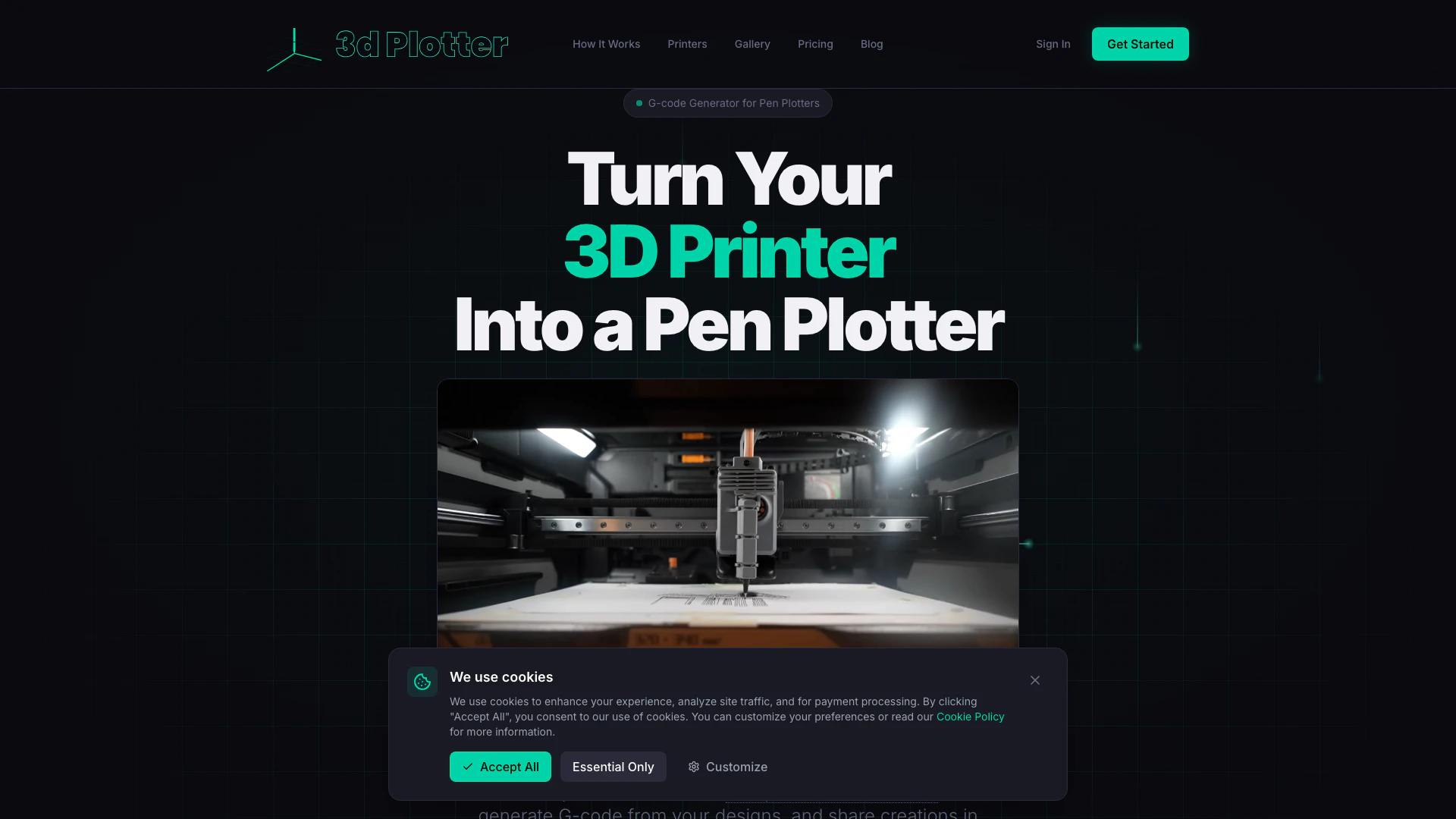
3DPlotter is an innovative software platform designed to transform any 3D printer into a precise pen plotter. It is compatible with a variety of popular 3D printers, including Bambu Lab, Creality, and Prusa models. The core value of 3DPlotter lies in its ability to generate G-code from text, images, and drawings, enabling users to create intricate designs with ease. It features a comprehensive STL pen holder database, over 50 Hershey fonts for text art, and a community-driven design gallery for sharing and discovering creative works. With a one-time purchase of €29.90, users gain lifetime access to the software and all its features, making it a cost-effective solution for artists and makers.
How to use 3DPlotter?
To use 3DPlotter, follow these steps: 1. Print the Pen Holder: Download the STL files from the pen holder database and print the pen holder attachment on your 3D printer. 2. Design in the Web App: Access the 3DPlotter web application to create your design using the layout tools and available fonts. 3. Generate G-code & Plot: Once your design is ready, generate the G-code and send it to your 3D printer to start plotting your artwork.
What are the main features of 3DPlotter?
3DPlotter offers a wide range of features, including: - G-code Generation: Create G-code from text, images, and drawings for precise plotting. - STL Pen Holder Database: Access a regularly updated database of STL files for various pen holder designs. - Font Library: Utilize over 50 Hershey fonts optimized for single-stroke plotting. - Design Tools: Use layout tools for freehand drawing, image tracing, and vectorization. - Community Gallery: Share your designs and discover artwork created by other users. - Custom Board: Configure any printer dimensions for personalized plotting setups.
Who is 3DPlotter for?
3DPlotter is ideal for a diverse range of users, including: - Makers & Etsy Sellers: Perfect for creating unique greeting cards, portraits, and custom stationery to sell online. - Design Studios & Agencies: Useful for adding custom packaging, technical drawings, and branded artwork to their service offerings. - Educators & STEAM Programs: An excellent tool for teaching G-code, CNC concepts, and digital fabrication techniques in a safe and engaging manner.
What are the use cases of 3DPlotter?
3DPlotter can be used in various practical scenarios, including: 1. Creating Custom Invitations: Transform cardboard into beautiful custom invitations for events and celebrations. 2. Artistic Branding Projects: Design professional branding artwork for businesses, enhancing visual identity. 3. Educational Tools: Use pen plotting to teach students about design, technology, and engineering concepts in a hands-on manner.
Product Images
3dplotter Pros and Cons
Pros
- Affordable One-Time Purchase: 3DPlotter offers a one-time purchase of €29.90, providing lifetime access and updates, making it cost-effective compared to traditional pen plotters.
- Versatile Compatibility: Compatible with various 3D printers including Bambu Lab, Creality, and Prusa, and allows custom configurations for any printer.
- Comprehensive Features: Includes a G-code generator, STL pen holder database, over 50 Hershey fonts, and community sharing options, enhancing user creativity.
Cons
No cons data detected for this tool
3dplotter Pricing
3DPlotter
Complete Pen Plotting Platform. Full access to the complete pen plotting platform. Works with any 3D printer. Pay once, use forever. Features include: Custom Board for custom dimensions, STL pen holder database, Design gallery & community sharing, Text to G-code (50+ Hershey fonts), Image tracing & vectorization, Freehand drawing & layout tools, Visual calibration wizard, All future updates included.
For the latest pricing, please visit this link: https://3dplotter.xyz/pricing
Prices are subject to change. Please visit the official website for the most up-to-date pricing information.
Analytics of 3dplotter
3dplotter Website Traffic Analysis
Visits Over Time
Traffic Sources
Jan 2026 - Jan 2026 Worldwide Desktop Only
- Direct: 68.51%
- Search: 31.49%
Top Keywords
| Keyword | Volume | CPC | Estimated Value |
|---|---|---|---|
| 3dplotter | 470 | $0.00 | $40.00 |
| 3dplotter.xyz | 140 | $0.00 | $130.00 |