Youtubetranscript
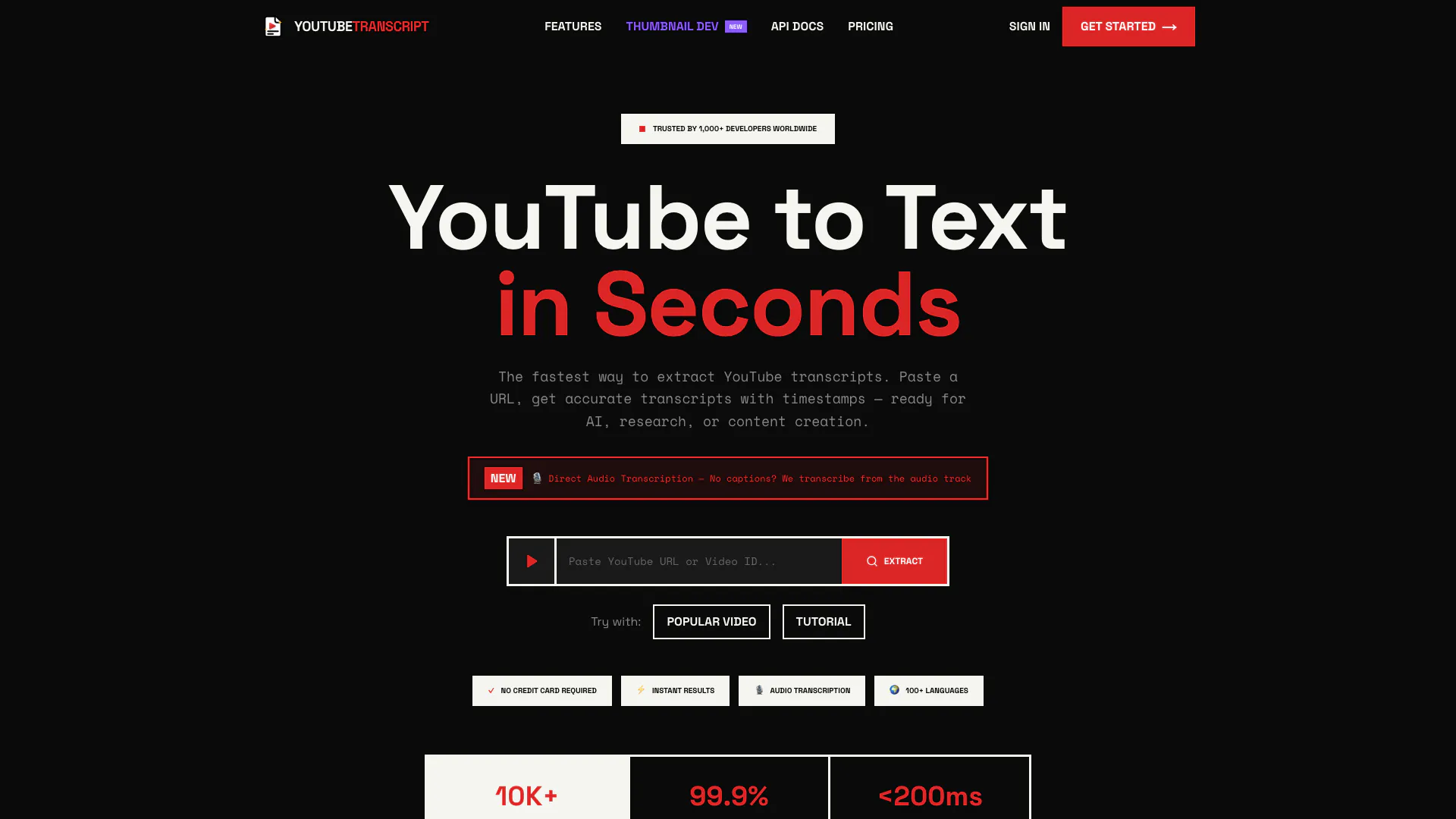





What is Youtubetranscript?
Youtubetranscript is a powerful online tool designed to extract transcripts from YouTube videos quickly and accurately. It allows users to simply paste a YouTube URL and receive a detailed transcript, complete with timestamps, in a matter of seconds. This tool is particularly useful for content creators, researchers, and marketers who need to convert video content into text format for various purposes, such as analysis, content creation, and AI integration. Youtubetranscript stands out with features like direct audio transcription, multilingual support, and the ability to generate mind maps and smart summaries, making it a versatile solution for anyone looking to leverage YouTube content efficiently.
How to use Youtubetranscript?
To use Youtubetranscript, follow these simple steps: 1. Paste: Copy the YouTube video URL you want to transcribe. 2. Extract: Visit the Youtubetranscript website and paste the URL into the provided input field. Click the extract button to retrieve the transcript instantly. 3. Transform: Utilize the AI-enhanced features to refine your transcript, such as generating summaries or mind maps if needed. 4. Export: Download the transcript in your preferred format (TXT, JSON, SRT, or VTT) for further use.
What are the main features of Youtubetranscript?
Youtubetranscript offers a range of powerful features, including: - Direct Audio Transcription: Transcribes audio directly from videos without captions. - Mind Map Generation: Visualizes video content as interactive mind maps. - Chat with Transcript: Engage with the transcript by asking questions and receiving AI-powered answers. - Smart Summaries: Provides concise summaries of video content for quick understanding. - Playlist Support: Extracts transcripts from multiple videos in a playlist simultaneously. - Translation: Instantly translates transcripts into over 50 languages. - Multiple Formats: Exports transcripts in various formats like TXT, JSON, SRT, or VTT.
Who is Youtubetranscript for?
Youtubetranscript is designed for a diverse range of users, including: - Content Creators: Individuals who produce video content and want to repurpose it into written formats. - Marketers: Professionals looking to analyze video content for insights and trends. - Students and Researchers: Those who need transcripts for study or research purposes. - Writers and Journalists: Individuals who require accurate transcripts for reporting or content development. - Developers: Programmers who wish to integrate transcription features into their applications using the API. - Enterprises: Businesses that need bulk processing of video content for training or marketing.
What are the use cases of Youtubetranscript?
Youtubetranscript can be used in various scenarios, including: 1. Content Repurposing: Convert YouTube videos into blog posts or social media content to reach a wider audience. 2. Competitor Analysis: Analyze competitor video strategies and content effectiveness for marketing insights. 3. Research and Study: Extract transcripts for educational purposes, enabling easier study and review of video content. 4. AI Integration: Use clean, structured transcripts in AI workflows for natural language processing tasks.
Youtubetranscript Pros and Cons
Pros
- Fast Transcript Extraction: Get accurate YouTube transcripts in under 2 seconds, making it ideal for quick content creation and research.
- Direct Audio Transcription: Transcribe videos even without captions by using advanced AI speech recognition, ensuring high accuracy.
- Multilingual Support: Supports over 100 languages for transcript extraction and translation, breaking language barriers effortlessly.
Cons
No cons data detected for this tool
Youtubetranscript Pricing
Basic
1,200 credits/month ✓Playlist (25 videos) ✓5 playlist extractions/mo ✓Audio AI transcription ✓All export formats ✓API access ✓Extra credits at $0.0075/each
Pro
4,000 credits/month ✓Playlist (50 videos) ✓12 playlist extractions/mo ✓Audio AI transcription ✓Higher rate limits ✓Priority support ✓Extra credits at $0.0073/each
Business
11,000 credits/month ✓Playlist (100 videos) ✓20 playlist extractions/mo ✓Audio AI transcription ✓Highest rate limits ✓Dedicated support ✓Extra credits at $0.0072/each
For the latest pricing, please visit this link: https://youtubetranscript.dev/pricing
Prices are subject to change. Please visit the official website for the most up-to-date pricing information.