

Wiz Write
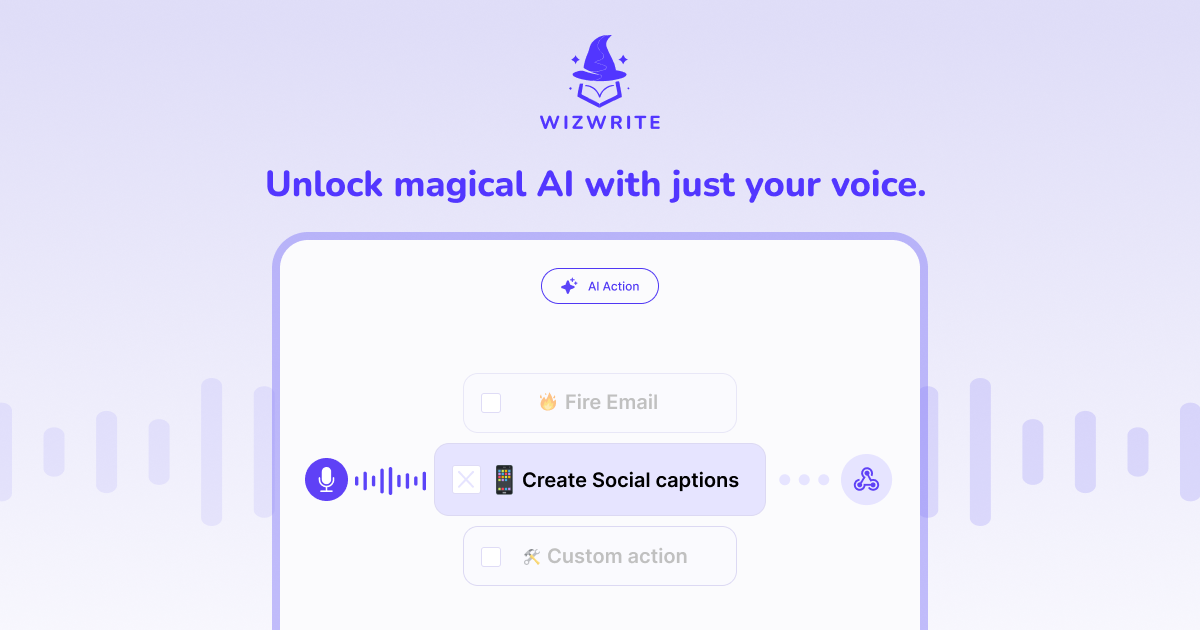


What is Wiz Write?
Wiz Write is a native Mac application that empowers users to transform their voice into actionable text and tasks. Utilizing advanced on-device AI technology, Wiz Write ensures that your voice recordings remain private, as they never leave your device. This innovative tool is designed to enhance productivity by allowing users to dictate text, create emails, and generate summaries seamlessly, making it a powerful ally for anyone looking to streamline their workflow.
How to use Wiz Write?
- Download and install the Wiz Write app on your Mac from the official website.
- Launch the application and configure your preferred settings, including choosing between Privacy Mode and Cloud Mode.
- Press the designated hotkey to activate Wiz Write from any application on your Mac.
- Speak naturally into your device, and Wiz Write will transcribe your words accurately in real-time.
- Use the AI Actions feature to transform your dictated text into emails, summaries, or other formats as needed.
What are the main features of Wiz Write?
- On-Device AI: Ensures your recordings remain private and secure, as they do not touch the cloud.
- Real-Time Transcription: Captures your voice with high accuracy, allowing for instant text generation.
- AI Actions: Transforms spoken words into formatted text, emails, and summaries effortlessly.
- Privacy and Cloud Modes: Users can choose between maximum accuracy with cloud processing or enhanced privacy with on-device processing.
- Menu Bar Access: Conveniently accessible from the menu bar, enabling quick voice capture from any application.
Who is Wiz Write for?
Wiz Write is ideal for professionals, students, and anyone who values productivity and privacy in their workflow. It caters to individuals who prefer voice input over traditional typing, such as writers, journalists, and busy executives. Additionally, teams looking to collaborate efficiently can benefit from the app's capabilities, making it a versatile tool for various user scenarios.
What are the use cases of Wiz Write?
- Email Composition: Quickly dictate emails and have them formatted and polished for professional communication.
- Note Taking: Capture lecture notes or meeting minutes in real-time, ensuring no important information is missed.
- Content Creation: Writers can use Wiz Write to brainstorm ideas and draft articles or reports through voice dictation.
Wiz Write Pros and Cons
Pros
- Advanced Transcription Technology: Effortlessly convert spoken ideas into text with advanced transcription technology, ensuring accurate capture of thoughts.
- Seamless Integrations: Wiz Write allows integration with favorite tools through webhooks and APIs, enabling automation of content workflow.
- User-Friendly Setup: The signup process is streamlined and simple, allowing users to get started quickly without complicated setup.
- Transparent Pricing: Offers simple and transparent pricing plans that cater to different user needs, from basic to team-oriented.
Cons
No cons data detected for this tool
Wiz Write Pricing
Basic
Perfect for getting started with voice productivity. Mac app included.
Premium
Ideal for professionals who need more power. Mac app included.
Team
Perfect for teams that need to collaborate. Mac app included.
For the latest pricing, please visit this link: https://wizwrite.io/pricing
Prices are subject to change. Please visit the official website for the most up-to-date pricing information.
Analytics of Wiz Write
Wiz Write Website Traffic Analysis
Visits Over Time
Traffic Sources
Oct 2025 - Dec 2025 Worldwide Desktop Only
- Direct: 39.98%
- Search: 35.87%
- Referrals: 12.97%
- Social: 8.39%
- Paid Referrals: 1.71%
- Mail: 0.31%
Top Keywords
| Keyword | Volume | CPC | Estimated Value |
|---|---|---|---|
| wiz ai | 5.86K | $0.21 | $0.00 |
| wizwhip | 310 | $0.00 | $0.00 |
| wizwrite | 80 | $0.00 | $120.00 |
| what is wizwire | 70 | $0.00 | $0.00 |
| wizshot ai | 10 | $0.00 | $0.00 |





