

Last updated:
Wix

Wix

Get deal
5.00 Comments0 Saved
Introduction:
Wix is an intuitive website builder that empowers users to create stunning websites easily.
Launch Date:
Social links:
Monthly Visits:
36.7M
Inputs:
Text
Outputs:
TextTabular
Supported Languages:
ENESFRDEPTITNLPLRUTRJAZHKOARSVDAFINOHUCSROSKTHVIIDHIELBGHRLTLVSLETUKMS
Wix Overview

What is Wix?

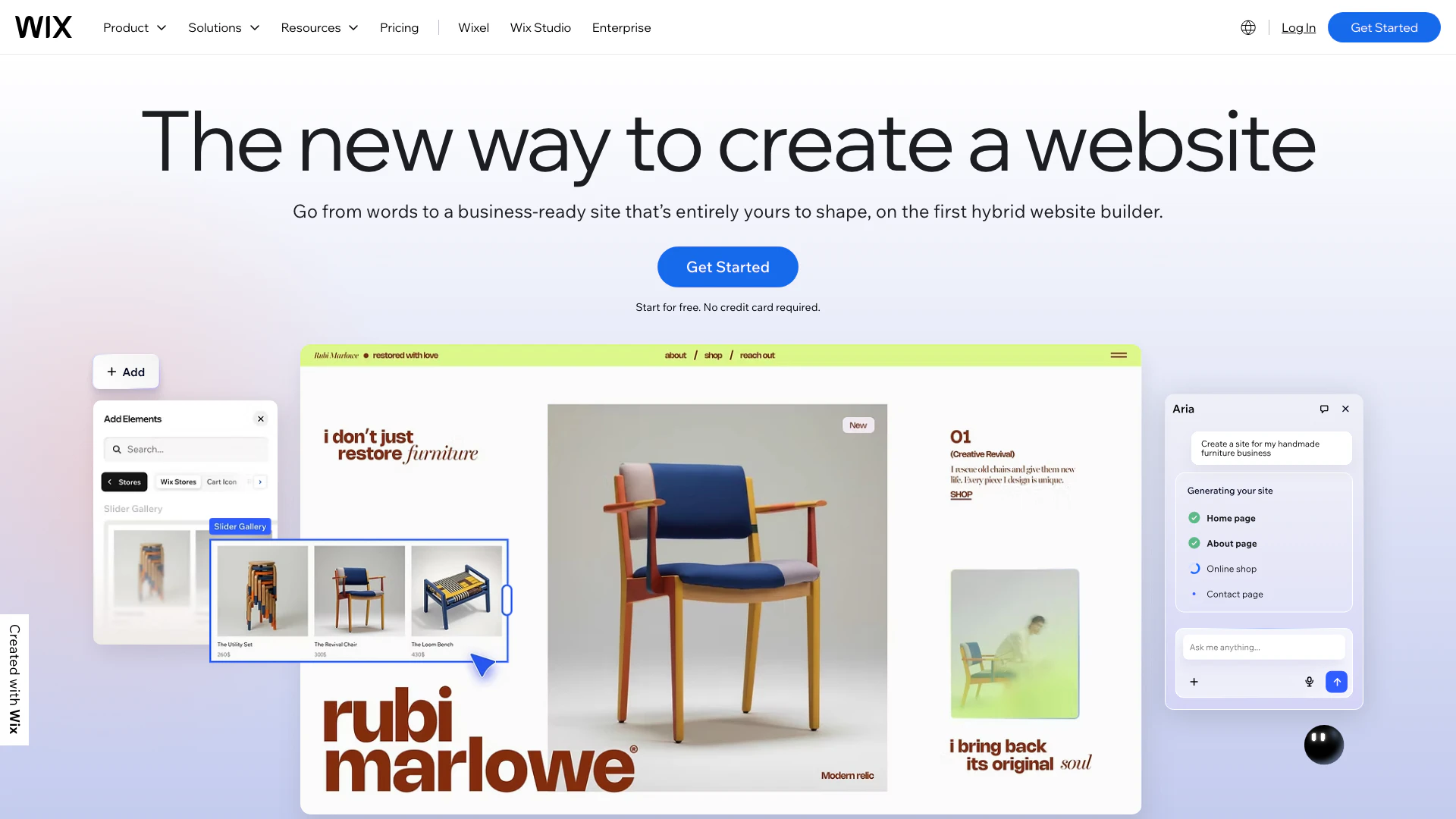
Wix is a versatile website builder that enables users to create professional websites with ease. It combines an intuitive drag-and-drop interface with advanced features, including over 2,000 customizable templates and integrated AI tools. Wix allows individuals and businesses to design and manage their online presence without the need for coding skills. The platform supports various website types, from eCommerce stores to portfolios, making it suitable for a wide range of users.


How to use Wix?

  1. Sign Up: Create an account on Wix.com to start building your website.
  2. Choose a Template: Select from over 2,000 templates or use the AI website builder for a customized experience.
  3. Customize Your Site: Utilize the drag-and-drop editor to adjust layouts, colors, and fonts to fit your brand.
  4. Add Features: Incorporate additional functionalities like eCommerce, scheduling, or blogging tools as needed.
  5. Optimize for SEO: Use built-in SEO tools to enhance your website's visibility on search engines.
  6. Publish Your Site: Once satisfied with your design, connect a domain and publish your website for the world to see.
  7. Promote Your Site: Use Wix's marketing tools to drive traffic and engage with your audience.

What are the main features of Wix?

  • User-Friendly Interface: Drag-and-drop editor for easy website creation.
  • AI Website Builder: Generate a website quickly using AI tools.
  • Extensive Template Library: Access over 2,000 customizable templates for various industries.
  • eCommerce Capabilities: Build and manage online stores with integrated payment solutions.
  • SEO Tools: Optimize your site for search engines with built-in SEO features.
  • Mobile Optimization: Ensure your website looks great on all devices.
  • Marketing Tools: Utilize email marketing, social media integration, and analytics for growth.

Who is Wix for?

Wix is designed for a diverse audience, including small business owners, freelancers, creatives, and individuals looking to establish an online presence. It is particularly beneficial for those who want to create websites without technical expertise. Whether you're an artist showcasing your portfolio, a restaurant managing online orders, or a blogger sharing your thoughts, Wix provides the tools to build a professional website tailored to your needs.


What are the use cases of Wix?

  1. eCommerce Websites: Build and manage online stores to sell products and services.
  2. Portfolio Websites: Showcase creative work and attract potential clients.
  3. Blogs: Share insights and engage with a community through a personal blog.
  4. Event Management: Create websites for events, manage RSVPs, and sell tickets.
  5. Business Websites: Establish an online presence for various types of businesses, including restaurants and service providers.

Product Images
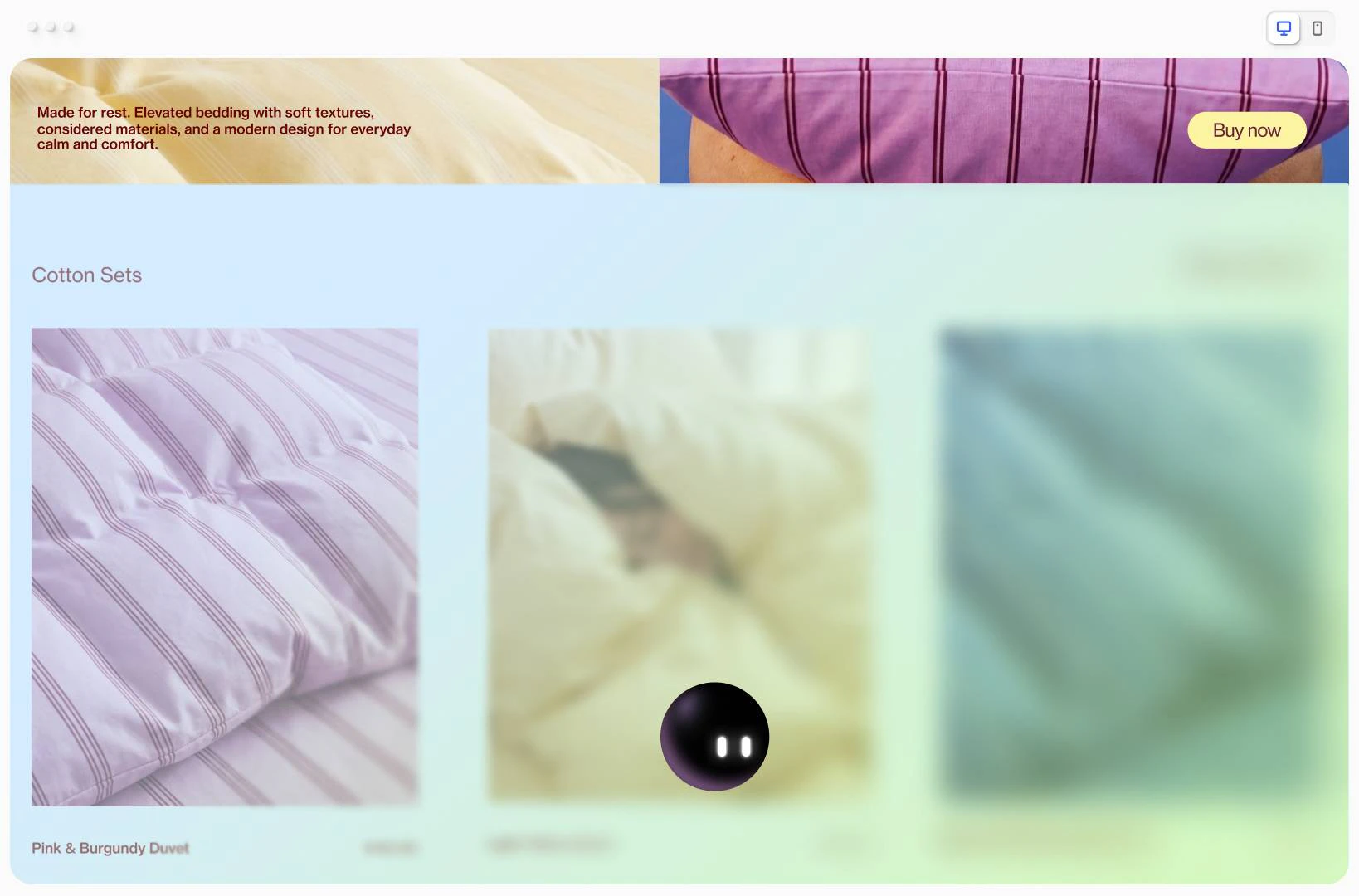
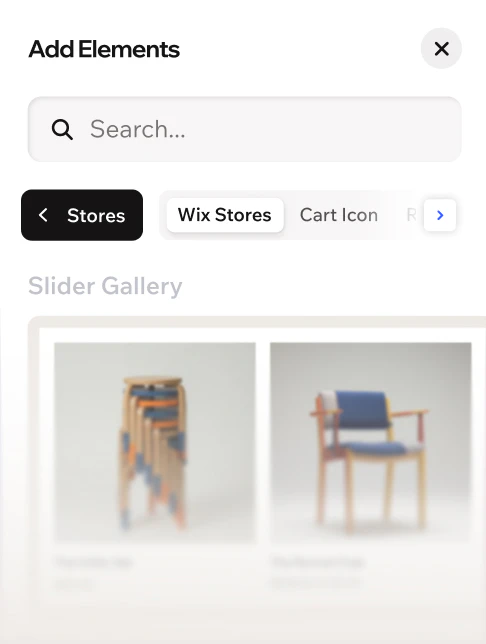
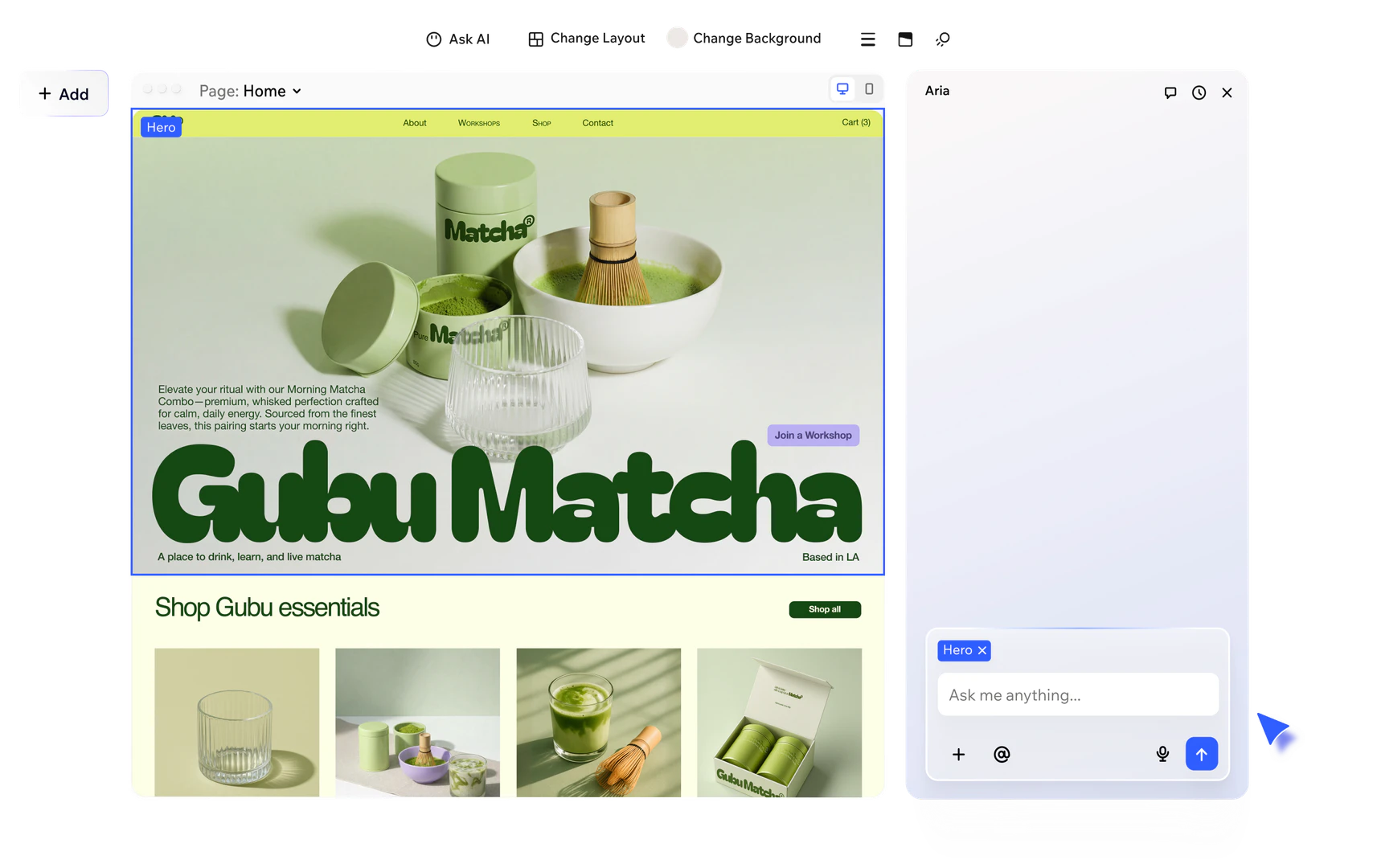
Wix website creation step-by-step guide
Wix scheduling feature in use
Wix online course creation feature
Wix drag and drop editor feature
Wix blog feature demonstration
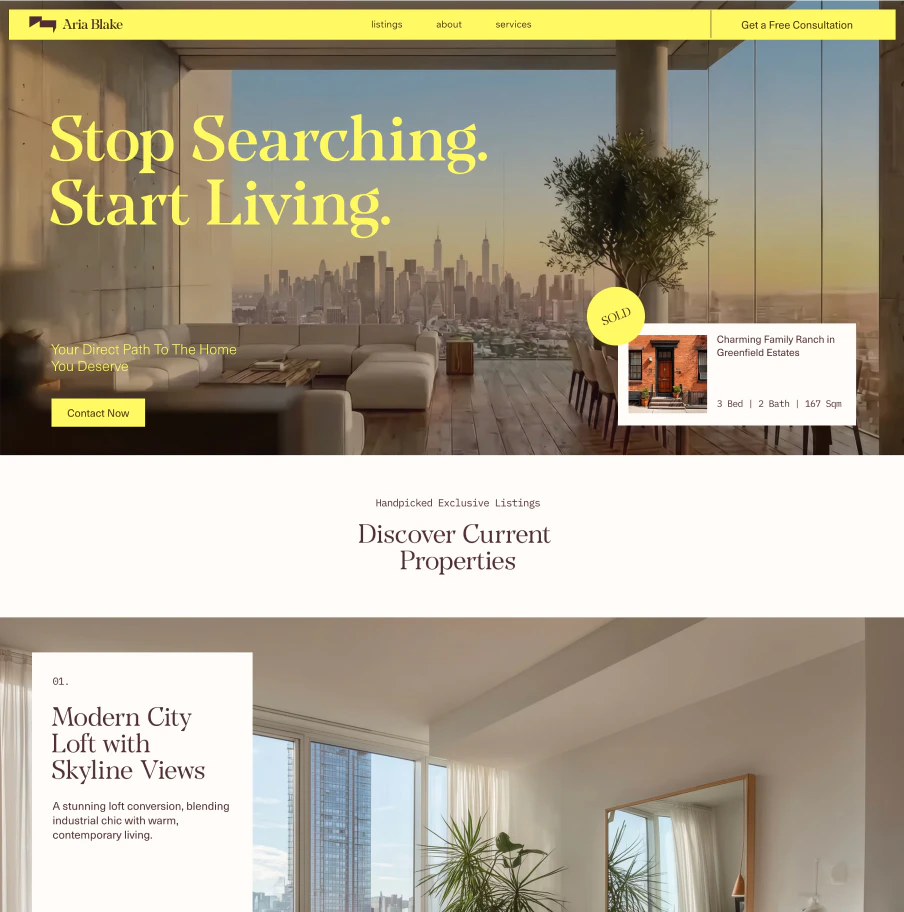
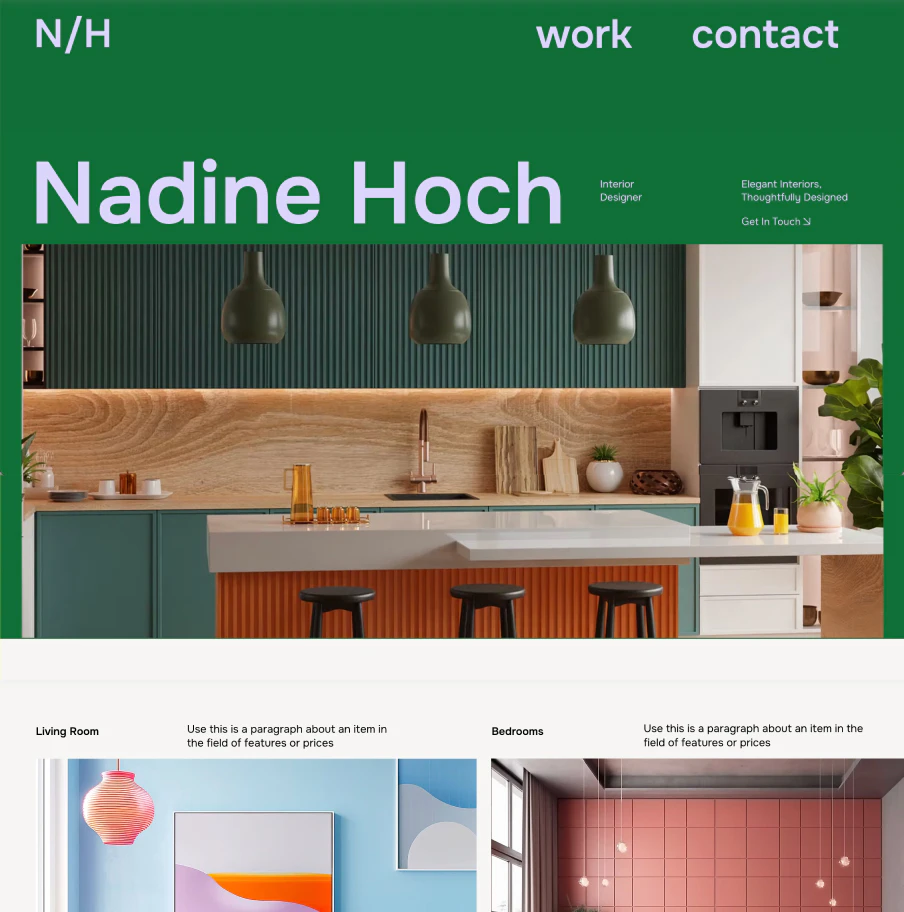
Wix portfolio website use case
Wix website builder interface overview
Wix AI website builder feature demonstration
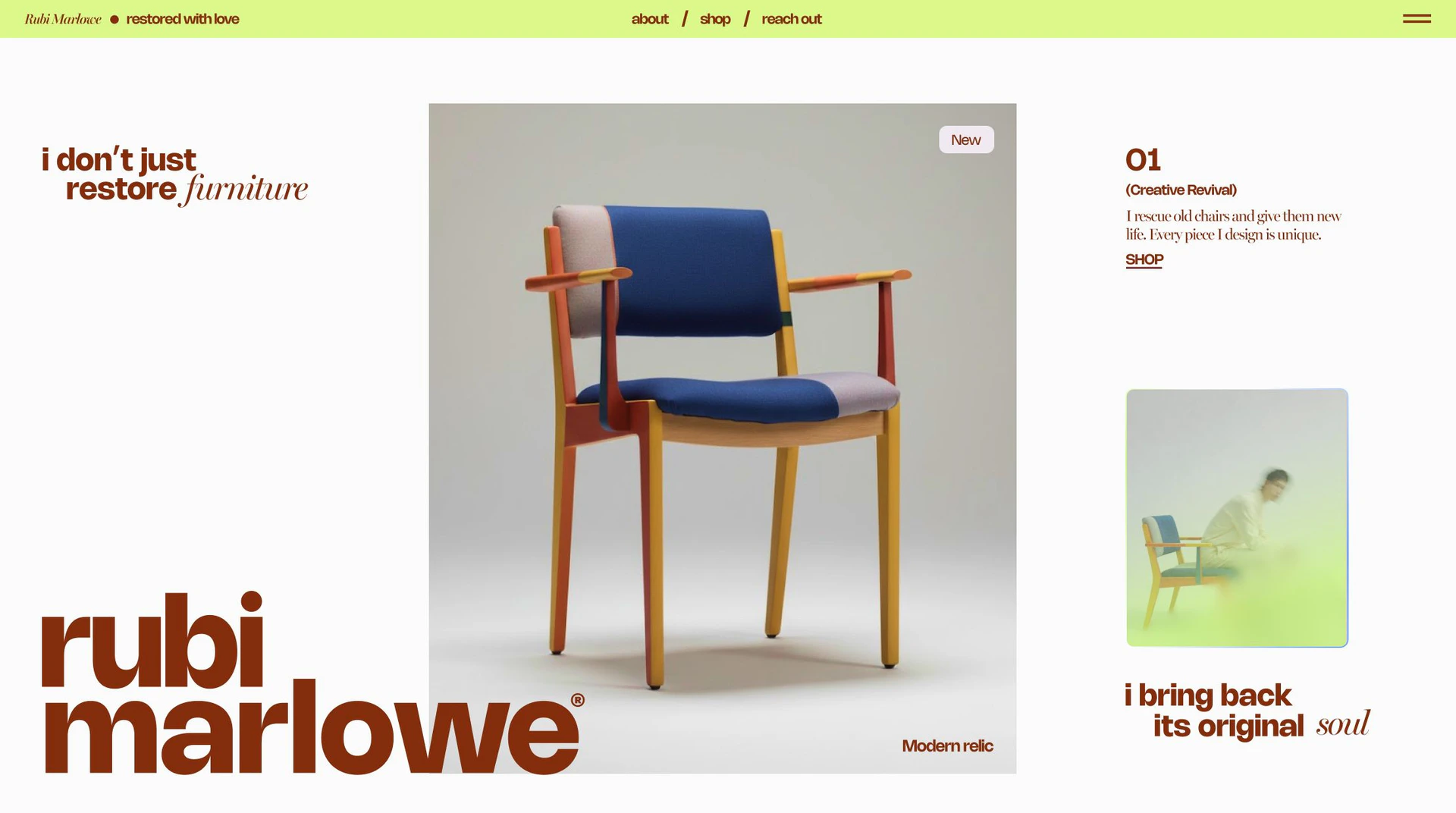
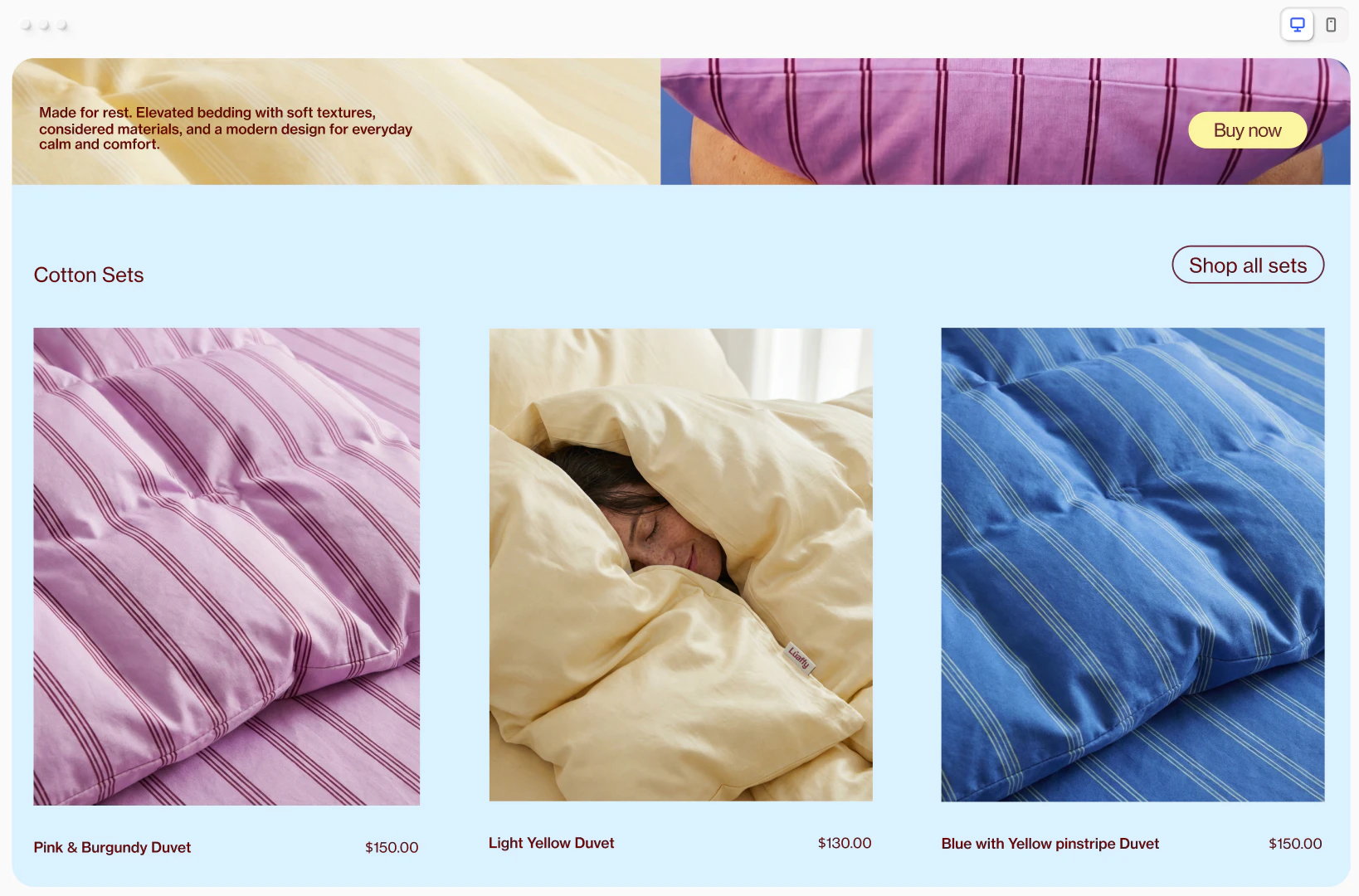
Wix eCommerce website template example
Wix user scenario for small businesses
1 / 10

Wix Pros and Cons

Pros

  • User-Friendly Interface: Wix offers an intuitive drag-and-drop interface, making it easy for users of all skill levels to create and customize their websites without any coding knowledge.
  • Extensive Template Library: With over 2,000 customizable templates, Wix provides a wide range of options suitable for various industries, allowing users to start their website design quickly.
  • Built-in AI Tools: Wix includes AI-powered features that assist in website creation and content generation, streamlining the design process and enhancing user experience.

Cons

No cons data detected for this tool

Wix Pricing

Light

$17/month

Get the basics with 2 GB storage space, multi-cloud hosting, light marketing suite, and 2 site collaborators.

Core

$29/month

Engage your audience with 50 GB storage space, multi-cloud hosting, basic marketing suite, accept payments, basic eCommerce, scheduling and services, and 5 site collaborators.

Business

$39/month

Grow your brand with 100 GB storage space, multi-cloud hosting, standard marketing suite, accept payments, standard eCommerce, scheduling and services, and 10 site collaborators.

Business Elite

$159/month

Scale your business with unlimited storage space, multi-cloud hosting, advanced marketing suite, accept payments, advanced eCommerce, scheduling and services, advanced developer platform, and 100 site collaborators.

For the latest pricing, please visit this link: https://www.wix.com/plans

Prices are subject to change. Please visit the official website for the most up-to-date pricing information.

Analytics of Wix

Wix Website Traffic Analysis

Visits Over Time

Nov 2025 - Jan 2026 All Traffic
#4
AI Tools Rank
36.71M
Monthly Visits
32.67%
Bounce Rate
7.82
Pages Per Visit
7:01
Visit Duration
934
Global Rank
646
Country Rank

Traffic Sources

Nov 2025 - Jan 2026 Worldwide Desktop Only

  • Direct: 67.46%
  • Search: 26.61%
  • Referrals: 4.36%
  • Paid Referrals: 0.78%
  • Social: 0.69%
  • Mail: 0.11%

Top Regions

Nov 2025 - Jan 2026 Desktop Only
RegionPercentage
🇺🇸
United States
33.54%
🇬🇧
United Kingdom
7.39%
🇯🇵
Japan
4.81%
🇨🇦
Canada
4.70%
🇧🇷
Brazil
4.46%
  1. United States: 33.54%
  2. United Kingdom: 7.39%
  3. Japan: 4.81%
  4. Canada: 4.70%
  5. Brazil: 4.46%

Top Keywords

KeywordVolumeCPCEstimated Value
godaddy3.98M$2.03$97300.00
wix2.52M$1.34$1000000.00
wix login189.60K$2.95$241660.00
wix studio95.56K$1.18$118480.00
wix ログイン38.64K$2.25$63530.00

Wix Compare

Tool NameIntroductionPricing
Type
RatingLaunch DateLearn more
2Mn+ readymade ChatGPT prompt ideas built by prompt engineers, using insights from eCommerce experts - that really work!
Free
February 6, 2023
Get deal
AutoDraw
Free
January 2, 1998
Get deal
Rewind
Free
February 2, 2018
Get deal

Info current as of post date. Offers and availability may vary by location and are subject to change.

Wix Q&A

Yes. Wix offers a few different ways to create your own free website, so you can choose the creation process that works best for you. Pick from 2000+ designer-made templates, or use our AI website builder to create a business-ready site in no time using a conversational interface. You can also start from scratch using Wix’s drag and drop website builder. Whichever way you choose, you can always continue customizing in the Editor for total website design freedom.

Whether you’re selling online, running events or growing a community, here’s how to create your own website in 6 simple steps: 1. Plan your website. First, think about the type of site you’re creating and your target audience. With that in mind, you can start mapping out the pages you want to incorporate like the 'About' and 'Contact' pages, perhaps a blog or a photo gallery, and a page for products or services. 2. Build with AI or choose a template. Chat with our AI website builder about your business and preferences to instantly get a fully functional and customizable website built for you. You can also start by choosing from a variety of templates, all professionally designed with the best site practices in mind. 3. Customize your website. Whether you start with AI or a template, you can use our intuitive drag and drop editor to customize your site to match your brand. Your site will also be optimized for mobile, but in the editor you have the option to make changes and customize your site’s mobile view. 4. Get a domain name. When trying to come up with the perfect domain name, you can use Wix to search and register available names, or connect an existing one to your new site. 5. Optimize for search engines and LLM’s. Use a suite of advanced SEO and AI visibility tools to ensure your site is easy for search engines to crawl and LLMs to understand. Wix gives you powerful SEO and GEO tools to optimize your pages, organize your content clearly and help search engines understand what your site is about. 6. Publish and promote your website. Once you’re happy with your site, you’re ready to hit ‘publish’ and start gaining traffic. Now’s the time to promote your site with built-in marketing tools and streamline your customer management processes with a smart CRM system.

The best website builder is one that will support your specific needs and business goals. As you research which builder is right for you, here are some important factors to consider: 1. Ease of use: Look for a website maker with an intuitive interface. Using a drag and drop editor that includes AI tools can simplify the web design process and make it more efficient. 2. Website templates: Choose a platform that offers a large selection of customizable templates tailored to a variety of industries and business types. 3. AI tools: Look for a builder with AI features that help with more than just design. Wix has AI tools that can create business-specific content like product descriptions and blog posts, generate unique images and even analyze your business data to give you personalized insights for growth. 4. Business solutions: Some website builders include built-in solutions to help you manage and grow your business seamlessly like eCommerce, scheduling, marketing tools and more. 5. Security: It’s important that the website builder you choose offers reliable web hosting with data encryption to protect your and your users’ data. 6. Customer support: Reliable support is crucial. Check what support options your website builder provides, and make sure you’ll be able to get the help you need 24/7. Wix fulfills all these requirements, giving you the tools you need to create a website and confidently run and grow your business all in one place.

With our free website builder, you can create any kind of website you want, including: 1. Business sites - No matter what your industry, build and grow your professional presence online. 2. Online stores - Sell products, offer subscriptions and create marketing campaigns with an all-in-one eComm solution. 3. Blogs - Let the world know what’s on your mind with an easy-to-manage blog. 4. Portfolios - Showcase your work with beautiful visuals and custom layouts. 5. Restaurants - Take reservations, display your menu and run your whole ordering system from a single place. 6. Enterprise corporations - Get started with multi-site management, super-efficient site creation and everything else a big business needs.

Yes, with Wix, creating a website is completely free. You can design your site, publish it and share it with the world without spending a dime. It’s a great way to get started and see what’s possible for your ideas. However, if you’re looking to take things to the next level—like selling products through an online store, using custom domains or removing ads—you’ll need to upgrade to one of our Premium plans. These plans unlock extra features designed to help your business grow.

For more FAQs, please visit this link: https://support.wix.com/en

Wix Launch embeds

Use website badges to drive support from your community for your TopAITools Review. They're easy to embed on your homepage or footer.

Wix Alternatives

Softr screenshot

Softr Studio

  • Other
  • Website Creation Tools
  • Cost Effective Website Builders
  • Landing Page Creation Tools
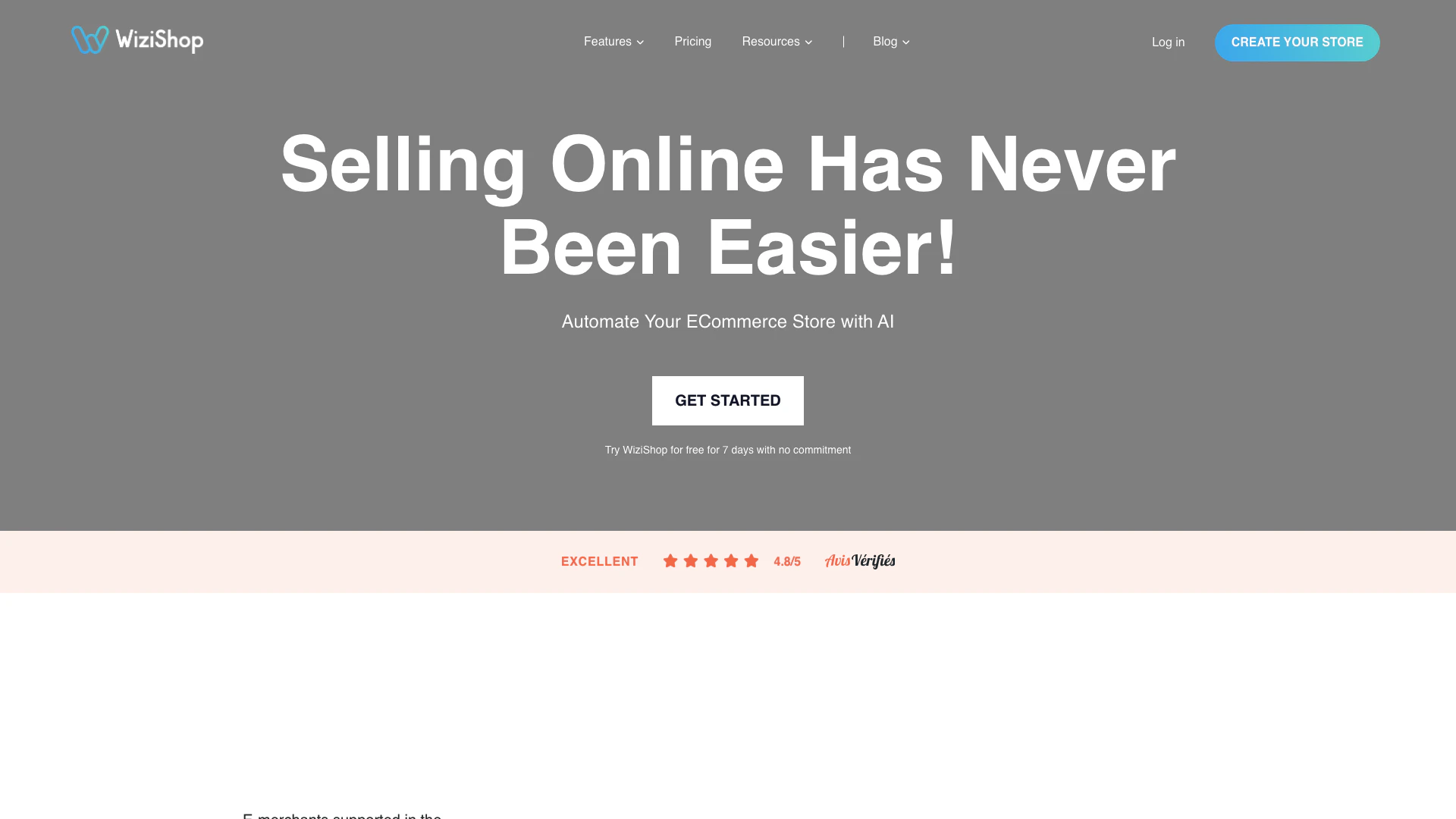
Wizishop screenshot

Launch your online store effortlessly with WiziShop.

  • Other
  • Website Creation Tools
  • Landing Page Creation Tools
  • Multi Vendor Ecommerce Platforms
Search37.36%
Direct35.11%
Referrals23.88%
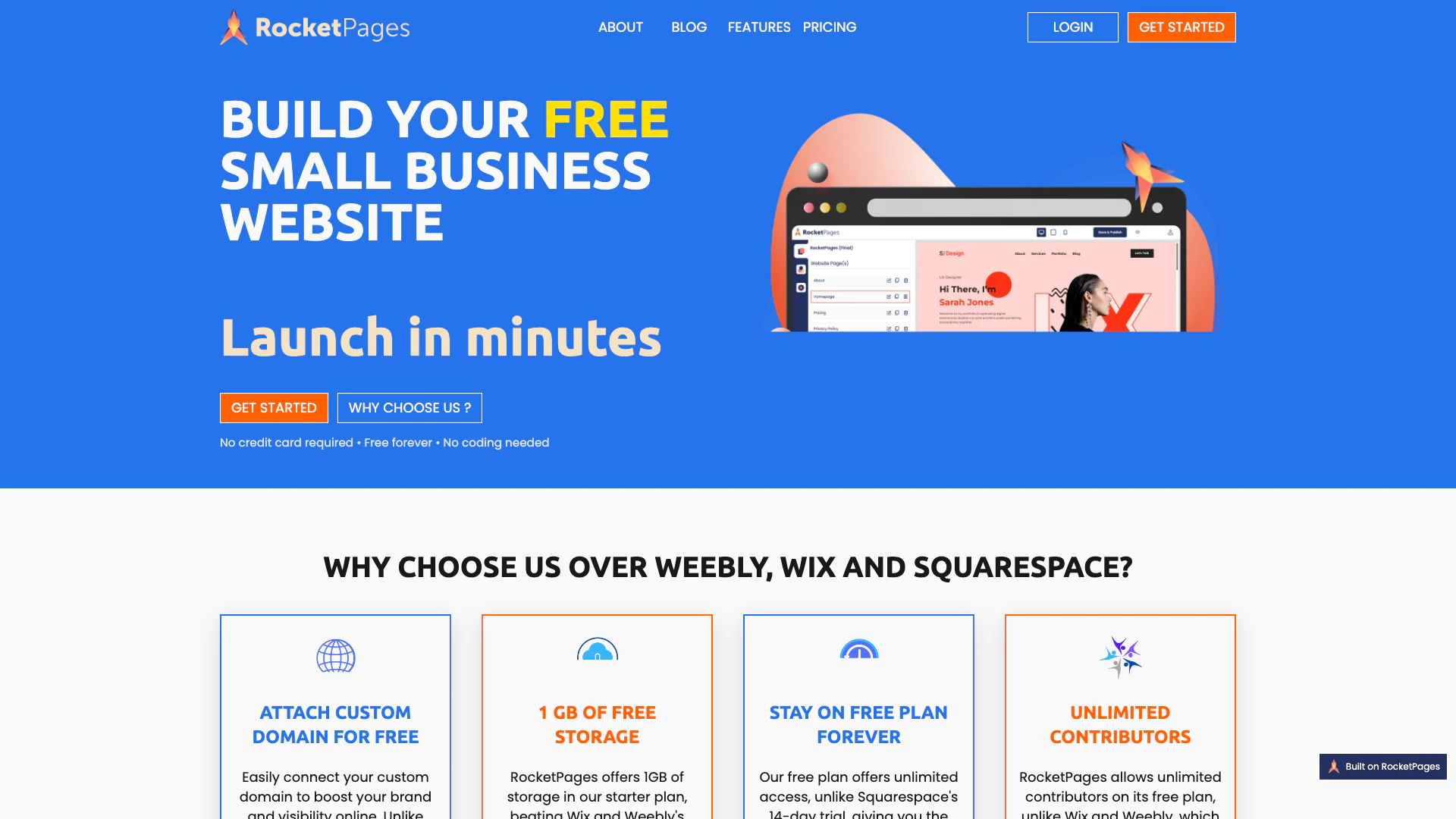
Rocketpages screenshot

Create your small business website for free with RocketPages.

  • Other
  • Website Creation Tools
  • Cost Effective Website Builders
Search40.05%
Direct38.88%
Referrals13.79%

Wix Tags

Also used for

Sources (5)

Wix
WixFree