

Walkthrough


What is Walkthrough?
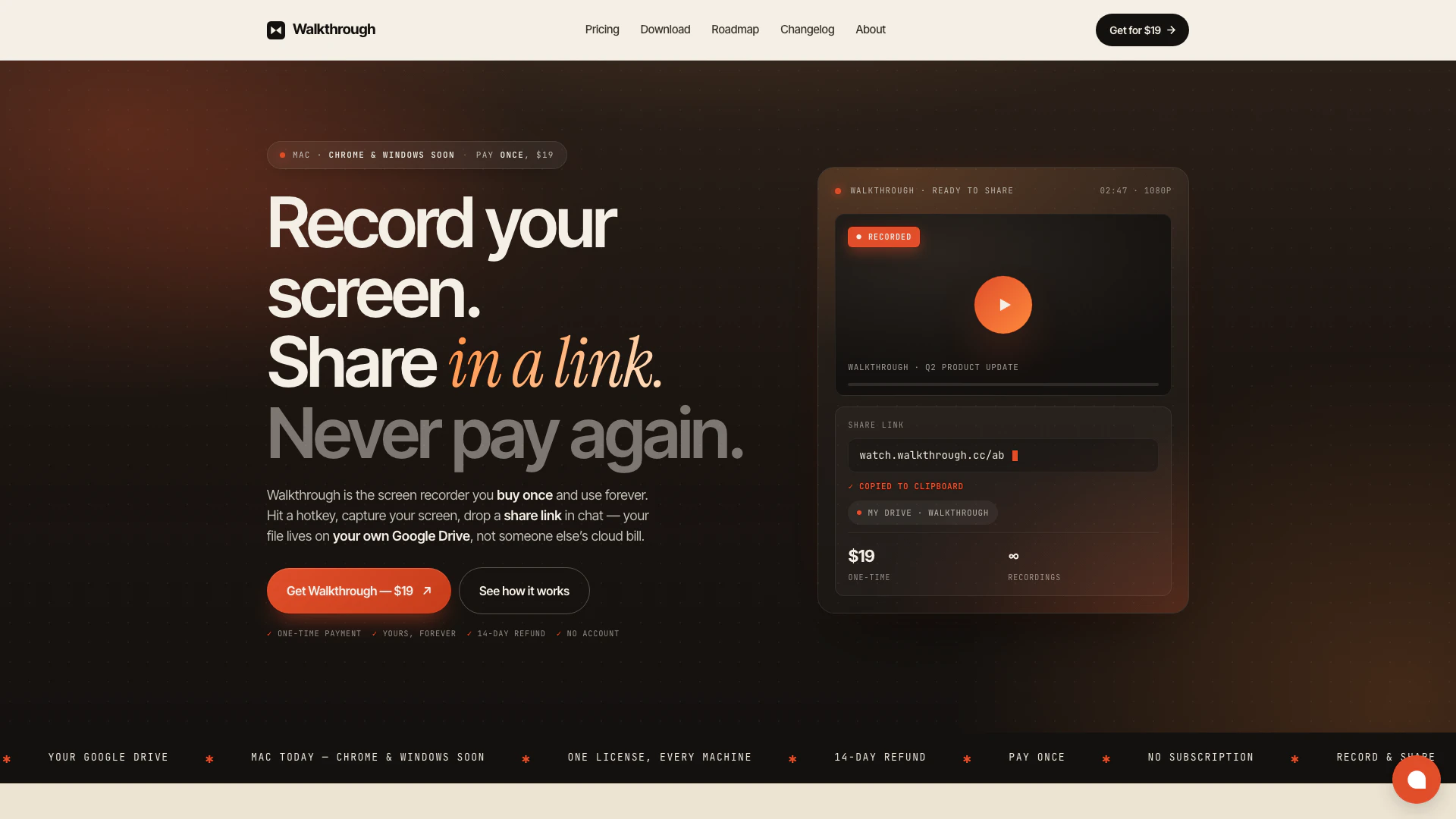
Walkthrough is a one-time payment desktop screen recorder designed for both Mac and Windows users. Priced at just $19, it allows users to record their screen indefinitely, storing the videos directly on their Google Drive without the need for a subscription or an account. This innovative tool prioritizes user control and simplicity, offering a straightforward solution for screen recording without ongoing costs.
How to use Walkthrough?
- Install the Walkthrough app on your Mac or wait for the Windows app to become available.
- To start recording, use the hotkey ⌘+⇧+R to activate the recording feature. Select the area of the screen you wish to record and begin narrating your content.
- Once finished, the recording is automatically uploaded to your Google Drive, allowing you to share the link with others for easy viewing.
What are the main features of Walkthrough?
- One-time payment of $19 with no subscription fees.
- Native Mac application with a Windows app and Chrome extension coming soon.
- Unlimited screen recordings with no time limits.
- Direct upload of recordings to your Google Drive for secure storage.
- Ability to trim recordings for precise editing.
- Clean web player for sharing recordings without ads or upsells.
- High-quality recordings at 4K resolution and 60fps.
Who is Walkthrough for?
Walkthrough is designed for anyone who prefers to communicate visually rather than through lengthy text. This includes engineers who need to demonstrate software bugs, designers who want to showcase prototypes, founders providing investor updates, and support teams creating instructional videos. Its simplicity and effectiveness make it an ideal tool for professionals across various industries looking to enhance their communication.
What are the use cases of Walkthrough?
- Engineers can record quick demonstrations of bugs or software issues, making it easier to communicate with team members and speed up the resolution process.
- Designers can create walkthroughs of their prototypes, allowing stakeholders to view and understand design concepts without extensive meetings.
- Support teams can produce how-to videos for common customer inquiries, reducing the time spent on repetitive email replies and improving customer service efficiency.
Walkthrough Pricing
One-Time Purchase Plan
A pay-once desktop screen recorder for Mac and Windows. Record forever. Your videos live on your own Google Drive — no subscription, no account, no monthly bill.
For the latest pricing, please visit this link: https://www.walkthrough.cc/pricing
Prices are subject to change. Please visit the official website for the most up-to-date pricing information.



