Voxtap


What is VoxTap?
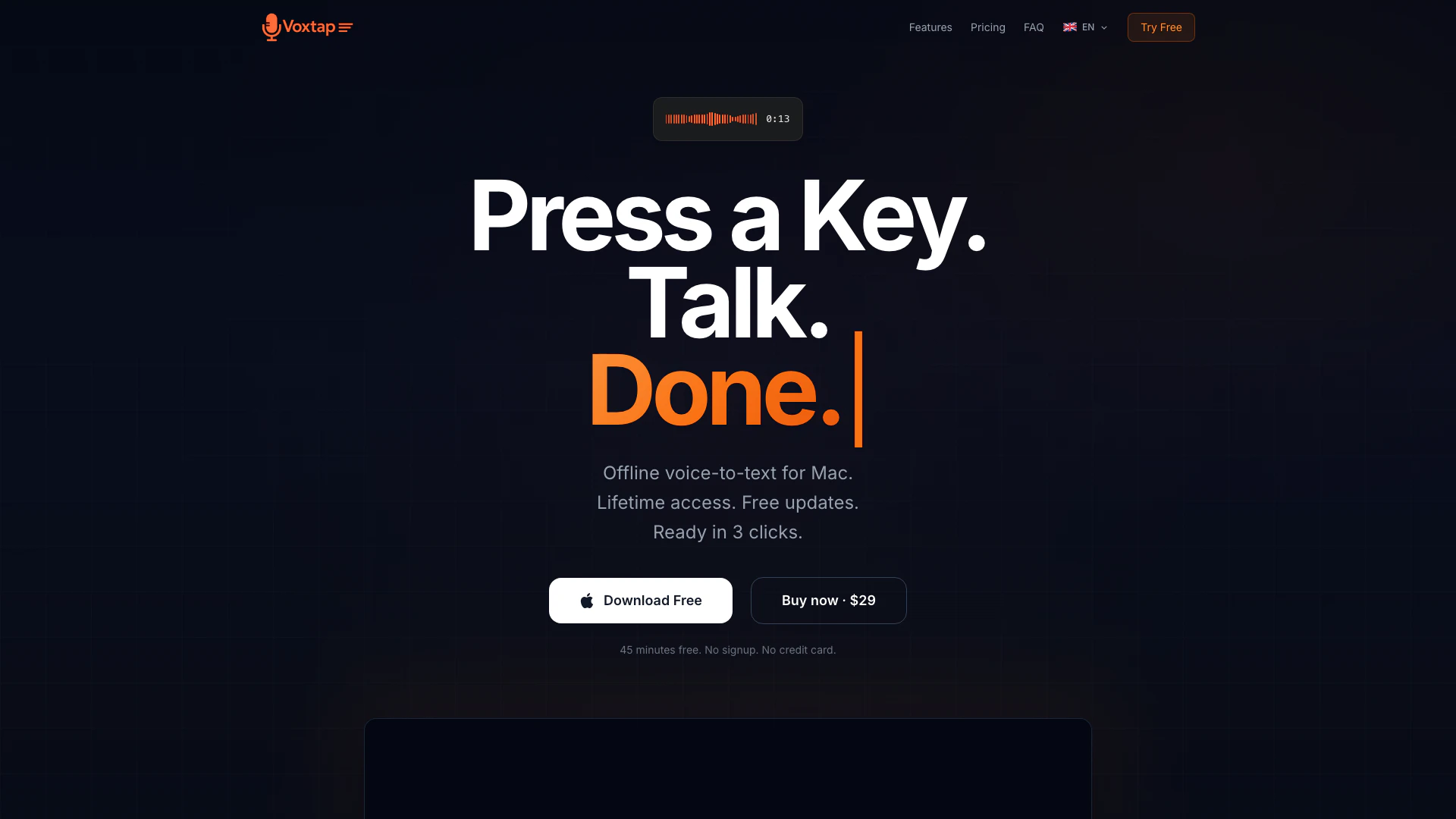
VoxTap is an innovative voice-to-text[1] tool designed specifically for Mac users, enabling seamless transcription of spoken words into text. This tool operates entirely offline, utilizing on-device AI[3] technology to ensure privacy and security, as your voice data never leaves your machine. With a simple setup that requires just a key press to activate, users can dictate text that appears directly at the cursor location. Priced at a one-time fee of $29 for lifetime access, VoxTap offers a straightforward solution for those seeking efficient voice recognition without the complexities of traditional voice tools.
How to use VoxTap?
- Download VoxTap from the official website.
- Install the application on your Mac (macOS 14+ is required).
- Launch VoxTap and set your preferred hotkey for activation.
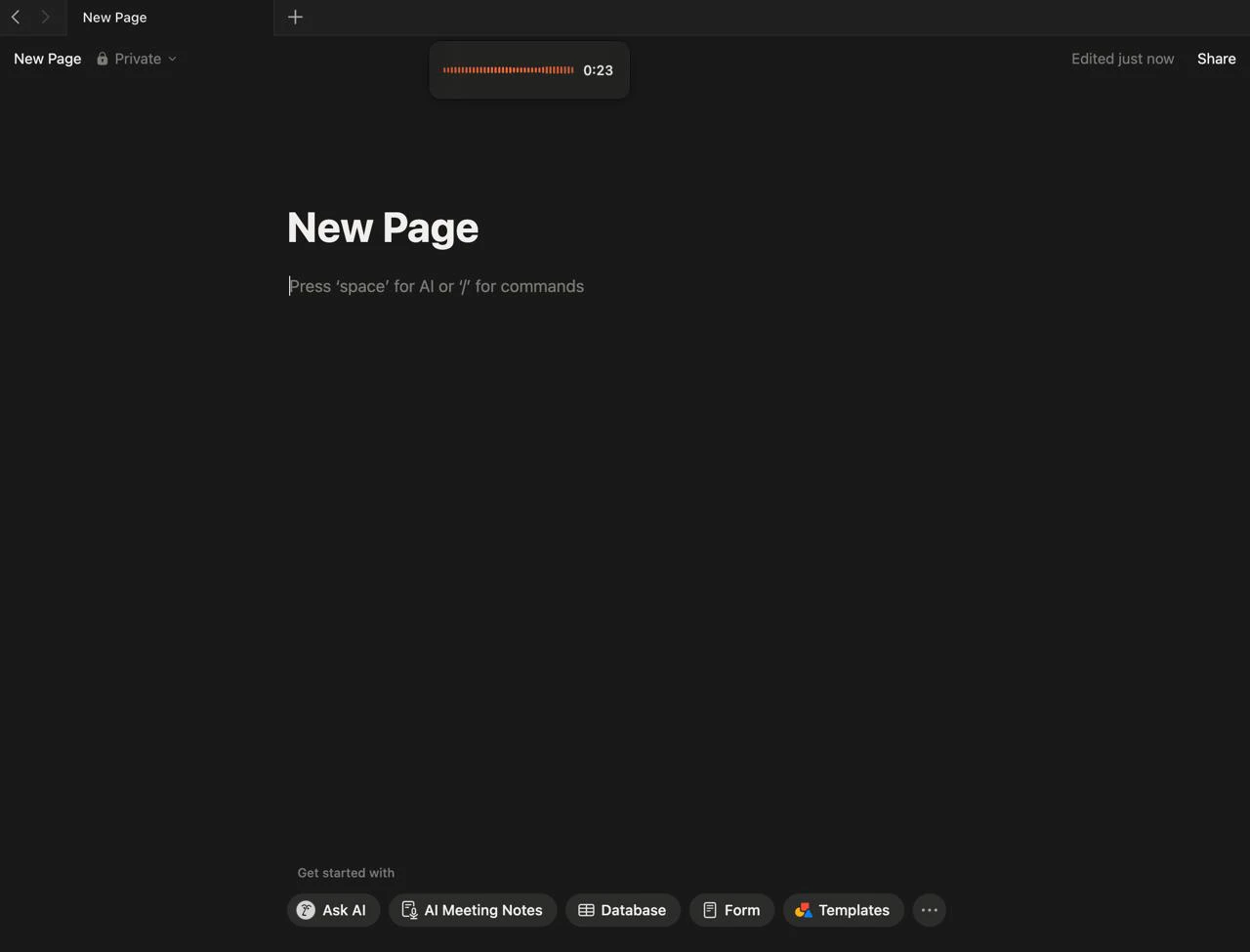
- Press the designated hotkey and start speaking; your words will appear as text at your cursor.
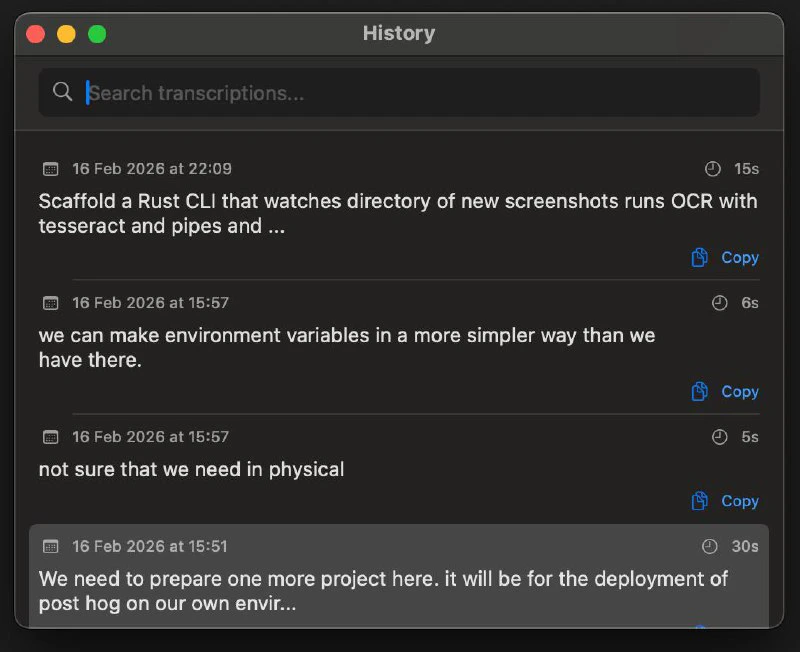
- To review past transcriptions, access the history panel where all your dictations are saved and searchable.
What are the main features of VoxTap?
- Offline Functionality[2]: Operates entirely on your Mac without internet dependency, ensuring privacy.
- High Accuracy: Offers over 95% accuracy for English speech, particularly effective with technical language and code.
- System-Wide Integration: Works across all applications that have a text cursor, including IDEs and communication tools like Notion and Slack.
- Simple Operation: Requires no complex setup; just press a key and start talking.
- Transcription History: Saves every dictation, allowing users to search and retrieve past transcriptions easily.
Who is VoxTap for?
VoxTap is primarily designed for Mac users who require efficient and accurate voice-to-text capabilities. It is particularly beneficial for developers, programmers, and technical professionals who spend significant time coding or working in text-heavy applications. However, its simplicity and effectiveness make it suitable for anyone who frequently types, including writers, students, and business professionals looking to enhance their productivity without the hassle of traditional dictation tools.
What are the use cases of VoxTap?
- Programming: Developers can dictate complex code prompts and instructions directly into their IDEs, improving workflow efficiency.
- Writing: Authors and content creators can use VoxTap to transcribe their thoughts quickly, making the writing process faster and more fluid.
- Communication: Professionals can easily send messages or emails in multiple languages without switching input methods, enhancing communication speed.
Product Images
Voxtap Pros and Cons
Pros
- Offline Functionality: VoxTap operates entirely offline on your Mac, ensuring that your voice data remains private and secure without needing to connect to the cloud.
- High Accuracy: The tool boasts over 95% accuracy, particularly excelling in recognizing technical speech and code terms, making it ideal for developers.
- User-Friendly Design: VoxTap is designed for simplicity: just download, press a key, and start talking without the need for complex configurations or settings.
Cons
No cons data detected for this tool
Voxtap Pricing
Personal
1 Mac · All features · Lifetime updates. Launch price. $29 won't last. The 45-Minute Test Drive: Use it free. If it doesn't change how you work, you never pay. If you buy and change your mind, full refund within 14 days.
Business 5×
5 Macs · $23.80 each.
Business 10×
10 Macs · $19.90 each.
For the latest pricing, please visit this link: https://voxtap.app/#landing-pricing
Prices are subject to change. Please visit the official website for the most up-to-date pricing information.
Voxtap Reviews
The voice recognition quality is surprisingly good. Better understanding than the 3-4 tools I tried before. Delivered 2.5x the code that week.
The tool works instantly. I fire off messages across different apps in 3 languages without switching.
For more reviews, visit this link: https://voxtap.app#reviews