
Voiskeyai




What is Voiskeyai?
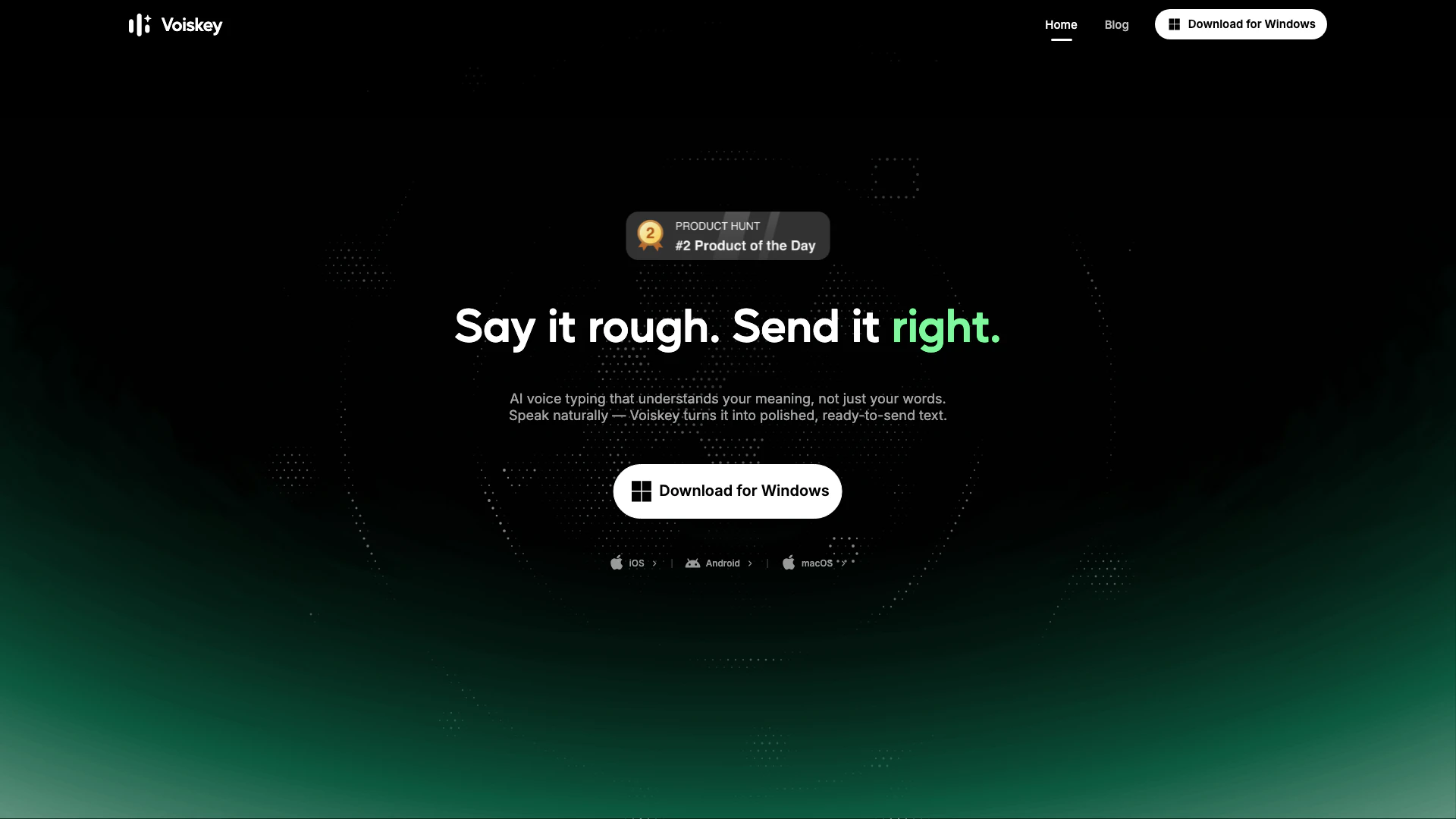
Voiskeyai is an innovative speech-to-text tool designed to convert natural spoken language into polished, ready-to-use text. It caters to users across various platforms, including macOS, Windows, iOS, and Android. Voiskey stands out by not only transcribing speech but also understanding the context, adapting tone, and formatting to ensure that the output aligns with the user’s intent. This makes it an invaluable tool for professionals, students, and anyone looking to enhance their productivity by turning spoken words into written content effortlessly.
How to use Voiskeyai?
- Download and install Voiskey on your device (available for macOS, Windows, iOS, and Android).
- Open the Voiskey application and grant necessary permissions for microphone access.
- Start speaking naturally; Voiskey will capture your speech and convert it into polished text.
- Review the generated text, which will be formatted according to your preferences and ready for use in messages, emails, or documents.
- Save or share the output directly from the application as needed.
What are the main features of Voiskeyai?
- Converts natural speech into polished text for various applications including messages, emails, and documents.
- Adapts formatting, tone, and word choice to match user intent automatically.
- Learns individual user styles, including names, jargon, and spelling preferences.
- Supports voice-to-text conversion in over 100 languages.
- Generates AI-ready prompts based on user speech for software development and other tasks.
Who is Voiskeyai for?
Voiskey is designed for a wide range of users, including professionals in engineering, sales, customer support, and legal consulting, as well as students and content creators. Its ability to understand and adapt to individual speaking styles makes it ideal for anyone who needs to generate written content quickly and efficiently. Whether you are a busy professional looking to streamline your workflow or a student aiming to simplify note-taking, Voiskey provides a versatile solution that meets diverse needs across various fields.
What are the use cases of Voiskeyai?
- Engineers can use Voiskey to dictate prompts, commits, and design documents, speeding up their workflow.
- Sales professionals can capture call notes and CRM updates quickly by speaking, enhancing follow-up efficiency.
- Writers and creators can transform spoken ideas into structured posts, scripts, or book chapters without typing.
- Students can create lecture notes and essays by speaking their thoughts, making the writing process faster and easier.
- Customer support representatives can streamline ticket responses and help articles by dictating their notes.
Voiskeyai Video

Voiskeyai Pros and Cons
Pros
- Natural Speech Conversion: Voiskey effectively converts natural speech into polished text, capturing all nuances like fillers and grammar slips.
- Adaptive Formatting: The tool adapts to the user's intent by automatically tailoring formatting, tone, and word choice for various outputs.
- Multilingual Support: Voiskey supports voice-to-text conversion in over 100 languages, making it versatile for multilingual users.
- Cross-Platform Compatibility: Voiskey is compatible with multiple platforms including Mac, Windows, iOS, and Android, allowing for flexibility in usage.
Cons
- Learning Curve: Users may need to adapt to using voice commands effectively, which could require some initial learning.
- Variable Recognition Accuracy: The accuracy of voice recognition may vary based on the user's accent or speech clarity, potentially affecting output quality.
- Integration Limitations: Voiskey may have limitations in integrating with certain applications or platforms, restricting its functionality.
Voiskeyai Pricing
Free Plan
A basic plan that allows users to try out Voiskey's features without any cost.
For the latest pricing, please visit this link: https://www.voiskey.ai/
Prices are subject to change. Please visit the official website for the most up-to-date pricing information.





