Vocalops





What is Vocalops?
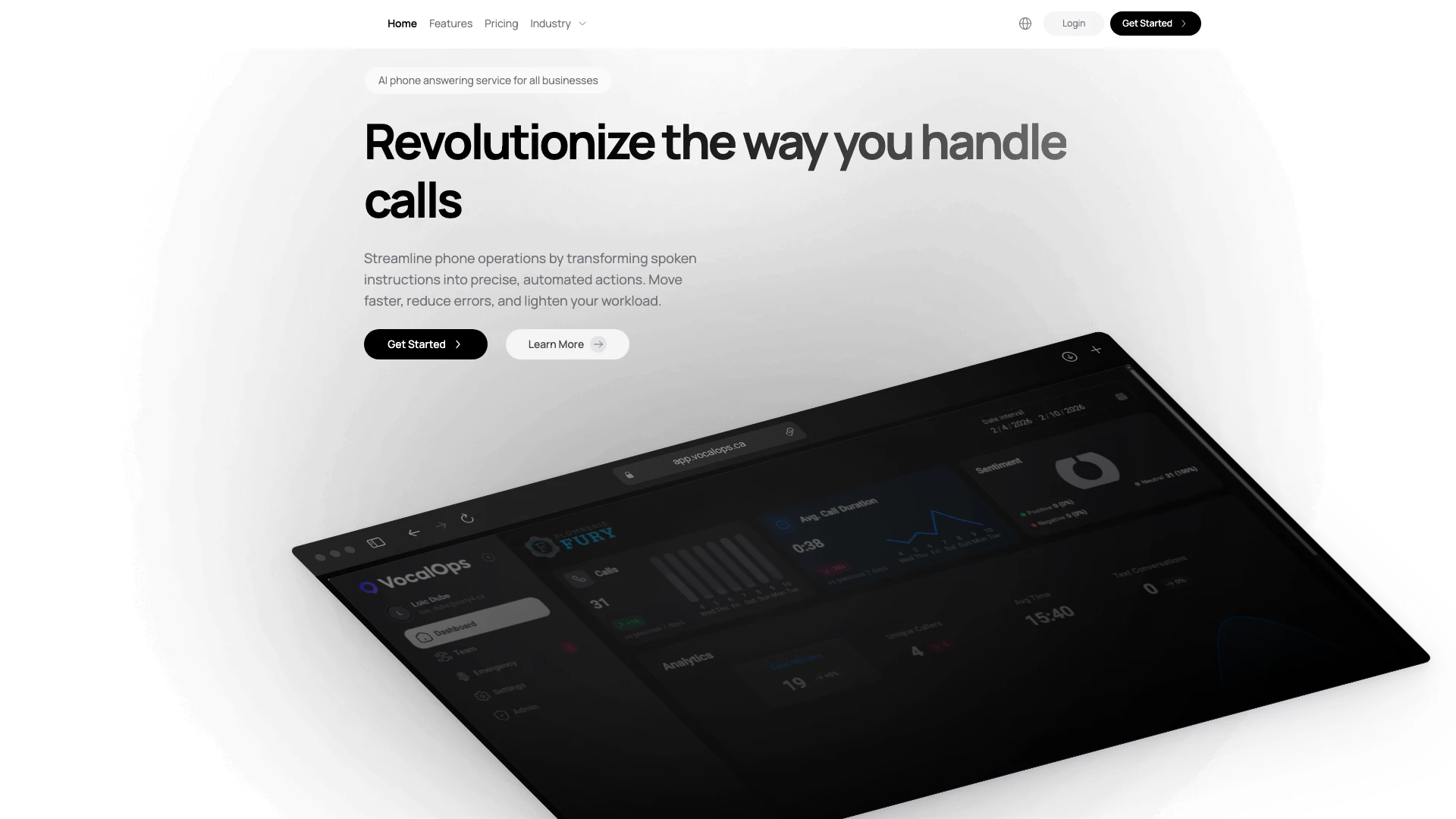
Vocalops is an innovative AI-driven tool designed to enhance voice communication and streamline collaboration within teams. It focuses on optimizing vocal interactions, making it easier for users to communicate effectively in various environments. By leveraging advanced technology, Vocalops aims to improve clarity, engagement, and productivity in voice calls, whether for remote meetings, team discussions, or client interactions.
How to use Vocalops?
- Sign up for a Vocalops account on the official website.
- Download and install the Vocalops application on your device.
- Create or join a meeting by entering the meeting ID or inviting team members.
- Adjust your audio settings to ensure optimal sound quality.
- Start your voice call and utilize Vocalops features to enhance communication.
What are the main features of Vocalops?
- AI-driven voice enhancement for clearer communication.
- Real-time transcription of voice calls for easy reference.
- Integration with popular collaboration tools for seamless workflow.
- User-friendly interface designed for quick navigation.
- Support for group calls and individual conversations.
Who is Vocalops for?
Vocalops is ideal for businesses, remote teams, and professionals who rely heavily on voice communication. It caters to those looking to improve their call quality and collaboration efficiency, including sales teams, customer service representatives, and remote workers seeking effective communication solutions.
What are the use cases of Vocalops?
- Enhancing remote team meetings by providing clear audio and real-time transcription.
- Supporting sales calls with improved communication clarity and documentation.
- Facilitating client interactions by ensuring effective verbal communication.
Vocalops Pros and Cons
Pros
- User-Friendly Interface: Vocalops is designed with an intuitive interface that simplifies the user experience, making it accessible for users of all skill levels.
- Comprehensive Features: The tool offers a wide range of features that cater to various needs, enhancing its usability for different applications.
- Integration Capabilities: Vocalops supports integration with multiple platforms, allowing users to streamline their workflows and enhance productivity.
Cons
No cons data detected for this tool
Vocalops Pricing
Core
Everything you need for your calls to be handled seamlessly. Fair usage policies apply, single integration with a CRM or scheduling software, dashboard analytics.
Advanced
Everything included with core as well as any integrations or custom solutions required. Full custom integrations with your existing CRM and scheduling softwares, unlimited minutes, white labeled reports.
For the latest pricing, please visit this link: https://vocalops.ca/
Prices are subject to change. Please visit the official website for the most up-to-date pricing information.