Stableaudio3





What is Stable Audio 3?
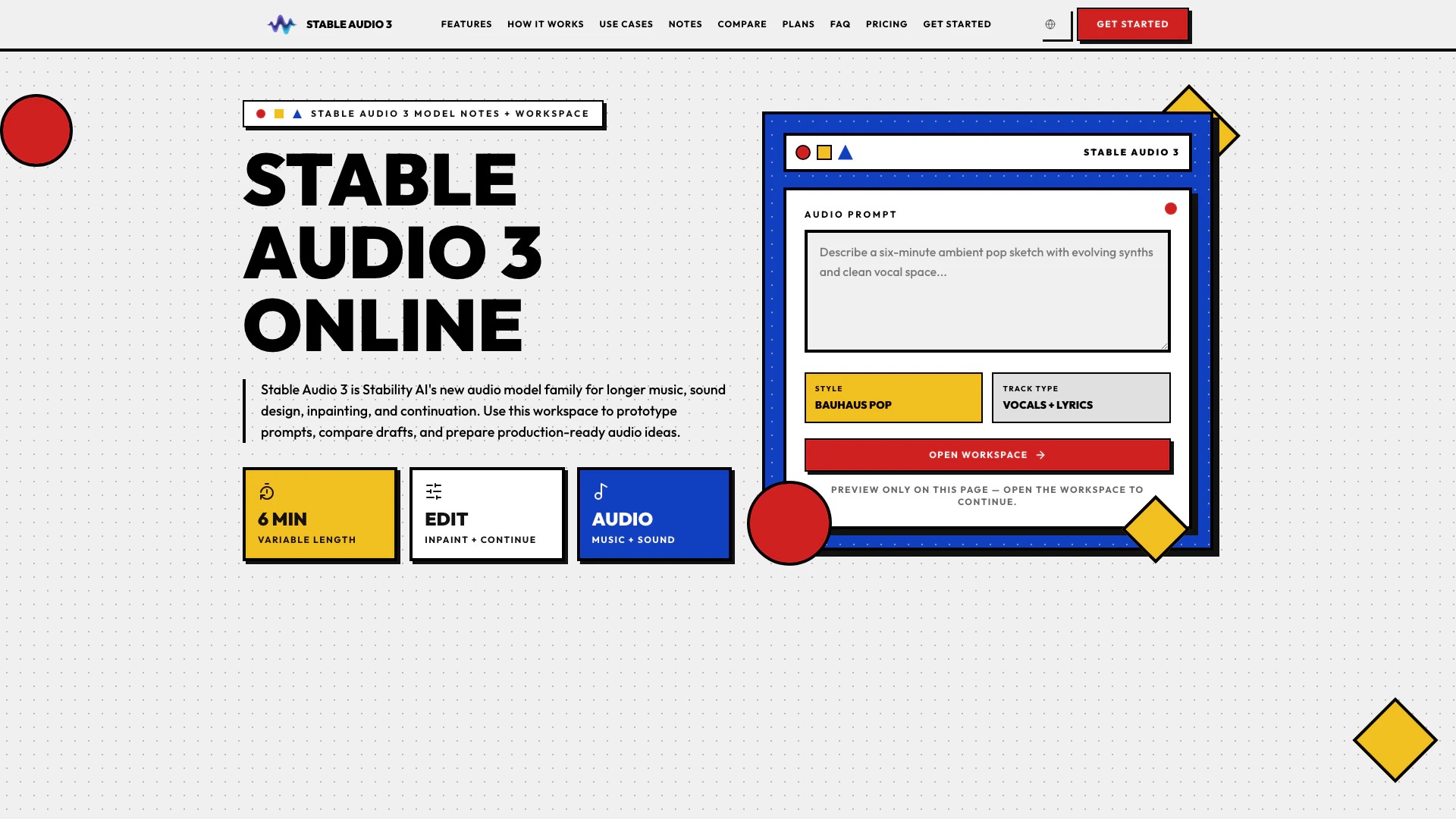
Stable Audio 3 is an innovative online workspace designed for AI-driven music creation, sound design, and audio generation. It enables users to experiment with artistic audio projects by providing a platform that supports variable-length audio generation of up to six minutes. With its focus on editing-oriented workflows, Stable Audio 3 allows creators to not only generate new music but also to extend, repair, and reshape existing audio ideas. This tool features open-weight variants for flexible experimentation and is ideal for both casual creators and professional audio producers.
How to use Stable Audio 3?
- Define the arc: Start by specifying the audio's duration, structure, and emotional direction. For example, you might choose a slow intro followed by a rising middle and a sparse outro.
- Name the sound palette: Identify the instruments, vocal elements, and overall sound character. Use descriptive terms related to texture, such as 'granular', 'warm', 'dry', 'airy', or 'dense'.
- Iterate in the workspace: Access the Stable Audio 3 workspace to test your prompt ideas, save generated audio, and create a reusable library of prompts for future projects.
What are the main features of Stable Audio 3?
- Variable-length audio generation: Create audio tracks of up to six minutes, suitable for full musical compositions and ambient soundscapes.
- Open-weight variants: Access Small and Medium variants for experimentation, with a Large variant available through API and enterprise options.
- Editing capabilities: Utilize audio inpainting and continuation features to extend and repair existing audio tracks.
- Prompt customization: Craft detailed prompts that encompass time, texture, instrumentation, mood, and silence to enhance audio generation quality.
- Workspace functionality: Store and manage audio generations, compare drafts, and develop a library of prompts for efficient workflow.
Who is Stable Audio 3 for?
Stable Audio 3 is tailored for a diverse audience, including music producers, sound designers, game developers, and filmmakers. It is particularly beneficial for those who require longer-form audio and desire a more interactive and iterative approach to sound creation. Whether you are a hobbyist exploring new audio possibilities or a professional seeking to refine your audio projects, Stable Audio 3 provides the tools necessary for both creative experimentation and production-ready outcomes.
What are the use cases of Stable Audio 3?
- Music sketches: Generate drafts for verses, hooks, and arrangement ideas to streamline the production process before committing to a full session.
- Game and film sound beds: Create evolving background music, ambient soundscapes, and transition beds that require longer continuity for immersive experiences.
- Audio repair and continuation: Implement workflows focused on inpainting to fill in missing sections of existing audio or to provide coherent endings to incomplete tracks.
Stableaudio3 Pros and Cons
Pros
- Variable-Length Audio Generation: Stable Audio 3 supports variable-length audio generation up to six minutes, making it suitable for full musical compositions and ambient soundscapes.
- Open-Weight Variants: The availability of Small and Medium open-weight variants allows for flexible workflows and experimentation without the need for proprietary restrictions.
- Editing and Inpainting Features: Stable Audio 3 offers advanced editing capabilities, including audio inpainting and continuation, enabling users to refine and extend their audio projects effectively.
Cons
No cons data detected for this tool
Stableaudio3 Pricing
Team workflows
Designed for teams that share prompt recipes, credits, and audio experiments across production cycles.
For the latest pricing, please visit this link: https://stableaudio3.org/pricing
Prices are subject to change. Please visit the official website for the most up-to-date pricing information.