

Vmakeai
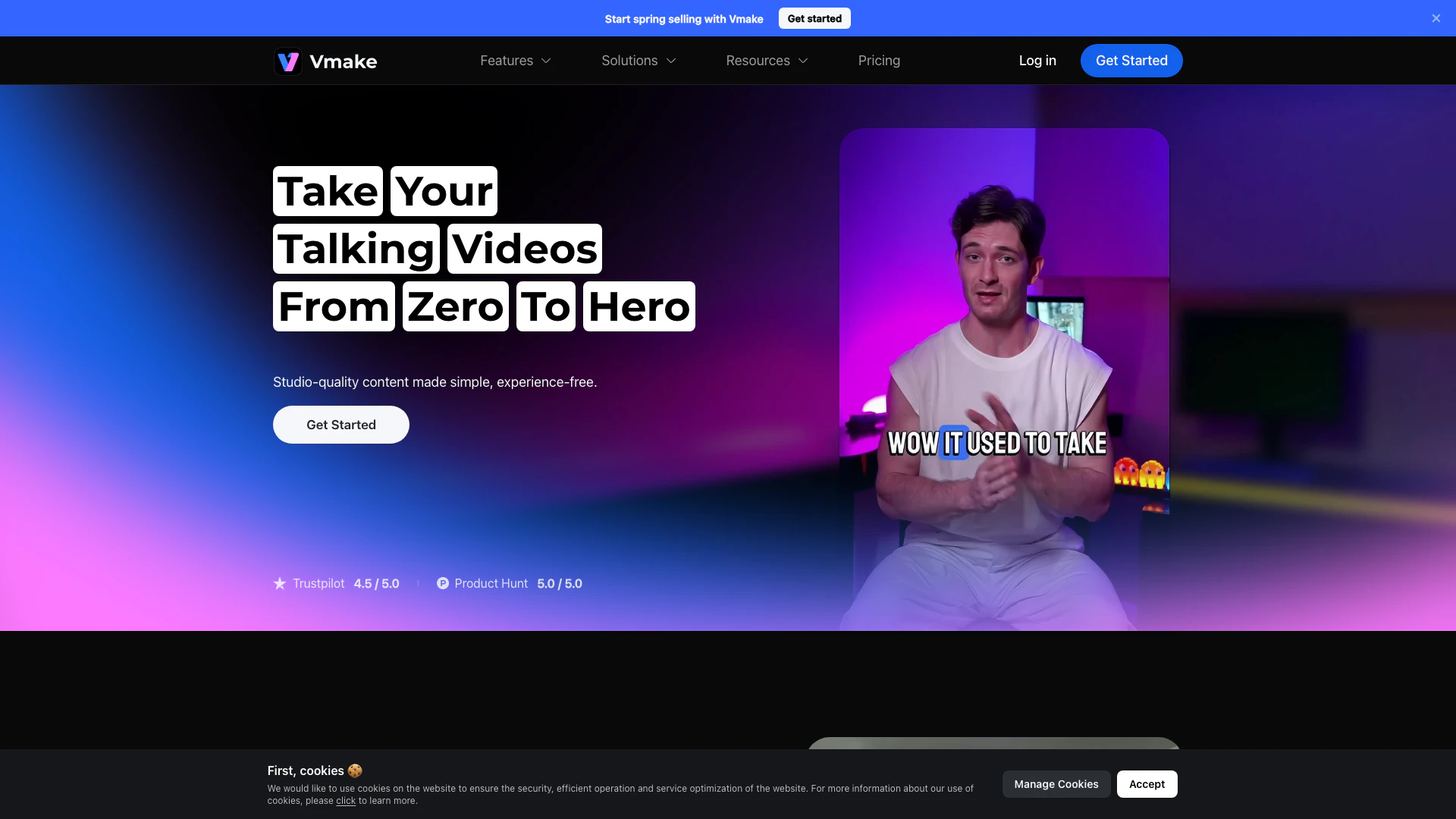





What is Vmakeai?
Vmakeai is an innovative video editing[1] tool specifically designed for creating talking head videos[2]. It simplifies the process of video editing, allowing users to generate creative video content effortlessly. With a focus on enhancing the quality and engagement of talking videos, Vmakeai integrates advanced AI features[3] that automate various aspects of video production, making it accessible for both novice and experienced creators. Whether you're looking to produce social media content, marketing videos, or educational material, Vmakeai provides the tools needed to make your videos stand out.
How to use Vmakeai?
- Visit the Vmakeai website or download the mobile app from the App Store or Google Play.
- Create an account or log in to your existing account.
- Choose the type of video you want to create (e.g., talking head video).
- Upload your video footage or record directly within the app.
- Utilize the AI features such as auto captions[4], video background removal[5], and video enhancement to edit your video.
- Preview your video and make any necessary adjustments.
- Export your finished video and share it on your preferred platforms.
What are the main features of Vmakeai?
- AI Video Editing: Simplifies the editing process with tools for auto captions, background removal, and noise reduction.
- AI Enhancement: Improves video quality with features like video upscaling and noise reduction.
- AI Generation: Generates engaging content such as thumbnails and creative ads automatically.
- User-Friendly Interface: Designed for ease of use, making video editing accessible to all skill levels.
- Versatile Applications: Suitable for various industries, including e-commerce, fitness, and real estate.
Who is Vmakeai for?
Vmakeai is ideal for content creators, marketers, educators, and businesses looking to enhance their video production capabilities. It caters to those who need to produce talking head videos quickly and efficiently, including social media influencers, digital marketers, and corporate trainers. With its AI-driven features, Vmakeai is also suitable for users with little to no prior video editing experience, allowing anyone to create professional-quality videos.
What are the use cases of Vmakeai?
- Creating Engaging Social Media Videos: Easily produce scroll-stopping talking head videos for platforms like Instagram and TikTok.
- Enhancing Video Quality: Use the AI enhancement features to sharpen and upscale existing video content.
- Generating Promotional Video Ads: Quickly create eye-catching ad videos that can be used for marketing campaigns.
Product Images
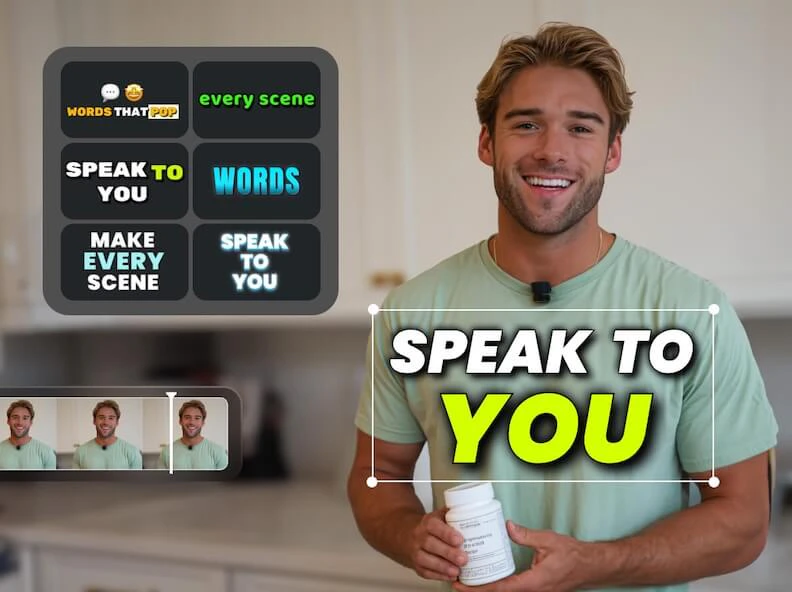
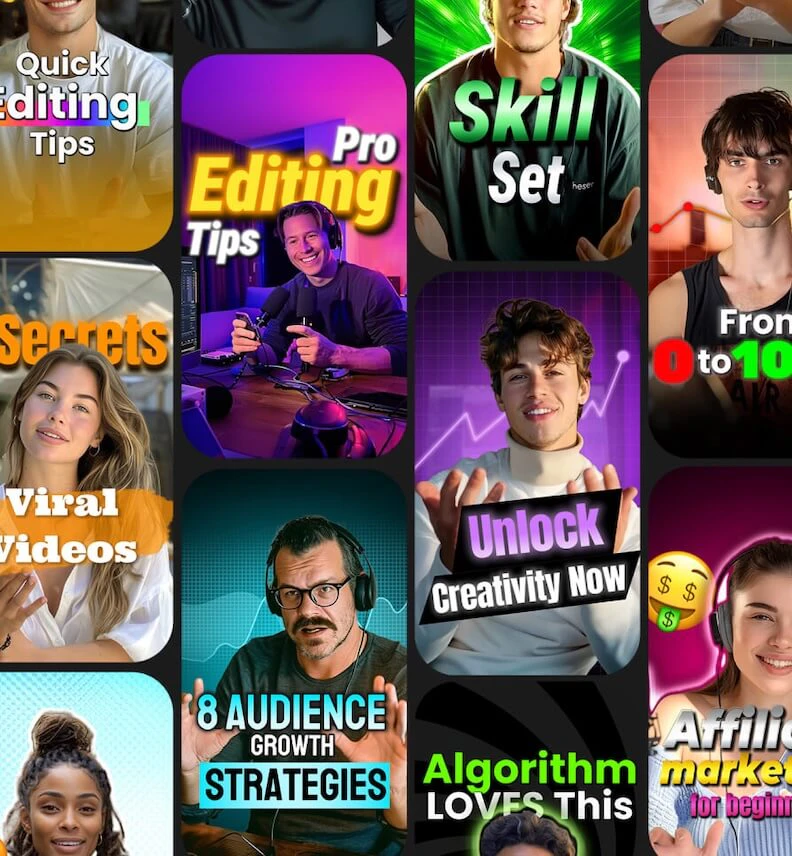
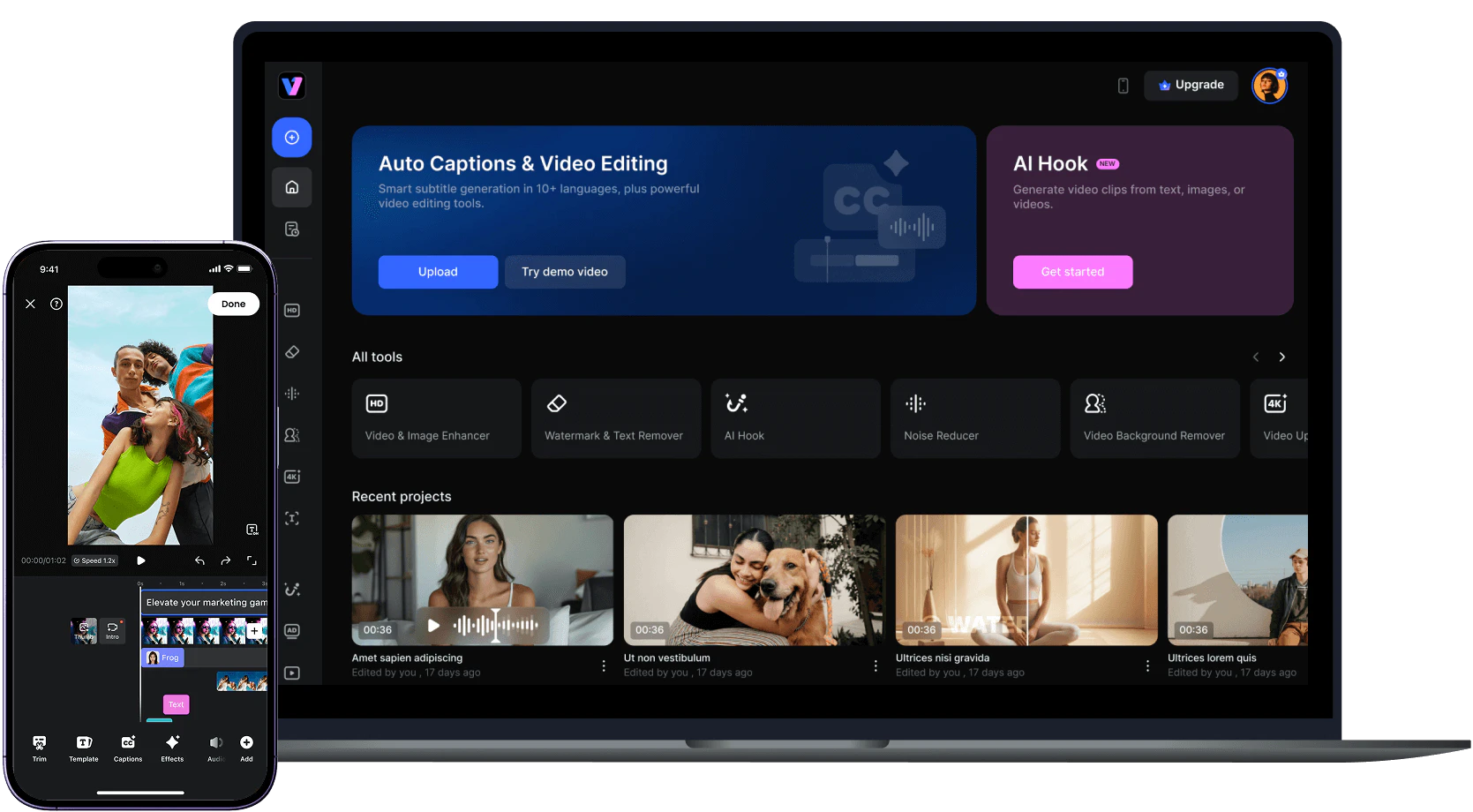
Vmakeai Pros and Cons
Pros
- AI-Powered Video Editing: Vmake utilizes AI technology to streamline video editing, making it easier to create engaging talking head videos with minimal effort.
- Multiple Enhancement Features: The tool offers a variety of enhancement features such as video upscaling, noise reduction, and background removal, ensuring high-quality output.
- User-Friendly Interface: Designed for ease of use, Vmake allows users to create professional-looking videos without requiring extensive editing skills.
Cons
No cons data detected for this tool
Vmakeai Pricing
Pro
4500 credits/month. 50 files/day for Quality Enhancer, Watermark & Text Remover, Video Background Remover, Noise Reducer, Video Upscaler, and 50 files/day for Video & Audio to Text. Video Editing available. Video Export at 1080p, 2K. AI Thumbnail 50 per day with all styles available. AI Animation and AI Creative Ads available at 1080p for Commercial Use.
For the latest pricing, please visit this link: https://vmake.ai/pricing
Prices are subject to change. Please visit the official website for the most up-to-date pricing information.
Analytics of Vmakeai
Vmakeai Website Traffic Analysis
Visits Over Time
Traffic Sources
Nov 2025 - Jan 2026 Worldwide Desktop Only
- Search: 62.31%
- Direct: 32.77%
- Referrals: 3.26%
- Social: 1.12%
- Paid Referrals: 0.48%
- Mail: 0.05%
Top Keywords
| Keyword | Volume | CPC | Estimated Value |
|---|---|---|---|
| watermark remover | 665.71K | $0.28 | $65910.00 |
| remove watermark from video | 104.12K | $0.26 | $49450.00 |
| vmake | 96.70K | $0.62 | $164300.00 |
| video watermark remover | 85.56K | $0.27 | $50540.00 |
| vmake ai | 27.42K | $0.50 | $62350.00 |





Vmakeai Social Listening
How to convert normal video to...
V make 4K quality tutorial🔥😱...
Lost without CapCut? This edit...
Unlock to view 69 social media results.