
Twitter-color Created with Sketch. Amazon-color Created with Sketch. Facebook-color Created with Sketch. github [#142] Created with Sketch. meta_fill Pinterest-color Created with Sketch. ProductHunt-color Created with Sketch. Spotify-color Created with Sketch. Threads Logo Streamline Icon: https://streamlinehq.com Yelp-color Created with Sketch. Youtube-color Created with Sketch.
TopAIToolsTopAITools
  • Free Tools
  • Category
  • Leaderboard
  • Deals
  • Submit
EN
TopAIToolsTopAITools
TopAI

TopAITools

TopAITools, The Best Top AI Tools

AI Glossary|English简体中文繁體中文한국어日本語PortuguêsEspañolDeutschFrançaisTiếng Việt|Map

© 2026 TopAITools. All rights reserved.

About

  • Privacy Policy
  • Terms of use

Contact Us

business@topaitoolsreview.com
Home
AI Link in Bio
Visualink
Last updated: July 27, 2026
Visualink logo

Visualink

Get deal
4.0|0 Comments|0 Saved
Introduction:
Create stunning link previews for social media.
Launch Date:
August 5, 2025
Monthly Visits:
--
Inputs:
ImageText
Outputs:
ImageText
Supported Languages:
EN
Website
Free Trial
💼Work🎨Creativity
AI Link in Bio19AI Social Media Tools359AI Social Media Post Generator154
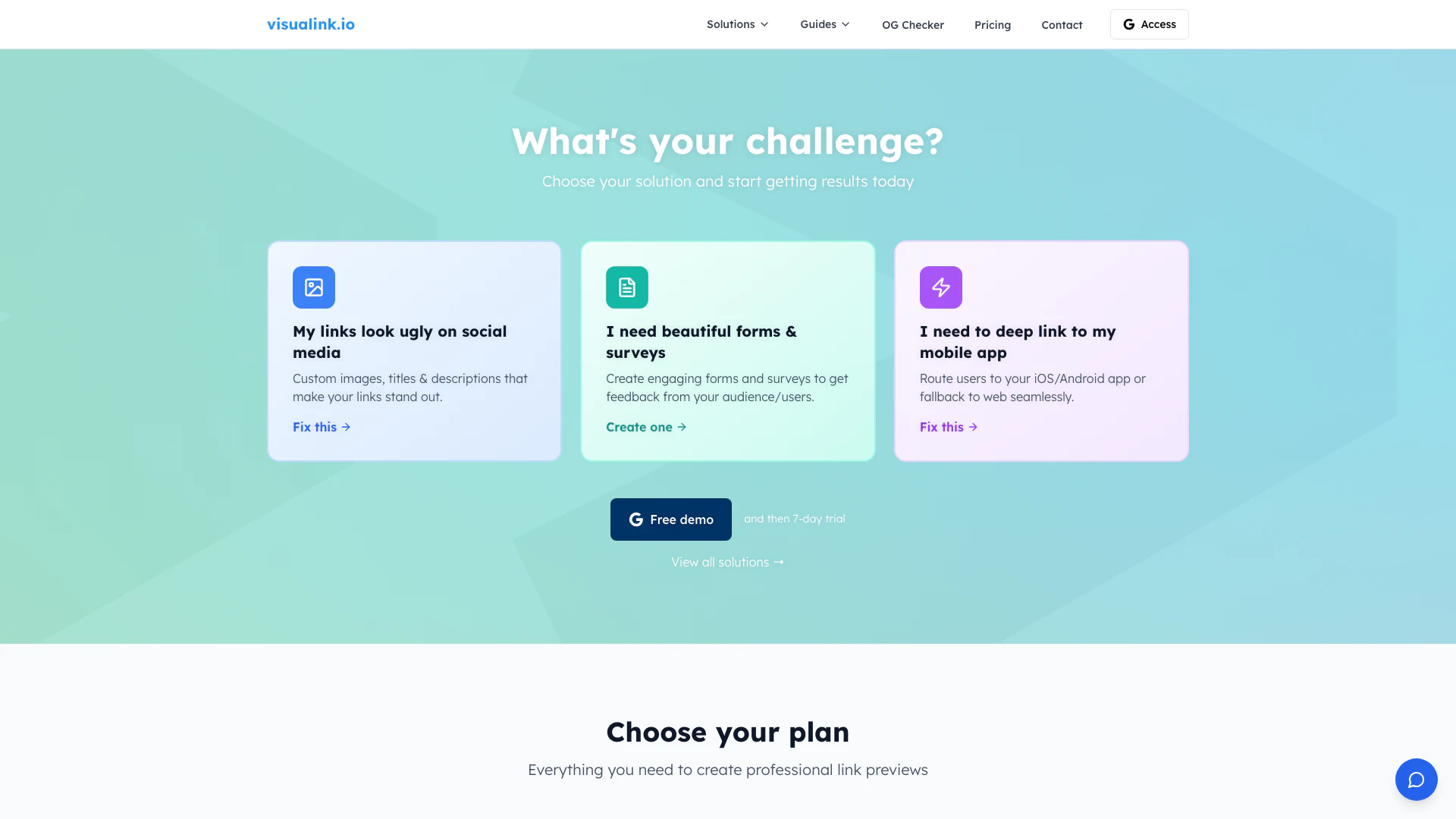
Visualink website screenshot showing Create stunning link previews for social... interface and features
Use tool
Update this tool
Google logo

Google

AI Time Manager offers AI-driven tools for better time management.

Buzz Mail logo

Buzz Mail

Buzz Mail - Google Workspace Marketplace

Deepseek logo

Deepseek

DeepSeek focuses on pioneering general AI technologies and models.

Linkedin logo

Linkedin

Connect with professionals worldwide on LinkedIn.

Gemini logo

Gemini

Gemini is Google’s AI assistant for writing and brainstorming.

Visualink Overview

What is Visualink?

Visualink is an innovative tool designed to enhance the appearance of links shared on social media platforms. It allows users to create custom link previews that include personalized images, titles, and descriptions, making links visually appealing and engaging. By leveraging OpenGraph metadata, Visualink ensures that when links are shared, they stand out, driving more engagement and clicks. This tool is particularly valuable for businesses and individuals looking to improve their online presence and social media marketing effectiveness.


How to use Visualink?

To use Visualink, follow these steps: 1. Visit the Visualink website and create an account. 2. Once logged in, paste the URL you want to enhance in the provided field. 3. Customize your link preview by uploading images, adjusting titles, and descriptions as desired. 4. Save your changes, and Visualink will generate a custom URL for you. 5. Share this custom URL on your social media platforms, and watch as your links attract more attention.


What are the main features of Visualink?

Visualink offers several key features to enhance link sharing: - Customizable Link Previews: Create unique previews with images, titles, and descriptions tailored to your audience. - OpenGraph Metadata Support: Automatically formats metadata for optimal display on social media platforms. - Analytics Tracking: Gain insights into link performance, including view counts from visitors and bots. - User-Friendly Interface: No technical skills required; easily customize previews with an intuitive editor. - Multi-Platform Support: Works seamlessly across all major social media platforms including Facebook, Twitter, LinkedIn, and more.


Who is Visualink for?

Visualink is ideal for marketers, business owners, and social media managers who want to enhance their link sharing strategies. It caters to individuals and organizations looking to improve their online visibility, engagement, and branding through visually appealing link previews. Whether you are a small business trying to promote your products or a content creator aiming to share your work effectively, Visualink provides the tools necessary to make your links stand out.


What are the use cases of Visualink?

Visualink can be applied in various scenarios: 1. Social Media Marketing: Enhance posts with custom link previews to boost engagement and click-through rates. 2. Content Promotion: Share articles or blog posts with visually appealing previews to attract more readers. 3. Event Promotion: Create engaging previews for event registrations or webinars to encourage sign-ups. 4. Product Launches: Use Visualink to share product links that showcase images and descriptions effectively. 5. Feedback Collection: Design surveys and forms with attractive links to gather audience insights.

Visualink Pros and Cons

Pros

  • Customizable Link Previews: Visualink allows users to create personalized link previews with custom images, titles, and descriptions, enhancing visual appeal on social media.
  • User-Friendly Interface: The tool features an intuitive interface that requires no technical knowledge, making it accessible for anyone to create custom link previews easily.
  • Comprehensive Analytics: Visualink provides detailed analytics on link performance, including view counts from both human visitors and bots, helping users track engagement effectively.

Cons

No cons data detected for this tool

Visualink Compare

Tool NameIntroductionPricing
Type
RatingLaunch DateLearn more
Civitai logo
Civitai
Civitai: The Home of Open-Source Generative AI
Free
🎨Creativity
November 2, 2022
Get deal
Tutorai logo
Tutorai
Tutor AI - Your personal AI tutor to learn anything
Free
🙋‍♂️Personal💼Work
September 23, 2007
Get deal
Ai Lawyer logo
Ai Lawyer
Explore AI Lawyer for easy, quick, and budget-friendly legal help. Empowering consumers and lawyers with AI-driven solutions for all your legal needs.
Free
💼Work
February 11, 2023
Get deal

Info current as of post date. Offers and availability may vary by location and are subject to change.

Visualink Q&A

Visualink lets you control how your links look when shared.

Visualink Launch embeds

Use website badges to drive support from your community for your TopAITools Review. They're easy to embed on your homepage or footer.

FEATURED ONTopaitoolsreview.com

Visualink Alternatives

Twitter screenshot

Twitter

Connect and share ideas on Twitter.

Website
🙋‍♂️Personal💼Work🎨Creativity
Social Media ToolsAI Social Media ToolsAI Tweet GeneratorAI X/Twitter Tools
  • Social Media Tools
  • AI Social Media Tools
  • AI Tweet Generator
  • AI X/Twitter Tools
Use tool
58.5M
Direct48.52%
Referrals27.36%
Search15.43%
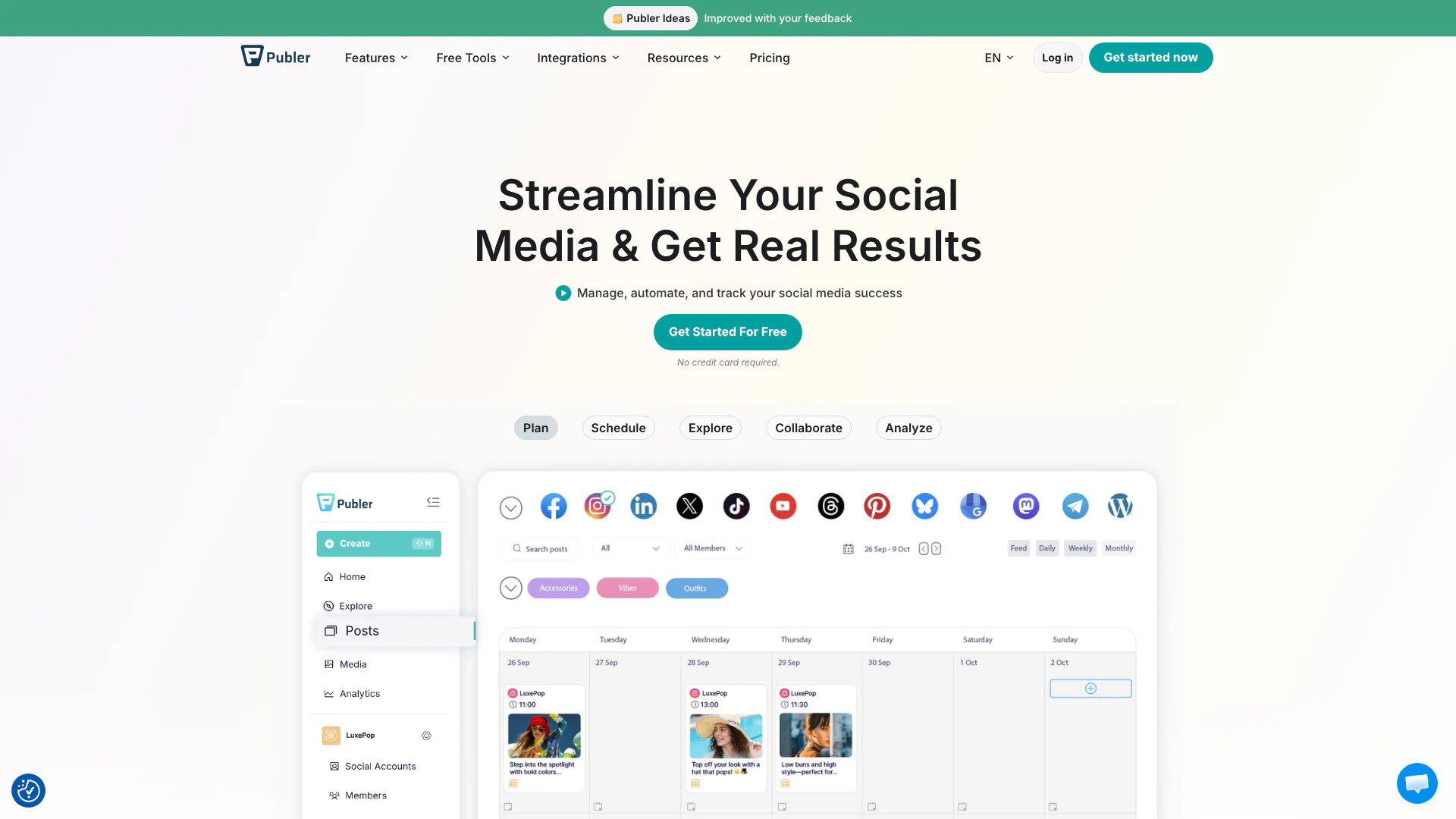
Publer screenshot

Publer

Boost your social media strategy with Publer’s suite of tools. Manage multiple accounts, schedule posts, collaborate with your team, and analyze performance—all in one place.

Website
FreeSocial Media ToolsAI Social Media Tools
  • Social Media Tools
  • AI Social Media Tools
Use tool
4.2M
Direct47.33%
Search47.30%
Referrals3.49%
AI Repurpose screenshot

AI Repurpose

OpusClip turns long videos into high-quality viral clips for you to share on TikTok, YouTube Shorts, and Reels to increase social media reach.

Website
FreeWriting & EditingAI Content RepurposingAI Text GeneratorAI Social Media Tools
  • Writing & Editing
  • AI Content Repurposing
  • AI Text Generator
  • AI Social Media Tools
Use tool
4.9M
Direct60.14%
Search34.01%
Referrals3.64%

Visualink Tags

link previewssocial mediaCustomizationAnalyticsNo-CodeURL shortener

Also used for

AI Link in Bio19AI Social Media Tools359AI Social Media Post Generator154Sugar Relationship Networking Tools10Ai Cross Posting Tools81Discord Community Management Tools11Discord E Commerce Tools3Discord Analytics and Member Management Tools2Indie Startup Networking21Public Maker Platform9Indie Startup Showcase7AI WhatsApp Business Tools10AI LinkedIn Conversation Starter Generator23Random Video Chat Tools5Anonymous Chat Platforms3
Visualink logo
VisualinkFree Trial
Get deal

Visualink Comments (0)

Your rating

?
0/2000

No comments yet

Be the first to share your thoughts!

Visualink Prompts (0)

Prompts And Results

Add your own prompts and outputs to help others understand how to use this AI.

🚀0
🚀0