

Visualgpt
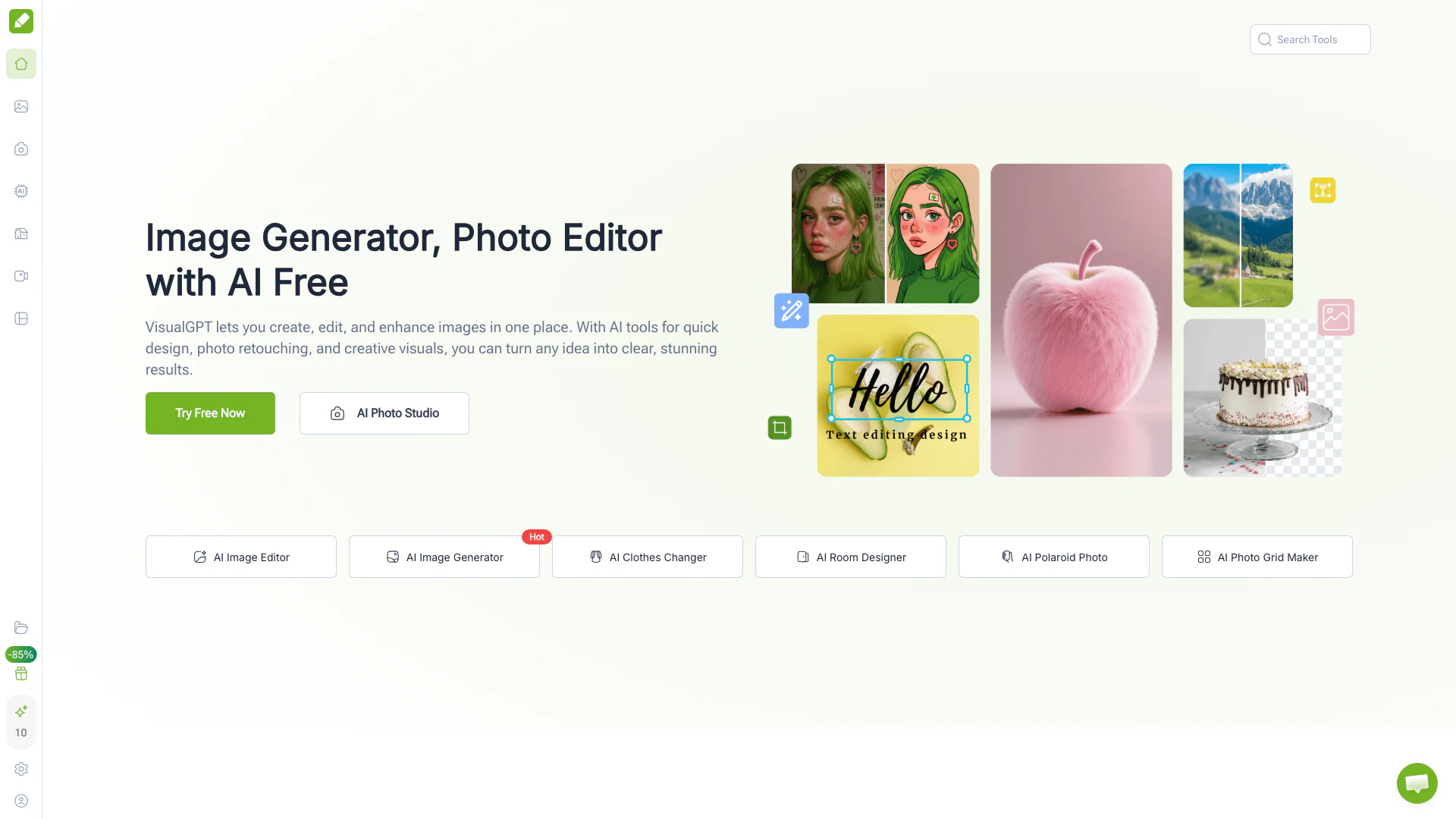





What is VisualGPT?
VisualGPT is an all-in-one AI image platform designed to generate, edit, enhance, and transform images effortlessly. With its user-friendly interface, VisualGPT allows users to create stunning photos, illustrations, and visual designs online, making it a versatile tool for both professionals and casual users. The platform integrates advanced AI models, enabling quick design, photo retouching, and creative visual outputs. Whether you need to create marketing materials, social media posts, or personal projects, VisualGPT provides a comprehensive solution for all your image-related needs.
How to use VisualGPT?
- Visit the VisualGPT website at https://visualgpt.io/.
- Choose the type of image creation or editing you want to perform, such as generating a new image or editing an existing one.
- Upload your image or describe your idea in plain language.
- Select the desired AI model or feature to apply to your image.
- Review the generated or edited image and make any additional adjustments if necessary.
- Download your final image or share it directly to your preferred platform.
What are the main features of VisualGPT?
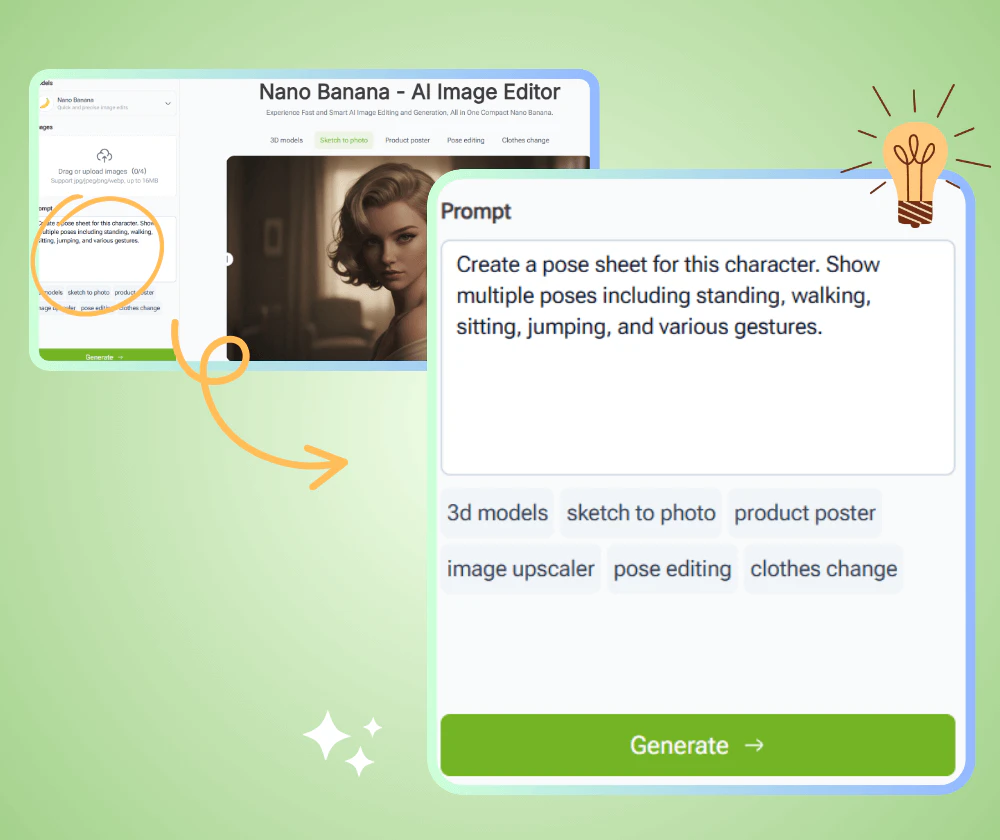
- AI Image Generation[1]: Create unique images from textual descriptions or existing photos.
- Photo Editing Tools[2]: Enhance and retouch images with advanced editing capabilities.
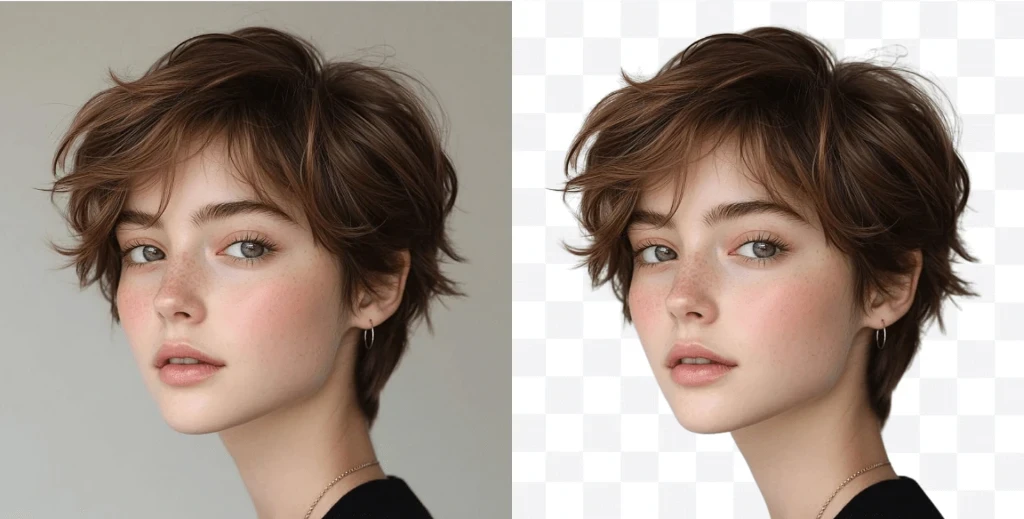
- Background Remover[3]: Quickly and accurately remove backgrounds from images, preserving fine details.
- AI Interior Design[4]: Visualize and design room layouts and styles effortlessly.
- Visualization Tools[5]: Generate infographics, charts, and mind maps from data or concepts.
- User-Friendly Interface: No complex settings or software installations are needed; everything is accessible online.
Who is VisualGPT for?
VisualGPT caters to a diverse audience, including marketers and social media professionals who need to create engaging content quickly. Designers and creative artists can utilize its features to experiment with styles and enhance their work. E-commerce businesses benefit from the platform by producing high-quality product images, while everyday consumers and hobbyists find it easy to edit photos and create personal projects. Additionally, educators and researchers can leverage VisualGPT to generate visuals for presentations and reports, making it a versatile tool for various industries.
What are the use cases of VisualGPT?
- Social Media Content Creation: Generate eye-catching visuals for posts and advertisements to boost engagement.
- E-Commerce Product Enhancement: Improve product images by removing backgrounds and refining details for better customer appeal.
- Interior Design Visualization: Create realistic renderings of room designs to help clients visualize potential layouts and styles.
- Educational Materials: Develop infographics and diagrams that present complex information in an easily digestible format.
- Personal Projects: Edit photos and create custom designs for personal use, such as invitations or greeting cards.
Product Images

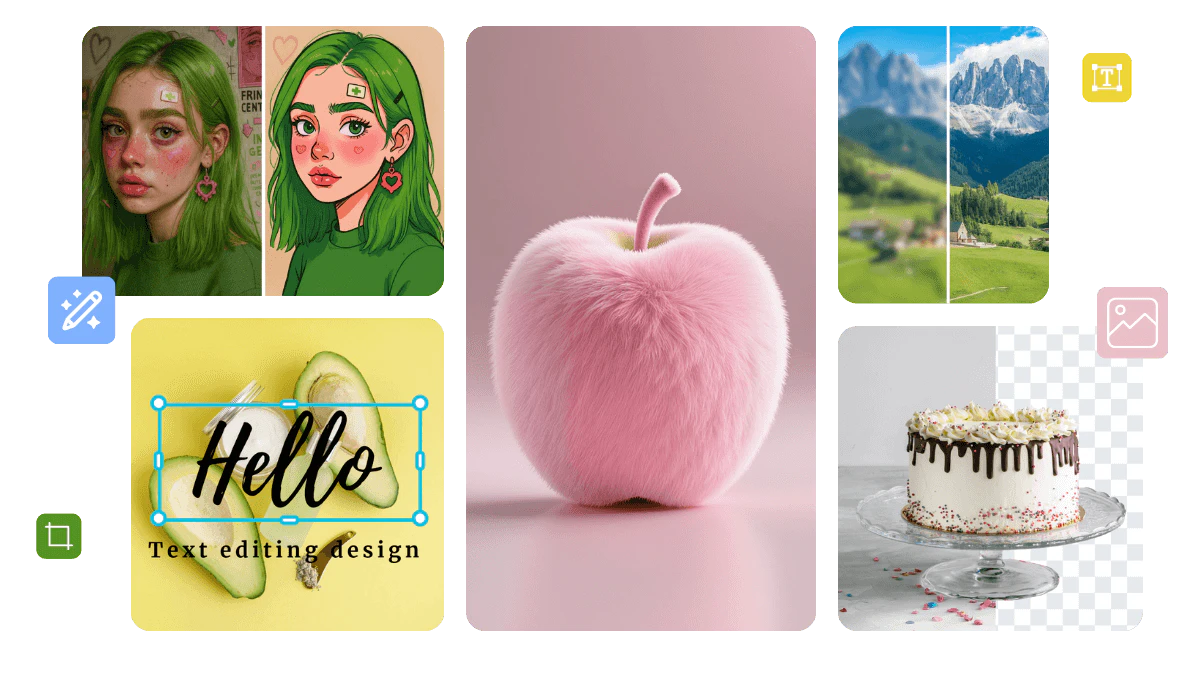
Visualgpt Pros and Cons
Pros
- All-in-One AI Image Platform: VisualGPT combines various AI image tools in one platform, allowing users to generate, edit, and enhance images seamlessly for different needs.
- User-Friendly Interface: The platform features a clean and intuitive interface, enabling users of all skill levels to create and edit images without a steep learning curve.
- High-Quality Results: VisualGPT utilizes advanced AI models like Nano Banana and Flux to produce sharp, detailed images that require no further adjustments.
- Fast Processing Speed: Images are generated or edited in seconds, making it ideal for professionals and content creators who need quick results.
- Batch Processing Capabilities: The platform supports bulk background removal and other features, allowing users to process multiple images efficiently.
Cons
No cons data detected for this tool
Visualgpt Pricing
100 Credits/mo
Most Popular plan offering 100 credits per month.
500 Credits/mo
Most Popular plan offering 500 credits per month.
2000 Credits/mo
Most Popular plan offering 2000 credits per month.
1000 Credits
One-time purchase of 1000 credits.
50 Credits
One-time purchase of 50 credits.
200 Credits
One-time purchase of 200 credits.
5000 Credits
One-time purchase of 5000 credits.
10000 Credits
One-time purchase of 10000 credits.
50000 Credits
One-time purchase of 50000 credits.
For the latest pricing, please visit this link: https://visualgpt.io/pricing
Prices are subject to change. Please visit the official website for the most up-to-date pricing information.
Analytics of Visualgpt
Visualgpt Website Traffic Analysis
Visits Over Time
Traffic Sources
Nov 2025 - Jan 2026 Worldwide Desktop Only
- Search: 47.19%
- Direct: 35.33%
- Referrals: 7.78%
- Paid Referrals: 4.84%
- Social: 4.75%
- Mail: 0.10%
Top Keywords
| Keyword | Volume | CPC | Estimated Value |
|---|---|---|---|
| watermark remover | 665.71K | $0.28 | $25170.00 |
| ai image editor | 156.14K | $0.67 | $39750.00 |
| ai photo editor | 138.48K | $0.42 | $19670.00 |
| visualgpt | 16.26K | $2.22 | $19860.00 |
| ai clothes changer | 14.22K | $0.49 | $14690.00 |
Visualgpt Reviews
VisualGPT has completely transformed how I handle social media content. I used to spend hours designing posts and ads, but now I can upload images or describe my ideas, and the AI generates polished visuals instantly. The quality is consistent, professional, and on-brand, making my campaigns more engaging and saving me a huge amount of time every week.
As a professional designer, VisualGPT has become an essential tool for my creative workflow. It allows me to explore new styles, refine images, and generate unique artwork without complex software. I especially love using the Nano Banana and Flux models for high-quality effects. With VisualGPT, I can produce professional-level designs faster and experiment with concepts I would never try manually.
Running an online store, I constantly need clear and attractive product images. VisualGPT helps me remove backgrounds, enhance details, and create promotional banners efficiently. Before using it, editing was slow and inconsistent, but now every image looks professional. The platform is intuitive, and I can generate high-quality visuals for marketing campaigns in minutes, which has improved customer engagement significantly.
For more reviews, visit this link: https://visualgpt.io/#reviews






Visualgpt Social Listening
I Tried Visual GPT: Upscaling,...
🚀 #VisualGPT #AIphoto #Ecomme...
How I Make High-Quality AI Sto...
If you run a faceless story ch...
VisualGPT.io Literally Does It...
Secret Website You Should Know...
Unlock to view 37 social media results.