




Twitter-color Created with Sketch. Amazon-color Created with Sketch. Facebook-color Created with Sketch. github [#142] Created with Sketch. meta_fill Pinterest-color Created with Sketch. ProductHunt-color Created with Sketch. Spotify-color Created with Sketch. Threads Logo Streamline Icon: https://streamlinehq.com Yelp-color Created with Sketch. Youtube-color Created with Sketch.
TopAIToolsTopAITools
  • Free Tools
  • Category
  • Leaderboard
  • Deals
  • Submit
EN
TopAIToolsTopAITools
TopAI

TopAITools

TopAITools, The Best Top AI Tools

AI Glossary|English简体中文繁體中文한국어日本語PortuguêsEspañolDeutschFrançaisTiếng Việt|Map

© 2026 TopAITools. All rights reserved.

About

  • Privacy Policy
  • Terms of use

Contact Us

business@topaitoolsreview.com
Home
AI Image Enhancer
4ddig
Last updated: June 14, 2026
4ddig logo

4ddig

Use tool
5.0|0 Comments|0 Saved
Introduction:
Restore damaged photos effortlessly with 4DDiG.
Launch Date:
December 31, 1984
Social links:
Monthly Visits:
1.1M
Inputs:
Image
Outputs:
Image
Supported Languages:
EN
AI Models:
General ModelDenoise ModelFace Model
Website
AI Image Enhancer90AI Photo Restoration15AI Image Deblurring6
4ddig website screenshot showing Restore damaged photos effortlessly with... interface and features
Use tool
Update this tool
Google logo

Google

AI Time Manager offers AI-driven tools for better time management.

Deepseek logo

Deepseek

DeepSeek focuses on pioneering general AI technologies and models.

Deepseek V4 logo

Deepseek V4

Explore cutting-edge AI models with Deepseek.

Deepl logo

Deepl

Translate texts & full document files instantly. Accurate translations for individuals and Teams. Millions translate with DeepL every day.

Figma logo

Figma

Automate layer renaming in Figma for better organization.

4ddig Overview

What is 4DDiG Photo Repair[1]?

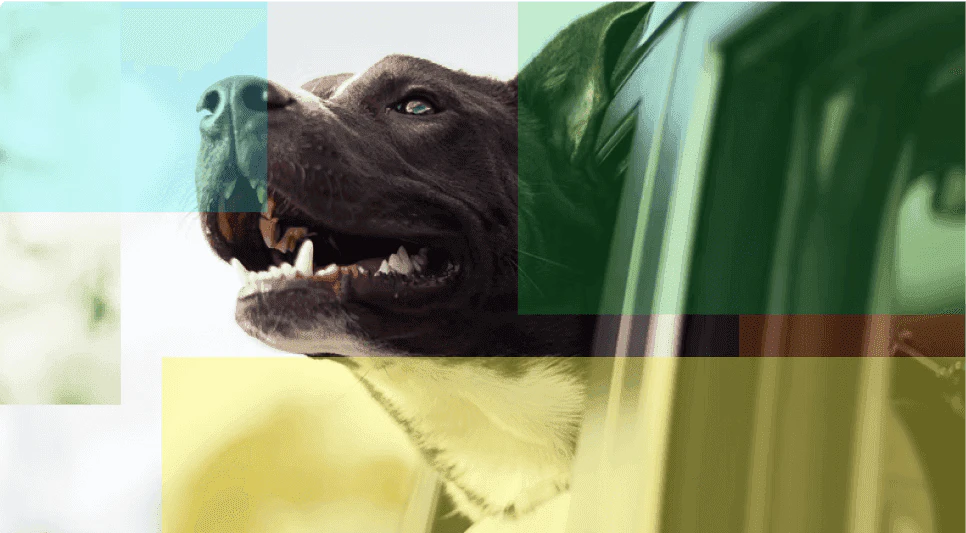
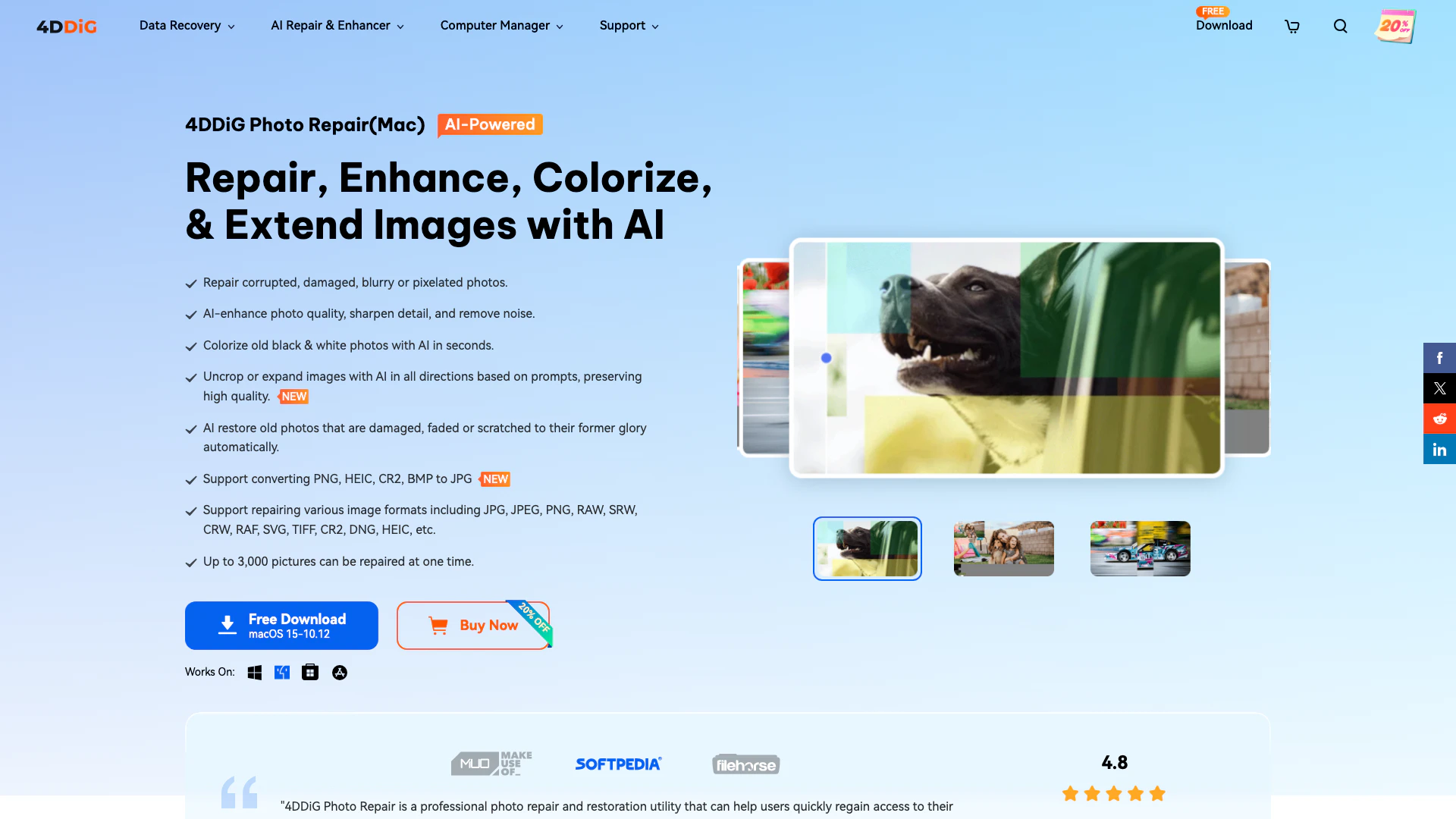
4DDiG Photo Repair is an advanced software tool designed to restore and enhance damaged or corrupted photos[5]. It effectively repairs images that are unopenable, blurry, overexposed, or pixelated. The tool supports a wide range of image formats, including JPG, JPEG, PNG, RAW, and many others, making it versatile for users who need to recover photos from various devices. With its AI-powered technology, 4DDiG Photo Repair not only repairs images but also enhances their quality, colorizes old black-and-white photos, and allows users to uncrop or expand images while preserving high quality.


How to use 4DDiG Photo Repair?

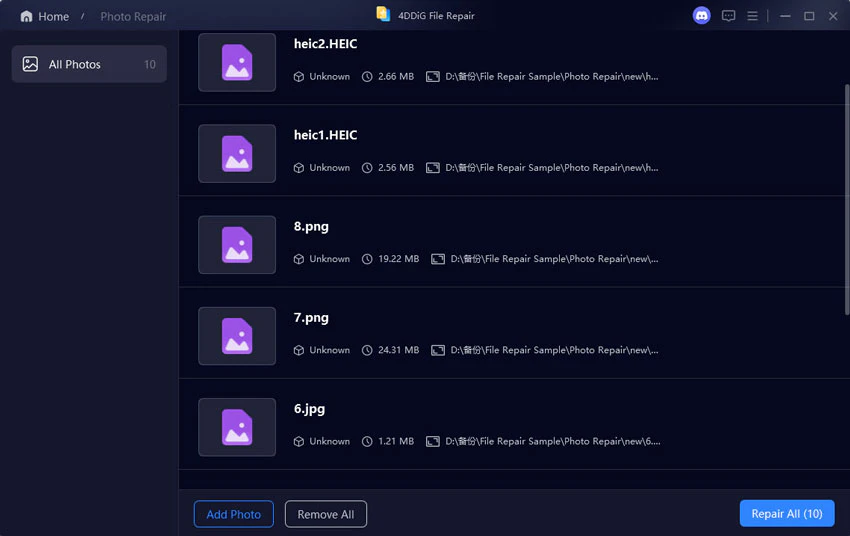
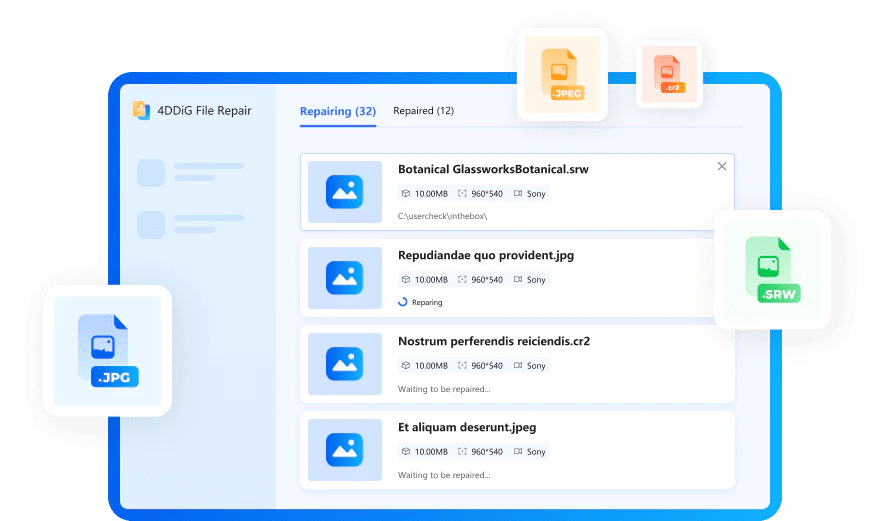
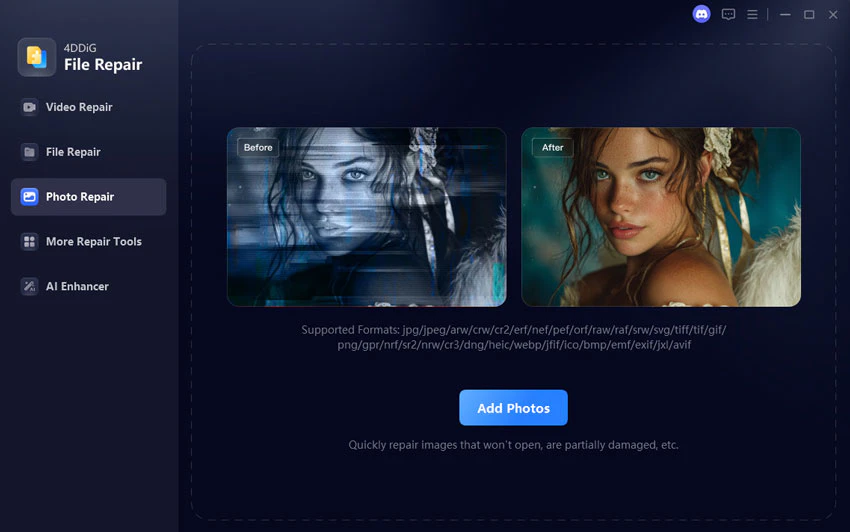
  1. Add Corrupt Photos: Launch the software and select 'Photo Repair'. Click 'Add Photos' to upload one or multiple corrupted images for repair.
  2. Start Photo Repair: Click the 'Repair All' button to initiate the repair process. The software will begin analyzing and fixing the selected images.
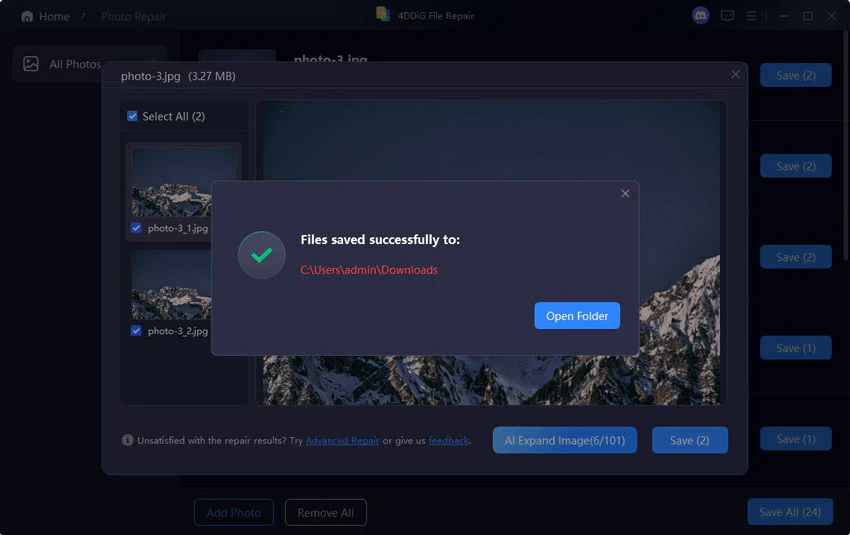
  3. Preview and Save Photos: Once the repair is complete, preview the fixed images. Save the repaired photos to your desired location.

What are the main features of 4DDiG Photo Repair?

  • Repair corrupted, damaged, or blurry photos.
  • Enhance photo quality using AI technology[2].
  • Colorize old black-and-white photos automatically.
  • Uncrop or expand images while maintaining quality.
  • Support for a wide range of image formats including JPG, PNG, RAW, and more.
  • Batch processing[4] capability to repair up to 3,000 images simultaneously.

Who is 4DDiG Photo Repair for?

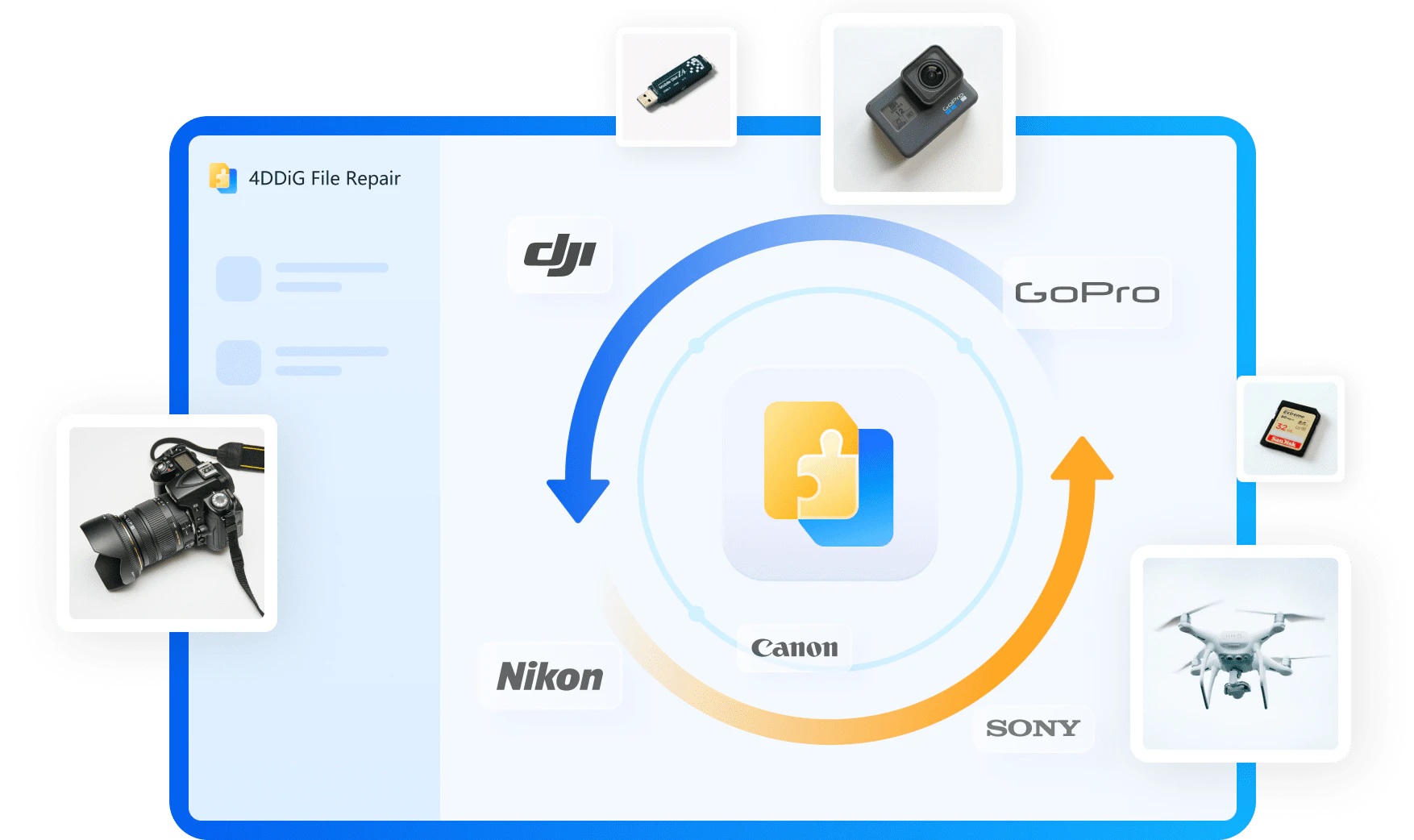
4DDiG Photo Repair is ideal for photographers, graphic designers, and everyday users who have experienced issues with their photos, such as corruption or damage. It is particularly useful for those who wish to restore old family photos, enhance images for professional use, or recover pictures from various storage devices, including USB drives, SD cards, and digital cameras. Whether for personal memories or professional projects, this tool provides a comprehensive solution for photo restoration.


What are the use cases of 4DDiG Photo Repair?

  1. Restoring old family photographs that have faded or been damaged over time.
  2. Repairing images that have become corrupted due to software issues or hardware failures.
  3. Enhancing the quality of photos taken in poor lighting conditions, making them clearer and more vibrant.
  4. Colorizing historical black-and-white photos for modern viewing.
  5. Uncropping[3] or expanding images for better composition in graphic design projects.

Product Images
4DDiG Photo Repair usage step 1
4DDiG Photo Repair usage step 2
4DDiG Photo Repair usage step 3
4DDiG Photo Repair feature demonstration
4DDiG Photo Repair use case example
4DDiG Photo Repair user scenario image
1 / 6

4ddig Pros and Cons

Pros

  • Advanced AI Repair Features: 4DDiG Photo Repair utilizes advanced AI algorithms to restore and enhance photos, effectively handling issues like blurriness, pixelation, and color distortion.
  • Batch Processing Capability: The tool can repair and enhance up to 3,000 images simultaneously, making it efficient for users with large photo collections.
  • Wide Format Support: Supports a variety of image formats including JPG, PNG, HEIC, and RAW, ensuring compatibility with most users' needs.

Cons

No cons data detected for this tool

Analytics of 4ddig

4ddig Website Traffic Analysis

Visits Over Time

Nov 2025 - Jan 2026 All Traffic
--
AI Tools Rank
1.09M
Monthly Visits
62.06%
Bounce Rate
1.95
Pages Per Visit
2:05
Visit Duration
--
Global Rank
--
Country Rank

Traffic Sources

Nov 2025 - Jan 2026 Worldwide Desktop Only

  • Search: 54.36%
  • Direct: 34.61%
  • Referrals: 5.81%
  • Social: 4.78%
  • Paid Referrals: 0.40%
  • Mail: 0.03%

Top Regions

Nov 2025 - Jan 2026 Desktop Only
RegionPercentage
🇯🇵
Japan
18.65%
🇰🇷
South Korea
18.59%
🇷🇺
Russia
5.81%
🇺🇸
United States
5.13%
🇮🇳
India
4.99%
  1. Japan: 18.65%
  2. South Korea: 18.59%
  3. Russia: 5.81%
  4. United States: 5.13%
  5. India: 4.99%

4ddig Reviews

We were truly amazed by the remarkable ability of 4DDiG Photo Repair to effortlessly restore severely damaged photos. The software's advanced algorithms work wonders in restoring images to their former glory.

4DDiG Photo Repair is a professional photo repair and restoration utility that can help users quickly regain access to their damaged or corrupted photos and restore the various negative artifacts present in the images.

4DDiG File Repair, a simple yet efficient tool that can improve the quality of your pixelated or overexposed photos in batch mode.

For more reviews, visit this link: https://4ddig.tenorshare.com/photo-repair.html#reviews

4ddig Compare

Tool NameIntroductionPricing
Type
RatingLaunch DateLearn more
Riffusion logo
Riffusion
Riffusion | AI Music Generator
Free
--
October 9, 2022
Get deal
Safurai logo
Safurai
Home - Soccer Result & Sports News
Free
--
November 7, 2022
Get deal
Dream Interpreter logo
Dream Interpret...
Dream Interpreter AI | AI Dream Interpretations & Free Dream Dictionary
Free
--
January 8, 2023
Get deal

Info current as of post date. Offers and availability may vary by location and are subject to change.

4ddig Q&A

Yes, with the use of a professional photo repair tool, damaged photos can be repaired. 4DDiG Photo Repair is a sophisticated program that can fix any corrupted or damaged photo in just three easy steps.

For more FAQs, please visit this link: https://4ddig.tenorshare.com/support.html

4ddig Launch embeds

Use website badges to drive support from your community for your TopAITools Review. They're easy to embed on your homepage or footer.

FEATURED ONTopaitoolsreview.com

4ddig Alternatives

Remove Bg screenshot

Remove Bg

Remove image backgrounds automatically in 5 seconds with just one click. Don't spend hours manually picking pixels. Upload your photo now & see the magic.

Website
FreeImage Generation & EditingAI Background RemoverAI Image EnhancerAI Image Segmentation
  • Image Generation & Editing
  • AI Background Remover
  • AI Image Enhancer
  • AI Image Segmentation
Use tool
67.0M
Search51.47%
Direct47.21%
Referrals1.17%
Pixelbin Io screenshot

Pixelbin Io

Pixelbin.io is free online photo editor. Use PixelBin to edit, crop, enhance, or add background to your images. A mobile app is also available for editing.

Website
FreeImage Generation & EditingAI Smart CropAI Image EnhancerAI Photo Editor
  • Image Generation & Editing
  • AI Smart Crop
  • AI Image Enhancer
  • AI Photo Editor
Use tool
2.2M
Direct45.63%
Search26.50%
Referrals26.13%
Img Upscaler screenshot

Img Upscaler

AI tool for enhancing image resolution.

Website
Free Trial
💼Work🎨Creativity
Image Generation & EditingAI Image EnhancerAI Image SharpeningAI Image Upscaler
  • Image Generation & Editing
  • AI Image Enhancer
  • AI Image Sharpening
  • AI Image Upscaler
Use tool
3.4M
Search62.51%
Direct34.86%
Referrals2.04%

4ddig Tags

Photo RepairAI EnhancementBatch ProcessingImage RestorationCorrupted Photo RecoveryPhoto ColorizationMulti-Format SupportImage Quality Improvement

Also used for

AI Image Enhancer90AI Photo Restoration15AI Image Deblurring6AI Dating Profile Photo Generator13NSFW AI Art Generator5AI Vectorization Tool11AI Romantic Image & Video Generator58Gallery Creation Tool22SVG Optimization Tool9SVG Compression Tool7Text Behind Image Design Tool1Text To 3d Generator8AI Car Wrap Generator1AI Device Mockup Generator6Code Snippet Image Generator2

Sources (6)

4ddig logo
4ddigPaid
Use 4ddig

4ddig Comments (0)

Your rating

?
0/2000

No comments yet

Be the first to share your thoughts!

4ddig Prompts (0)

Prompts And Results

Add your own prompts and outputs to help others understand how to use this AI.

🚀0
🚀0