Video2docs





What is Video2docs?
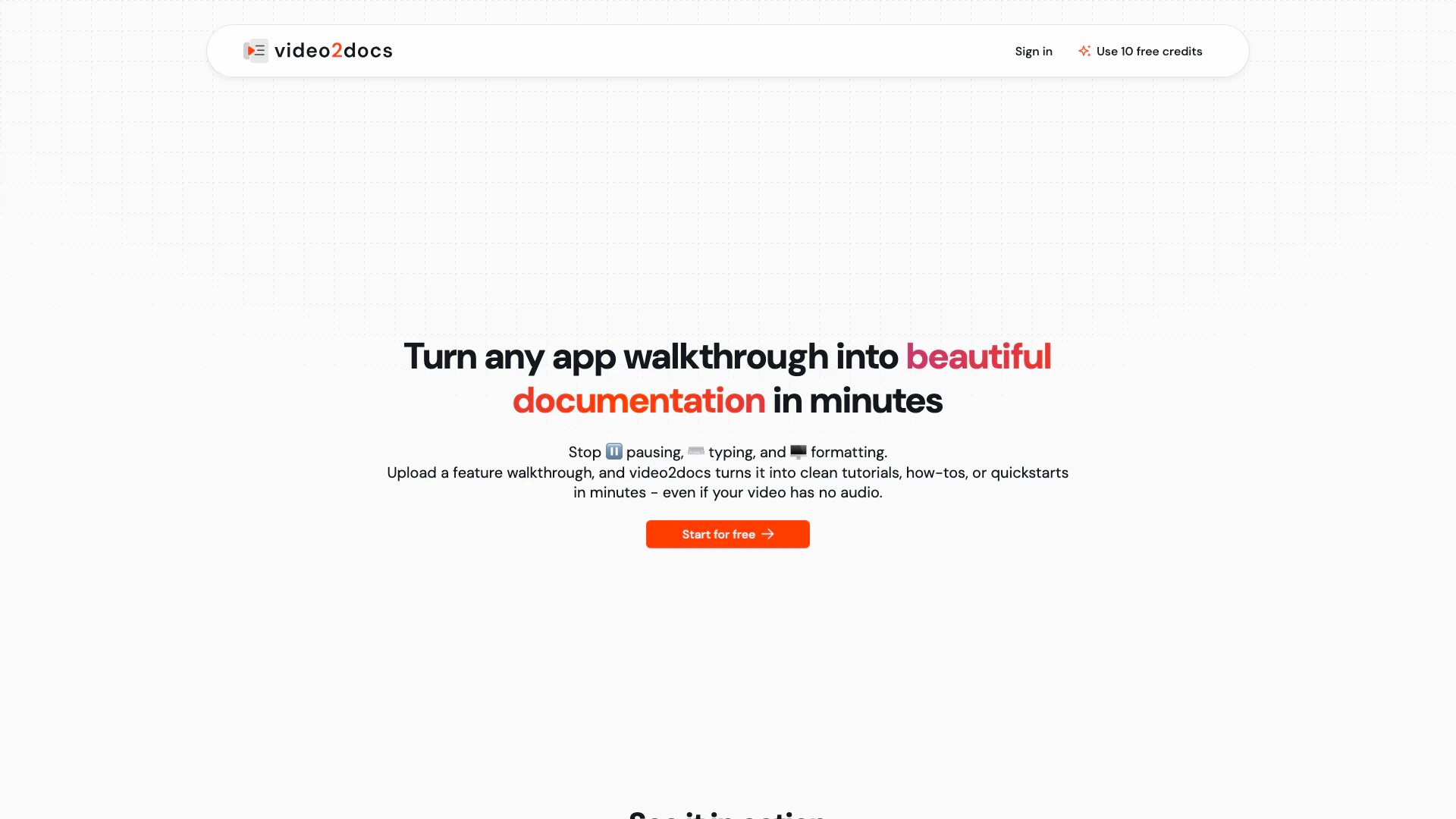
Video2docs is an innovative AI tool designed to transform app walkthrough videos into beautifully structured documentation effortlessly. By simply uploading a feature walkthrough video, users can generate clean tutorials, how-tos, or quick-start guides in just minutes, even without audio narration. The tool eliminates the tedious process of manual documentation by automatically analyzing visual content and creating detailed documents in Markdown format. This makes it an essential tool for developers and teams looking to streamline their documentation process.
How to use Video2docs?
- Upload Your Video: Start by uploading your product demo, training clip, or feature walkthrough to the Video2docs platform. No extra setup is required.
- Analyze Visuals: The AI analyzes every click, screen, and step in your video, even if there is no voice narration.
- Receive Documentation: Once the analysis is complete, you will receive structured documentation in Markdown format, ready to share and use.
What are the main features of Video2docs?
- No Audio Required: Generate documentation from videos without needing audio narration.
- Automatic UI Action Detection: The tool identifies clicks, navigation, tooltips, and user flows automatically for comprehensive documentation.
- Multiple Language Models: Choose from five powerful language models to suit your workflow needs.
- Export Options: Download your documentation in various formats, including Markdown, HTML, or professionally formatted PDF.
- Translation Support: Instantly translate your documentation into 13 languages, powered by DeepL.
- Built-in Screen Recorder: Record your screen directly within the app without needing external tools.
- Cloud-Based: Fully operational in the cloud, meaning no installations or extensions are needed.
Who is Video2docs for?
Video2docs is primarily designed for software developers, product managers, and technical writers who need to create documentation for digital products efficiently. It is ideal for small to medium-sized teams that often record app walkthroughs or tutorials and seek a streamlined process to convert these videos into structured documentation. Additionally, it benefits organizations that require multi-language support for their documentation, allowing them to reach a broader audience.
What are the use cases of Video2docs?
- Creating User Manuals: Quickly generate user manuals from product demo videos, making it easier for users to understand how to use the software.
- Training Documentation: Produce training guides for new employees by converting training videos into structured documentation that outlines key processes.
- Feature Updates: Document new features by uploading walkthrough videos that showcase the updates, providing users with clear instructions on the latest functionalities.
Video2docs Pros and Cons
Pros
- Quick Documentation Creation: Transform app walkthrough videos into structured documentation in minutes, eliminating the need for manual typing and formatting.
- No Audio Required: Generate documentation from videos without the need for audio narration, making it accessible for various types of videos.
- Multiple Export Formats: Export your documentation in various formats including Markdown, HTML, and PDF, catering to different needs.
- Cloud-Based Solution: Fully cloud-based, allowing users to access the tool from anywhere without the need for installations or extensions.
Cons
No cons data detected for this tool
Video2docs Pricing
Starter
10 credits for $5.00, $0.50 per credit.
Basic
25 credits for $9.00, $0.36 per credit.
Pro
50 credits for $15.00, $0.30 per credit.
Plus
100 credits for $29.00, $0.29 per credit.
Ultra
500 credits for $125.00, $0.25 per credit.
For the latest pricing, please visit this link: https://video2docs.com/#pricing
Prices are subject to change. Please visit the official website for the most up-to-date pricing information.