

Vagent




What is Vagent?
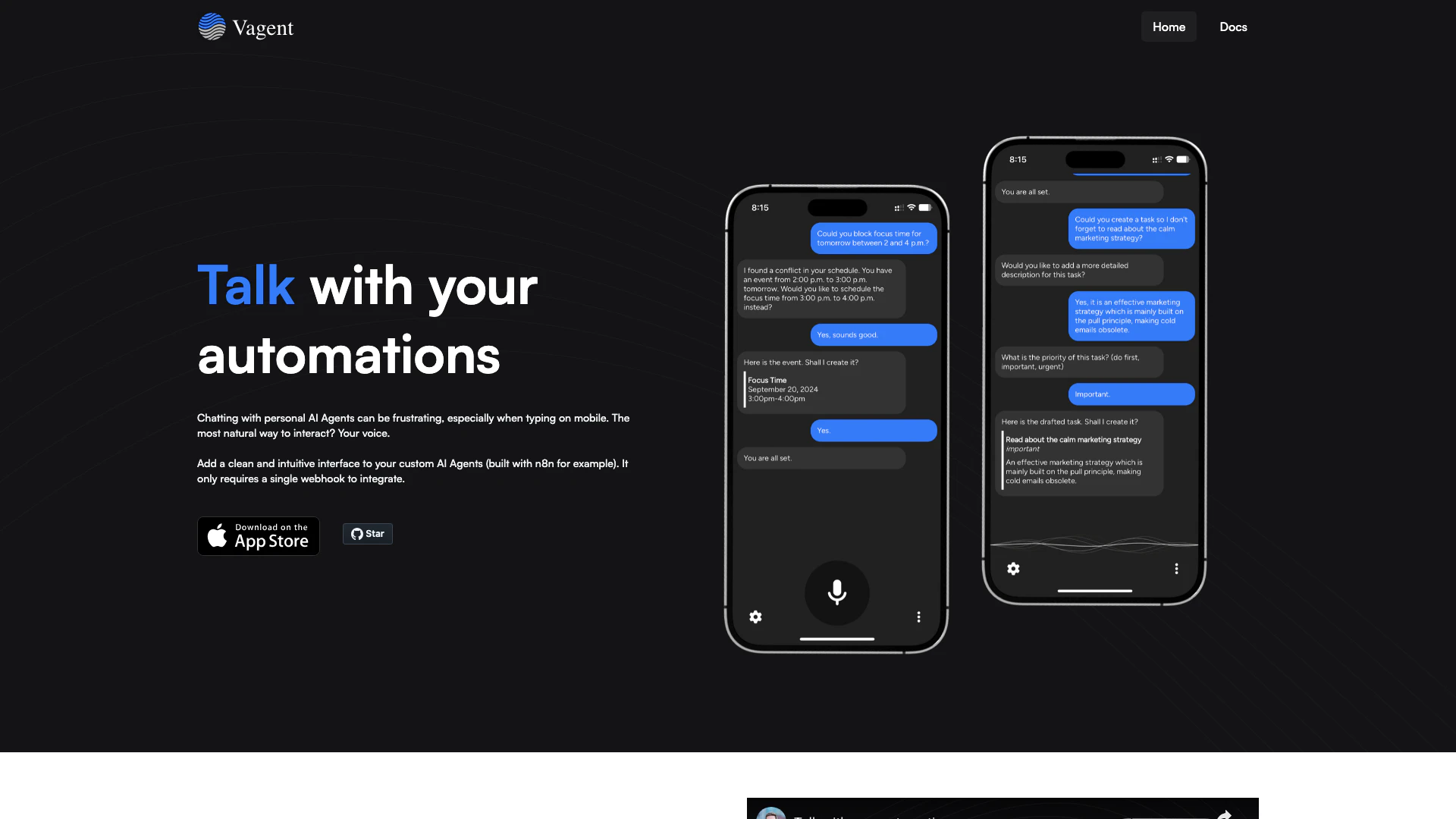
Vagent is an innovative tool designed to enhance the interaction with custom AI Agents by providing a clean and intuitive interface. It is particularly useful for automating conversations with AI, enabling users to communicate naturally using their voice. Built with flexibility in mind, Vagent integrates seamlessly with various backend systems using just a single webhook, making it an accessible solution for developers and users alike.
How to use Vagent?
- Set up your backend: Ensure you have a backend system ready for integration, such as n8n.
- Create a webhook: Generate a webhook URL that Vagent will use to connect to your backend.
- Integrate Vagent: Use the provided documentation to integrate Vagent with your backend by entering the webhook URL.
- Launch the app: Download and open the Vagent app on your device.
- Start chatting: Begin interacting with your AI Agents using voice commands or text input, taking advantage of Vagent's intuitive interface.
What are the main features of Vagent?
- Universal Integration: Connects to any backend using a single webhook with secure authentication.
- Great Speech Quality: Integrates OpenAI Speech for natural-sounding audio output.
- 60+ Supported Languages: Automatically detects languages for both voice input and output.
- Separate Speech and Text: Allows different outputs for spoken and written formats, including Markdown support.
- No Registration Required: User data is not collected; settings and chat history are stored locally on the device.
- Session Management: Chat history is linked to a unique session ID that can be reset at any time.
Who is Vagent for?
Vagent is designed for developers and businesses looking to enhance their AI automation capabilities. It is particularly beneficial for those who want to create custom AI Agents that can interact naturally with users through voice or text. The tool is ideal for users who prioritize data privacy, as it does not require registration and stores information locally.
What are the use cases of Vagent?
- Customer Support: Use Vagent to create AI Agents that can handle customer inquiries via voice, providing a more interactive support experience.
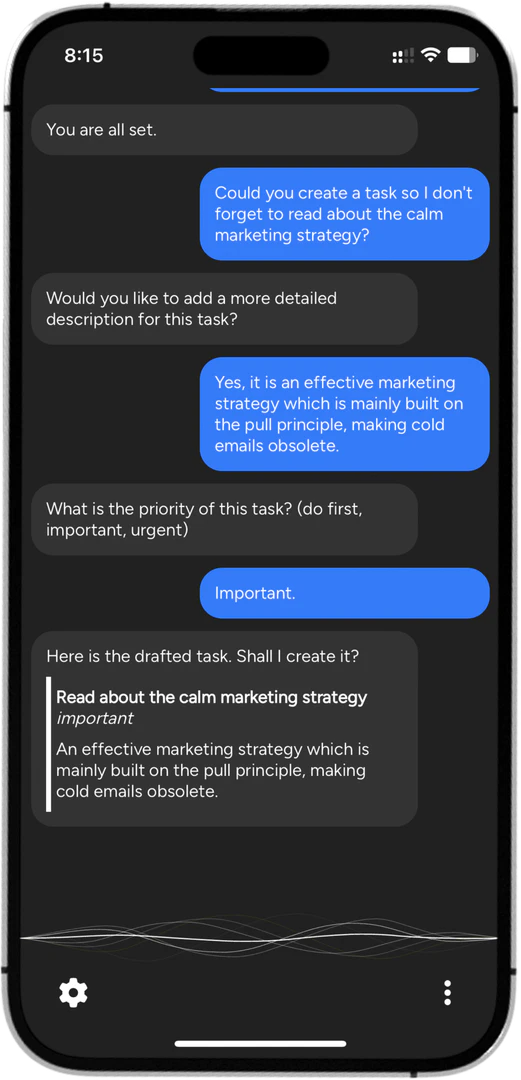
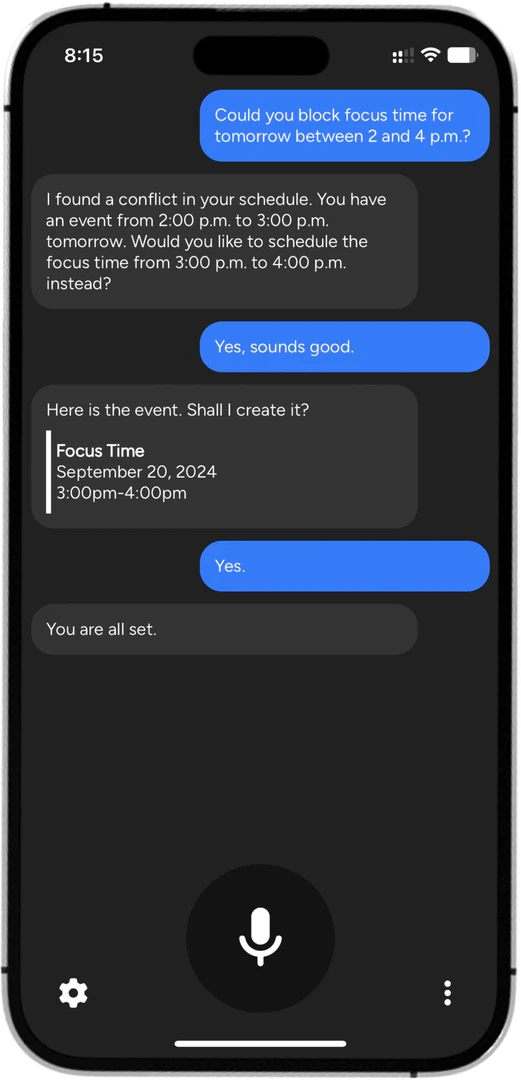
- Personal Assistants: Develop personal AI assistants that can manage tasks and provide information through natural voice commands.
- Educational Tools: Implement Vagent in educational applications where students can interact with AI for learning assistance and tutoring.
Product Images
Vagent Pros and Cons
Pros
- Universal Integration: Vagent allows seamless connection to any backend using just a single webhook, ensuring secure authentication.
- High-Quality Speech: The integration with OpenAI Speech provides natural-sounding voice interactions, enhancing user experience.
- Multi-Language Support: Supports over 60 languages for both voice input and output, automatically detecting the language.
- No Registration Required: Users can start using Vagent without registration, ensuring privacy as no data is collected.
Cons
No cons data detected for this tool



