

V8eo


What is V8eo?
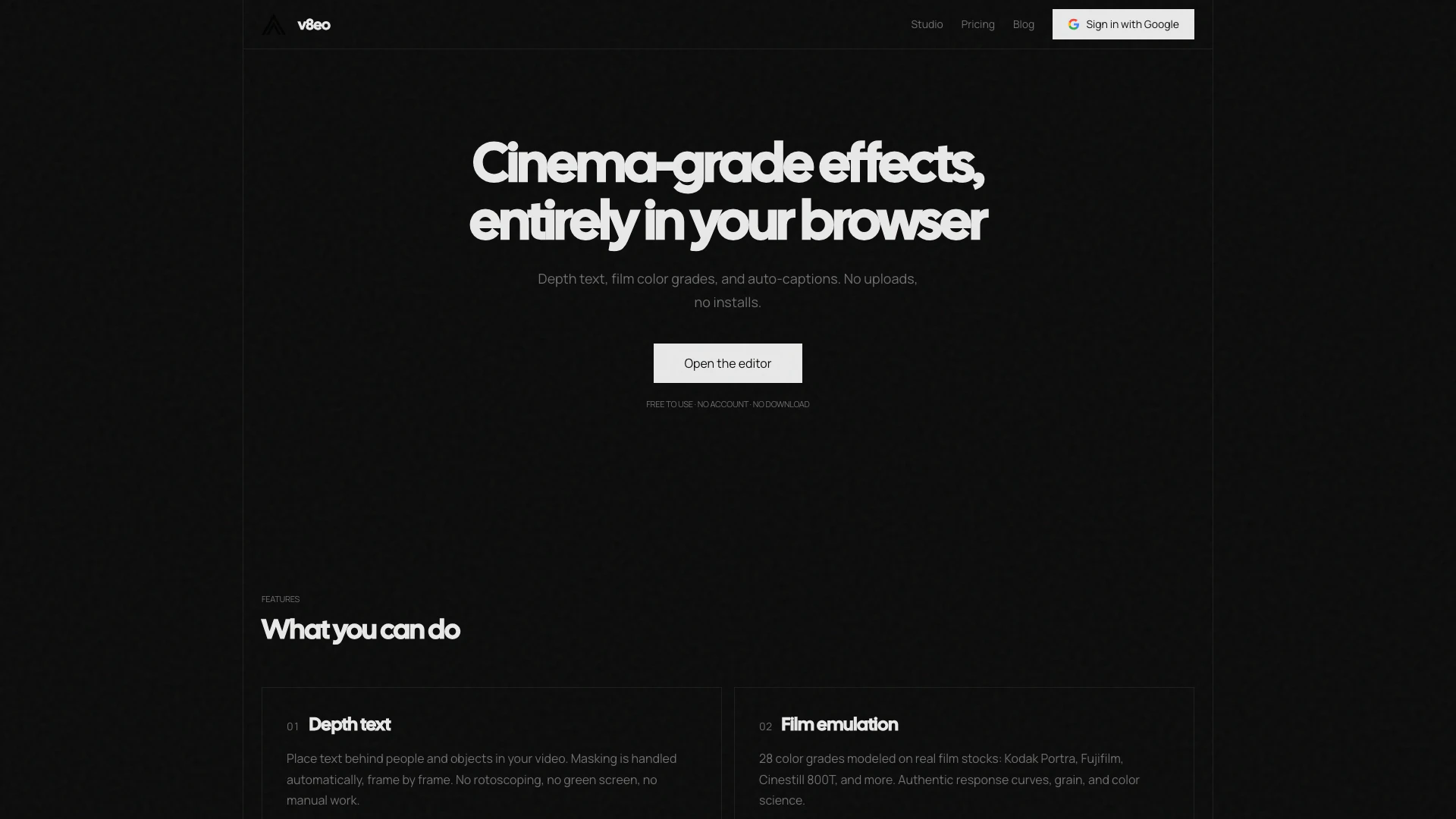
V8eo is a free, browser-based video editing tool that allows users to add text behind people and objects in their videos using advanced AI depth detection[1] technology. With V8eo, you can apply film simulations and vintage film looks to enhance your video content, all without the need for uploads or installations. This tool is designed to provide cinema-grade effects directly in your web browser, making it accessible and easy to use for anyone looking to elevate their video editing capabilities.
How to use V8eo?
- Open the V8eo editor in your browser by visiting the V8eo website.
- Upload your video file in supported formats such as MP4, MOV, or WebM.
- Select the 'Depth Text[2]' tool to add text to your video. Position the text where you want it to appear.
- Click on the subject behind which you want the text to appear. The AI will analyze the depth information frame by frame, ensuring the text is rendered correctly.
- Adjust any additional settings, such as film emulation[3] or automatic captions[4], to customize your video.
- Preview your video in real-time and make any necessary adjustments before finalizing.
What are the main features of V8eo?
- Depth Text: Automatically place text behind people and objects in your video with frame-by-frame masking, eliminating the need for manual rotoscoping or green screens.
- Film Emulation: Choose from 28 color grades modeled on real film stocks, such as Kodak Portra and Fujifilm, providing authentic film looks with real-time previews.
- Automatic Captions: Utilize advanced speech recognition for transcription with customizable font, color, position, and animation styles.
- Motion Tracking[5]: Pin text or graphics to moving subjects with automatic frame-by-frame tracking (coming soon).
Who is V8eo for?
V8eo is ideal for content creators, videographers, and social media influencers who seek to enhance their video projects without the need for complex software installations. It caters to users who want a quick and efficient way to add professional effects, such as depth text and film simulations, directly from their browser. Whether you are a beginner looking to make engaging videos or a seasoned professional aiming for high-quality results, V8eo provides a user-friendly platform that meets diverse editing needs.
What are the use cases of V8eo?
- Social Media Content Creation: Perfect for influencers and marketers looking to create eye-catching videos for platforms like Instagram, TikTok, or YouTube.
- Educational Videos: Useful for educators who want to create engaging instructional videos with clear text overlays and professional film looks.
- Personal Projects: Great for individuals wanting to edit home videos or personal projects with cinematic effects, making them more visually appealing.
Product Images

V8eo Pros and Cons
Pros
- AI Depth Detection for Text Placement: Automatically places text behind people and objects in videos using AI depth detection, eliminating the need for manual masking or green screens.
- Film Emulation Features: Offers 28 color grades modeled on real film stocks, providing authentic film looks with real-time preview capabilities.
- No Installation Required: Browser-based editor allows users to access features without downloads or account creation, making it easy to use.
Cons
No cons data detected for this tool





