

Usevoicy


What is Usevoicy?
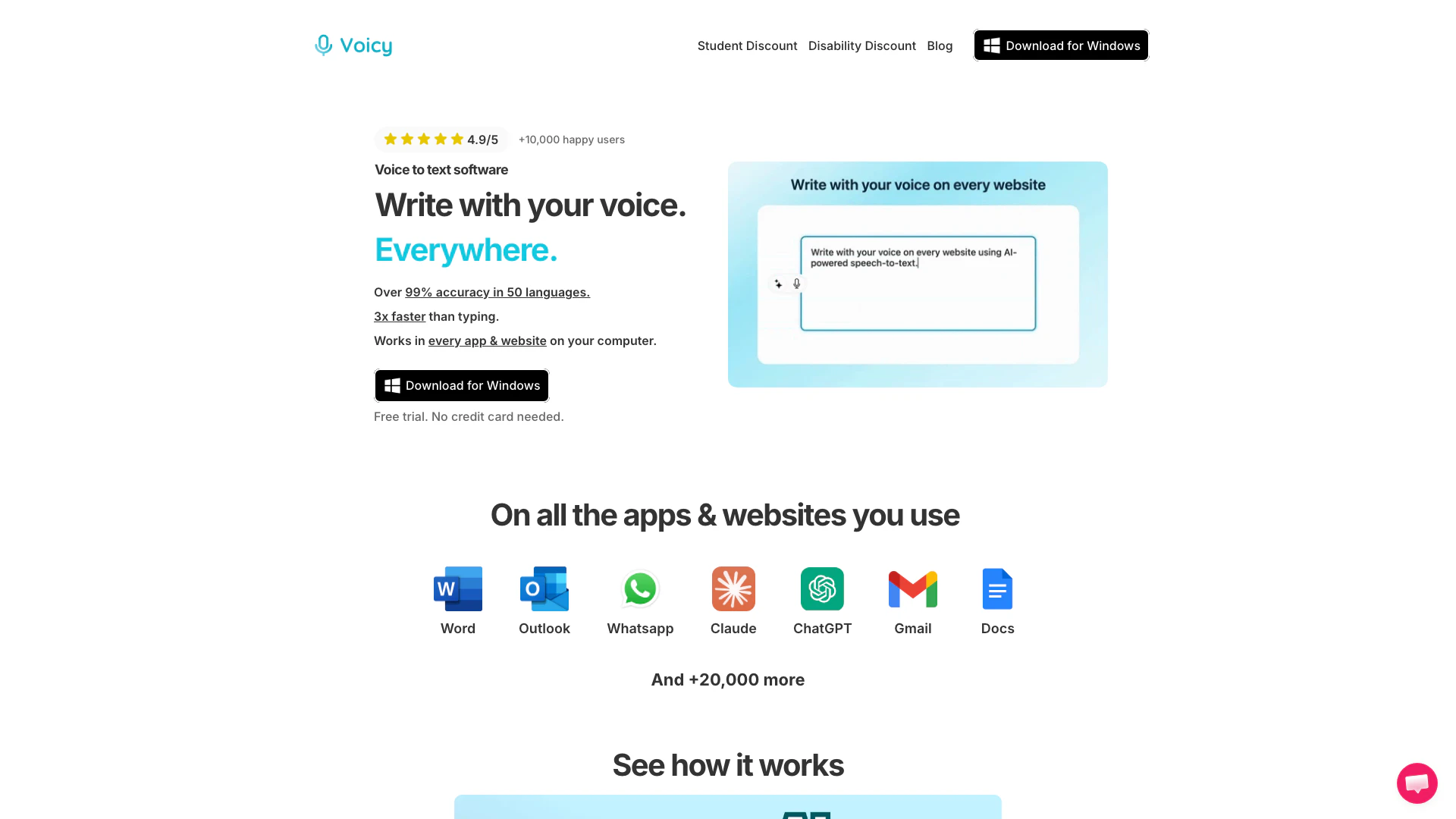
Usevoicy is an AI-powered speech-to-text application designed for seamless voice dictation across various platforms including Mac, Windows, and Chrome. This innovative tool allows users to write with their voice on over 20,000 websites and applications, such as Gmail, Microsoft Word, Google Docs, Slack, and Outlook. With an accuracy rate exceeding 99% in 50 languages, Usevoicy significantly enhances productivity by enabling users to dictate text up to three times faster than traditional typing methods. Its user-friendly interface and robust features make it an essential tool for anyone looking to improve their writing efficiency and experience.
How to use Usevoicy?
- Download and install the Voicy application on your preferred platform (Mac, Windows, or Chrome Extension).
- Open any application or website where you want to dictate text (e.g., Gmail, Word, Slack).
- Activate Voicy by clicking the microphone icon or using the designated keyboard shortcut.
- Start speaking clearly, and Voicy will transcribe your voice into text in real-time.
- Review and edit the transcribed text as needed before sending or saving it.
What are the main features of Usevoicy?
- High Accuracy: Achieves over 99% accuracy in 50 languages.
- Universal Compatibility: Works seamlessly across more than 20,000 websites and applications, including Gmail, Word, Docs, Slack, and Outlook.
- Fast Dictation: Speeds up writing by allowing users to dictate text up to 3 times faster than typing.
- Automatic Punctuation: Automatically adds punctuation and formatting to the dictated text.
- Privacy-Focused: Does not store recordings or transcripts, ensuring user privacy.
- AI Rewriting: Offers AI-powered rewriting and editing features for professional emails and documents.
Who is Usevoicy for?
Usevoicy is ideal for professionals, students, and anyone who frequently writes or communicates online. It caters to individuals who seek to enhance their productivity by dictating text instead of typing. This tool is particularly beneficial for those who use multiple applications and websites for communication and documentation, including writers, marketers, and business professionals who require fast and accurate text input. Additionally, its privacy-focused approach makes it suitable for users concerned about data security while dictating sensitive information.
What are the use cases of Usevoicy?
- Email Composition: Quickly dictate emails in various email applications like Gmail and Outlook, enhancing productivity.
- Document Creation: Use Voicy to write reports, essays, or any text documents in Word, Google Docs, or Notion, streamlining the writing process.
- Chat Communication: Dictate messages in chat applications such as Slack or WhatsApp, making team communication faster and more efficient.
Usevoicy Pros and Cons
Pros
- Wide Compatibility with Apps: Voicy allows voice dictation on over 20,000 websites and apps, including popular platforms like Gmail, Word, and Slack, enhancing productivity.
- Automatic Punctuation and Grammar Correction: The tool automatically adds punctuation and corrects grammar in the dictated text, ensuring high-quality output without manual editing.
- Multilingual Support: Voicy supports voice typing in over 50 languages with more than 99% accuracy, making it suitable for a diverse user base.
Cons
- Internet Dependency: The tool may require a stable internet connection for optimal performance, which could be a limitation for users in areas with poor connectivity.
- Limited Mobile Accessibility: Voicy is currently available only as a web application and may not have dedicated mobile apps, limiting its accessibility on mobile devices.





