Uselinxa


What is Uselinxa?
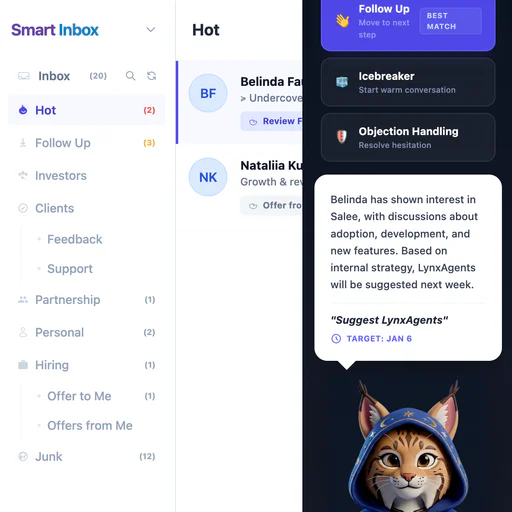
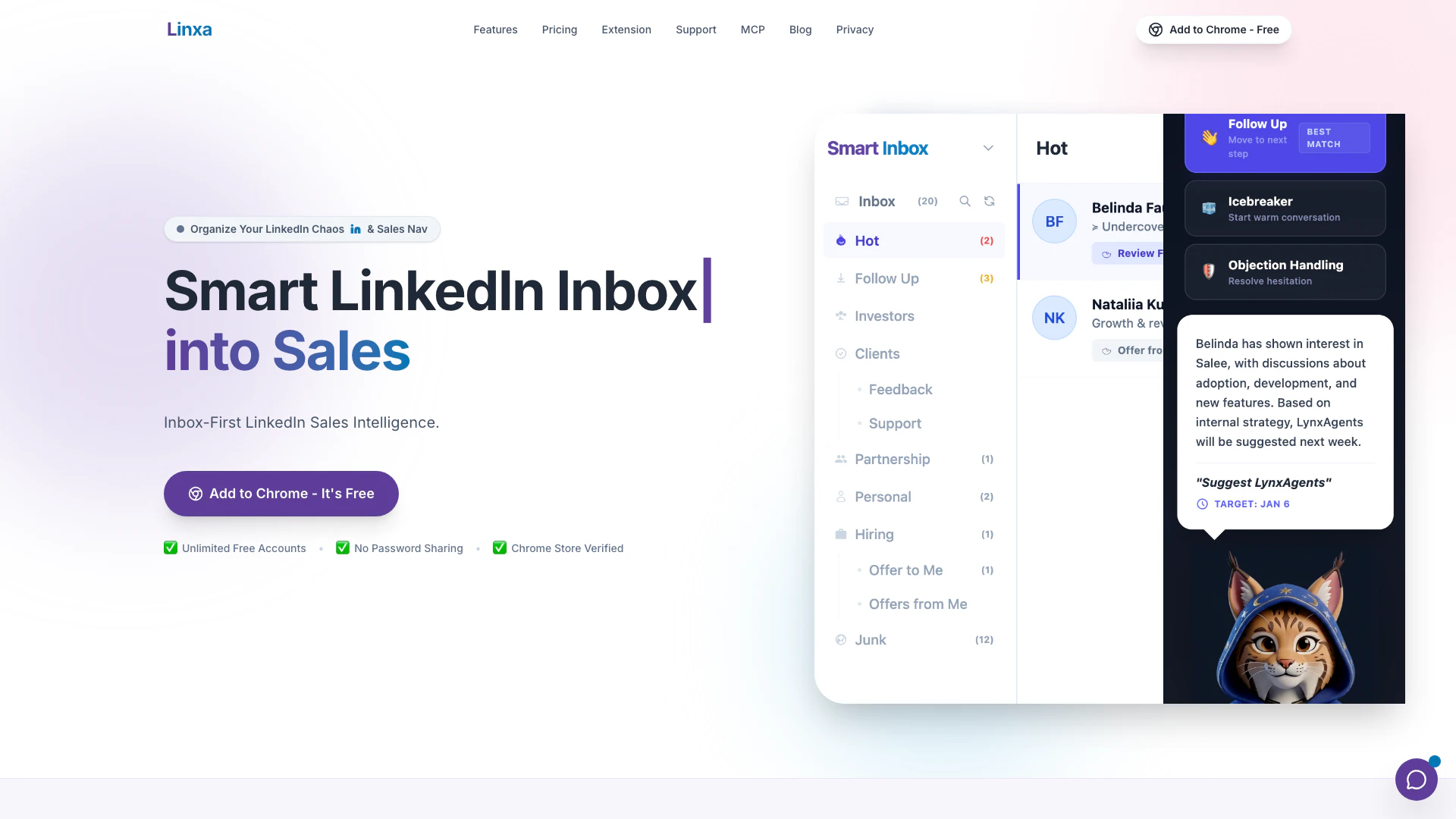
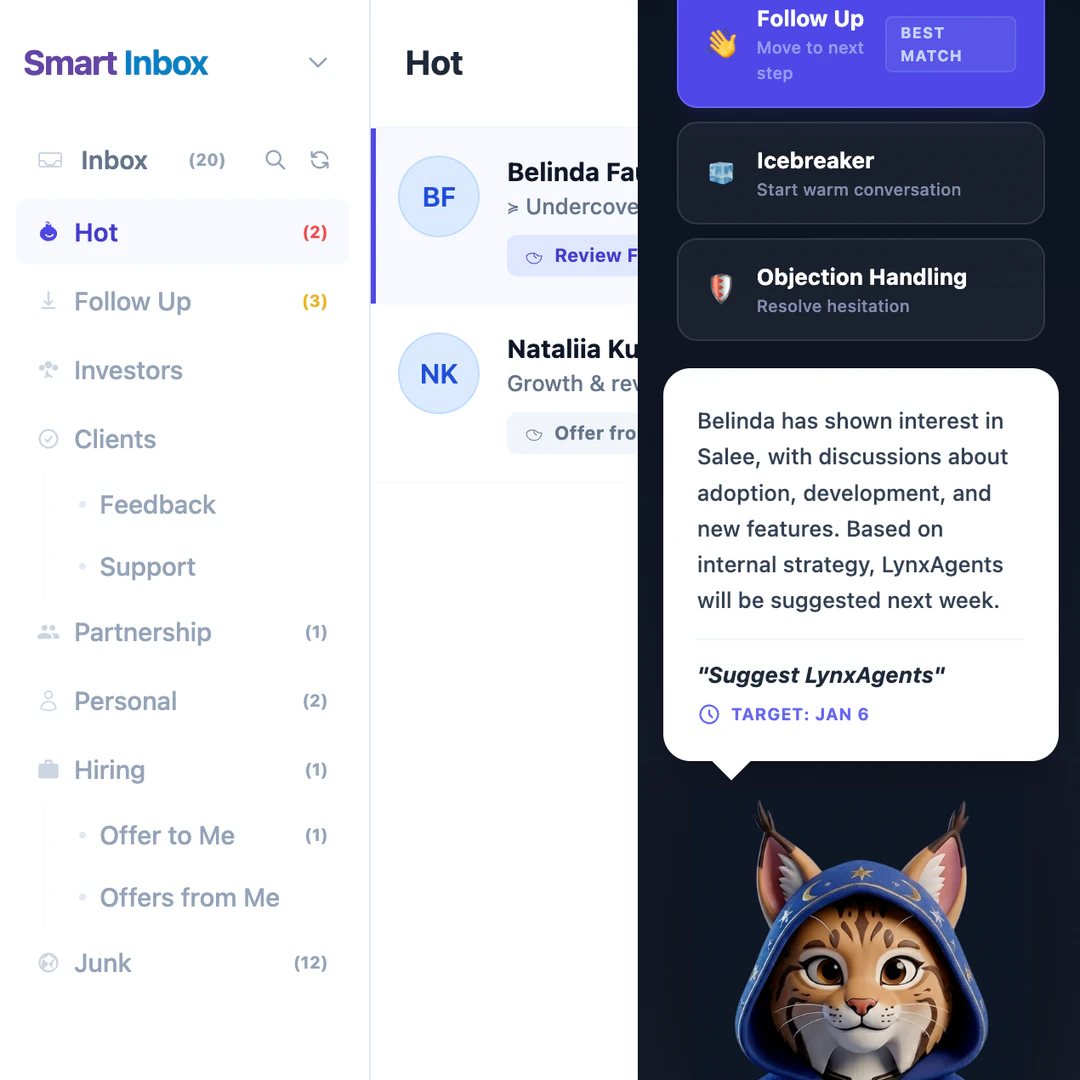
Uselinxa is an innovative sales tool designed to streamline LinkedIn messaging and enhance productivity for sales professionals. Acting as a smart inbox layer, it organizes LinkedIn messages into actionable categories such as Hot Leads, Follow-Up, and Junk, allowing users to focus on high-priority conversations. Uselinxa utilizes AI-powered intelligence[2] to track deals and provide context for each interaction, ensuring that no opportunity is missed amidst the chaos of an overflowing inbox. This tool is compatible with both LinkedIn Basic and Sales Navigator, making it an essential resource for anyone looking to optimize their LinkedIn sales process.
How to use Uselinxa?
- Install the Uselinxa Chrome Extension from the Chrome Web Store.
- Sign in with your LinkedIn account; no password sharing is required.
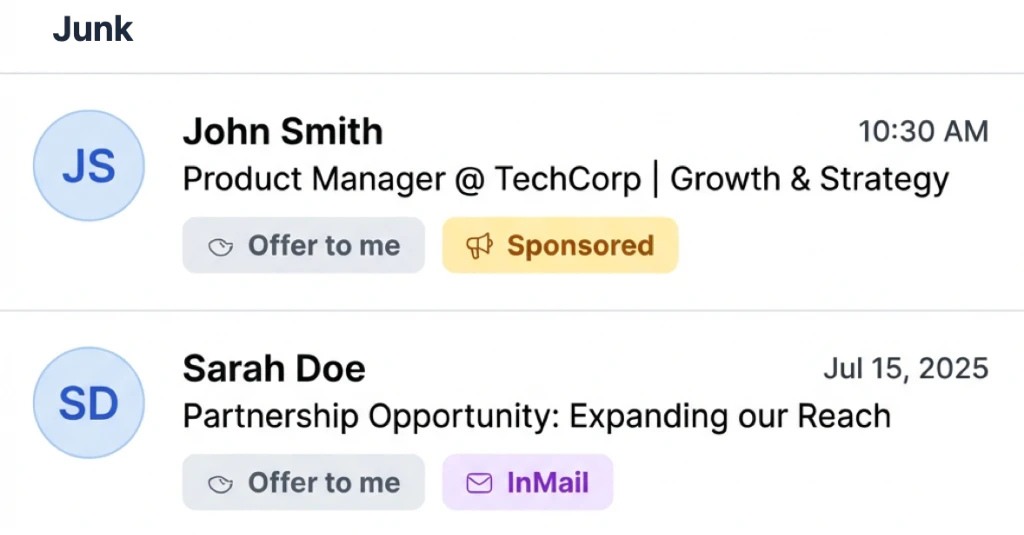
- Allow Uselinxa to automatically sort your LinkedIn messages into predefined categories like Hot Leads, Follow-Up, Hiring, and Junk.
- Use the AI-powered features to generate smart replies and track deal stages.
- Customize labels for your messages to enhance organization and workflow management.
What are the main features of Uselinxa?
- Smart Sorting[1]: Automatically categorizes messages into Hot Leads, Follow-Up, Hiring, and Junk.
- AI-Powered Intelligence: Provides smart replies and tracks deal stages to enhance communication efficiency.
- Custom Labels: Allows users to tag messages with product and deal stage labels for better organization.
- Encrypted & Secure: Maintains user privacy by not requesting LinkedIn passwords.
- Unlimited Free Accounts: Offers a free tier for individual sellers and small teams without restrictions.
Who is Uselinxa for?
Uselinxa is primarily targeted at sales professionals, small business owners, and teams that utilize LinkedIn for networking and lead generation. It is ideal for individuals who struggle with managing a high volume of LinkedIn messages, as well as those looking to enhance their follow-up processes and sales conversions. The tool is beneficial for both new users and seasoned sales agents who want to maintain organized communication without losing track of important conversations.
What are the use cases of Uselinxa?
- Lead Management[3]: Sales representatives can easily track and categorize incoming leads, ensuring timely follow-ups and increased conversion rates.
- Follow-Up Reminders: Users can set reminders for follow-ups, preventing potential deals from slipping through the cracks.
- Multi-Account Management: Uselinxa allows users to manage multiple LinkedIn accounts from a single interface, streamlining workflows for individuals with diverse profiles.
Product Images
Uselinxa Pros and Cons
Pros
- Smart Inbox Organization: Linxa automatically sorts LinkedIn messages into categories like Hot Leads, Follow-Up, and Junk, helping users focus on important conversations.
- AI-Powered Features: The tool offers AI-powered smart replies and personalized response templates, enhancing user efficiency and saving time on repetitive tasks.
- Unlimited Free Accounts: Linxa provides unlimited free accounts, allowing individual sellers and small teams to use the tool without upfront costs.
Cons
No cons data detected for this tool
Uselinxa Pricing
Free
Perfect for individual sellers and small teams. Unlimited Accounts, Automatic sorting into folders, Inbox organization, Basic workflow management, LinkedIn Basic & Sales Nav, Chrome Store Verified.
Advanced
Efficiency powered by Sales Intelligence. Everything in Free, plus: AI-Powered Smart Replies, Product/Service Context Management, Personalized Response Templates, Deal Stage Tracking, Advanced Performance Analytics, Priority Email Support.
For the latest pricing, please visit this link: https://www.uselinxa.com/pricing
Prices are subject to change. Please visit the official website for the most up-to-date pricing information.