

Typeui




What is Typeui?
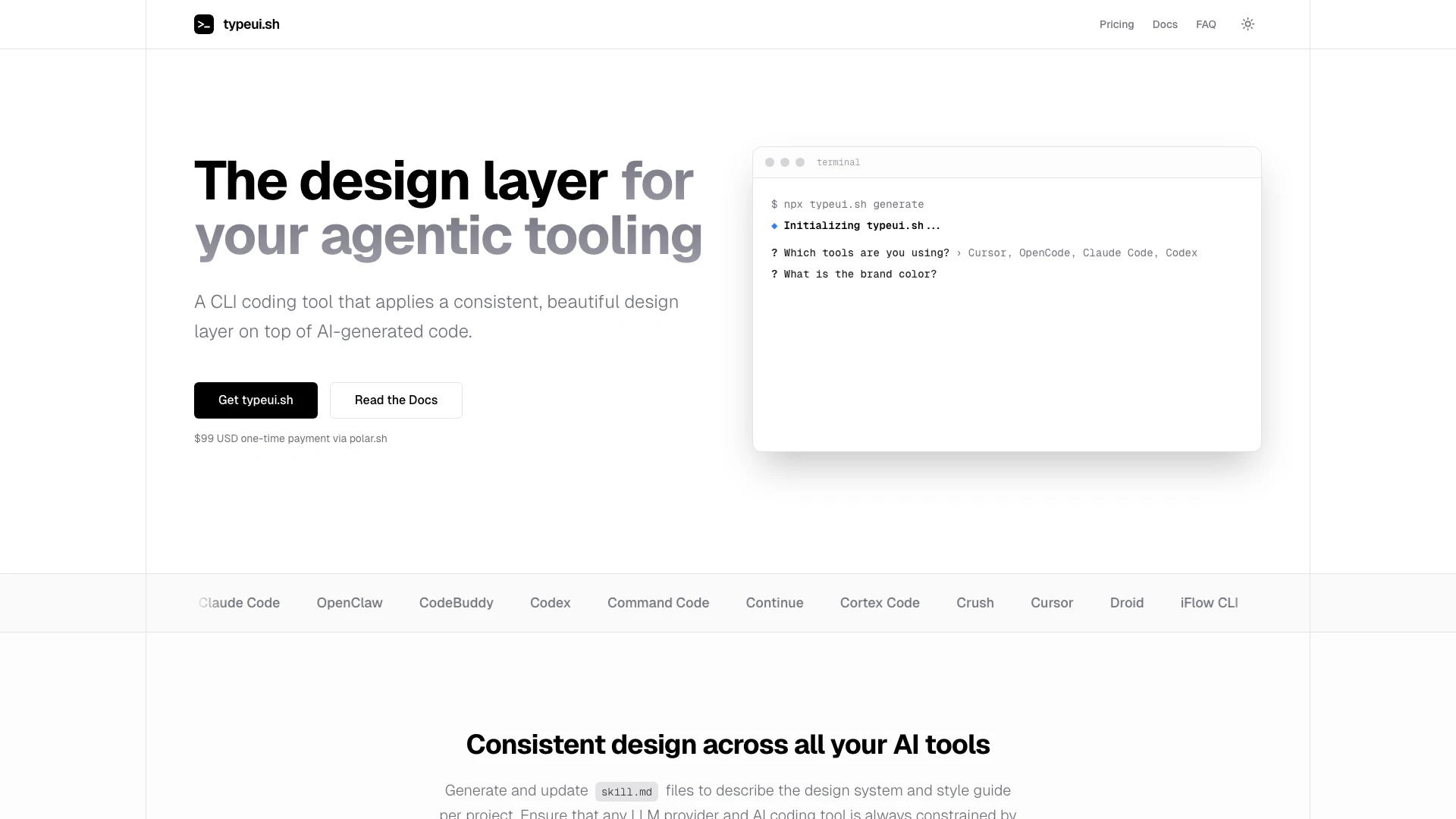
Typeui is a Command Line Interface (CLI) coding tool designed to enhance the development process by applying a consistent and aesthetically pleasing design layer on top of AI-generated code. This tool aims to simplify the integration of design systems with AI coding, ensuring that developers can produce high-quality, uniform outputs across various projects. With Typeui, users can generate and update design specifications effortlessly, making it an invaluable resource for developers seeking to maintain a cohesive design language in their applications.
How to use Typeui?
- Install Typeui by running `npx typeui.sh` in your terminal.
- Use the command `generate [options]` to create provider skill files for your current project.
- To update existing skill files, execute `update [options]`.
- For assistance with commands, type `help [command]` to display help information.
- Verify your license key by using the `verify` command and follow the prompts.
What are the main features of Typeui?
- Consistent Design Layer: Applies a unified design layer to AI-generated code, ensuring visual coherence.
- Skill File Generation: Automatically generates and updates `skill.md` files that describe design systems and style guides.
- CLI Commands: Offers various commands for generating, updating, and managing design specifications easily.
- License Verification: Allows users to verify their license status and manage local caches effectively.
- Future Enhancements: Plans for additional features based on user feedback, including a visual configurator and a Figma plugin.
Who is Typeui for?
Typeui is ideal for developers, freelancers, and agencies who utilize AI coding tools and want to ensure their projects maintain a consistent design language. It caters to both individual developers looking for streamlined workflows and teams that require collaboration on design specifications. By integrating seamlessly with popular AI coding assistants, Typeui serves as a bridge between AI-generated code and effective design implementation, making it suitable for various development environments.
What are the use cases of Typeui?
- Web Development: Use Typeui to create visually consistent web applications by applying design tokens to AI-generated front-end code.
- Mobile App Development: Generate uniform design specifications for mobile applications, ensuring that UI elements are cohesive across different screens.
- Design System Implementation: Streamline the process of integrating design systems into existing projects by using Typeui to manage and update design tokens.
Typeui Pros and Cons
Pros
- Consistent Design Layer: Typeui applies a beautiful and consistent design layer on top of AI-generated code, enhancing the overall aesthetic and usability of the code.
- Simple CLI Usage: The tool offers a straightforward command-line interface, making it easy for developers to generate and update skill files with simple commands.
- Lifetime Access with One-Time Payment: Users can enjoy lifetime access to the tool with a one-time payment, avoiding recurring subscription fees.
Cons
No cons data detected for this tool
Typeui Pricing
Single License
For solo developers and freelancers.
Team License
For agencies and development teams.
For the latest pricing, please visit this link: https://www.typeui.sh/#pricing
Prices are subject to change. Please visit the official website for the most up-to-date pricing information.




