Tweet


What is Tweet?
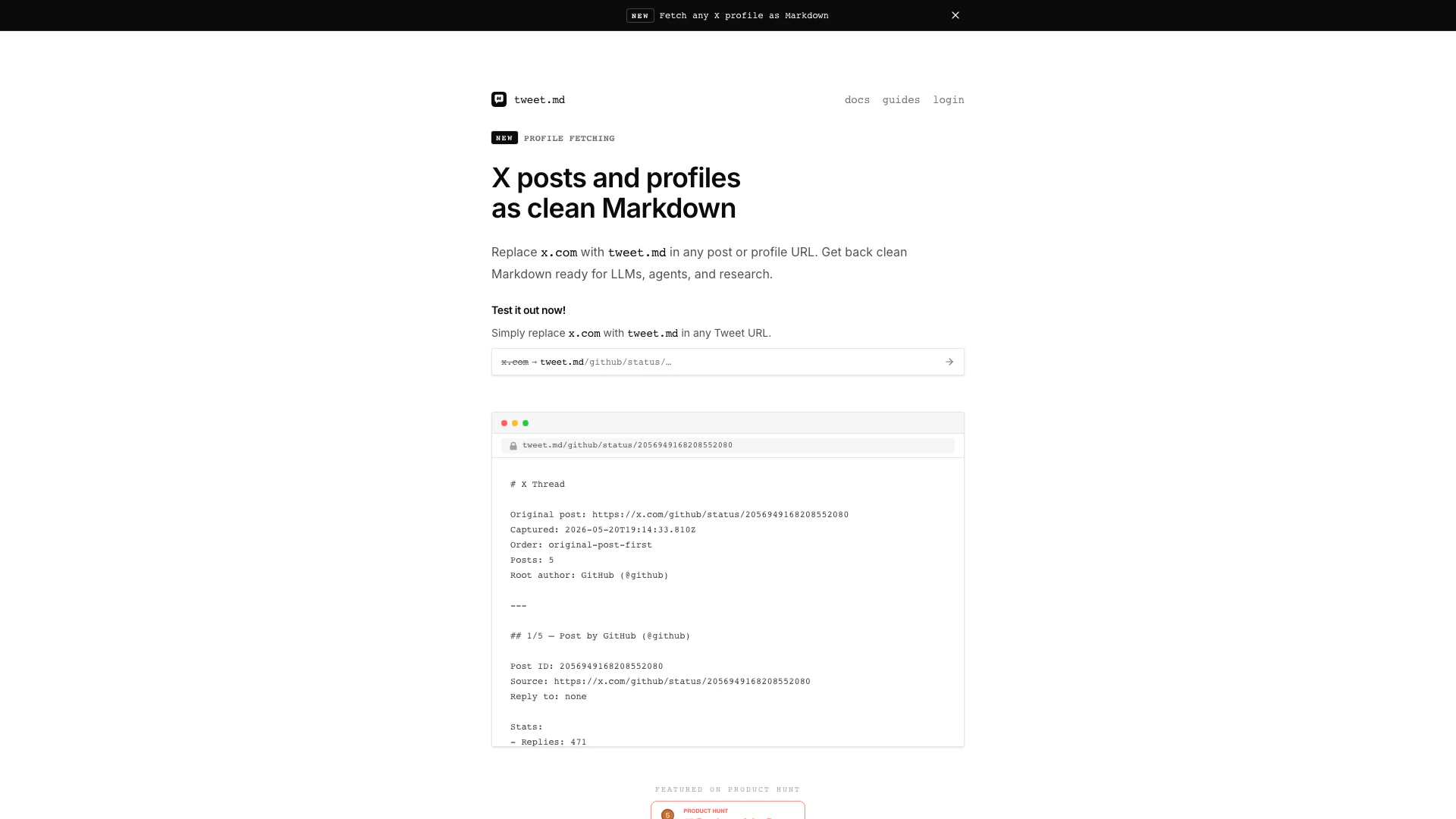
Tweet is an innovative tool designed to convert any X post or thread into clean Markdown format, specifically optimized for large language models (LLMs), agents, and research purposes. By simply swapping the standard 'x.com' URL with 'tweet.md', users can easily retrieve the content they need in a structured format, making it highly accessible for various applications such as AI chatbots and assistants.
How to use Tweet?
- Replace 'x.com' with 'tweet.md' in the URL of any post you want to convert.
- Copy the LLM-ready Markdown text displayed on the page.
- Paste the Markdown content into any chat assistant or agent that supports LLMs.
What are the main features of Tweet?
- Converts X posts and threads into clean Markdown format.
- Optimized for LLMs, reducing token usage and enhancing readability.
- No authentication needed; API key is provided via cookie after checkout.
- Compatible with a variety of AI chat assistants and agents, including OpenAI's ChatGPT, Claude, and Gemini.
- Offers additional skills for agents to seamlessly replace URLs and read tweets.
Who is Tweet for?
Tweet is ideal for researchers, developers, and content creators who frequently work with social media data, particularly from X. It caters to users looking to streamline the process of extracting and utilizing social media content in their AI-driven applications, making it a valuable resource for anyone engaged in AI research, chatbot development, or social media analysis.
What are the use cases of Tweet?
- Researchers can convert X posts into Markdown for analysis in academic papers or reports.
- Developers can use the tool to feed clean, structured data into AI chatbots and assistants for improved interaction.
- Content creators can easily extract and repurpose social media content for blogs, articles, or presentations.
Tweet Pros and Cons
Pros
- Easy URL Conversion: Users can easily convert any X post URL to Markdown by simply replacing 'x.com' with 'tweet.md', streamlining the process.
- Markdown Optimization for LLMs: The tool provides Markdown output that is specifically optimized for large language models, helping to save tokens and improve efficiency.
- No Authentication Required: After checkout, users receive a cookie with their API key, eliminating the need for complex authentication processes.
Cons
No cons data detected for this tool
Tweet Pricing
$5 Plan (Best Value)
5,500 credits, $0.01 per credit. Approximate usage: ~166 posts with metadata. Includes API key + browser session after checkout.
$19 Plan (Best Value)
2,200 credits, $0.0086 per credit — best balance for agents. Approximate usage: ~733 posts with metadata. Includes API key + browser session after checkout.
$49 Plan (Lowest Rate)
6,000 credits, $0.0082 per credit — lowest per-credit rate. Approximate usage: ~2,000 posts with metadata. Includes API key + browser session after checkout.
For the latest pricing, please visit this link: https://tweet.md/#pricing
Prices are subject to change. Please visit the official website for the most up-to-date pricing information.