Tryfreeway




What is Freeway?
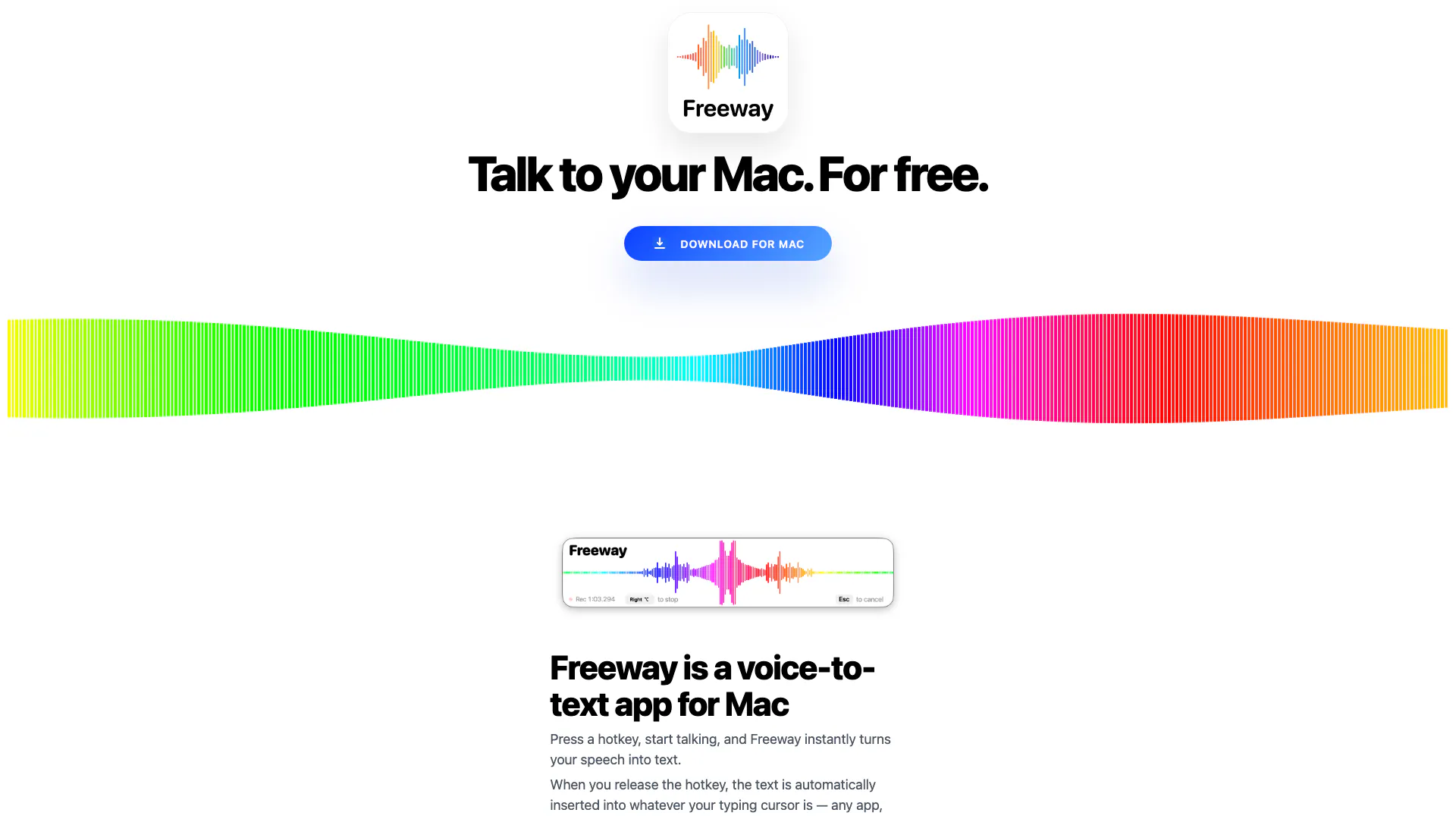
Freeway is a free, private, on-device voice-to-text[1] application designed specifically for Mac users. It enables users to transcribe their speech into text seamlessly, making the process of writing and communicating much faster and more efficient. With Freeway, speaking is four times faster than typing, allowing users to express their thoughts and ideas as they come to mind without the friction of traditional typing methods. This app is built on advanced voice recognition technology, ensuring that it runs entirely on-device, preserving user privacy while providing a quick and accessible way to convert speech into text.
How to use Freeway?
- Download and install Freeway from the official website.
- Launch the app and configure your preferred hotkey for voice activation.
- Press the designated hotkey to start dictating your speech.
- Speak clearly into your Mac's microphone; Freeway will transcribe your speech into text in real-time.
- Release the hotkey when finished, and the text will automatically insert into the application or website where your cursor is positioned.
What are the main features of Freeway?
- On-Device Processing[2]: All speech recognition[3] is performed on your Mac, ensuring privacy and security.
- Fast Transcription[4]: Convert speech to text at a speed that is four times faster than typing.
- Universal Compatibility[5]: Works with any application or website where text input is possible.
- No Subscription Fees[6]: Free for everyone, making advanced voice technology accessible.
- Multiple Language Support: Supports various languages, enhancing usability for a global audience.
- User-Friendly Interface: Simple activation with a hotkey, making it easy to use for all ages.
Who is Freeway for?
Freeway is designed for a wide range of users, including children, parents, and grandparents. It is particularly beneficial for kids who are learning to express themselves and tell stories without the need for typing. Parents can utilize Freeway to manage daily tasks, send messages, and assist their children in learning effectively. Grandparents find it easier to communicate with technology through voice dictation, reducing frustration associated with typing. Overall, Freeway caters to anyone looking for a fast, efficient, and user-friendly way to convert speech into text.
What are the use cases of Freeway?
- Storytelling for Kids: Children can use Freeway to narrate stories or describe their thoughts without needing to type.
- Note Taking for Students: Students can dictate notes during lectures, ensuring they capture information quickly and accurately.
- Hands-Free Messaging for Parents: Parents can send quick messages or reminders while multitasking, making communication more efficient.
Tryfreeway Pros and Cons
Pros
- Free and Accessible: Freeway is completely free to use, making advanced voice-to-text technology accessible to everyone without any subscription fees.
- On-Device Processing: All voice processing occurs on-device, ensuring privacy and eliminating the need for internet connectivity.
- Fast and Efficient: Transcribing speech to text is four times faster than typing, enhancing productivity and allowing for a natural flow of ideas.
Cons
No cons data detected for this tool