
Trydemotion


What is Trydemotion?
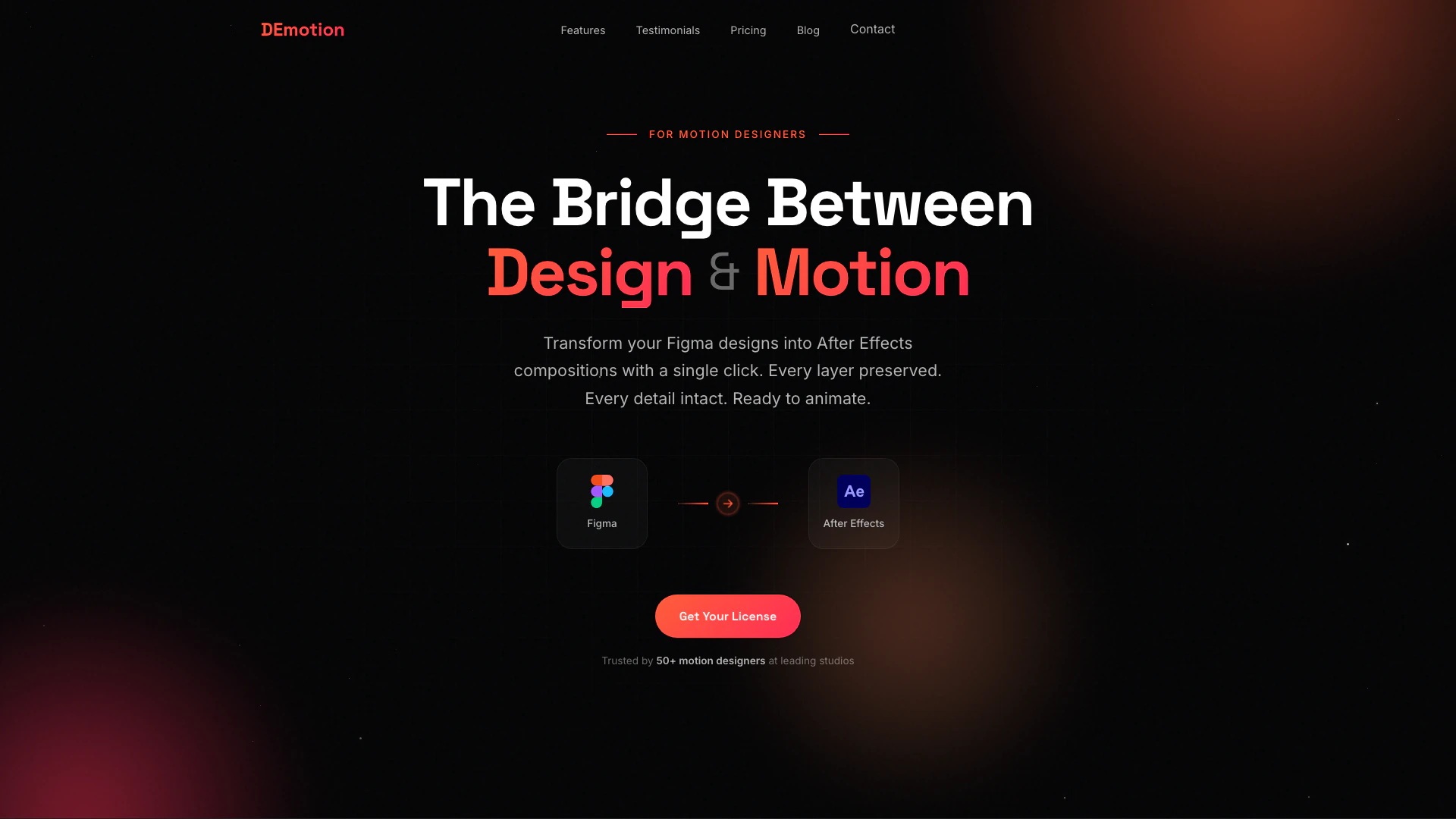
Trydemotion is an innovative tool designed to streamline the workflow between Figma and After Effects. It allows users to transfer Figma designs to After Effects with just one click, preserving all layers, gradients, effects, and groups without the need for any rebuilding. This seamless integration enhances productivity for motion designers, making it an essential tool for those who regularly work with both design and animation software.
How to use Trydemotion?
- Install the Trydemotion plugin in Figma and After Effects.
- Open your design in Figma and select the layers or components you want to transfer.
- Click the 'Transfer' button in the Trydemotion panel.
- Switch to After Effects, where your selected design will appear instantly, fully preserved with layers and effects.
What are the main features of Trydemotion?
- One-Click Transfer: Instantly move designs from Figma to After Effects.
- Layer Preservation: Maintains all layers, groups, and naming conventions as originally designed.
- Smart Rasterize: Automatically detects layers that require rasterization.
- Full Effect Support: Transfers shadows, blurs, gradients, and blend modes flawlessly.
- Scale Options: Export designs at 1x, 2x, or 3x resolution.
- Auto Precomp: Automatically organizes layers into pre-compositions for a clean timeline.
- Handles Any Transfer Size: Efficiently manages transfers from small to large projects.
Who is Trydemotion for?
Trydemotion is primarily designed for motion designers and animators who utilize both Figma for design and After Effects for animation. It caters to professionals looking for a more efficient workflow, allowing them to focus on creativity rather than tedious transfer processes. This tool is ideal for teams and individuals who need to maintain high fidelity between their design and animation phases.
What are the use cases of Trydemotion?
- Rapid prototyping: Quickly transfer design concepts from Figma to After Effects for immediate animation testing.
- Marketing and advertising: Create engaging motion graphics by seamlessly integrating design assets from Figma.
- UI/UX animations: Animate user interface designs directly from Figma, preserving the original design intent and details.
Trydemotion Pros and Cons
Pros
- One-Click Transfer: Effortlessly transfer designs from Figma to After Effects with a single click, simplifying the workflow.
- Layer Preservation: All layers, groups, and naming conventions are preserved during the transfer, ensuring fidelity to the original design.
- Full Effect Support: Supports the transfer of shadows, blurs, gradients, and blend modes, maintaining the visual integrity of designs.
Cons
No cons data detected for this tool
Trydemotion Pricing
Solo
1 User License Figma Plugin After Effects Extension Constant updates Lifetime access 7-day money-back guarantee
Duo
2 User Licenses Everything in Solo Priority Support Save $10
For the latest pricing, please visit this link: https://trydemotion.com/
Prices are subject to change. Please visit the official website for the most up-to-date pricing information.




