

Traeai




What is Traeai?
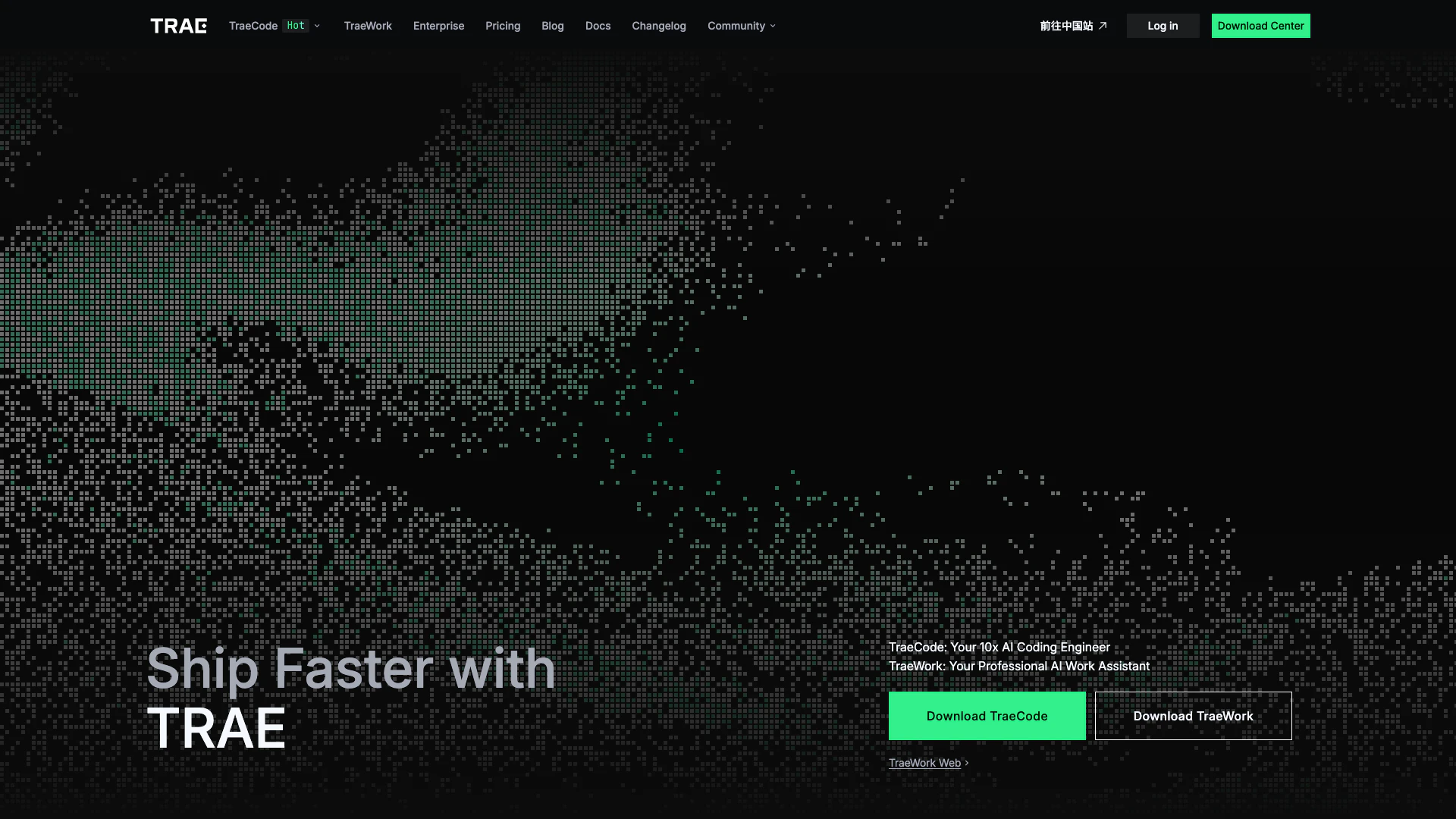
Traeai is an innovative suite of AI tools designed to enhance productivity in both coding and professional workflows. With TraeCode, users can experience the capabilities of a 10x AI coding engineer, while TraeWork serves as a professional AI work assistant, integrating seamlessly into various workflows to maximize performance and efficiency. This dual offering positions Traeai as a valuable asset for individuals and teams looking to streamline their processes and achieve greater results in their projects.
How to use Traeai?
- Visit the Traeai website at https://www.trae.ai/ and navigate to the TraeCode or TraeWork section.
- Choose the appropriate tool based on your needs—TraeCode for coding assistance or TraeWork for professional tasks.
- Download and install the selected tool following the on-screen instructions.
- Once installed, open the application and integrate it into your existing workflow.
- Utilize the AI capabilities by inputting your tasks or queries, and let Traeai assist you in maximizing performance and efficiency.
What are the main features of Traeai?
- Seamless integration into your workflow for enhanced efficiency.
- TraeCode acts as a 10x AI coding engineer, providing coding assistance.
- TraeWork serves as a professional AI work assistant to streamline tasks.
- Collaboration features that enhance team productivity.
- User-friendly interface for easy navigation and operation.
Who is Traeai for?
Traeai is designed for software developers, project managers, and professionals across various industries who seek to enhance their productivity and efficiency. It caters to both individual users looking to improve their coding skills and teams aiming to streamline collaboration and project management. Whether you are a freelancer, part of a startup, or working within a larger organization, Traeai provides the tools necessary to optimize workflows and achieve faster results.
What are the use cases of Traeai?
- Software development teams can use TraeCode to accelerate coding processes and reduce bugs.
- Project managers can employ TraeWork to manage tasks and improve team collaboration.
- Individual developers can leverage Traeai tools to enhance personal productivity and coding efficiency.
Traeai Video

Traeai Pros and Cons
Pros
- AI Coding Engineer: TraeCode acts as a powerful AI coding engineer, enhancing coding efficiency and productivity.
- Professional AI Assistant: TraeWork serves as a professional AI work assistant, streamlining various tasks and improving workflow.
- Seamless Integration: The tool is designed to integrate seamlessly into existing workflows, allowing for a smoother user experience.
Cons
- Workflow Adaptation Needed: The tool may require users to adapt their existing workflows to fully utilize its features, which could involve a learning curve.
Traeai Pricing
Lite
Limited offer: new user 7-day free trial.
Pro
Free for 7 days. Then $10/month. Basic usage, Unlimited Autocomplete, Up to 2 concurrent cloud tasks in TraeWork, TraeCode SOLO mode included (Web/Desktop).
Pro+
Everything in Pro, plus: $20 Basic usage, Up to 10 concurrent cloud tasks in TraeWork, TraeCode SOLO mode included (Web/Desktop).
Ultra
Everything in Pro+, plus: 3.5x more usage than Pro, Up to 15 concurrent cloud tasks in TraeWork, Model early access.
For the latest pricing, please visit this link: https://www.trae.ai/pricing
Prices are subject to change. Please visit the official website for the most up-to-date pricing information.





