Textwork





What is TextWork?
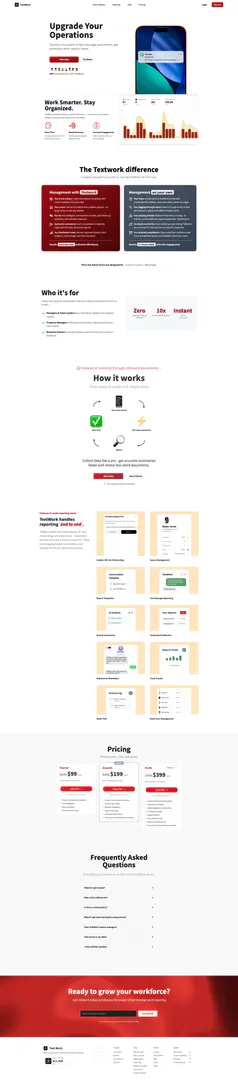
TextWork is a powerful text-based AI chatbot platform designed to streamline data collection, automate workflows, and manage business operations via SMS. By eliminating traditional forms and enabling instant reporting, TextWork transforms how organizations gather and utilize information. This innovative tool allows teams to communicate updates effortlessly, ensuring accurate and structured data collection without the typical hassles associated with emails and manual reporting.
How to use TextWork?
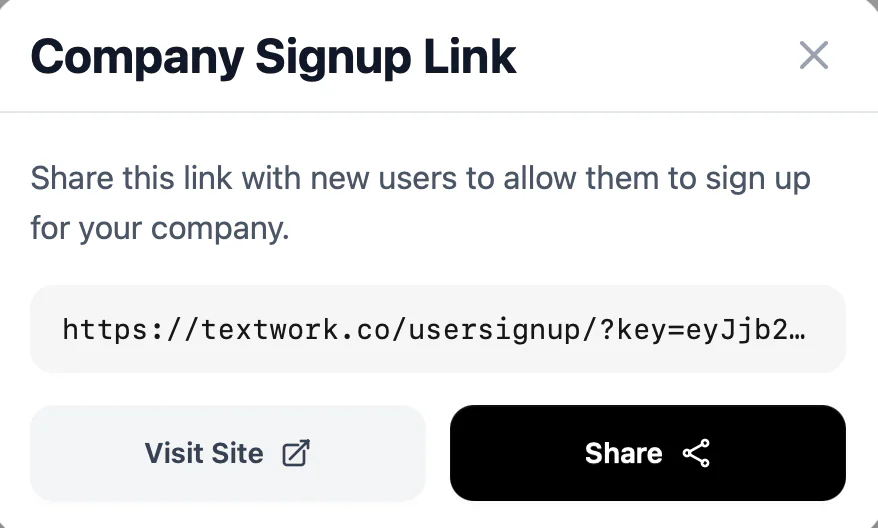
- Sign Up: Users can easily sign up through a link by providing their name, email, and phone number.
- Create Conversation Templates: As a manager, create conversation scripts or templates that the AI will use to interact with users.
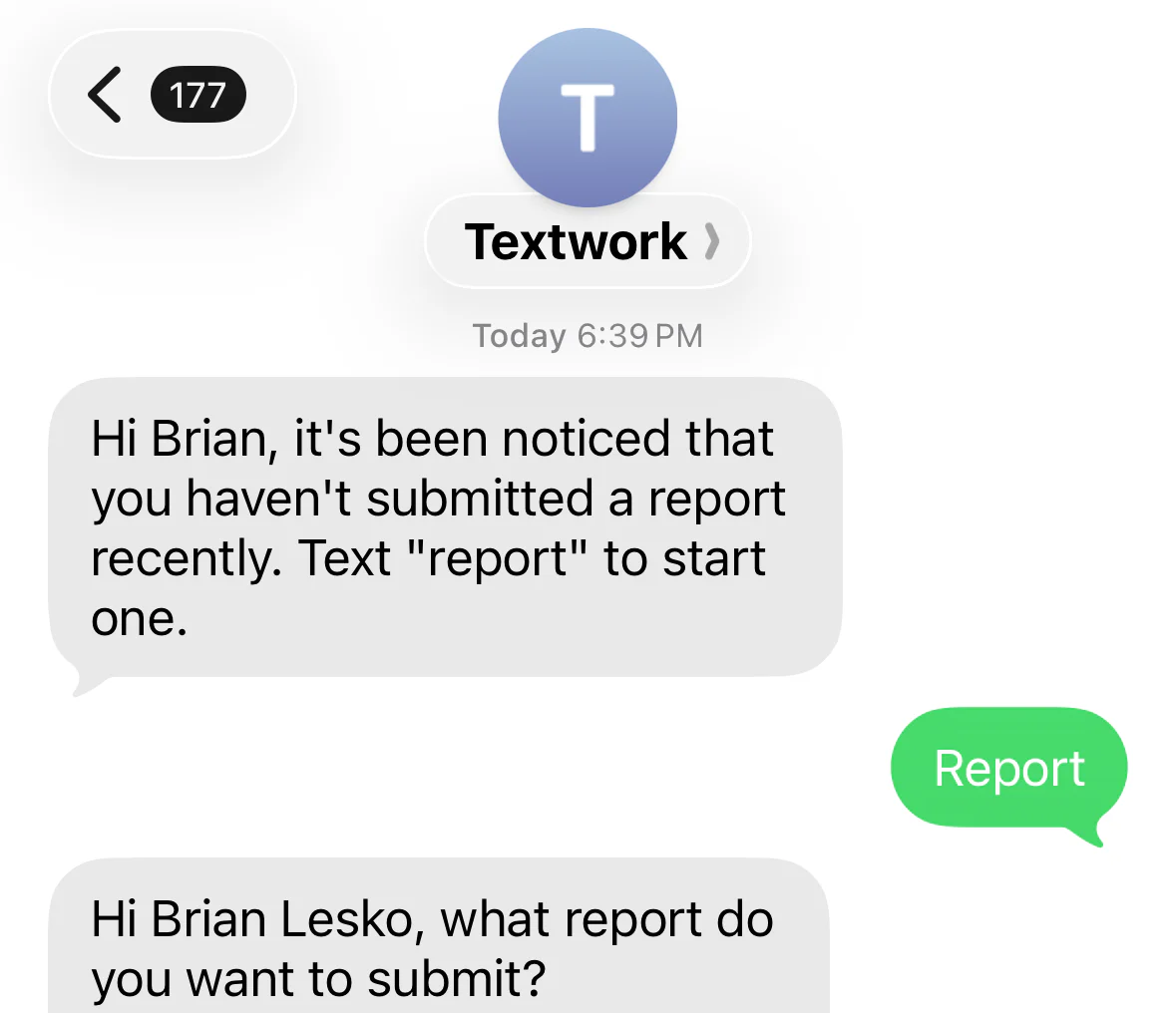
- User Interaction: Users can text the AI chatbot with their updates based on the conversation templates provided.
- Receive Summaries: After each interaction, managers receive a structured summary report of the conversation, allowing for efficient data review and decision-making.
What are the main features of TextWork?
- Text Message Automation: Communicate with users via SMS without the need for apps or forms.
- Customizable Conversation Templates: Create tailored conversation scripts to guide user interactions.
- Instant Summaries: Receive immediate, structured reports summarizing user interactions.
- Real-time Data Collection: Collect and analyze data efficiently through automated processes.
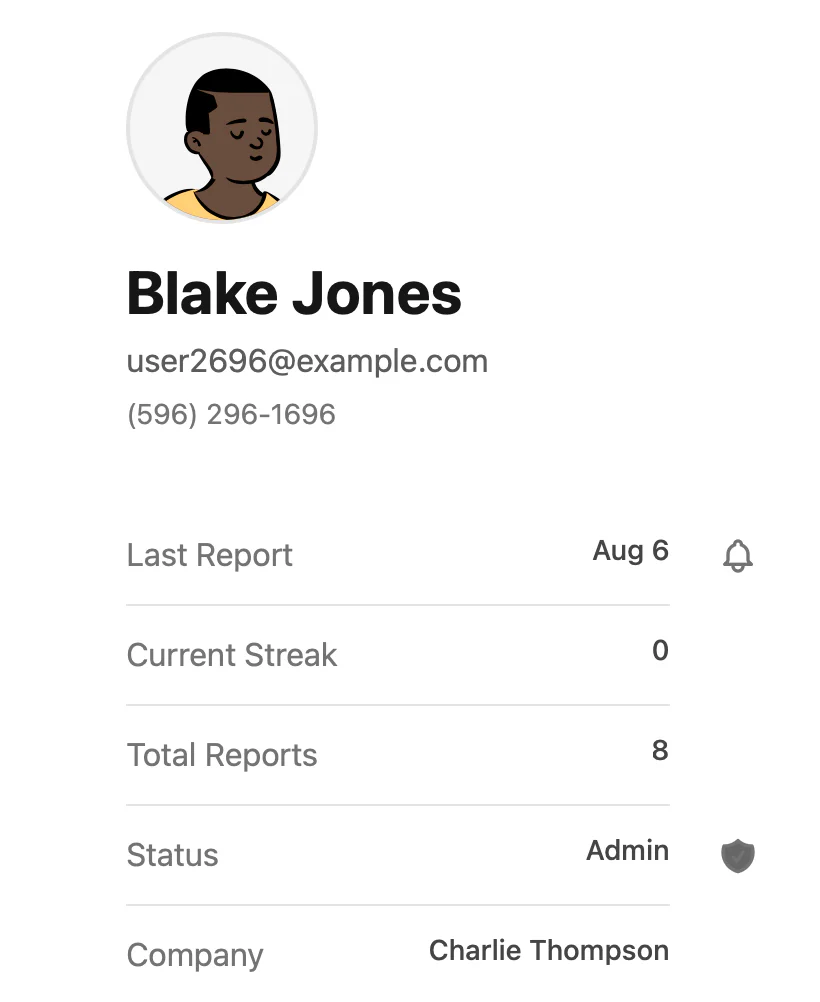
- User Management: Easily approve or remove users from the management dashboard, ensuring control over who can interact with the AI.
Who is TextWork for?
TextWork is designed for teams and organizations that require structured data collection without the traditional hassles of forms or emails. It is particularly beneficial for managers and team leaders needing daily updates and progress reports, property managers collecting maintenance requests, and business owners tracking employee performance and customer feedback. Essentially, any business seeking to enhance its communication and reporting processes can leverage TextWork's capabilities.
What are the use cases of TextWork?
- Employee Reporting: Teams can provide daily work updates via SMS, eliminating the need for lengthy email threads.
- Customer Feedback Collection: Businesses can gather customer insights and feedback efficiently through text-based communication.
- Maintenance Requests: Property managers can streamline the collection of maintenance requests and tenant information, improving response times.
Product Images

Textwork Pros and Cons
Pros
- Efficient Data Collection: TextWork allows users to collect structured data quickly via SMS, reducing data collection time from hours to minutes.
- Automated Reporting: The tool generates instant summaries and organized reports, streamlining the reporting process for managers.
- High Engagement Rates: Text messaging leads to higher response rates, enhancing user engagement compared to traditional methods.
Cons
No cons data detected for this tool
Textwork Pricing
Starter
Create 1 conversation template, Low intelligence, Slow processing, For personal use only.
Growth
Create 2 conversation templates, Smarter GPT model, Medium intelligence, Faster processing, Commercial use license, Have up to 2 conversations in parallel.
Premium
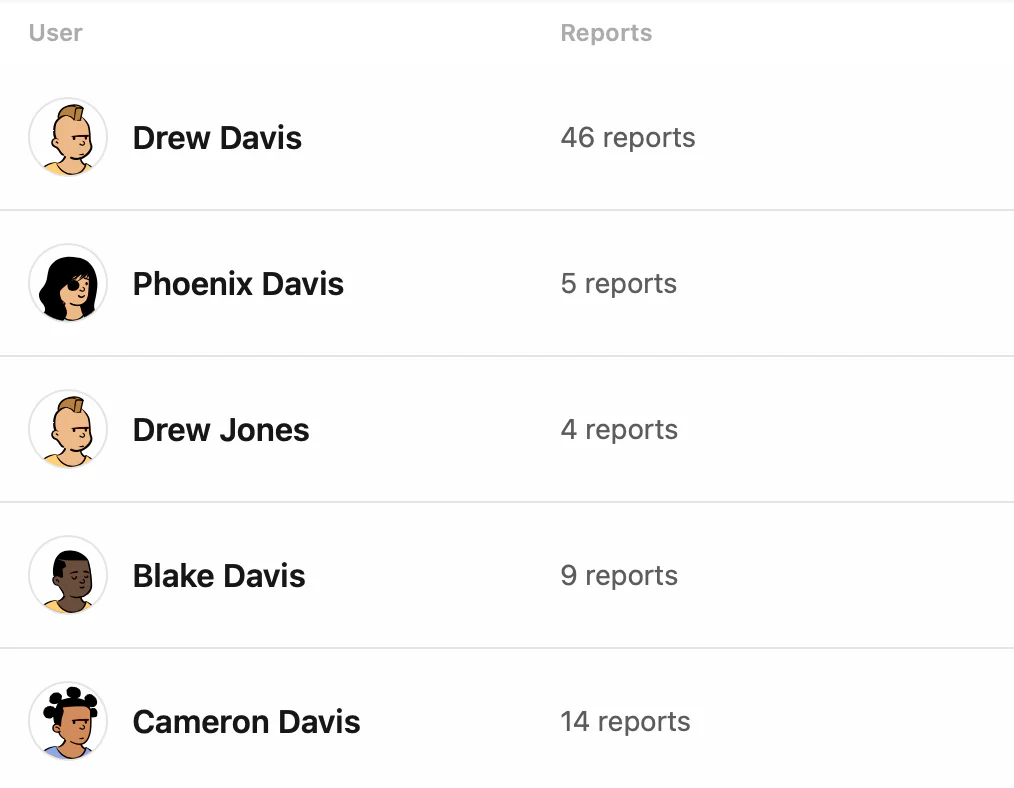
Create 5 conversation templates, Advanced GPT model, High intelligence conversations, Priority processing, Usage Analytics, Store reports online, Organize reports by user, Have up to 5 conversations in parallel.
Elite
Create 15 conversation templates, Advanced GPT model, High intelligence conversations, Priority processing, Usage Analytics, Store reports online, Organize reports by user, Have up to 10 conversations in parallel.
Ultra
Create 45 conversation templates, Advanced GPT model, High intelligence conversations, Priority processing, Usage Analytics, Store reports online, Organize reports by user, Have up to 15 conversations in parallel.
Teams
AI-powered text messaging, Real-time data collection, Automated report generation.
Enterprise
AI-powered text messaging, Real-time data collection, Automated report generation.
For the latest pricing, please visit this link: https://textwork.co/#pricing
Prices are subject to change. Please visit the official website for the most up-to-date pricing information.