

Talktotextai


What is TalkToText?
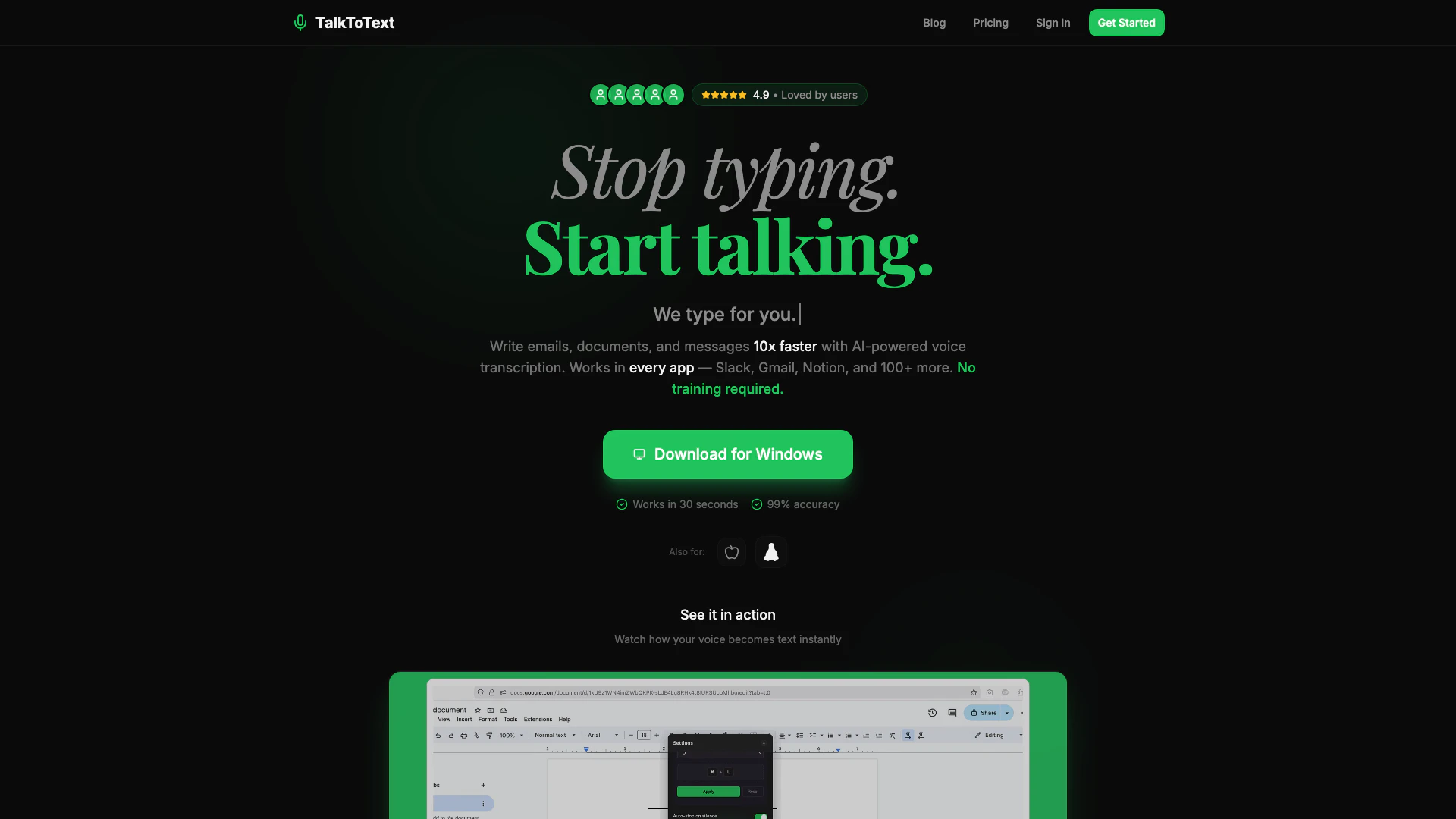
TalkToText is an innovative voice-to-text[1] AI tool designed to transform your spoken words into polished text instantly. It is positioned as the fastest voice-to-text solution available, compatible with over 100 applications including popular platforms like Slack, Gmail, and Notion. The core value of TalkToText lies in its ability to enhance productivity by allowing users to dictate messages, emails, and documents ten times faster than traditional typing. With features like 99% accuracy[4] transcription and auto punctuation[5], TalkToText eliminates the need for manual typing, enabling users to communicate effortlessly and efficiently.
How to use TalkToText?
- Sign up for a TalkToText account on their website and download the application.
- Open the app and select your preferred integration (e.g., Slack, Gmail, Notion).
- Use the designated hotkey to activate the voice-to-text feature.
- Speak naturally into your microphone, and watch as your words are transcribed into text in real-time.
- If you choose the AI-Powered mode, provide your instructions, and let the AI enhance your text accordingly.
What are the main features of TalkToText?
- Voice-to-Text Dictation: Speak naturally and see your words transcribed with 99% accuracy.
- AI-Powered Writing[2]: The AI can rewrite and enhance your spoken ideas into professional text.
- Auto Punctuation: Automatic punctuation for seamless dictation.
- System-Wide Integration: Works with Slack, Gmail, Notion, and over 100 other applications.
- Real-Time Transcription[3]: Instant output as you speak.
- Privacy and Security: Your voice data remains private and secure on your device.
Who is TalkToText for?
TalkToText is designed for professionals, students, and anyone who needs to create written content quickly and efficiently. It is particularly beneficial for users who frequently work with communication tools like Slack and Gmail, as well as those who require fast documentation in apps like Notion or Google Docs. Whether you're a busy executive, a student managing assignments, or a content creator looking to streamline your writing process, TalkToText offers a solution that caters to diverse needs and enhances productivity.
What are the use cases of TalkToText?
- Email Composition: Quickly dictate and send emails without typing.
- Meeting Notes: Capture meeting discussions in real-time for accurate note-taking.
- Document Creation: Generate reports, proposals, and other documents faster using voice commands.
Talktotextai Pros and Cons
Pros
- Fast Voice-to-Text Conversion: Transform your voice into text 10 times faster than typing, allowing for efficient communication and productivity.
- High Accuracy Rate: Offers a 99% accuracy rate in transcription, ensuring that your spoken words are captured accurately.
- Wide Integration Capabilities: Seamlessly integrates with over 100 applications including Slack, Gmail, and Notion, enhancing workflow across platforms.
Cons
No cons data detected for this tool
Talktotextai Pricing
Premium
Unlimited Transcriptions. Choose the plan that works best for you.
Team Access
For teams, includes unlimited transcriptions and team collaboration features.
For the latest pricing, please visit this link: https://talktotext.ai/pricing
Prices are subject to change. Please visit the official website for the most up-to-date pricing information.





