Splitprompt





What is Splitprompt?
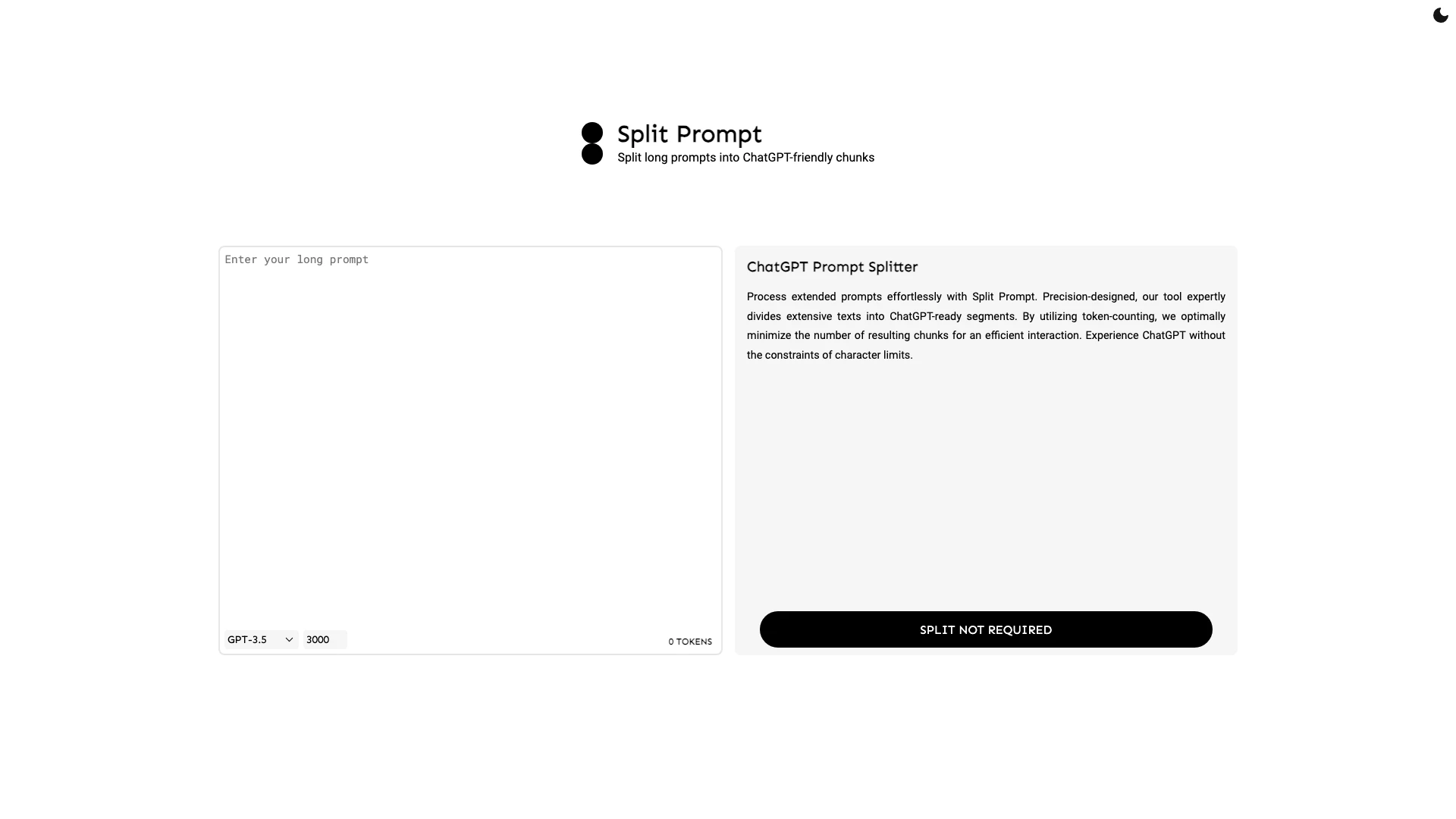
Splitprompt is an innovative tool designed to help users exceed the word and character limits imposed by ChatGPT. By intelligently splitting longer prompts into manageable chunks that are compatible with ChatGPT, Splitprompt allows for seamless interactions without the frustration of character constraints. Utilizing advanced token-counting techniques, this tool ensures that users can maximize their input while maintaining clarity and coherence in their queries.
How to use Splitprompt?
To use Splitprompt, follow these steps: 1. Access the Splitprompt Tool: Navigate to the Splitprompt website. 2. Input Your Prompt: Enter your long prompt into the designated text box provided on the interface. 3. Token Counting[1]: The tool automatically counts the tokens in your prompt to determine how to split it efficiently. 4. Split the Prompt: Click the split button to divide your prompt into ChatGPT-friendly segments. 5. Copy and Use: Once split, you can copy the resulting chunks and use them in ChatGPT for a comprehensive response.
What are the main features of Splitprompt?
Splitprompt offers several key features that enhance user experience: - Token Counting: Accurately counts tokens to ensure optimal splitting of prompts. - Efficient Chunking[2]: Divides long texts into the fewest possible segments for seamless interaction. - User-Friendly Interface[3]: Designed for ease of use, making it accessible for all users. - Compatibility with GPT-3.5 and GPT-4: Supports both versions of ChatGPT, providing flexibility in usage.
Who is Splitprompt for?
Splitprompt is ideal for anyone who needs to interact with ChatGPT using extensive prompts. This includes content creators, researchers, educators, and professionals who require detailed responses from AI. Whether you are crafting a lengthy article, conducting research, or seeking in-depth explanations, Splitprompt facilitates a more effective dialogue with ChatGPT by overcoming the limitations of character counts.
What are the use cases of Splitprompt?
Here are some specific use cases for Splitprompt: 1. Content Creation[4]: Writers can use Splitprompt to break down lengthy articles or blog posts into manageable prompts for ChatGPT. 2. Research Assistance[5]: Academics can split complex queries into segments to receive detailed responses from ChatGPT, enhancing their research process. 3. Educational Purposes: Teachers can formulate extensive questions for AI to generate comprehensive lesson plans or study materials.
Splitprompt Pros and Cons
Pros
- Efficient Prompt Splitting: Split Prompt effectively divides long prompts into manageable chunks, allowing users to bypass ChatGPT's character limits.
- Token Counting Optimization: The tool utilizes token-counting to minimize the number of chunks, ensuring efficient interactions with ChatGPT.
- User-Friendly Interface: Designed for ease of use, Split Prompt allows users to process extended prompts effortlessly without technical knowledge.
Cons
No cons data detected for this tool
Analytics of Splitprompt
Splitprompt Website Traffic Analysis
Visits Over Time
Top Keywords
| Keyword | Volume | CPC | Estimated Value |
|---|---|---|---|
| chatgpt splitter | 850 | $0.00 | $0.00 |
| prompt splitter | 510 | $0.00 | $0.00 |
| chatgpt prompt splitter | 380 | $0.00 | $0.00 |
| how many words is a million chat gpt tokens | 270 | $0.00 | $0.00 |
| chatpgt pormpt splitter | 160 | $0.00 | $0.00 |