

Spline
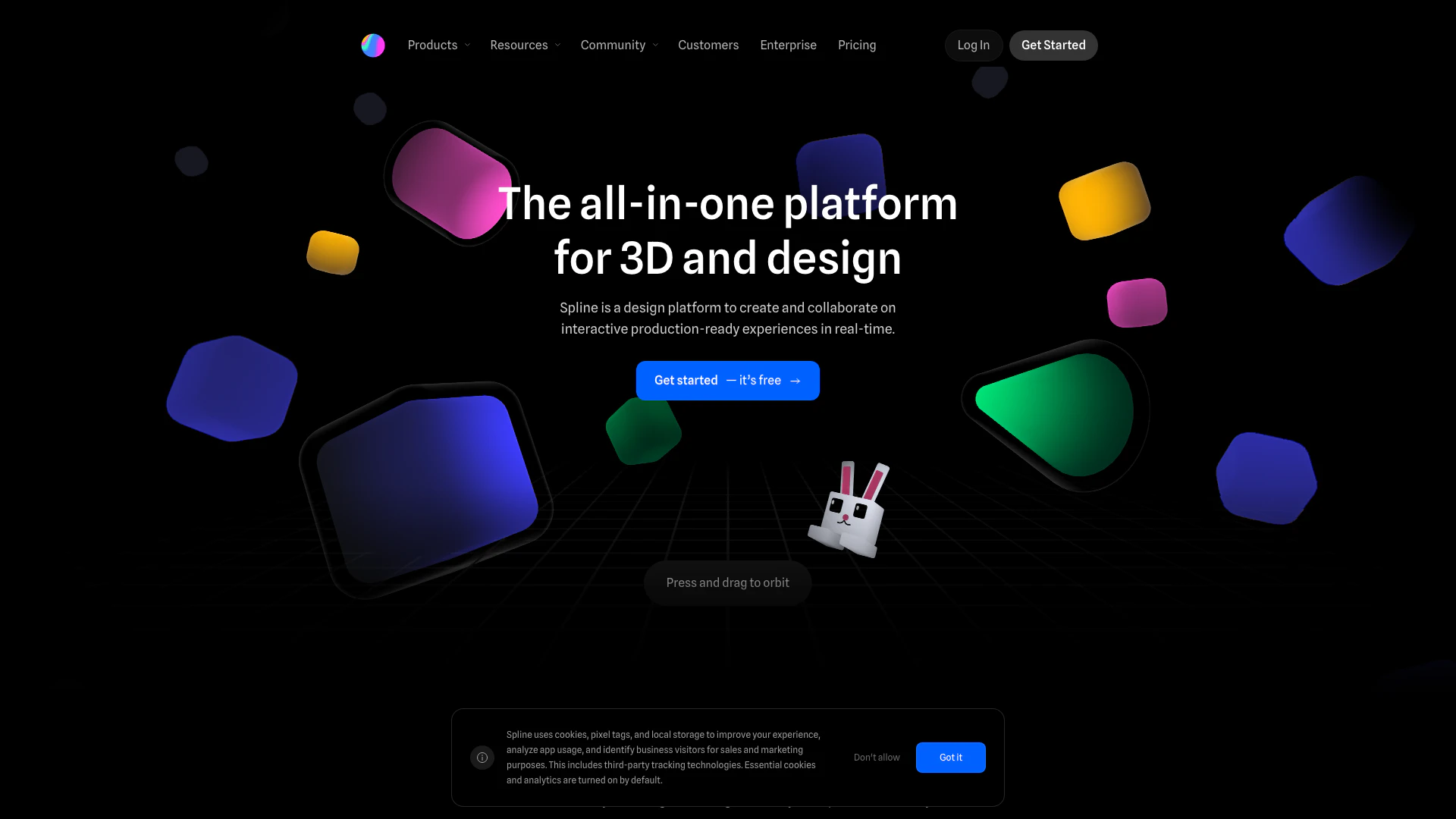



What is Spline?
Spline is a free, web-based 3D design software that enables users to create interactive experiences directly in their browser. This platform is designed for real-time collaboration, allowing multiple users to work together seamlessly on 3D modeling, animation, and texturing. Spline's intuitive interface and powerful tools make it easy for both beginners and experienced designers to produce high-quality, interactive 3D content that is ready for production.
How to use Spline?
- Visit the Spline website and sign up for a free account.
- Start a new project or remix an existing design from the community.
- Use the intuitive design tools to create 3D models, animations, and interactive elements.
- Collaborate in real-time with team members by inviting them to your project.
- Export your designs to multiple platforms, including web, iOS, and Android.
What are the main features of Spline?
- Real-time collaboration tools for team projects.
- User-friendly 3D modeling and animation capabilities.
- A library of pre-made materials and textures for quick design.
- Advanced interactivity options, including states and events for animations.
- Support for integrating variables, webhooks, and APIs for dynamic content.
Who is Spline for?
Spline is ideal for designers, developers, and creative teams looking to create engaging 3D experiences without the need for extensive coding knowledge. It caters to professionals in web design, game development, marketing, and education who want to enhance their projects with interactive 3D elements. Additionally, it is suitable for students and hobbyists who are interested in learning 3D design and animation.
What are the use cases of Spline?
- Creating interactive websites that engage users with 3D elements.
- Developing gamified experiences for educational tools or marketing campaigns.
- Designing product mockups and prototypes for presentations and pitches.
Product Images





Spline Pros and Cons
Pros
- Real-time Collaboration: Allows teams to work together in real-time, enhancing productivity and teamwork.
- Extensive 3D Modeling Features: Includes tools for parametric objects, polygonal editing, and organic shapes, enabling detailed 3D designs.
- Easy to Use for Beginners: User-friendly interface and tutorials make it accessible for those new to 3D design.
- Free to Get Started: Users can begin using the platform for free, which is beneficial for individuals and small teams.
Cons
No cons data detected for this tool
Analytics of Spline
Spline Website Traffic Analysis
Visits Over Time
Traffic Sources
Oct 2025 - Dec 2025 Worldwide Desktop Only
- Direct: 45.42%
- Search: 43.64%
- Referrals: 7.85%
- Social: 2.41%
- Paid Referrals: 0.61%
- Mail: 0.07%
Top Keywords
| Keyword | Volume | CPC | Estimated Value |
|---|---|---|---|
| spline | 141.99K | $0.96 | $106250.00 |
| spline 3d | 12.80K | $1.09 | $9380.00 |
| spline design | 10.26K | $0.78 | $7560.00 |
| spline ai | 5.86K | $0.13 | $3520.00 |
| spline.design | 1.07K | $0.00 | $1350.00 |




Spline Social Listening
Spline Tutorial for Beginners:...
Let us know if you’d like to s...
Dog image to 3D model with #Sp...
AntiGravity + Spline Builds In...
Get the skill for spline and o...
Unlock to view 41 social media results.