Spectre Camera
What is Spectre Camera?
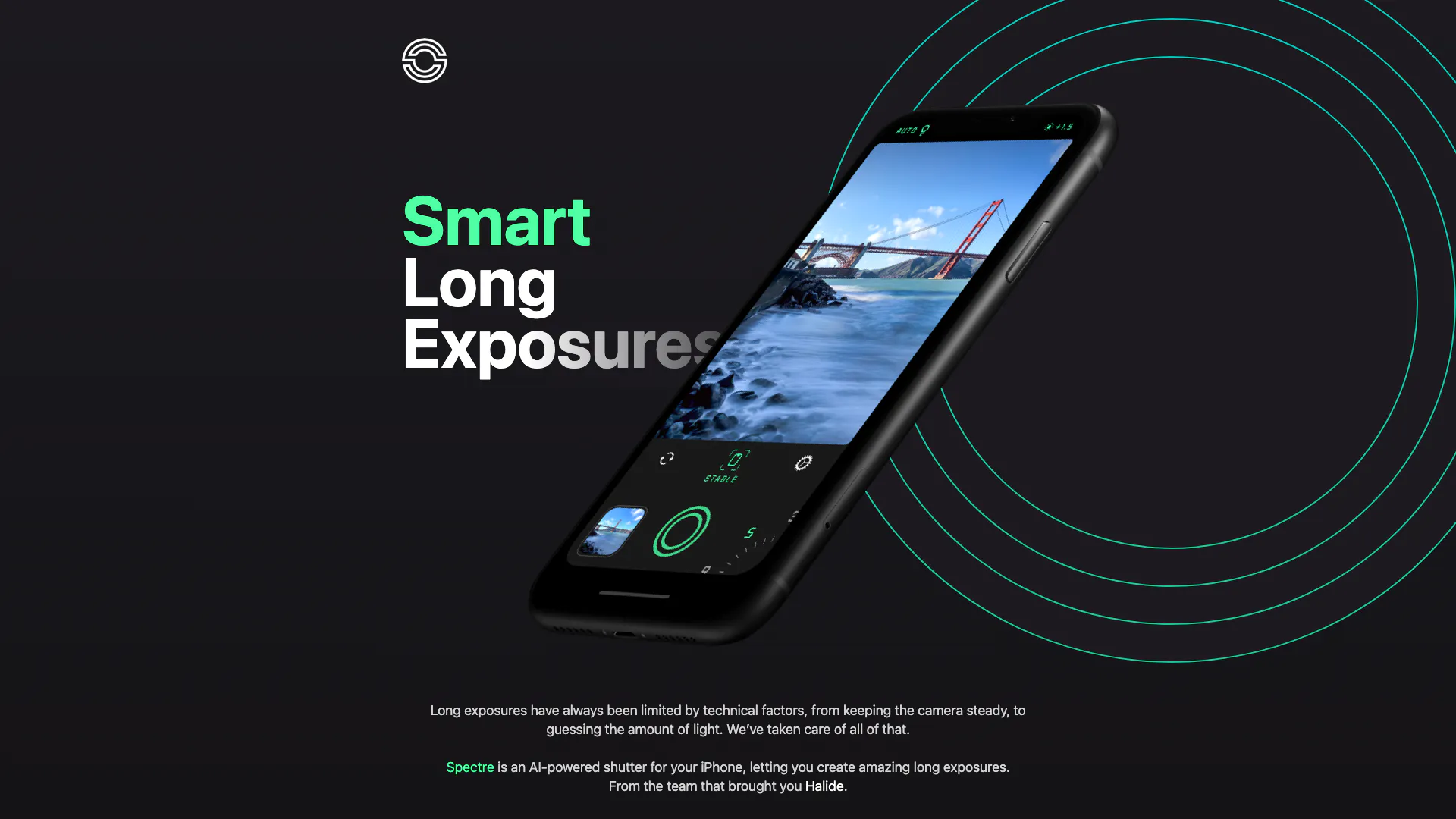
Spectre Camera is an innovative AI-powered shutter application designed specifically for iPhone users. This cutting-edge tool allows photographers to create stunning long exposure images effortlessly. By leveraging advanced computational photography technologies, Spectre simplifies the complex process of long exposures, enabling users to capture breathtaking scenes with ease. Developed by the team behind the acclaimed Halide app, Spectre provides a unique blend of user-friendly design and powerful functionality, making it an essential tool for both amateur and professional photographers.
How to use Spectre Camera?
- Download and install the Spectre Camera app from the App Store.
- Open the app and select the desired shooting mode, such as medium or long exposure.
- Frame your shot, ensuring that your iPhone is steady or use a tripod for best results.
- Press the shutter button to begin capturing your long exposure image.
- Review the captured Live Photo, which allows you to see the entire exposure process, and share it as a still or video.
What are the main features of Spectre Camera?
- AI-powered scene detection for optimal exposure settings.
- Auto-stabilization to ensure steady shots.
- Ability to create stunning long exposure images that erase crowds from tourist locations.
- Night mode that captures beautiful light trails for city photography.
- Saves the entire exposure process as a Live Photo for dynamic sharing options.
- User-friendly interface designed for one-handed use on large iPhones.
Who is Spectre Camera for?
Spectre Camera is ideal for photographers of all skill levels who wish to explore the art of long exposure photography. It caters to travel enthusiasts wanting to capture serene landscapes devoid of crowds, as well as urban photographers aiming to document vibrant cityscapes at night. The app is also perfect for casual users who enjoy taking creative photos with their iPhone, making it accessible for anyone looking to enhance their mobile photography experience.
What are the use cases of Spectre Camera?
- Capturing serene landscapes in popular tourist destinations without the distraction of crowds.
- Creating stunning night-time cityscapes that feature beautiful light trails from moving vehicles.
- Documenting artistic light painting sessions, allowing users to visualize their creative expressions through long exposures.
Spectre Camera Pros and Cons
Pros
- Crowd Elimination Feature: Spectre can erase crowds from photos taken in touristy places, allowing users to capture unique images of locations.
- AI Scene Detection: The app automatically switches modes at night to create beautiful light trails, enhancing nighttime photography.
- User-Friendly Design: Spectre features a dark UI that is easy on the eyes at night, with smooth controls designed for one-handed use.
- Live Photo Capability: Spectre saves the entire exposure process as a Live Photo, allowing users to re-play the exposure as it happened.
Cons
No cons data detected for this tool
Analytics of Spectre Camera
Spectre Camera Website Traffic Analysis
Visits Over Time
Traffic Sources
Oct 2025 - Dec 2025 Worldwide Desktop Only
- Referrals: 51.76%
- Search: 25.92%
- Direct: 11.51%
- Social: 10.08%
- Paid Referrals: 0.70%
- Mail: 0.03%
Top Keywords
| Keyword | Volume | CPC | Estimated Value |
|---|---|---|---|
| spectre | 94.67K | $3.06 | $10.00 |
| specture | 800 | $3.35 | $0.00 |
| specter ai | 760 | $0.00 | $0.00 |
| spectre illuminator | 250 | $0.00 | $0.00 |
| spcture | 240 | $0.00 | $0.00 |