Snipo
What is Snipo?
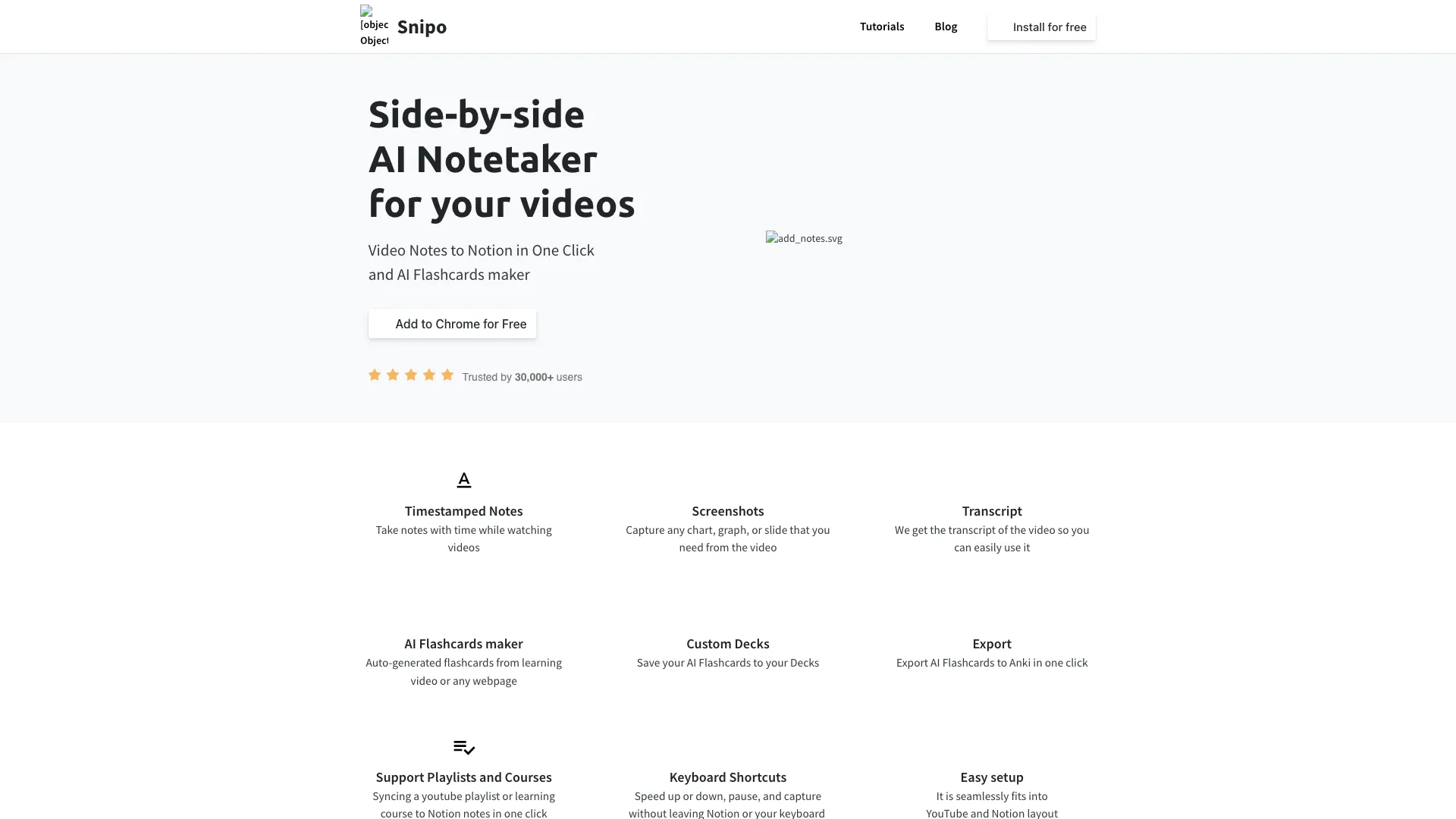
Snipo is an innovative AI notetaking tool designed to streamline the process of taking video notes directly into Notion with just one click. This tool enables users to efficiently capture timestamped notes, screenshots, and transcripts from videos, making it an essential resource for students, professionals, and anyone looking to enhance their learning experience. Snipo is particularly useful for those who frequently engage with educational video content, as it integrates seamlessly with platforms like YouTube, allowing users to organize their notes in a centralized Notion workspace.
How to use Snipo?
- Install the Snipo Chrome extension from the Chrome Web Store.
- Open a video on YouTube or any supported platform.
- While watching, use the Snipo interface to take timestamped notes, capture screenshots, and access transcripts.
- Organize your notes and flashcards within Notion, utilizing the custom decks feature.
- Export your AI-generated flashcards to Anki with a single click for further study.
What are the main features of Snipo?
- One-click video notes integration with Notion
- Timestamped notes for easy reference
- Screenshot capture for important visuals
- Automatic transcript generation from videos
- AI flashcards creation from video content or webpages
- Custom decks to organize flashcards
- One-click export of flashcards to Anki
- Support for syncing YouTube playlists and learning courses
- Keyboard shortcuts for efficient navigation and note-taking
- Seamless integration with YouTube and Notion layouts.
Who is Snipo for?
Snipo is ideal for students, educators, and professionals who frequently consume video content for learning or training purposes. Whether you are a university student attending online lectures, a professional taking courses, or an educator looking to enhance your teaching materials, Snipo provides a user-friendly solution for organizing and retaining information from videos. Its integration with Notion makes it particularly appealing to users who prefer structured and digital note-taking.
What are the use cases of Snipo?
- Taking comprehensive notes during online lectures and classes for easy review later.
- Creating study materials from educational YouTube videos by generating flashcards and summaries.
- Organizing information from webinars and training sessions into a cohesive format within Notion.
- Capturing important visuals, such as graphs and slides, from instructional videos for reference.
- Syncing entire learning playlists to streamline the note-taking process for courses.
Snipo Pros and Cons
Pros
- Easy Integration with Notion: Snipo seamlessly fits into YouTube and Notion layout, allowing easy note-taking while watching videos.
- Timestamped Notes: Users can take notes with timestamps while watching videos, enhancing their study experience.
- AI Flashcards Maker: The tool auto-generates flashcards from learning videos or any webpage, making studying more efficient.
- Export Options: Users can export AI flashcards to Anki in one click, providing flexibility in studying methods.
- User Trust: Snipo is trusted by over 30,000 users, indicating a positive reception in the market.
Cons
No cons data detected for this tool
Analytics of Snipo
Snipo Website Traffic Analysis
Visits Over Time
Traffic Sources
Oct 2025 - Dec 2025 Worldwide Desktop Only
- Direct: 46.65%
- Search: 40.18%
- Referrals: 7.70%
- Social: 4.30%
- Paid Referrals: 1.03%
- Mail: 0.07%
Top Keywords
| Keyword | Volume | CPC | Estimated Value |
|---|---|---|---|
| snipo extension for notion | 0 | $0.00 | $100.00 |
| snipo | 500 | $3.12 | $340.00 |
| snipo extension | 160 | $0.00 | $60.00 |
| snipo extension public connection | 140 | $0.00 | $140.00 |
| snipo notes is public | 140 | $0.00 | $140.00 |