Sketchpro-ai



What is SketchPro?
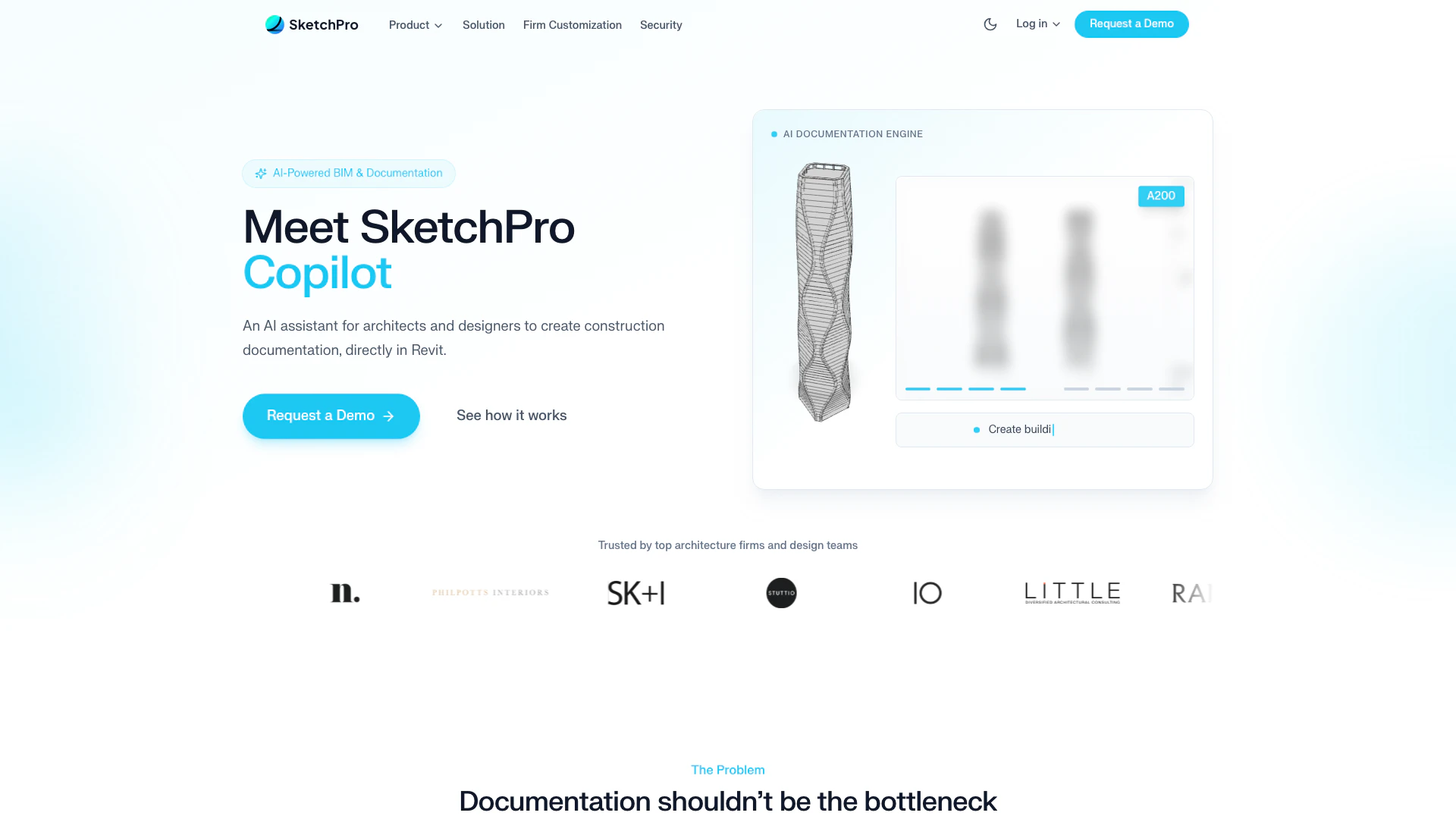
SketchPro is an AI-powered tool designed to enhance Revit and construction documentation workflows. It automates key tasks such as dimensioning, tagging, views, and schedules through natural language commands, tailored specifically to the standards of your firm. By integrating directly into Revit, SketchPro acts as a copilot for architects and designers, allowing them to streamline repetitive documentation tasks and improve project efficiency.
How to use SketchPro?
- Install the SketchPro add-in for Revit: Download and set up the add-in, which takes less than 30 minutes.
- Configure your firm’s standards: Use the AI Knowledge Base to define naming conventions, dimension styles, and documentation preferences.
- Start issuing commands: Use natural language to request tasks like adding dimensions or tagging elements, and watch SketchPro execute them in real-time.
What are the main features of SketchPro?
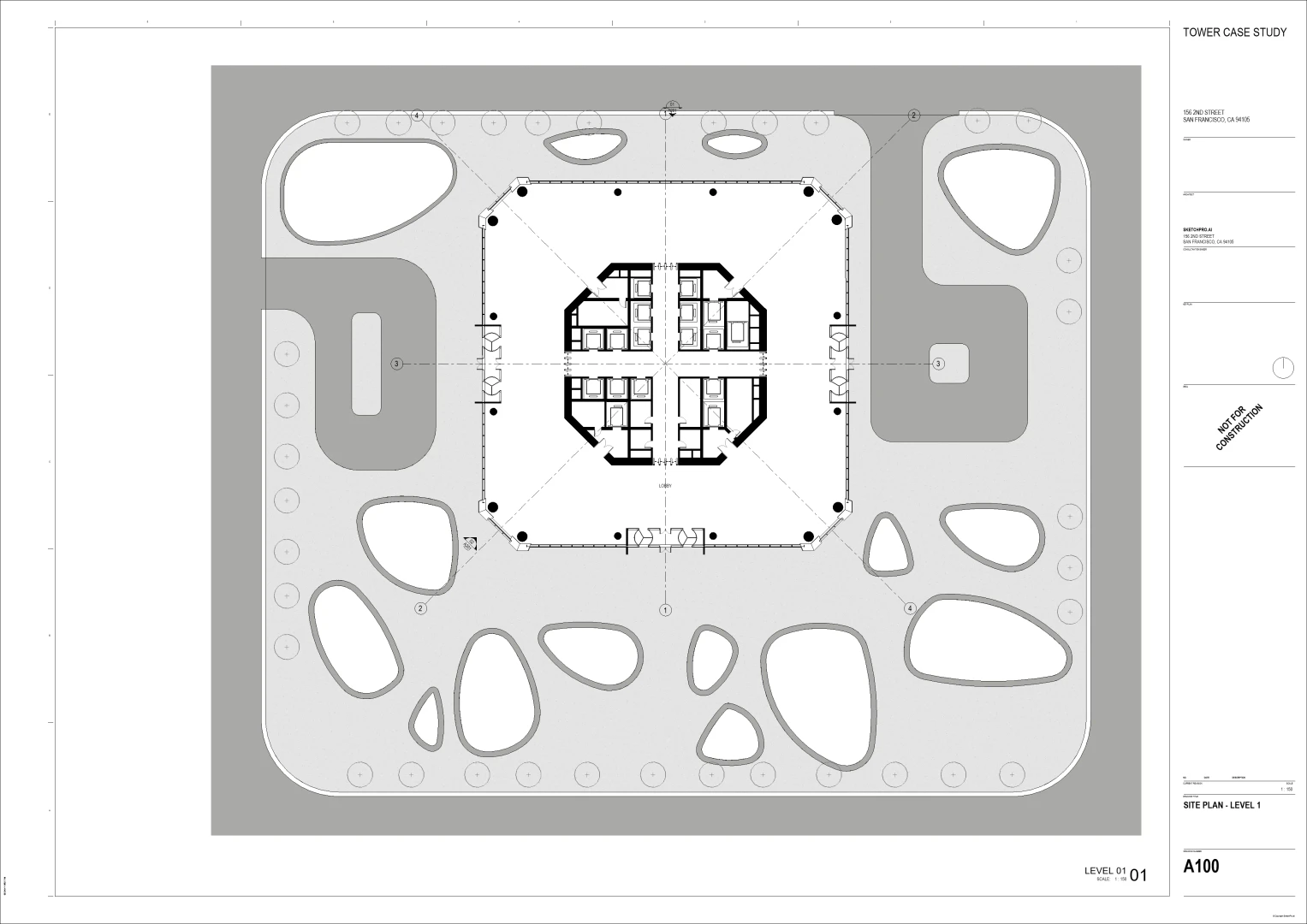
- Automated Dimensioning: Quickly add dimensions to floor plans, walls, and elevations using simple commands.
- Tagging and Schedules: Automate tagging of elements and generate schedules efficiently.
- Firm Customization: Integrate your firm's standards into the AI, ensuring consistency across all outputs.
- Real-time Execution: Commands execute immediately within the Revit environment, allowing for instant updates.
Who is SketchPro for?
SketchPro is designed for architects, designers, and construction professionals who use Revit for their documentation workflows. It is particularly beneficial for firms looking to reduce time spent on repetitive tasks, enforce consistent standards across teams, and improve overall project efficiency. The tool is suitable for both small and large architecture firms aiming to streamline their documentation processes.
What are the use cases of SketchPro?
- Streamlining Documentation: Use SketchPro to automate dimensioning and tagging in architectural projects, reducing time spent on manual tasks.
- Ensuring Consistency: Apply firm standards across all documentation outputs, minimizing errors and revisions caused by inconsistent practices.
- Enhancing Project Capacity: Increase the number of projects handled without scaling the team by improving efficiency with automated workflows.
Product Images

Sketchpro-ai Pros and Cons
Pros
- AI-Powered Automation: SketchPro automates repetitive documentation tasks like dimensioning and tagging, significantly reducing time spent on these activities.
- Seamless Revit Integration: As a native add-in for Revit, SketchPro operates directly within the software, providing real-time execution and context-aware assistance.
- Firm Customization: Allows firms to integrate their specific standards and guidelines, ensuring consistent quality and compliance across all documentation.
Cons
No cons data detected for this tool
Analytics of Sketchpro-ai
Sketchpro-ai Website Traffic Analysis
Visits Over Time
Traffic Sources
Dec 2025 - Feb 2026 Worldwide Desktop Only
- Direct: 50.49%
- Search: 28.34%
- Social: 13.79%
- Referrals: 6.14%
- Paid Referrals: 1.17%
- Mail: 0.08%
Top Keywords
| Keyword | Volume | CPC | Estimated Value |
|---|---|---|---|
| simple sketch pro | 950 | $0.00 | $0.00 |
| sketch pro | 490 | $5.06 | $10.00 |
| xn skethc pro | 190 | $0.00 | $0.00 |
| skethcpro | 140 | $0.00 | $130.00 |
| sketch pro drawing | 80 | $0.00 | $0.00 |