Shortcutstudio
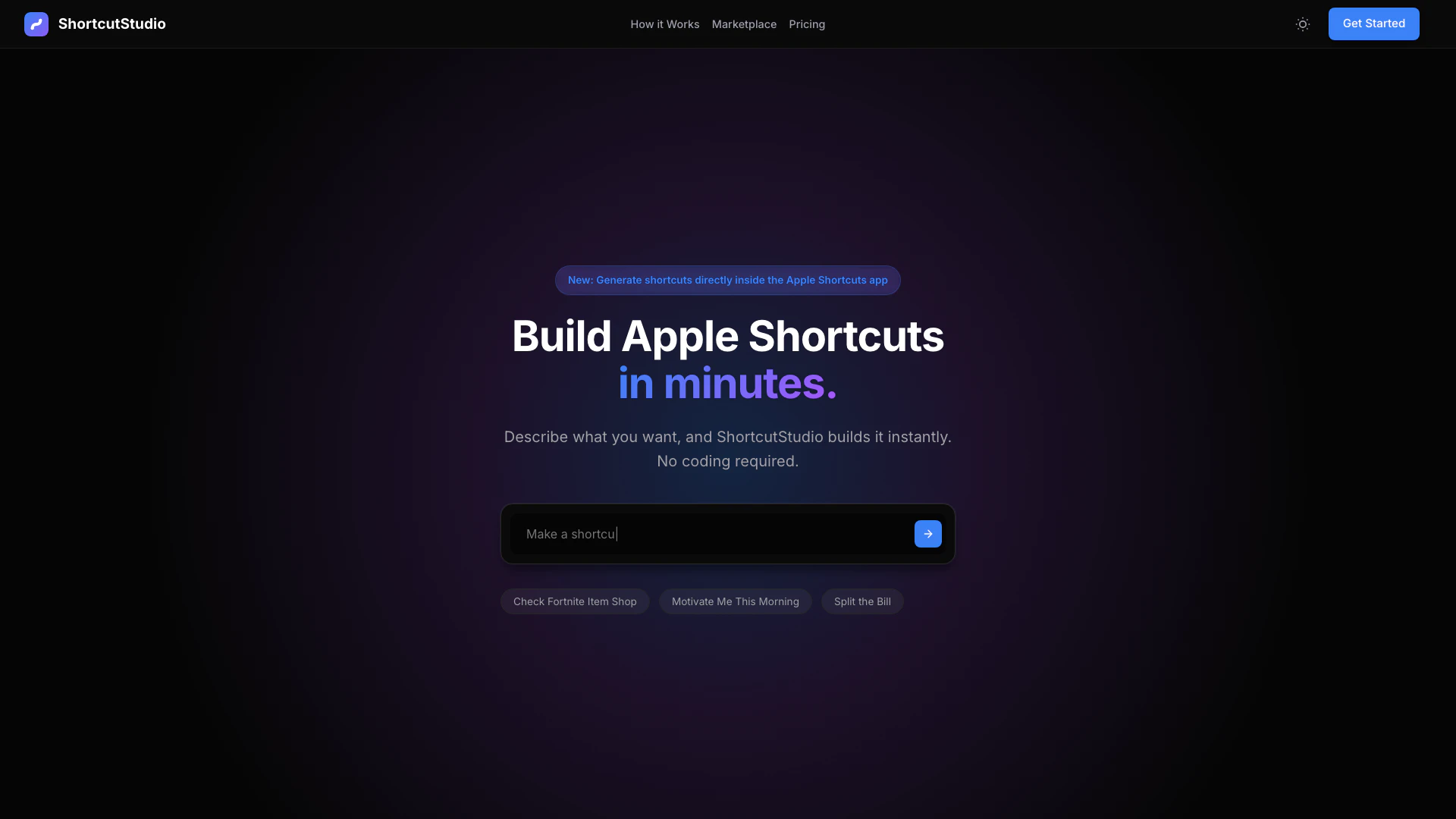

What is ShortcutStudio?
ShortcutStudio is an innovative tool designed to help users build Apple Shortcuts effortlessly using artificial intelligence. By simply describing the desired functionality in plain English, users can generate shortcuts instantly without any coding knowledge. The platform allows for the creation, sharing, and discovery of iOS shortcuts for free, making automation accessible to everyone.
How to use ShortcutStudio?
- Describe: Start by telling ShortcutStudio what you want to create in plain English. The AI will interpret your request and generate the shortcut for you.
- Refine: Use the visual editor to modify actions, adjust parameters, and perfect your shortcut according to your needs.
- Export & Open: Once satisfied, download the generated shortcut file and open it directly on your iPhone, iPad, or Mac.
What are the main features of ShortcutStudio?
- Instant Generation: Quickly create functional shortcuts from prompts using advanced AI technology.
- Visual Editor: Easily tweak shortcuts with a user-friendly drag-and-drop interface, allowing real-time changes.
- Shortcuts Marketplace: Access a community-driven marketplace to discover, share, and utilize production-ready shortcuts.
Who is ShortcutStudio for?
ShortcutStudio is ideal for anyone looking to automate tasks on their Apple devices without needing technical skills. This includes casual users who want to simplify their daily routines, developers who want to create shortcuts for their apps, and educators looking to enhance learning experiences through automation. The platform is suitable for iPhone, iPad, and Mac users who want to leverage the power of Apple Shortcuts.
What are the use cases of ShortcutStudio?
- Personal Automation: Create shortcuts for daily tasks like setting reminders, sending messages, or managing schedules.
- Productivity Enhancements: Develop shortcuts that streamline work processes, such as generating reports or organizing files.
- Community Sharing: Explore and utilize shortcuts created by others in the marketplace, enhancing your own automation capabilities.
Shortcutstudio Pros and Cons
Pros
- Instant Shortcut Generation: ShortcutStudio allows users to create Apple Shortcuts in seconds by simply describing what they want, eliminating the need for coding.
- User-Friendly Visual Editor: The visual editor makes it easy to tweak and adjust shortcuts by dragging blocks, providing real-time feedback on changes.
- Cross-Device Compatibility: Generated shortcuts can be used across all Apple devices, including iPhone, iPad, and Mac, ensuring seamless integration.
Cons
No cons data detected for this tool