Shape




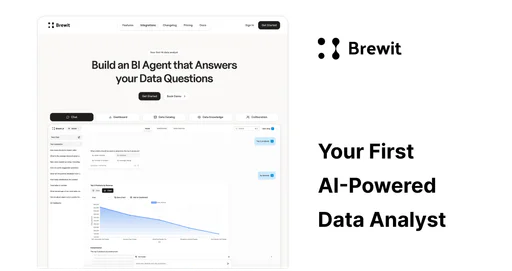
What is Shape?
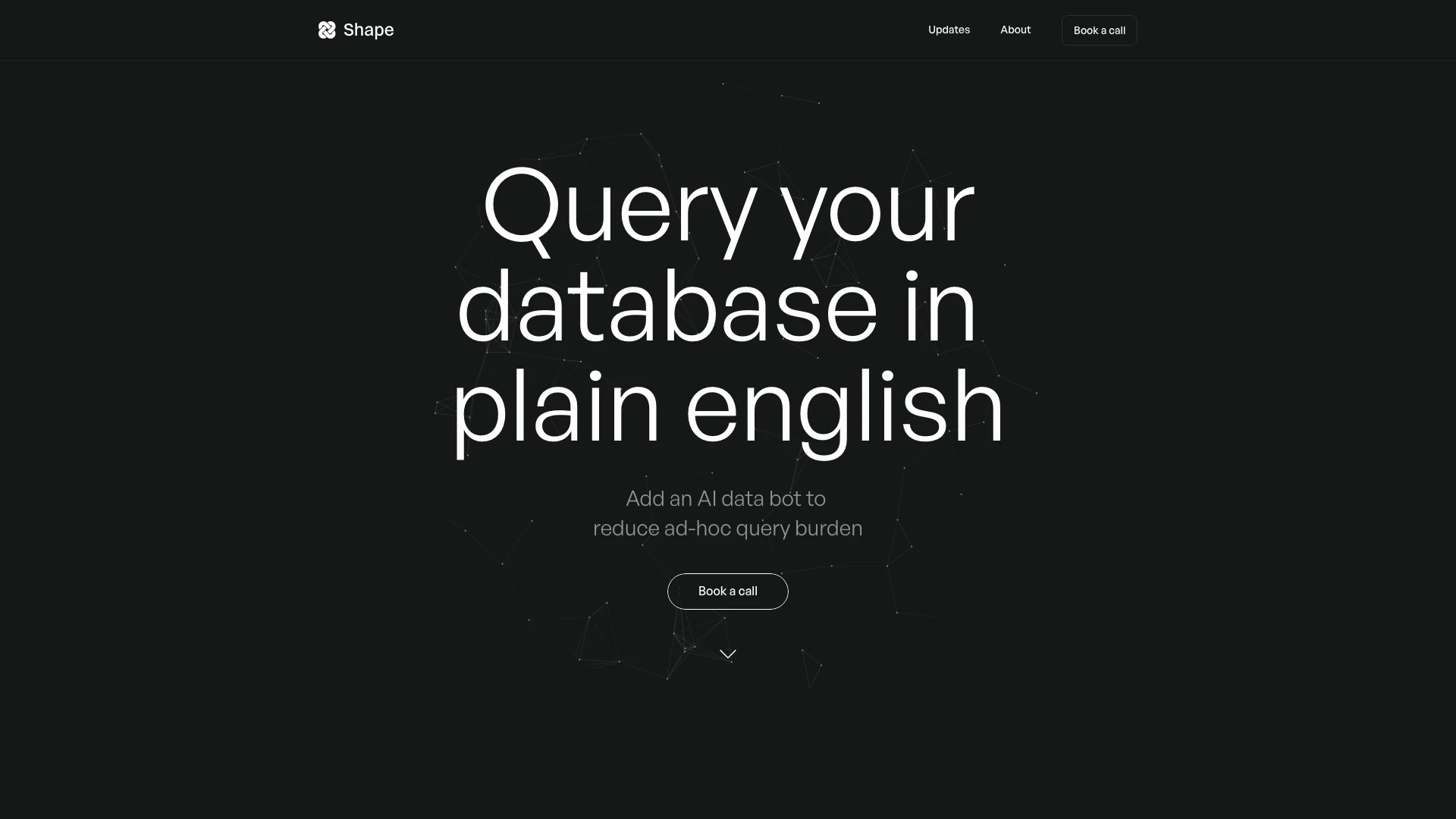
Shape is an innovative AI data analyst[1] designed to simplify data querying and analysis for users. It enables individuals and teams to interact with their databases using plain English, making data insights accessible without needing advanced technical skills. With Shape, users can reduce the burden of ad-hoc queries by utilizing an AI data bot[3] that interprets complex questions and provides nuanced answers, akin to a human analyst. This tool is particularly valuable for businesses seeking to enhance their data-driven decision-making processes.
How to use Shape?
- Sign up for a Shape account on the website and choose a suitable plan.
- Connect your existing data stack to Shape, ensuring all necessary permissions are granted.
- Start querying your database by typing questions in plain English; Shape's AI will interpret and analyze the data accordingly.
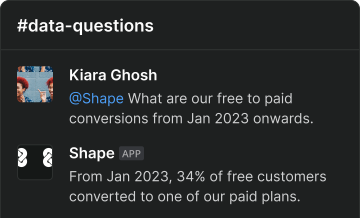
- Use the integrated Slackbot to get fast answers directly within your Slack workspace.
- For complex queries, you can request a review from an analyst to ensure accuracy and receive additional insights.
What are the main features of Shape?
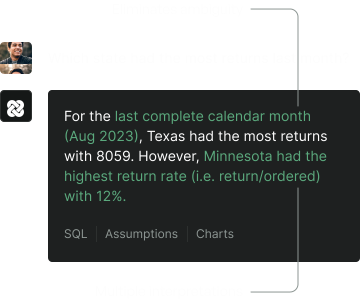
- Plain English Queries[2]: Users can query their databases using natural language, simplifying data analysis.
- AI Data Bot: Reduces the need for ad-hoc queries by providing instant answers and insights.
- Advanced SQL Capabilities[4]: Supports complex SQL queries, including joins and unions, enhancing analytical depth.
- Data Visualizations: Automatically generates charts and visual representations of data for better understanding.
- Integration with Slack: Allows users to interact with Shape through Slack for real-time insights.
- Secure Data Handling: Ensures all credentials are stored securely with industry-standard encryption.
Who is Shape for?
Shape is ideal for businesses and teams looking to enhance their data analysis capabilities without needing extensive technical expertise. It caters to data analysts, marketers, product managers, and decision-makers who require quick and accurate insights from their data. Organizations that prioritize data-driven decision-making and need an efficient way to query and visualize data will find Shape particularly beneficial. Additionally, teams using collaboration tools like Slack will appreciate the seamless integration for real-time data queries.
What are the use cases of Shape?
- Marketing Campaign Analysis: Evaluate the ROI of digital marketing campaigns by querying performance metrics directly.
- User Behavior Insights: Analyze app usage patterns to understand user engagement and retention strategies.
- Sales Data Queries: Quickly retrieve sales data to assess trends and make informed business decisions.
- Team Performance Tracking: Monitor team productivity metrics and optimize workflows based on data insights.
- Financial Reporting: Generate financial reports and forecasts by querying relevant financial data in real-time.
Product Images








Shape Pros and Cons
Pros
- AI Data Analyst Capabilities: Shape acts as an AI data analyst, interpreting queries in plain English and providing nuanced answers, making data analysis accessible to non-technical users.
- Integration with Existing Tools: The tool can be easily integrated with existing data stacks and platforms like Slack and Microsoft Teams, enhancing collaboration and data accessibility.
- Automated Data Visualization: Shape automatically generates charts and visualizations, allowing users to quickly interpret data without needing extensive data visualization skills.
Cons
No cons data detected for this tool
Shape Pricing
Starter
AI data analyst, Ad-hoc queries answered, AI analyses your data, 2 users included, Additional users $24.95/pm, Slackbot, SOC 2 Type I, Dedicated Slack support
Team
AI data analyst, Ad-hoc queries answered, AI analyses your data, 20 users included, Additional users $24.95/pm, Slackbot, SOC 2 Type I, Dedicated Slack support
Enterprise
AI data analyst, Ad-hoc queries answered, AI analyses your data, Unlimited users, Slackbot, Microsoft Teams bot, White glove onboarding, SOC 2 Type I, Dedicated Slack support
For the latest pricing, please visit this link: https://shape.xyz/
Prices are subject to change. Please visit the official website for the most up-to-date pricing information.