

Screenforgeai


What is Screenforgeai?
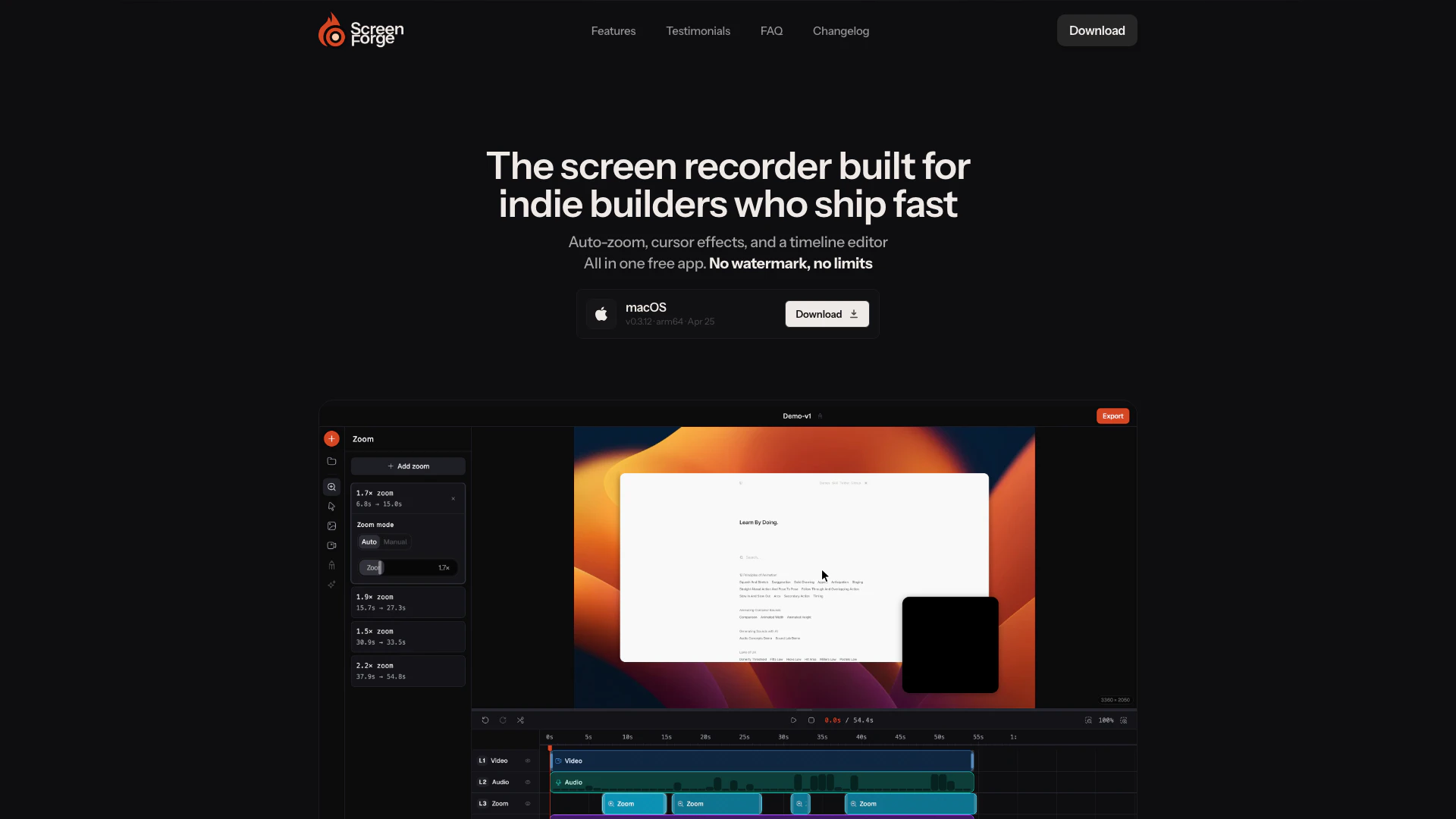
Screenforgeai is a free screen recording tool designed specifically for indie builders and content creators who need to produce high-quality video demonstrations quickly and efficiently. With its unique features like automatic zoom animations, customizable cursor effects, built-in timeline editing, and clean exports without watermarks, Screenforgeai stands out as a versatile solution for creating professional-looking videos. This tool allows users to focus on their content without the hassle of complicated editing processes or hidden costs, making it an ideal choice for anyone looking to share their work effectively.
How to use Screenforgeai?
- Download and install Screenforgeai from the official website.
- Launch the application and select the recording area: full screen, a specific window, or a custom region.
- Configure your settings, including audio input and frame rate.
- Start your recording by clicking the 'Record' button.
- Use the automatic zoom and cursor effects to enhance your recording as you demonstrate.
- Once finished, stop the recording and access the built-in timeline editor to trim, split, and rearrange your clips.
- Export your final video in your desired format (MP4, MOV, or WebM) without any watermarks.
What are the main features of Screenforgeai?
- Automatic zoom detection that focuses on cursor hotspots.
- Customizable cursor effects, including size adjustments and click ripple effects.
- Built-in timeline editor for non-destructive editing with split and trim capabilities.
- Ability to record screen and webcam simultaneously with adjustable overlays.
- Clean exports with no watermarks or branding.
- Background customization options, including solid colors and wallpapers.
- Microphone input with live level monitoring for clear audio recording.
- Frame rate control for exporting at 24, 30, or 60 fps.
Who is Screenforgeai for?
Screenforgeai is designed for indie developers, educators, marketers, and content creators who need an efficient way to create engaging video tutorials, product demos, or presentations. It caters to those who appreciate the value of quick and effective video production without the burden of high costs or complicated software. Whether you're an entrepreneur showcasing a new app, a teacher demonstrating a concept, or a marketer creating promotional content, Screenforgeai provides the tools necessary to produce polished videos that captivate audiences.
What are the use cases of Screenforgeai?
- Creating software tutorials that highlight key features and functionalities through zoomed-in demonstrations.
- Producing product walkthroughs that showcase user interfaces and interactions in real-time.
- Developing educational content for online courses, where clear visual explanations are essential for student understanding.
- Recording live coding sessions for developers to share their processes and solutions with peers.
- Crafting marketing videos that require engaging visuals and clean exports to attract potential customers.
Screenforgeai Pros and Cons
Pros
- Free with No Watermark: Screenforge offers a completely free screen recording experience without any watermarks or limitations, making it ideal for indie builders.
- Automatic Zoom Feature: The auto-zoom feature intelligently detects cursor movements and automatically zooms in on areas of interest, enhancing viewer engagement without manual adjustments.
- Built-in Timeline Editing: Screenforge includes a robust timeline editor that allows users to split, trim, and rearrange clips, eliminating the need for external editing software.
Cons
No cons data detected for this tool


