Roomdesign




What is Roomdesign?
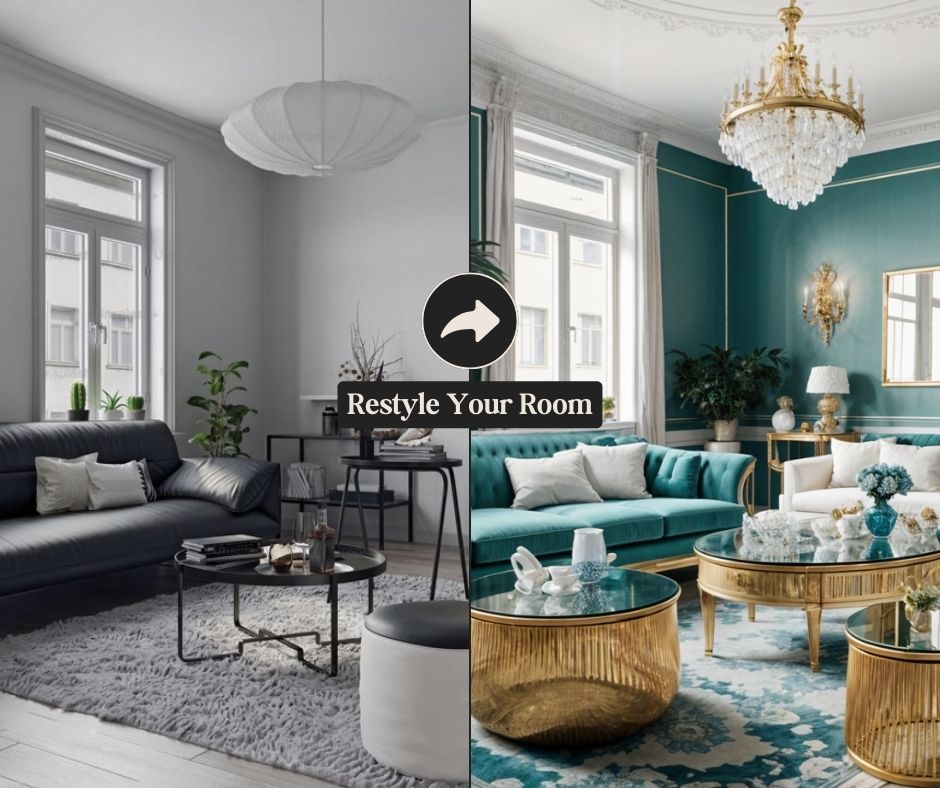
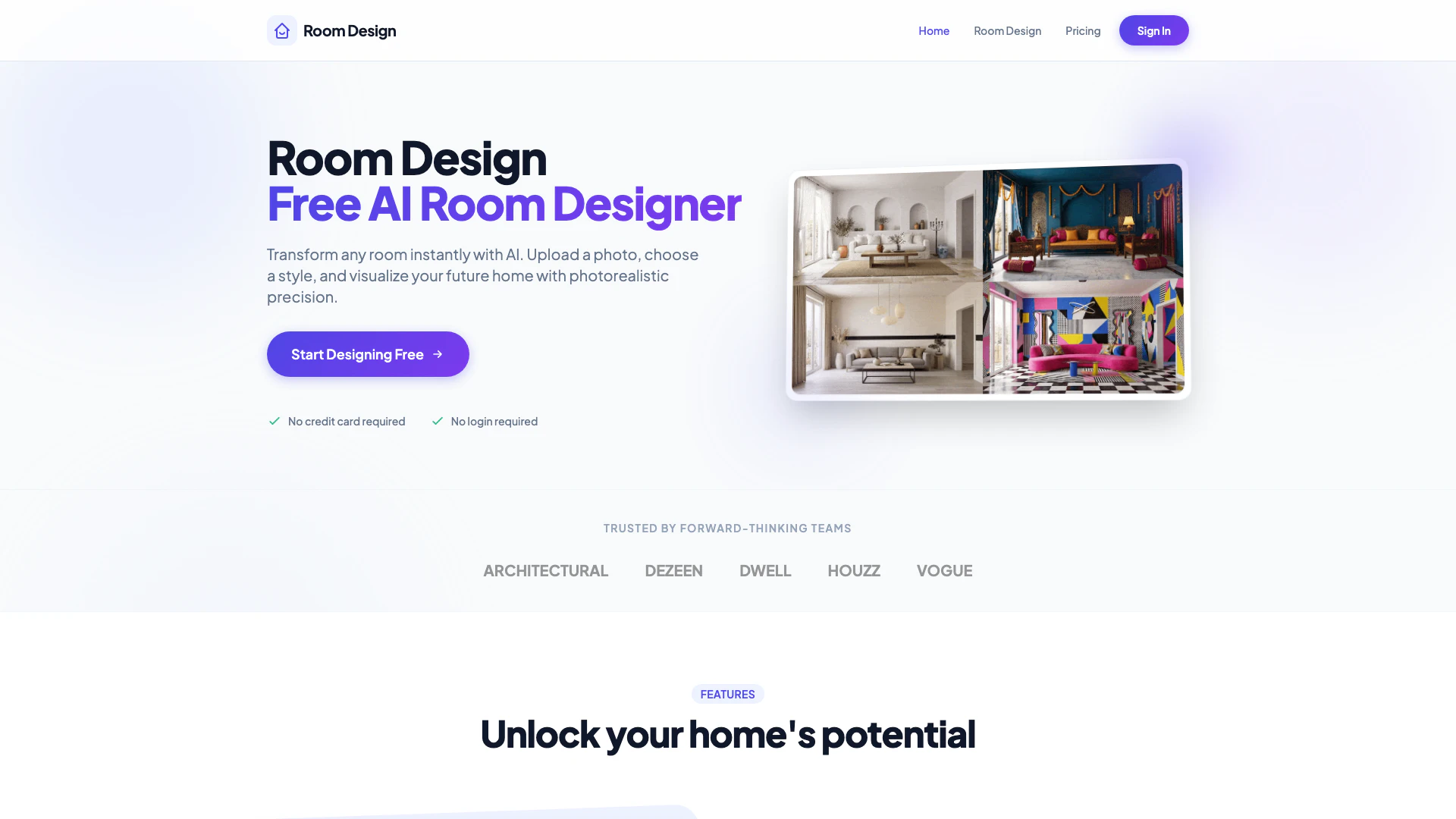
Roomdesign is a free AI-powered room designer that allows users to transform any room instantly. By uploading a photo of their space, users can choose from a variety of interior styles and visualize their future home with photorealistic precision. The tool leverages advanced AI technology to provide quick and stunning design results, making it accessible for homeowners and interior designers alike.
How to use Roomdesign?
To use Roomdesign, follow these steps: 1. Upload Photo: Take a photo of your room or upload an existing image. The AI will analyze the geometry of your space. 2. Select Style: Choose a preset style or describe your vision, such as "modern rustic with green accents." 3. Get Results: Receive stunning 4K renders in seconds. You can download, share, or refine your design with new prompts.
What are the main features of Roomdesign?
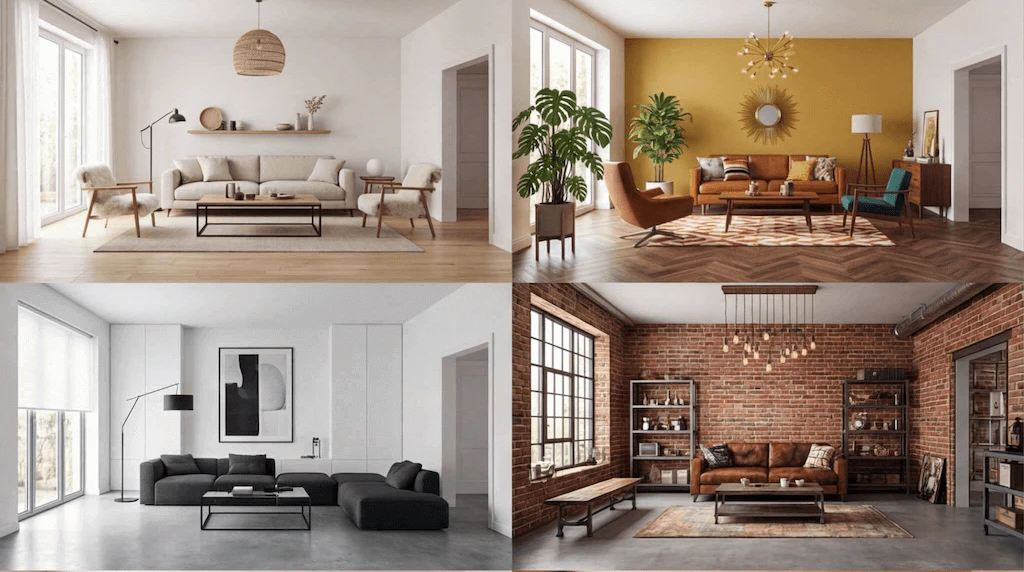
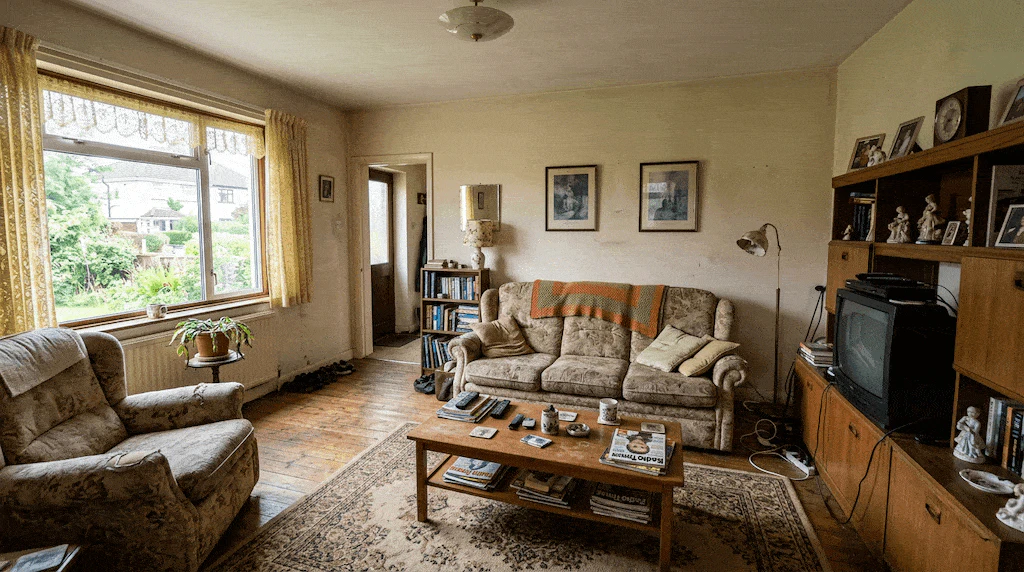
Roomdesign offers several key features to enhance your interior design experience: - Transform Your Room Instantly: Upload a photo and explore various interior styles in seconds. - Reimagine Your Room: Visualize how your space could look after a renovation with AI-generated redesigns. - Smart Furniture Matching: Get curated furniture combinations tailored to your room's layout and selected style. - Intelligent Color & Lighting Suggestions: Receive personalized recommendations for flooring, wall colors, and lighting to create a harmonious atmosphere. - Update Any Part of Your Room: Change specific elements like sofas or wall colors without altering the entire room.
Who is Roomdesign for?
Roomdesign is designed for homeowners, interior designers, and anyone looking to visualize their dream home quickly and easily. Whether you are planning a renovation, seeking inspiration for a new look, or simply want to experiment with different styles, this tool caters to a wide audience, making interior design accessible to all.
What are the use cases of Roomdesign?
Roomdesign can be utilized in various scenarios: 1. Home Renovations: Visualize potential changes before committing to renovations, allowing for better planning and decision-making. 2. Interior Design Projects: Interior designers can use the tool to quickly generate design options for clients, enhancing the design process. 3. Personalized Room Styling: Homeowners can experiment with different styles and furniture layouts to find the perfect look for their spaces.
Product Images
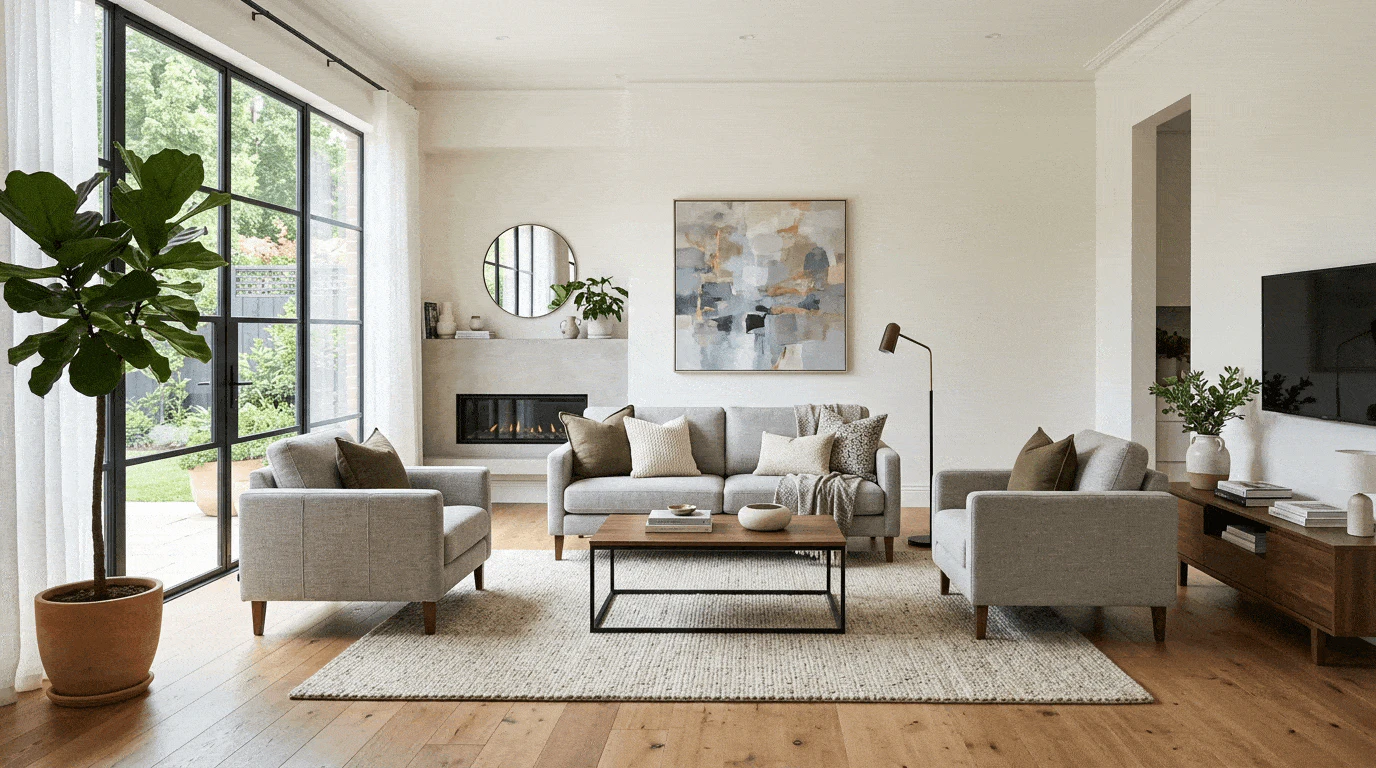
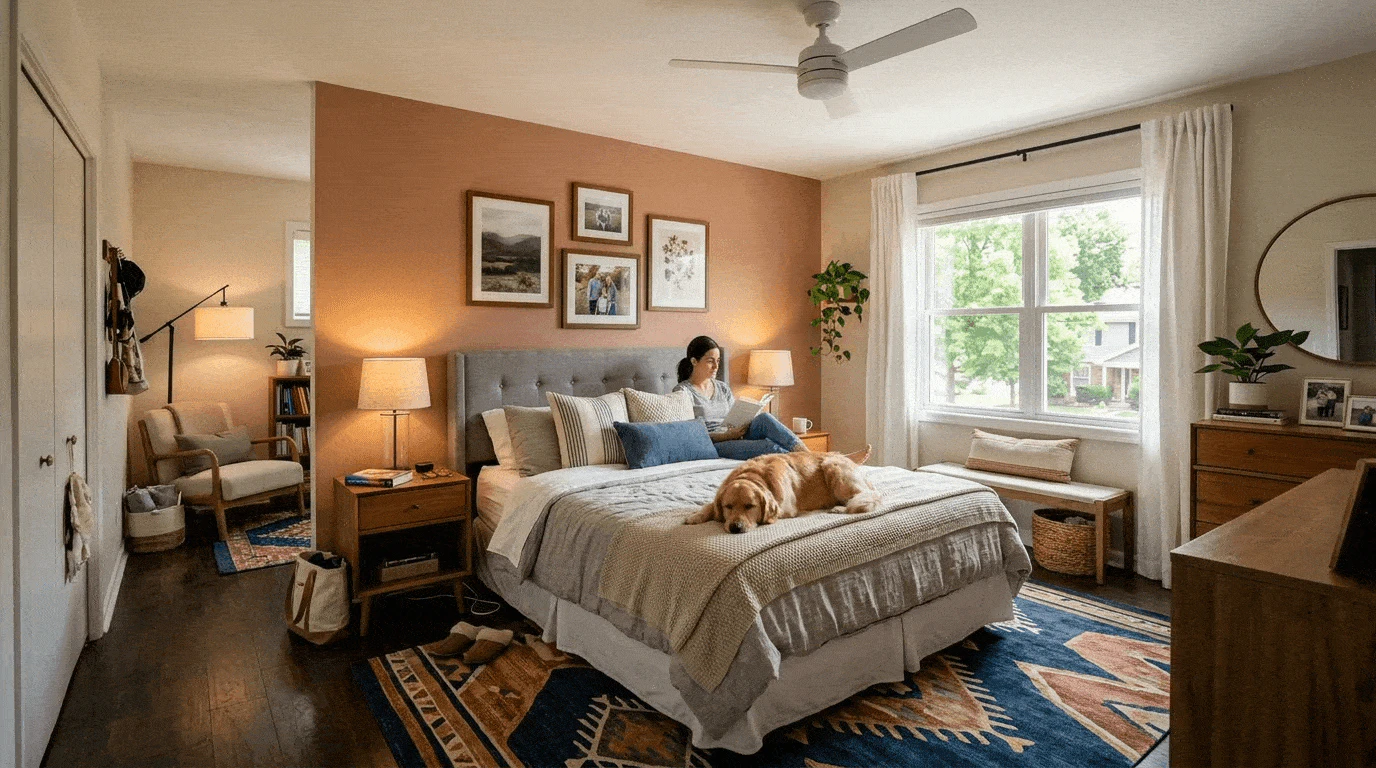
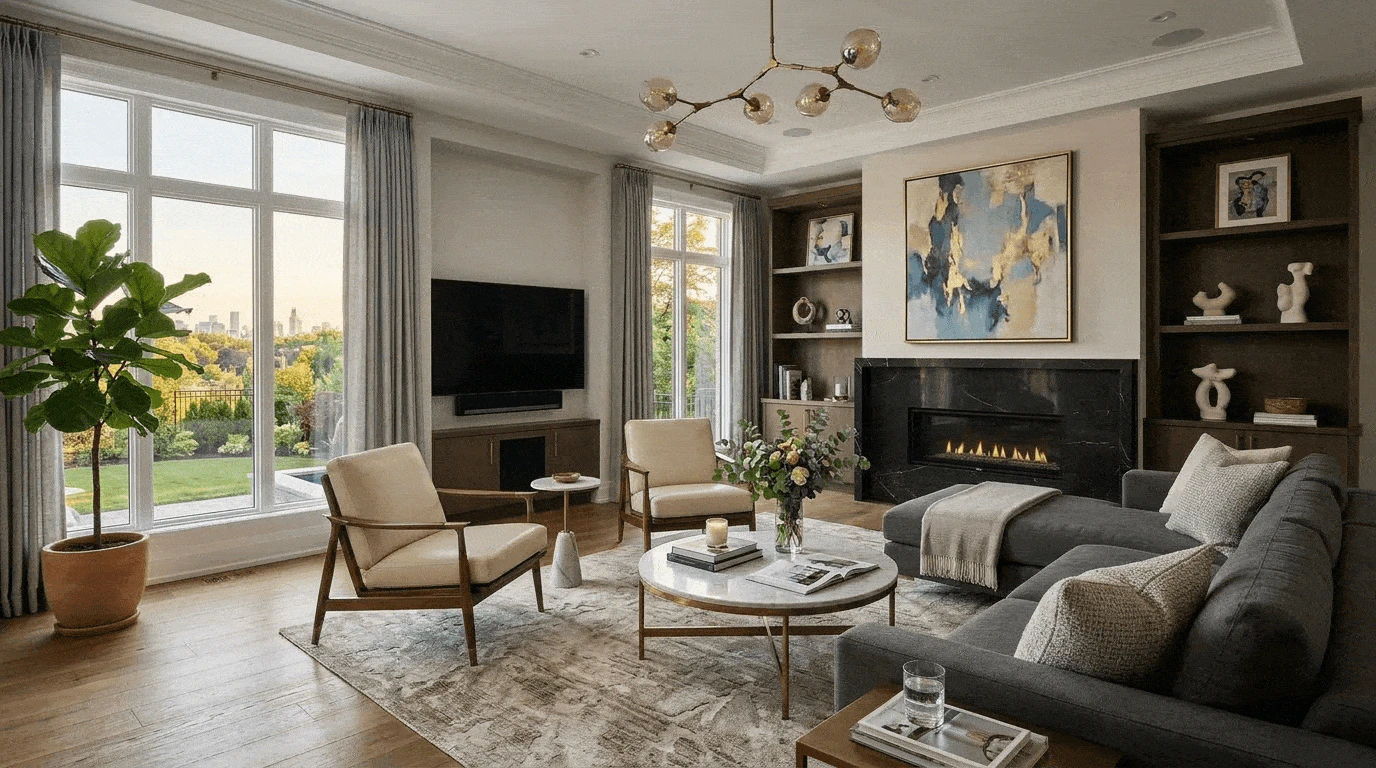
Roomdesign Pros and Cons
Pros
- Instant Room Transformation: Upload a photo and instantly explore various interior styles, allowing for quick visualization of design options.
- Smart Furniture Matching: Get tailored furniture combinations that fit your room's layout and chosen style, ensuring a cohesive design.
- Personalized Design Suggestions: Receive intelligent recommendations for colors, materials, and lighting to enhance the atmosphere of your room.
Cons
No cons data detected for this tool
Roomdesign Pricing
Starter
100 credits per month, All design styles, 4K resolution exports, Custom prompts, Priority support.
Pro
300 credits per month, All design styles, 4K resolution exports, Custom prompts, Priority support.
Plus
1000 credits per month, All design styles, 4K resolution exports, Custom prompts, Priority support.
For the latest pricing, please visit this link: https://roomdesign.pro/pricing
Prices are subject to change. Please visit the official website for the most up-to-date pricing information.