Rewindback


What is Rewindback?
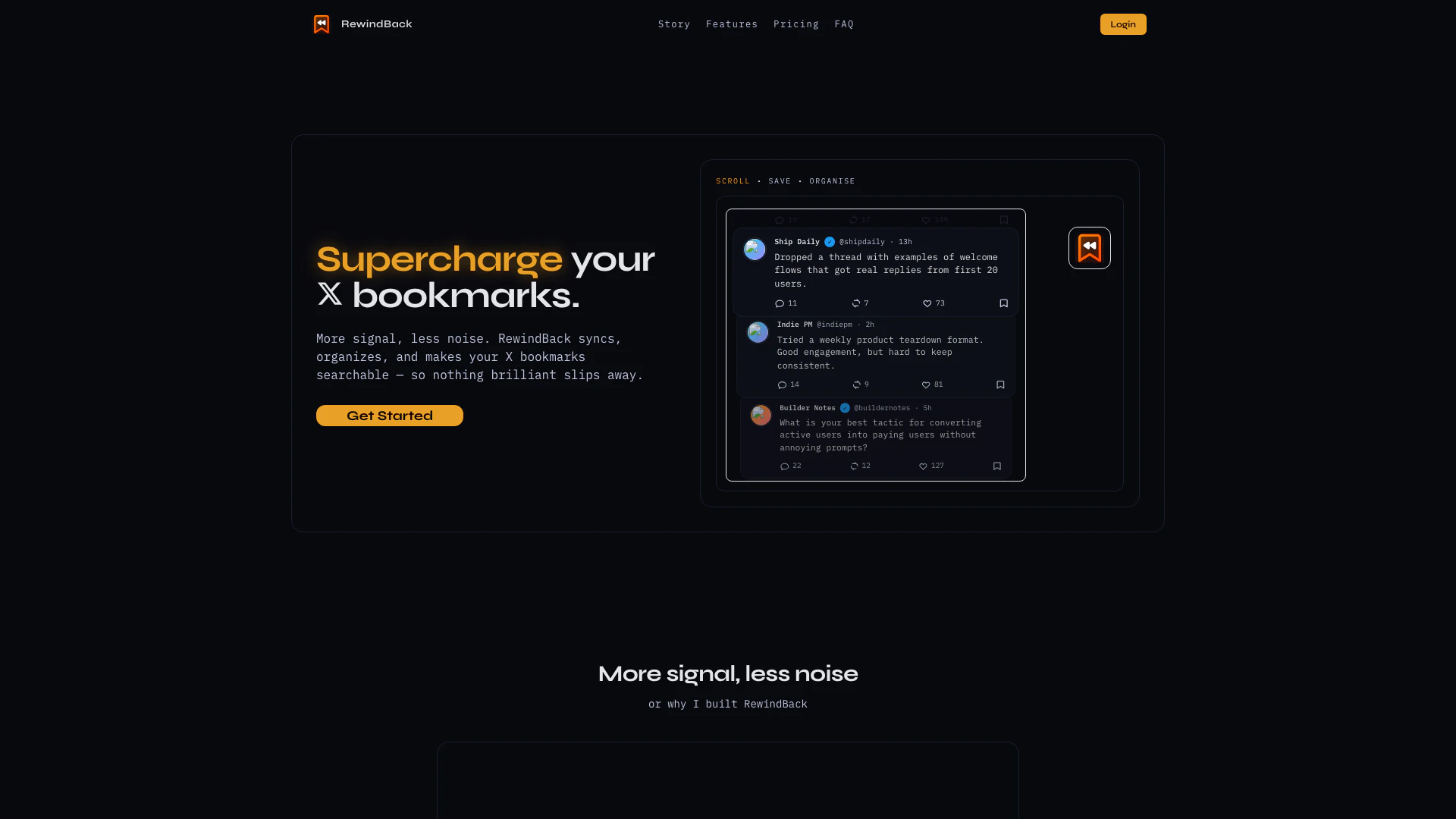
Rewindback is an innovative tool designed to enhance the management of your bookmarks on X. It automatically syncs your bookmarks, allowing you to search, tag, and organize everything you save. This ensures that you never lose track of important content, such as tweets or useful resources. With Rewindback, users can efficiently manage their bookmarks in a way that transforms the often overwhelming experience of bookmarking into a streamlined, organized process. The tool's core value lies in its ability to make bookmarks easily accessible and searchable, thus improving productivity and content retrieval.
How to use Rewindback?
- Sign up for Rewindback and choose a subscription plan that fits your needs.
- Connect your X account securely using OAuth, which grants Rewindback read-only access to your bookmarks.
- Once connected, your bookmarks will sync automatically whenever you access your Rewindback dashboard.
- Use the search feature to find specific bookmarks quickly or organize them using folders and tags.
- Review your saved bookmarks and utilize the email digest feature to stay updated on your latest saves.
What are the main features of Rewindback?
- Automatic Syncing: Rewindback syncs your bookmarks from X automatically, ensuring that your saved content is always up to date.
- Search Functionality: Easily search through all your bookmarks to find what you need without scrolling through a long list.
- Tagging and Organization: Organize your bookmarks into folders and tags for better categorization and retrieval.
- Activity Timeline: Keep track of your bookmarking activity with a timeline view.
- Email Digests: Receive summaries of your newly saved bookmarks on a schedule that suits you.
Who is Rewindback for?
Rewindback is ideal for anyone who frequently uses X for bookmarking content, including casual users, researchers, marketers, and professionals who need to keep track of valuable information. It is particularly beneficial for those who find the standard bookmarking system on X cumbersome and inefficient. Whether you are a student saving academic resources, a marketer saving articles for later reference, or a developer bookmarking important tips, Rewindback provides the tools necessary to enhance your bookmarking experience.
What are the use cases of Rewindback?
- Research: Save and organize articles, studies, and papers for academic or professional research, making them easily retrievable.
- Content Curation: Marketers can use Rewindback to save and categorize industry-related content for future reference or sharing.
- Personal Organization: Individuals can keep track of useful tips, recipes, or ideas found on X, ensuring they can revisit them when needed.
Rewindback Pros and Cons
Pros
- Automatic Bookmark Syncing: RewindBack automatically syncs your X bookmarks, ensuring you never lose track of important saved content.
- Advanced Organization Features: The tool allows users to organize bookmarks with folders and tags, making it easy to categorize and retrieve saved items.
- Full Search Functionality: RewindBack offers a comprehensive search feature, enabling users to quickly find specific bookmarks based on keywords or tags.
Cons
No cons data detected for this tool
Rewindback Pricing
Starter
For active readers * 1,000 bookmarks * 6 months of history * Standard sync allowance * ✕No daily email digests
Pro
For heavy bookmark users * 5,000 bookmarks * 2 years of history * Higher sync allowance * ✓Daily, weekly, and monthly email digests
Max
For full-library workflows * 20,000 bookmarks * Full history search * Highest sync allowance * ✓Daily, weekly, and monthly email digests
For the latest pricing, please visit this link: https://www.rewindback.com/#pricing
Prices are subject to change. Please visit the official website for the most up-to-date pricing information.
Rewindback Reviews
Tried a weekly product teardown format. Good engagement, but hard to keep consistent.
What is your best tactic for converting active users into paying users without annoying prompts?
Small launch today: search across all saved tweets by topic + creator. This one saved me hours.
For more reviews, visit this link: https://rewindback.com/#reviews