Reve





What is Reve?
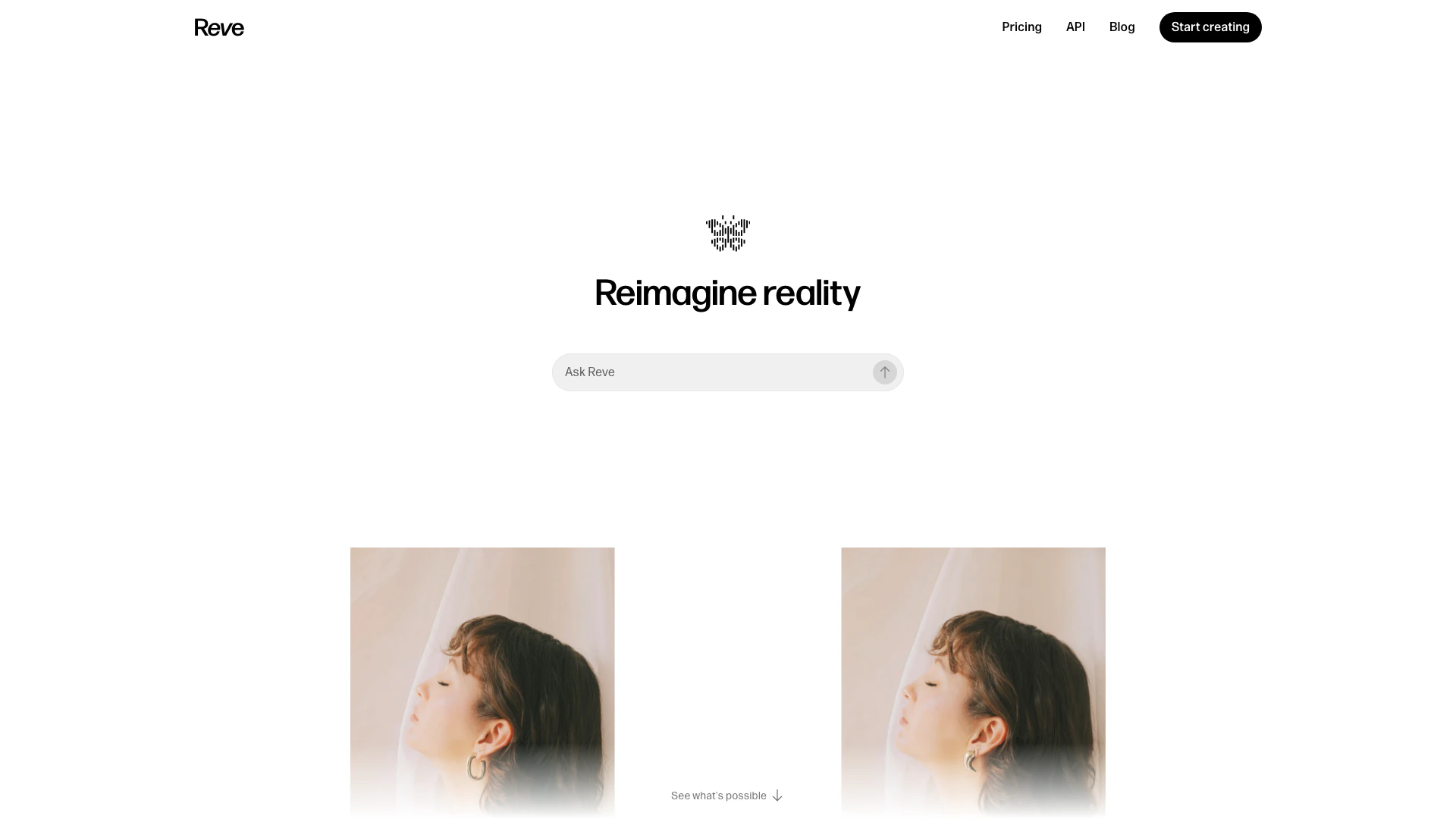
Reve is an innovative AI image generator and creative tool that allows users to reimagine reality by creating, editing, and remixing images. It combines the power of natural-language processing with a user-friendly drag-and-drop image editor, making it accessible for both beginners and experienced creators. With Reve, users can effortlessly manipulate images, apply complex edits using simple language commands, and explore their creativity without the steep learning curve often associated with traditional graphic design software.
How to use Reve?
- Visit the Reve website and sign up for an account if you haven't already.
- Access the image editor and choose whether to create a new image or edit an existing one.
- Utilize the drag-and-drop feature to upload images or select from the provided library.
- Use the natural-language editing[2] feature to describe the changes you want to make, such as 'add a sunset' or 'change colors to blue'.
- Preview your edits in real-time and make adjustments as needed before finalizing your image.
What are the main features of Reve?
- AI Image Generation[1]: Create stunning images from scratch using AI technology.
- Natural-Language Editing: Apply edits by simply typing commands in plain language, making it easy for anyone to use.
- Drag-and-Drop Interface[3]: Intuitive design allows for easy manipulation of images without any prior experience.
- Image Remixing[4]: Combine different images and styles to create unique artworks.
- Real-Time Preview: See changes as you make them, ensuring that you achieve the desired outcome.
Who is Reve for?
Reve is designed for a wide range of users, including digital artists, graphic designers, content creators, and anyone interested in exploring their creativity through image manipulation. Whether you are a professional looking to enhance your portfolio or a hobbyist wanting to create fun images for social media, Reve provides the tools you need to bring your ideas to life.
What are the use cases of Reve?
- Social Media Content Creation: Use Reve to design eye-catching images for posts and advertisements.
- Artistic Projects: Create unique artworks by remixing existing images or generating new ones from text descriptions.
- Marketing Materials: Design promotional graphics and visuals for marketing campaigns quickly and effectively.
- Educational Resources: Develop engaging visual aids and illustrations for presentations or teaching materials.
- Personal Projects: Explore your creativity by making custom images for personal use, such as gifts or personal branding.
Reve Pros and Cons
Pros
- AI-Powered Image Generation: Reve utilizes advanced AI technology to generate high-quality images, allowing users to create stunning visuals effortlessly.
- Natural Language Editing: Users can make edits using natural language commands, simplifying the editing process and enhancing creativity.
- User-Friendly Interface: The drag-and-drop functionality makes it easy for users of all skill levels to navigate and utilize the tool effectively.
Cons
No cons data detected for this tool