
Removermarca
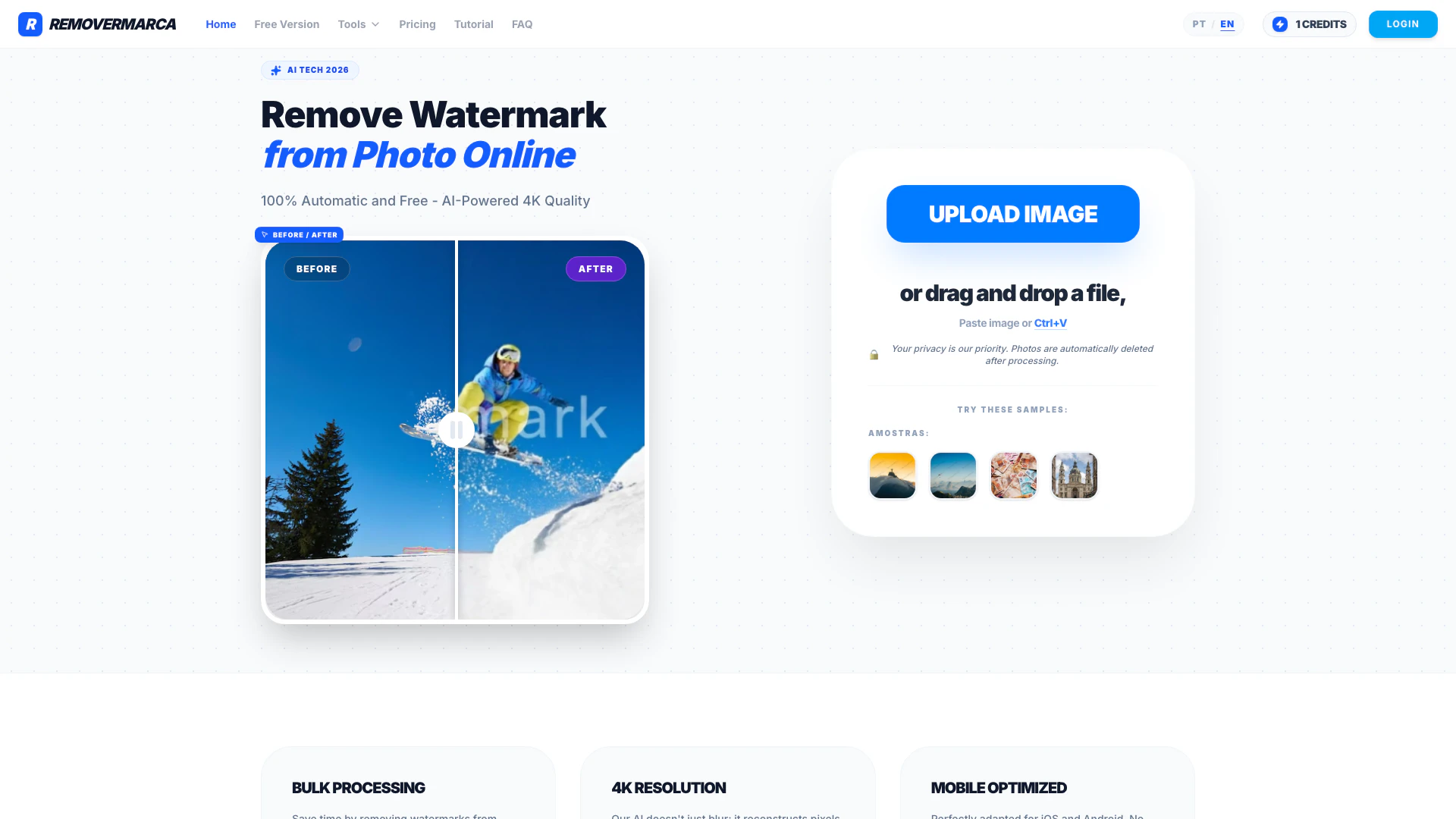





What is RemoverMarca?
RemoverMarca is an innovative AI-powered[2] tool designed to remove watermarks from photos instantly and automatically. With its advanced neural inpainting[3] technology, it offers high-quality 4K resolution results, making it a superior choice for quick photo cleanup compared to traditional software like Photoshop. RemoverMarca allows users to process images in bulk, ensuring efficiency without compromising on image quality. This tool is ideal for photographers, content creators, and anyone who needs to enhance their images by removing unwanted watermarks effortlessly.
How to use RemoverMarca?
To use RemoverMarca, follow these simple steps: 1. Go to the RemoverMarca website. 2. Upload your image by dragging and dropping the file or using the upload button. 3. Wait for the AI to process the image and remove the watermark. 4. Download the edited image in 4K quality[4].
What are the main features of RemoverMarca?
RemoverMarca offers several key features that enhance its functionality: - 100% Automatic Processing: The tool removes watermarks without manual intervention. - 4K Quality Output: Maintains high-resolution images without quality loss. - Bulk Processing[5]: Remove watermarks from multiple images simultaneously. - User-Friendly Interface: Easy to navigate, suitable for all skill levels. - Mobile Optimization: Works seamlessly on both iOS and Android devices without needing to download an app.
Who is RemoverMarca for?
RemoverMarca is ideal for photographers, graphic designers, content creators, and social media managers who frequently work with images containing watermarks. It caters to users who need a quick and efficient solution for watermark removal[1] without the complexity of traditional editing software. Whether for personal or professional use, RemoverMarca simplifies the editing process, making it accessible to anyone looking to enhance their images.
What are the use cases of RemoverMarca?
RemoverMarca can be used in various scenarios, including: 1. E-commerce: Remove watermarks from product images for online listings. 2. Social Media: Edit photos for posts or advertisements by eliminating watermarks. 3. Photography: Clean up images for portfolios or client presentations without compromising quality.
Product Images




Removermarca Pros and Cons
Pros
- Instant Watermark Removal: RemoverMarca allows for instant removal of watermarks from photos using AI technology, significantly faster than traditional methods.
- 4K Quality Output: The tool maintains high-definition 4K quality during watermark removal, ensuring no loss in image clarity.
- Bulk Processing Capability: Users can remove watermarks from hundreds of photos simultaneously, saving time and effort compared to manual editing.
Cons
No cons data detected for this tool
Removermarca Pricing
Lite Plan
+50 credits / yr. Ideal for individuals needing occasional watermark removal.
Standard Plan
+200 credits / yr. Suitable for regular users requiring more credits.
Advanced Plan
+800 credits / yr. Best for professionals needing extensive watermark removal capabilities.
For the latest pricing, please visit this link: https://removermarca.com/en/pricing
Prices are subject to change. Please visit the official website for the most up-to-date pricing information.