Qquest
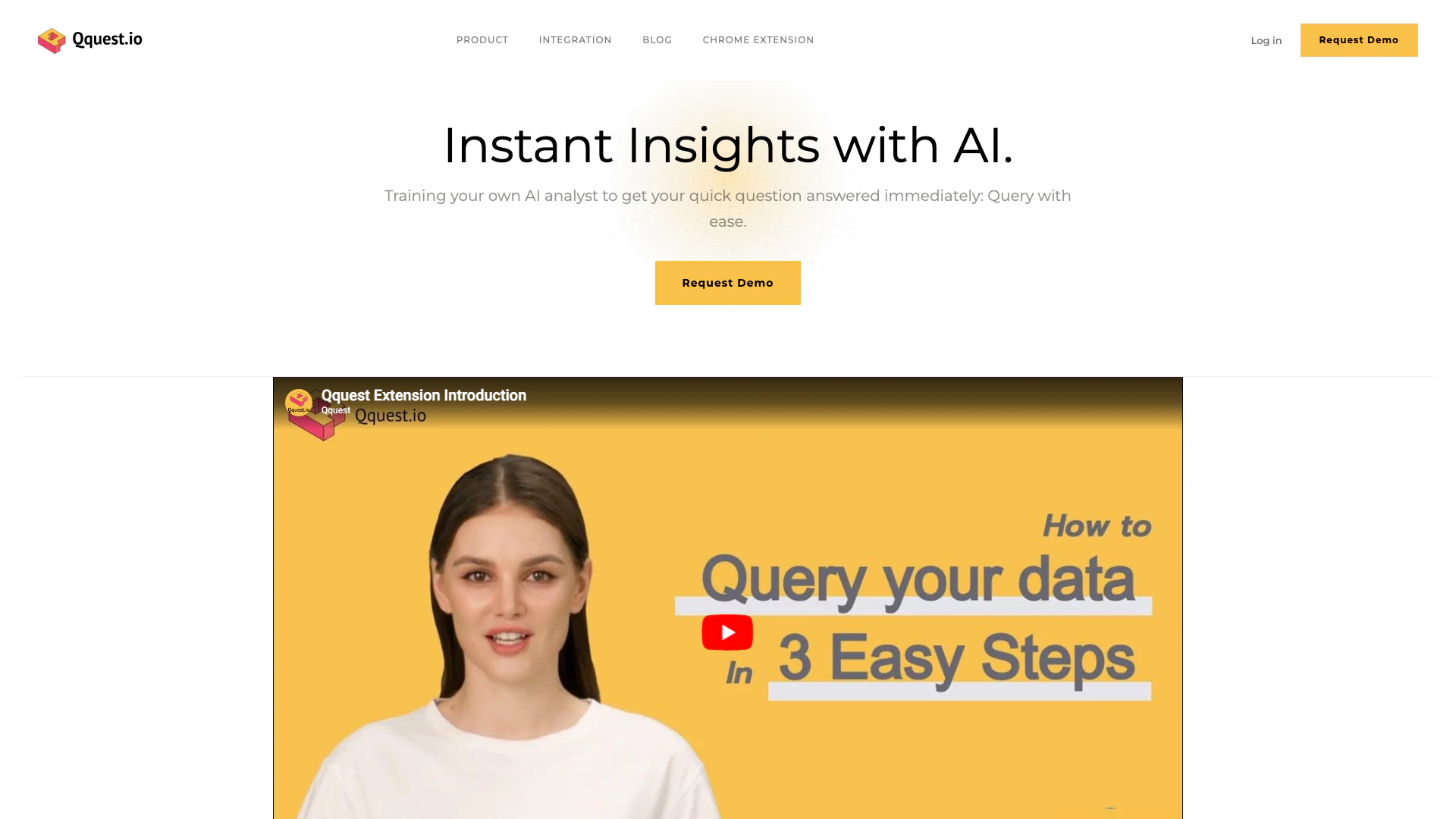





What is Qquest?
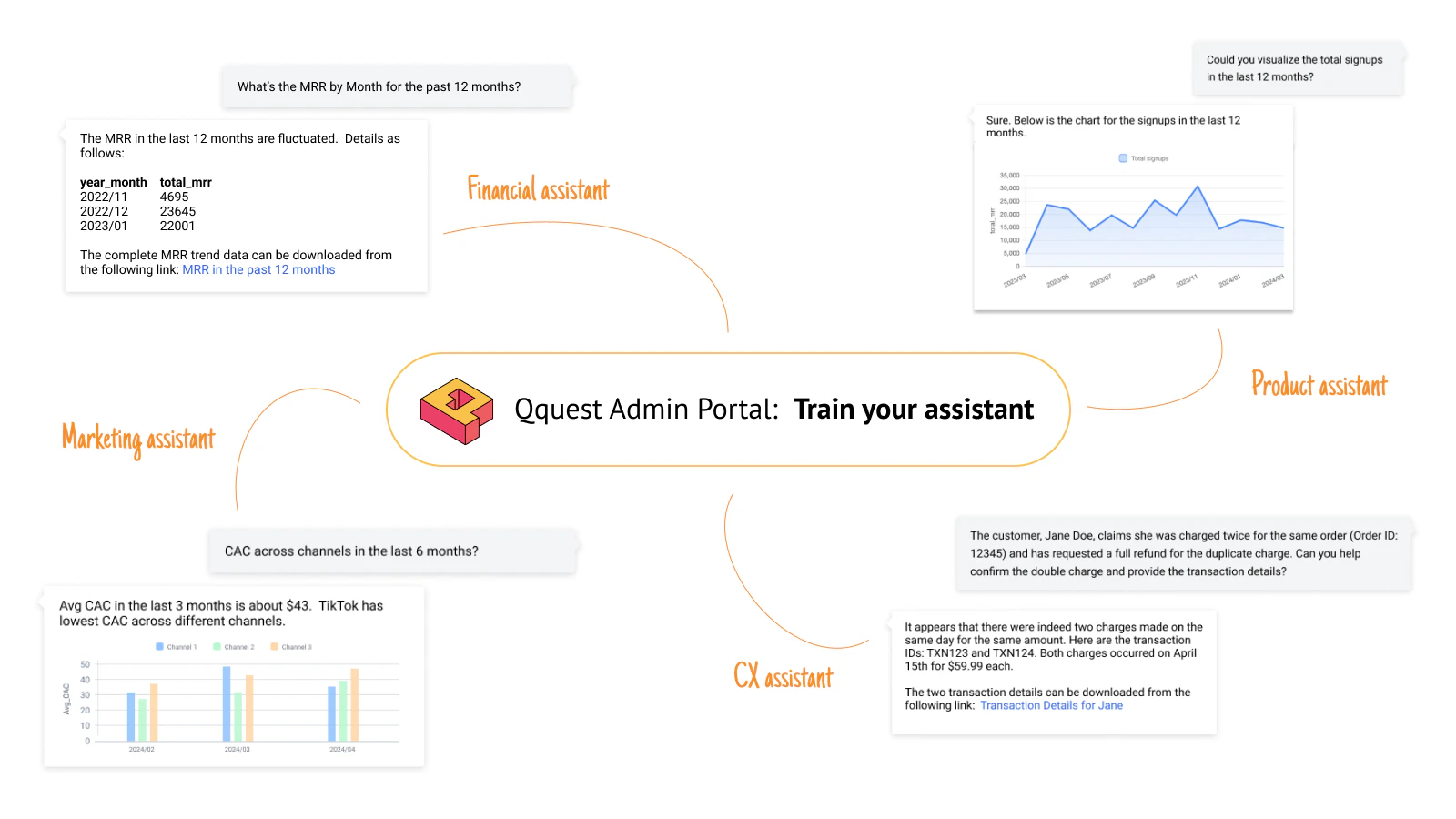
Qquest is an innovative AI-driven[2] tool designed to enhance data analysis by providing virtual Data Analysts[1] that can be customized to meet the specific needs of any organization. It allows users to easily query insights from their data without needing coding skills, making data analysis accessible to a broader audience. With Qquest, businesses can seamlessly bridge the gap between their data teams and various business functions, ensuring that every department—from marketing to operations—has the data-driven answers they need for informed decision-making.
How to use Qquest?
- Sign up for an account on the Qquest website or log in if you already have one.
- Connect Qquest to your data sources, such as Snowflake, Redshift, or MySQL, by following the integration instructions.
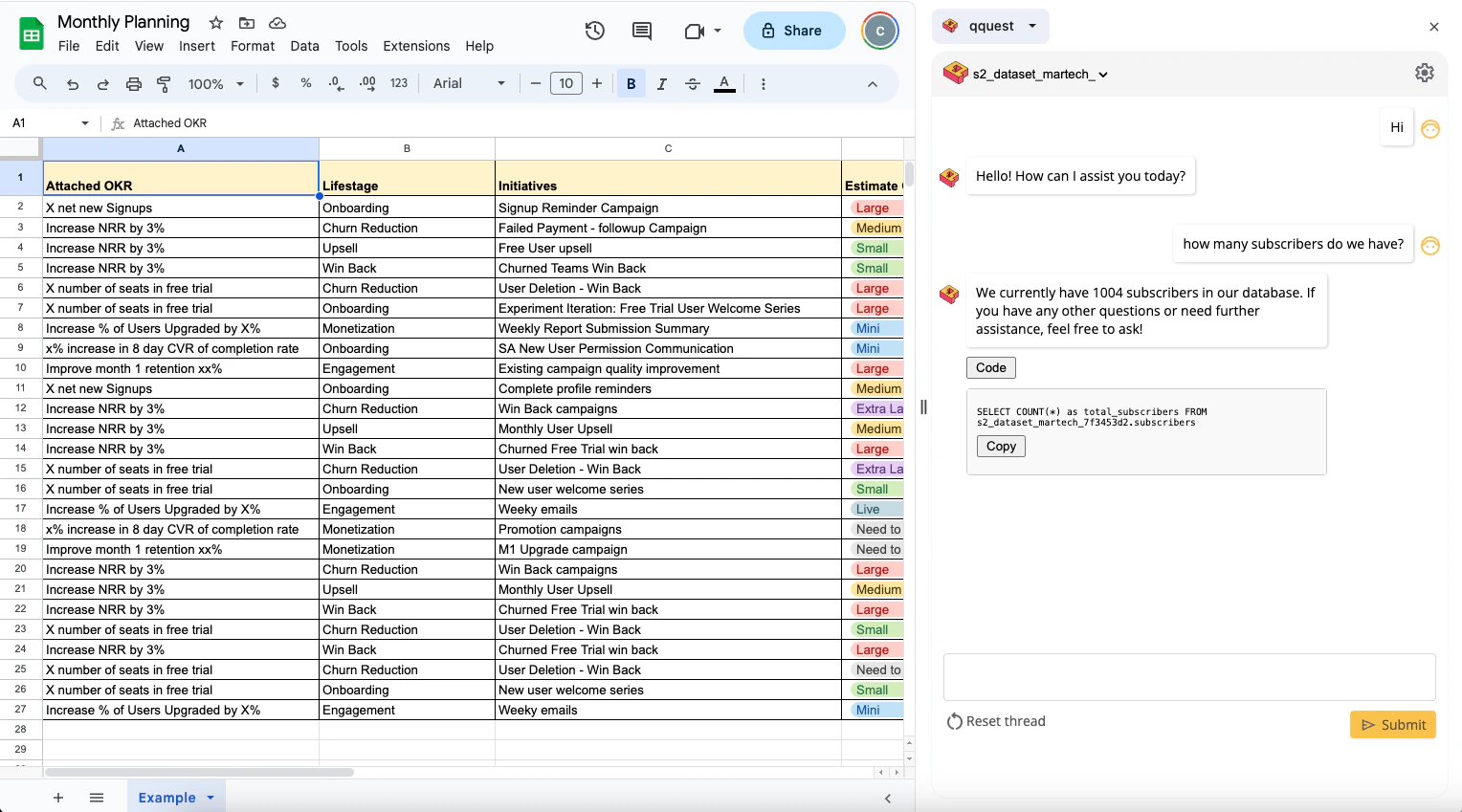
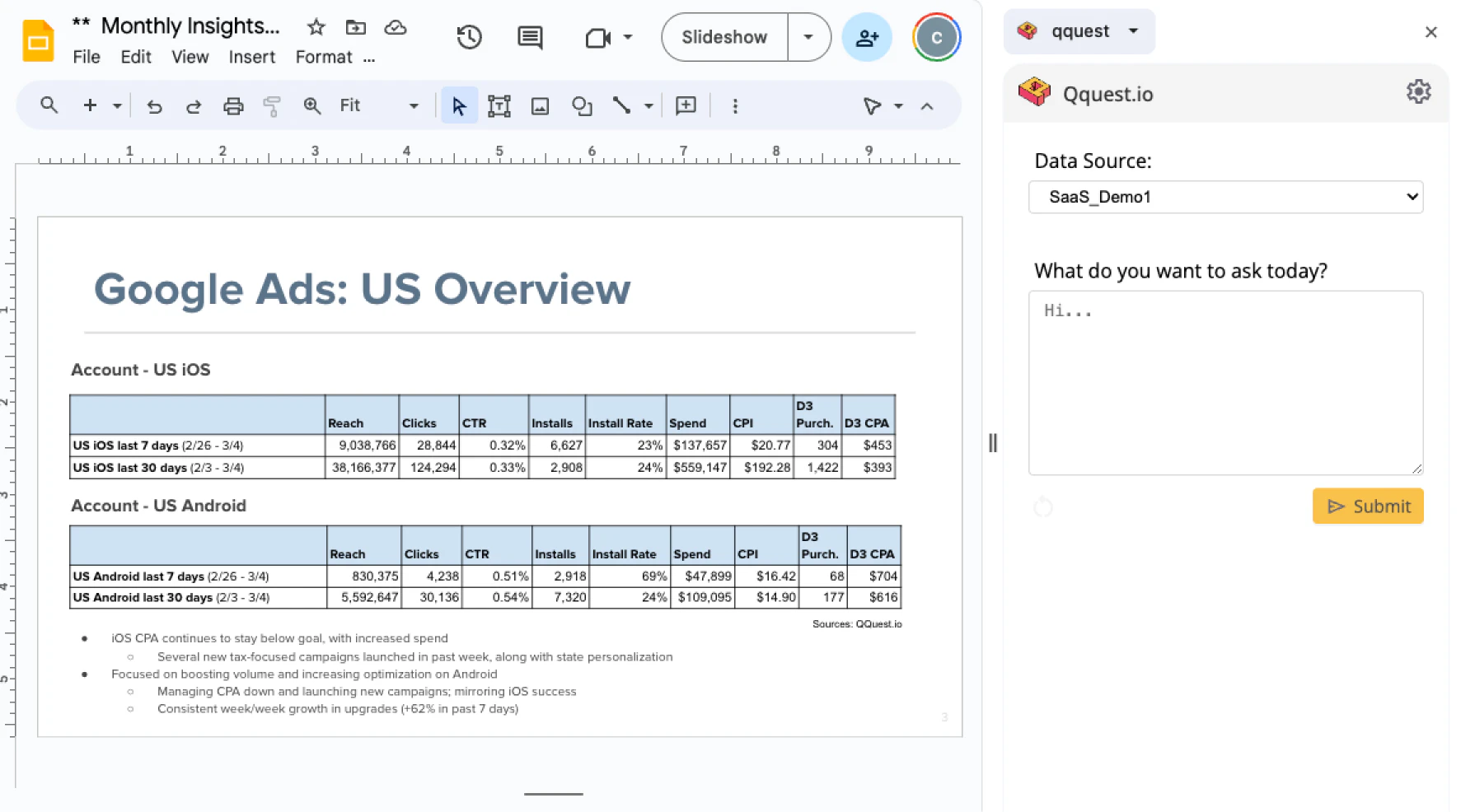
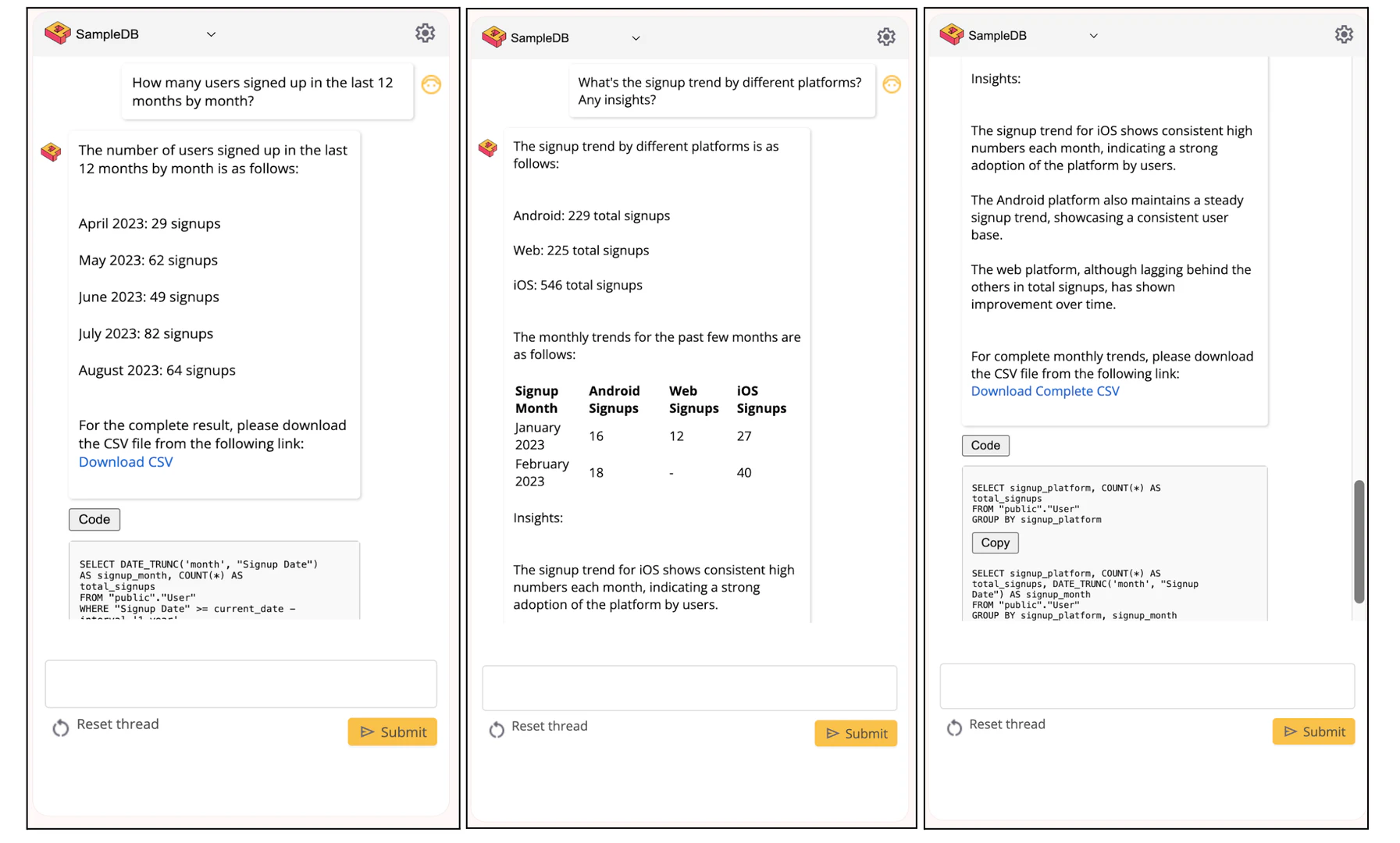
- Use the intuitive chat interface to input your queries in natural language, asking for insights related to your business needs.
- Review the insights provided by Qquest and utilize them to make data-driven decisions.
What are the main features of Qquest?
- Natural Language Querying[3]: Users can ask questions in plain language without needing coding skills.
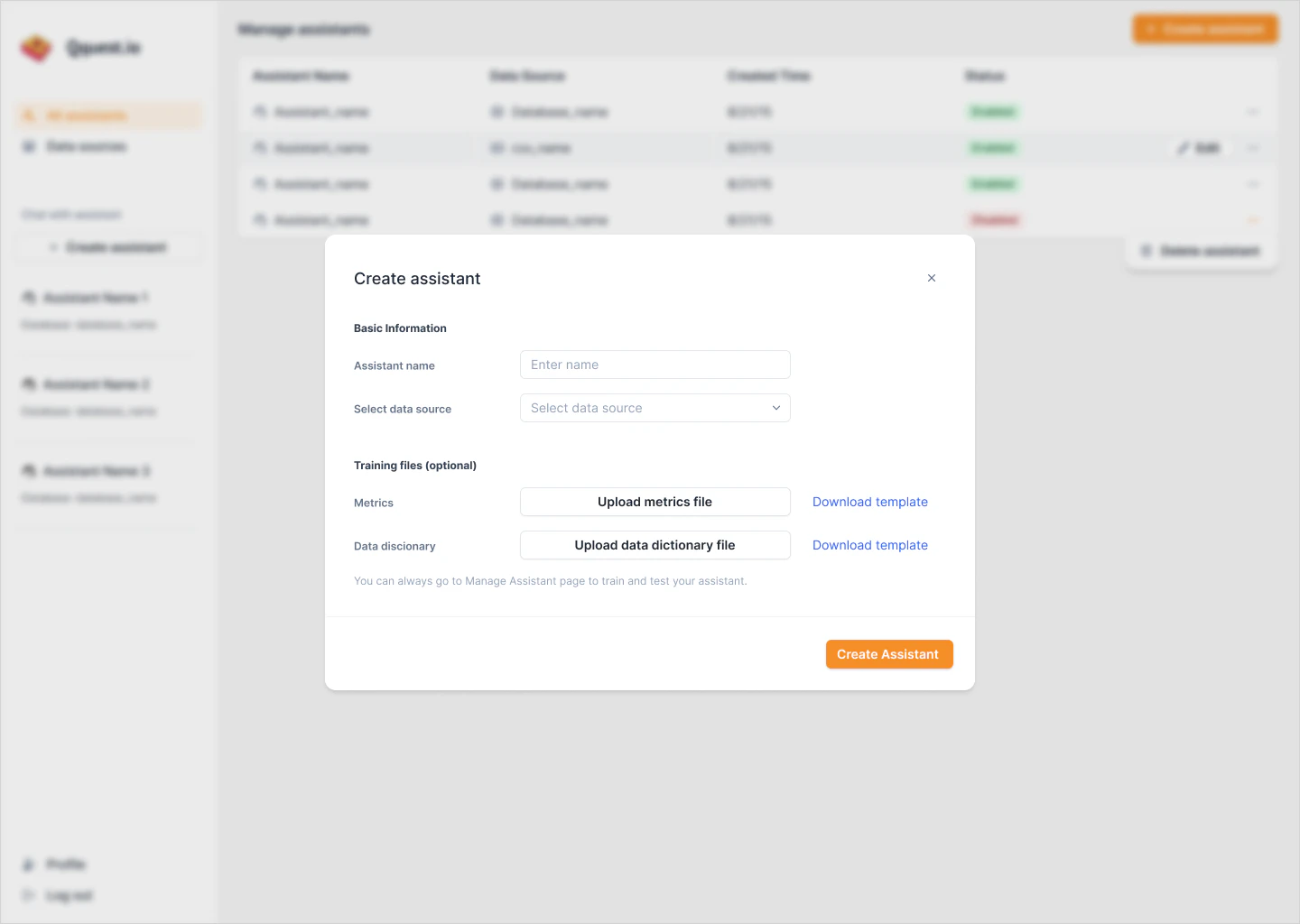
- Customizable AI Assistant[4]: Tailor the AI to understand specific business contexts, customers, and products.
- Seamless Integration[5]: Easily connect to various data warehouses and databases like Snowflake, Redshift, and PostgreSQL.
- Collaboration Tools: Enhance teamwork by providing insights tailored to different departments, improving alignment and decision-making.
Who is Qquest for?
Qquest is designed for a wide range of users, including data leaders who want to build their own AI agents, business stakeholders seeking quick data insights, and project managers who require accessible data analysis tools. Its user-friendly interface makes it ideal for non-technical staff in organizations of all sizes, facilitating collaboration and empowering teams to leverage data effectively.
What are the use cases of Qquest?
- Business Intelligence[6]: Generate insights for strategic planning and decision-making in various departments.
- Project Management: Quickly analyze data to manage projects and track performance metrics.
- Marketing Analytics: Assess customer behavior and campaign effectiveness using data-driven insights.
Product Images