
Project-genie






What is Project Genie?
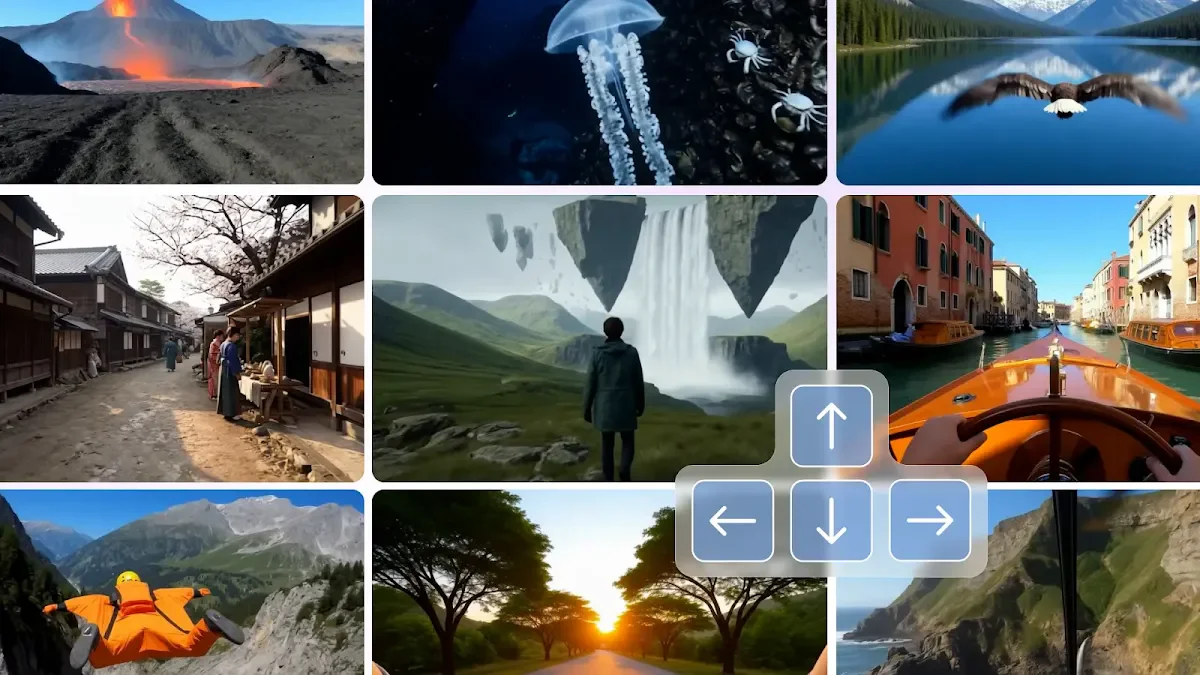
Project Genie is an innovative AI-powered world generation platform that utilizes Google's Genie 3 technology to transform simple text descriptions and images into photorealistic, interactive 3D environments. With Project Genie, users can create navigable worlds in real-time without needing any design skills, making advanced world simulation accessible to everyone. The platform allows creators to visualize their ideas quickly and efficiently, catering to a wide range of applications from game development to educational simulations.
How to use Project Genie?
- Define Your World: Start by inputting text prompts or uploading reference images to describe your desired environment, characters, and exploration style.
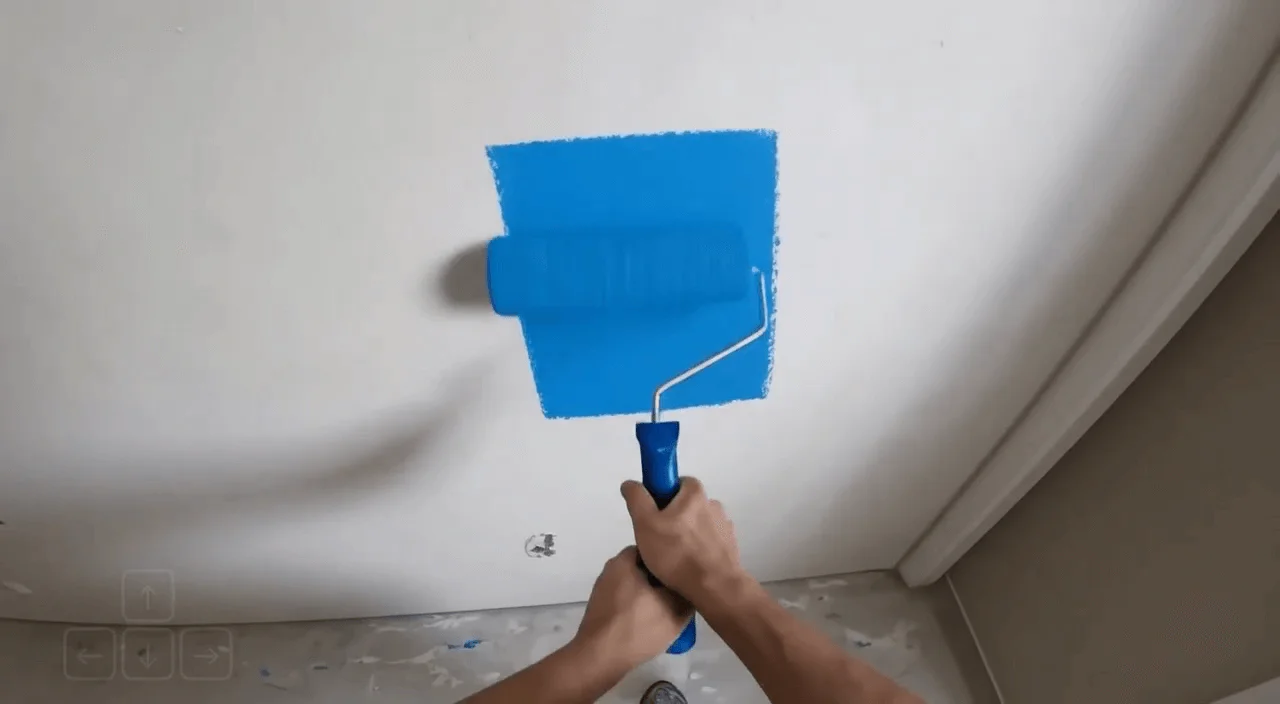
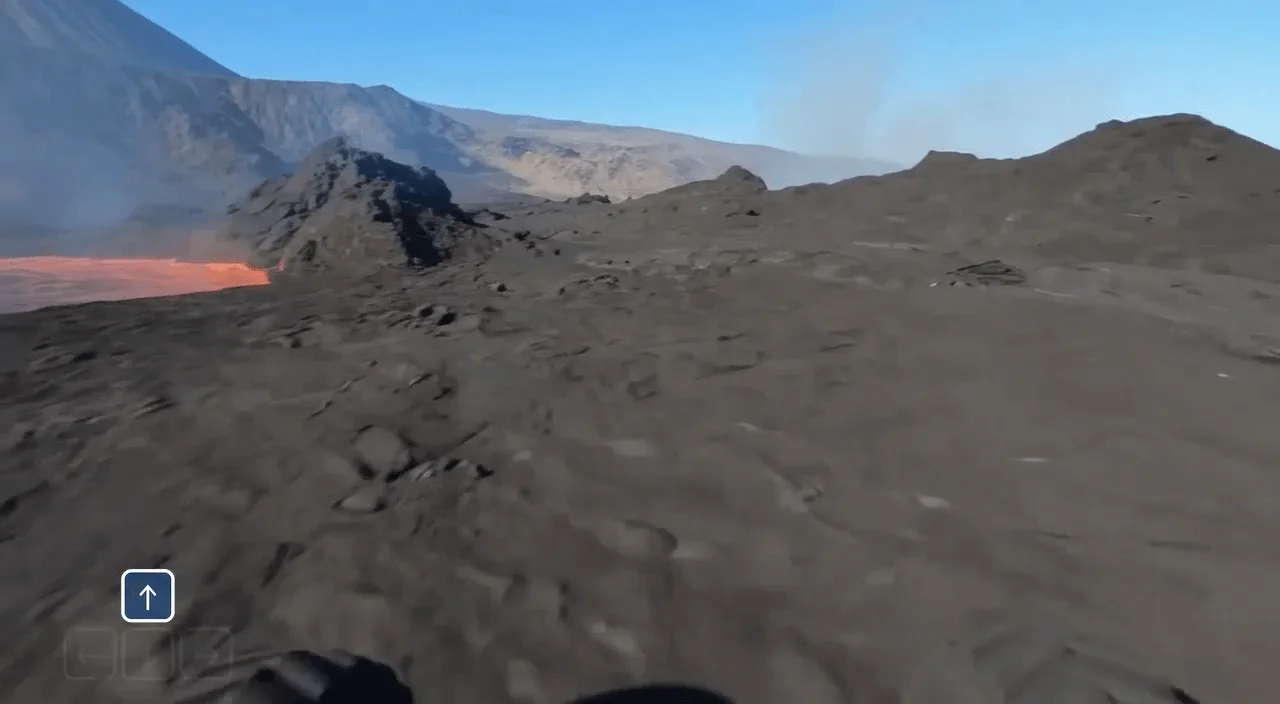
- Generate Your World: Click the 'Generate' button to create your interactive world. Project Genie will generate a 3D environment in real-time, allowing you to navigate as it builds the path ahead.
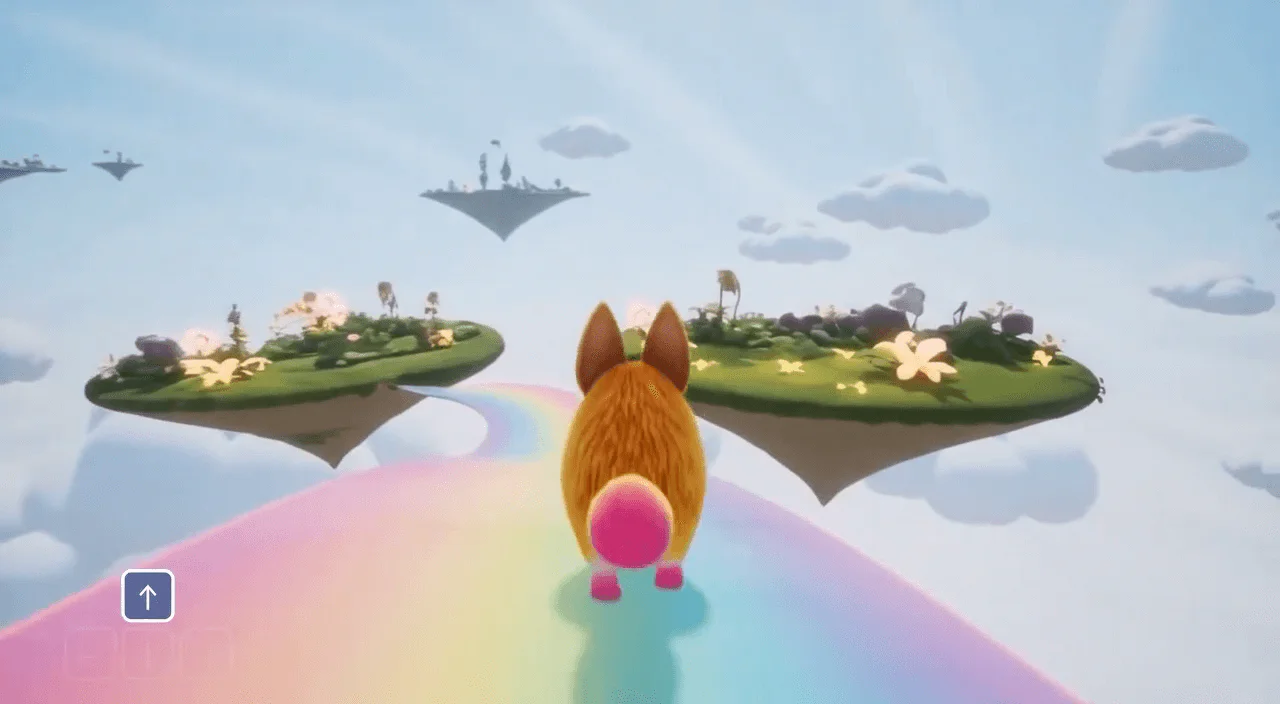
- Explore and Remix: Use full camera control to navigate your world. You can remix existing worlds from the gallery or create new variations based on your preferences.
What are the main features of Project Genie?
- Text-to-World Generation: Convert text prompts into fully explorable 3D environments.
- Image-Based World Sketching: Upload images to guide the creation process, blending your concepts with AI creativity.
- Real-Time Interaction: Experience fluid navigation at 20-24 frames per second with dynamic world generation.
- World Remixing System: Modify existing worlds or create new variations easily without starting from scratch.
- Photorealistic Quality: Enjoy high-quality visuals rendered at 720p with realistic lighting and textures.
- Cross-Platform Access: Use Project Genie on any device with a web browser, with no downloads required.
Who is Project Genie for?
Project Genie is designed for a diverse audience, including game developers, educators, filmmakers, architects, and content creators. Whether you are an indie game developer looking to prototype levels, an educator creating immersive learning experiences, or a filmmaker visualizing scenes for preproduction, Project Genie provides the tools needed to bring your creative visions to life. Its user-friendly interface makes it accessible for individuals with no technical skills, allowing anyone to create stunning interactive worlds.
What are the use cases of Project Genie?
- Game Prototyping: Rapidly visualize game environments and test gameplay scenarios.
- Educational Simulations: Create interactive historical settings and virtual field trips for students.
- Film and Animation Previsualization: Prototype locations and camera angles for film projects in explorable 3D spaces.
Product Images



Project-genie Pros and Cons
Pros
- Real-Time World Generation: Generate photorealistic interactive environments instantly from text descriptions, allowing for immediate exploration without lengthy modeling.
- No Technical Skills Required: Users can create worlds without any prior design or coding experience, making the platform accessible to everyone.
- Cross-Platform Accessibility: Access the platform from any device with a web browser, enabling users to create and explore worlds without downloads.
Cons
No cons data detected for this tool
Project-genie Pricing
Free
Perfect for trying our world generation platform. Includes 20 credits, 2 world generation sessions, and standard quality environments.
Professional
For creators who need professional world generation. Includes 500 credits per month, up to 62 world generation sessions, high-quality 720p environments, and a commercial use license.
Enterprise
For studios and teams creating at scale. Includes 5000 credits per month, up to 625 world generation sessions, premium 720p photorealistic quality, and a commercial use license.
For the latest pricing, please visit this link: https://project-genie.net/#pricing
Prices are subject to change. Please visit the official website for the most up-to-date pricing information.
Project-genie Reviews
Project Genie revolutionized my prototyping process. I can now test level designs and gameplay scenarios in hours instead of weeks. The real-time exploration is exactly what indie developers need.
My students can now explore historical settings interactively with Project Genie. Creating virtual field trips to Ancient Rome or the Renaissance takes minutes, making complex topics engaging and memorable.
The previsualization capabilities are incredible. I generate explorable scene environments for client presentations, saving countless hours of traditional 3D modeling work. This platform is a game-changer for our studio.
For more reviews, visit this link: https://project-genie.net/#testimonials