

Powerprompt



What is Powerprompt?
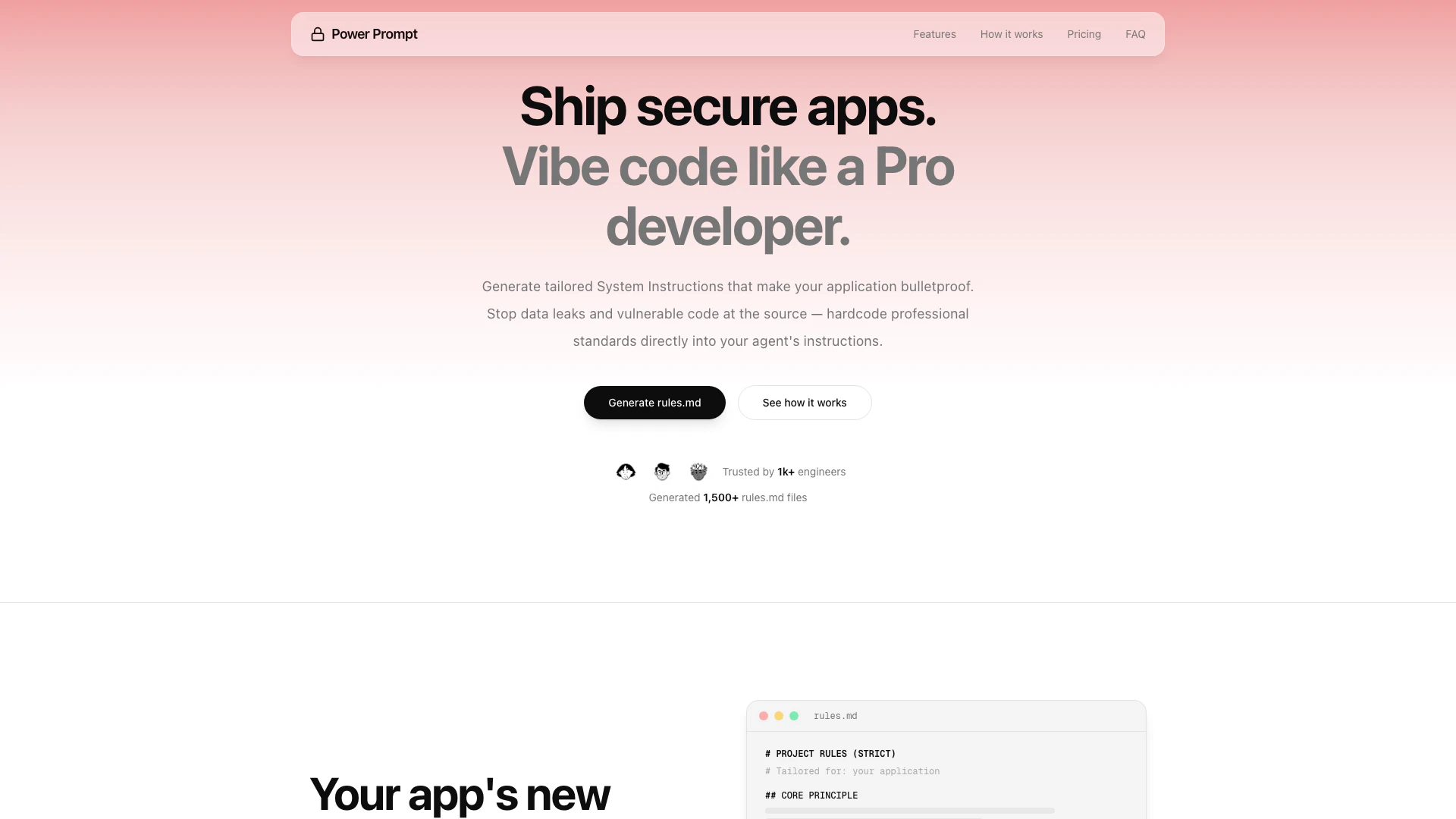
Powerprompt is an AI-powered[1] prompt engine[2] designed to enhance application security by generating tailored security and architecture rules specific to your application type and features. It provides a comprehensive ruleset that addresses access control[4], data validation, and threat prevention, ensuring that your applications are built with security as a priority. By synthesizing a technical schema based on industry standards, Powerprompt helps developers avoid common pitfalls associated with generic templates and non-deterministic language models.
How to use Powerprompt?
- Describe your app: Start by telling Powerprompt about your application, using a simple description like "X app that does Y".
- Get tailored rules.md: Powerprompt will generate a complete security and architecture ruleset specific to your app's type, features, and data sensitivity.
- Refine and download: You can iterate on the generated rules using natural language, adding sections or sharpening constraints, and then download the final rules.md or the prompt for your project.
What are the main features of Powerprompt?
- Security-First Generation: Generates a complete, enforceable security ruleset[3] tailored to your exact use case.
- Stack-Agnostic Rules: Rules define what to enforce and are compatible with various tech stacks like Next.js, Django, and Rails.
- Version Control Built In: Easily switch between different versions of generated rules.
- Iterative Enhancement: Users can refine rules using natural language, with every change producing a full updated rules.md.
Who is Powerprompt for?
Powerprompt is designed for developers, particularly those working on application security, who want to ensure their apps are built with robust security measures in place. It is suitable for both novice and experienced developers, as it simplifies the process of generating security rules without requiring deep knowledge of security protocols. The tool is ideal for teams building applications across various tech stacks looking to enhance their security posture.
What are the use cases of Powerprompt?
- Developing Secure Applications: Use Powerprompt to generate security rules for web or mobile applications, ensuring that sensitive data is protected from the outset.
- Iterative Development: As applications evolve, developers can refine security rules to adapt to new features or changes in data sensitivity.
- Cross-Platform Compatibility: Leverage Powerprompt to create security rules that work across different technology stacks, facilitating easier transitions or integrations.
Product Images



Powerprompt Pros and Cons
Pros
- Tailored Security Rules Generation: Powerprompt generates customized security rules tailored to your application's specific architecture and data flow, ensuring comprehensive protection.
- Stack-Agnostic Compatibility: The generated rules are stack-agnostic, meaning they can be applied across various tech stacks like Next.js, Django, and Rails without modification.
- User-Friendly Interface: Powerprompt simplifies the security process, allowing users without security expertise to generate expert-level rules just by describing their app.
Cons
No cons data detected for this tool
Powerprompt Pricing
One-time Purchase
Making security effortless for hundreds of AI developers.
For the latest pricing, please visit this link: https://www.powerprompt.tech/#pricing
Prices are subject to change. Please visit the official website for the most up-to-date pricing information.




