

Postcapture
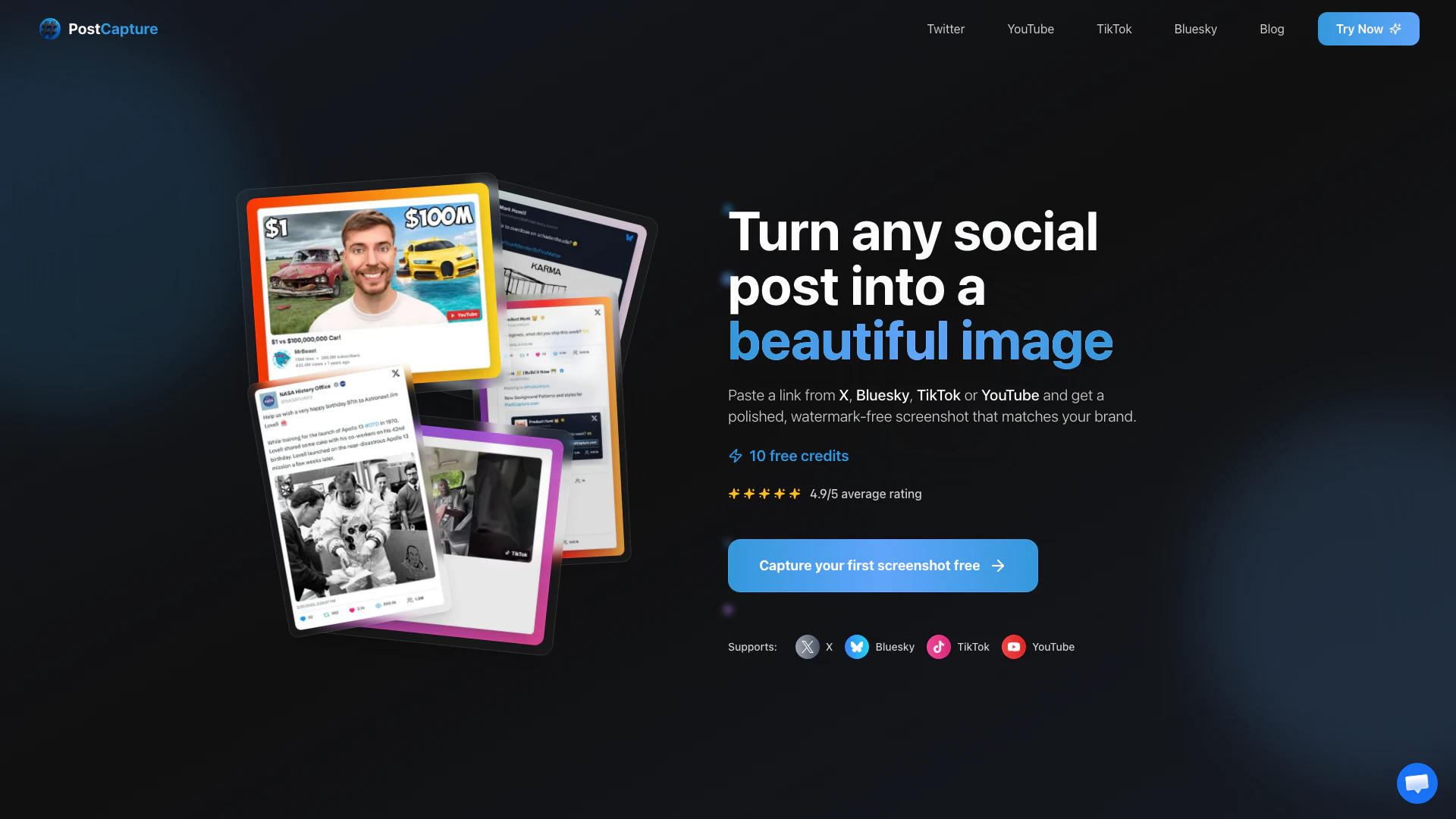





What is PostCapture?
PostCapture is a powerful tool designed to transform social media posts from platforms like Bluesky, X (formerly Twitter), TikTok, and YouTube into stunning, shareable screenshots. By allowing users to paste a link from these platforms, PostCapture generates high-quality images that are polished and watermark-free, enabling content creators to present their posts in a professional manner. This tool addresses common challenges faced by content creators, such as poor screenshot quality, excessive manual editing, inconsistent branding, and distracting watermarks, providing an effortless solution for creating visually appealing images.
How to use PostCapture?
- Paste the Post Link: Copy the URL of the post you want to capture from X, Bluesky, TikTok, or YouTube.
- Customize Your Screenshot: Choose your preferred theme (light or dark), adjust settings like background color, and preview the image to ensure it meets your needs.
- Download and Share: Once satisfied, download the high-quality image, ready for sharing across your social media platforms.
What are the main features of PostCapture?
- Instant Captures: Quickly generate screenshots by pasting a post link.
- No Watermarks: Pro users enjoy clean images without distracting watermarks.
- Dark & Light Mode Support: Screenshots can match your brand's aesthetic with customizable themes.
- Custom Backgrounds: Select from various styles including solid colors, gradients, and patterns.
- Thread Support: Effortlessly capture entire conversations on X/Twitter, preserving context and media.
- Engagement Metrics: Optionally include likes, reposts, and reply counts in your captures.
Who is PostCapture for?
PostCapture is ideal for a wide range of users including: - Social Media Managers: Those looking to create professional-looking posts efficiently. - Content Creators: Individuals who want their posts to stand out and gain traction. - Marketers & Brands: Professionals who need to maintain a consistent and polished appearance across multiple platforms. - Journalists & Analysts: Users who require clean captures of important social media content for documentation and reporting.
What are the use cases of PostCapture?
- Creating Engaging Social Media Posts: Use PostCapture to turn tweets or TikTok videos into visually appealing images for sharing.
- Documenting Important Conversations: Capture entire threads from X/Twitter for analysis or record-keeping.
- Enhancing Marketing Materials: Generate high-quality screenshots for promotional content, ensuring a professional look.
Product Images
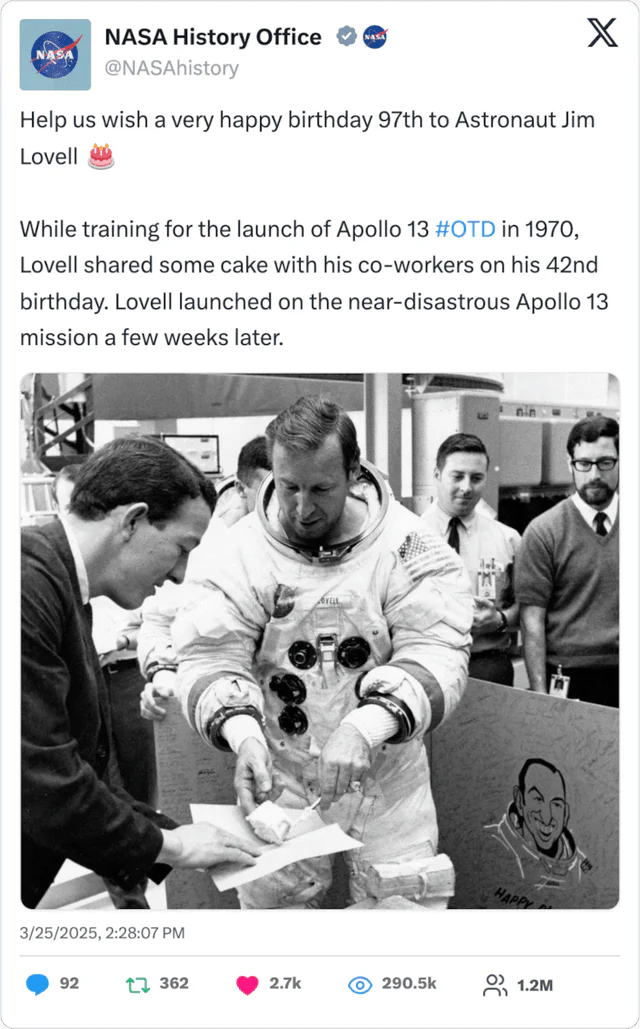


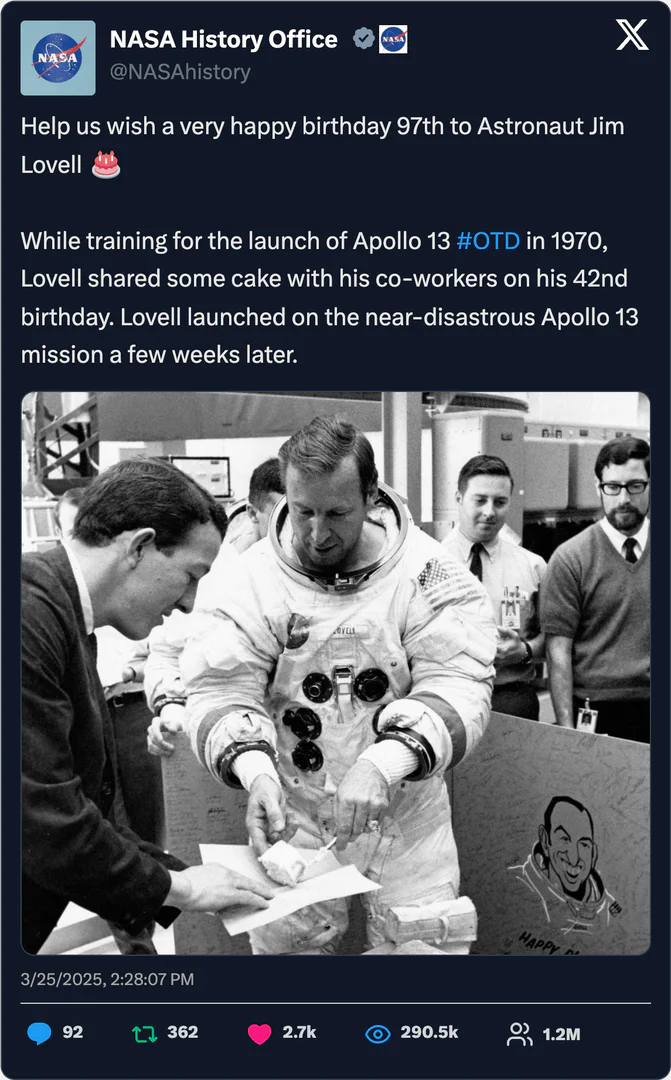


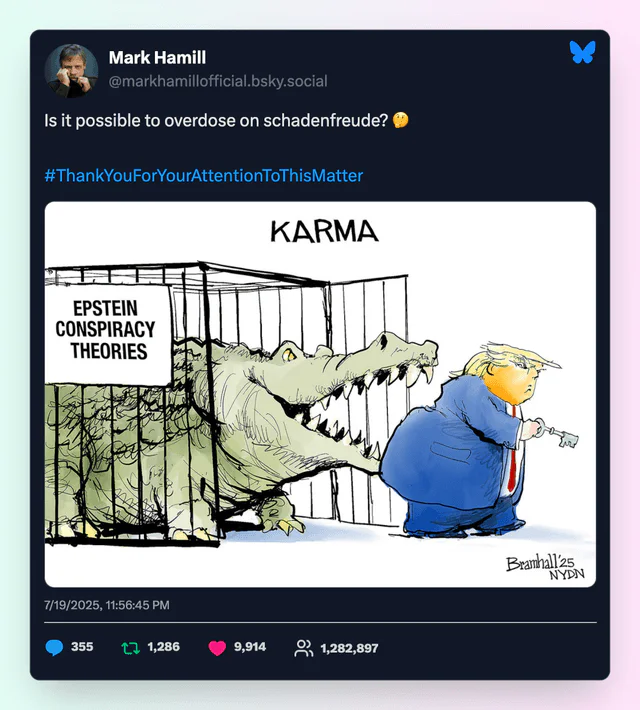
Postcapture Pros and Cons
Pros
- Effortless Screenshot Creation: PostCapture allows users to transform social media posts into high-quality screenshots with just a link, eliminating the need for manual editing.
- Customizable Backgrounds: Users can choose from various background styles including solid colors, gradients, and patterns to match their branding.
- Supports Multiple Platforms: The tool supports capturing screenshots from popular platforms like X (Twitter), Bluesky, TikTok, and YouTube, making it versatile for content creators.
Cons
No cons data detected for this tool
Postcapture Pricing
200 Credits
200 credits, No watermark on images, Background Images, Dark Theme, Load Full Thread, Toggle Display Options, One time purchase.
Monthly
150 credits every month, No watermark on images, Background Images, Dark Theme, Load Full Thread, Toggle Display Options, Cancel anytime.
25 Credits
25 credits, No watermark on images, Background Images, Dark Theme, Load Full Thread, Toggle Display Options, One time purchase.
For the latest pricing, please visit this link: https://postcapture.com/#pricing-section
Prices are subject to change. Please visit the official website for the most up-to-date pricing information.
Analytics of Postcapture
Postcapture Website Traffic Analysis
Visits Over Time
Traffic Sources
Oct 2025 - Dec 2025 Worldwide Desktop Only
- Direct: 39.52%
- Search: 31.62%
- Social: 21.61%
- Referrals: 5.84%
- Paid Referrals: 1.07%
- Mail: 0.09%
Top Keywords
| Keyword | Volume | CPC | Estimated Value |
|---|---|---|---|
| tiktok screenshoter website | 140 | $0.00 | $130.00 |
| twitter / x screenshotter free no sign up transparent background | 130 | $0.00 | $90.00 |
| tiktok screenshot generator | 110 | $0.00 | $100.00 |
| screenshot van tiktok video | 90 | $0.00 | $80.00 |
| screenshot van video tiktopk | 90 | $0.00 | $80.00 |




