

Pixelfoxai
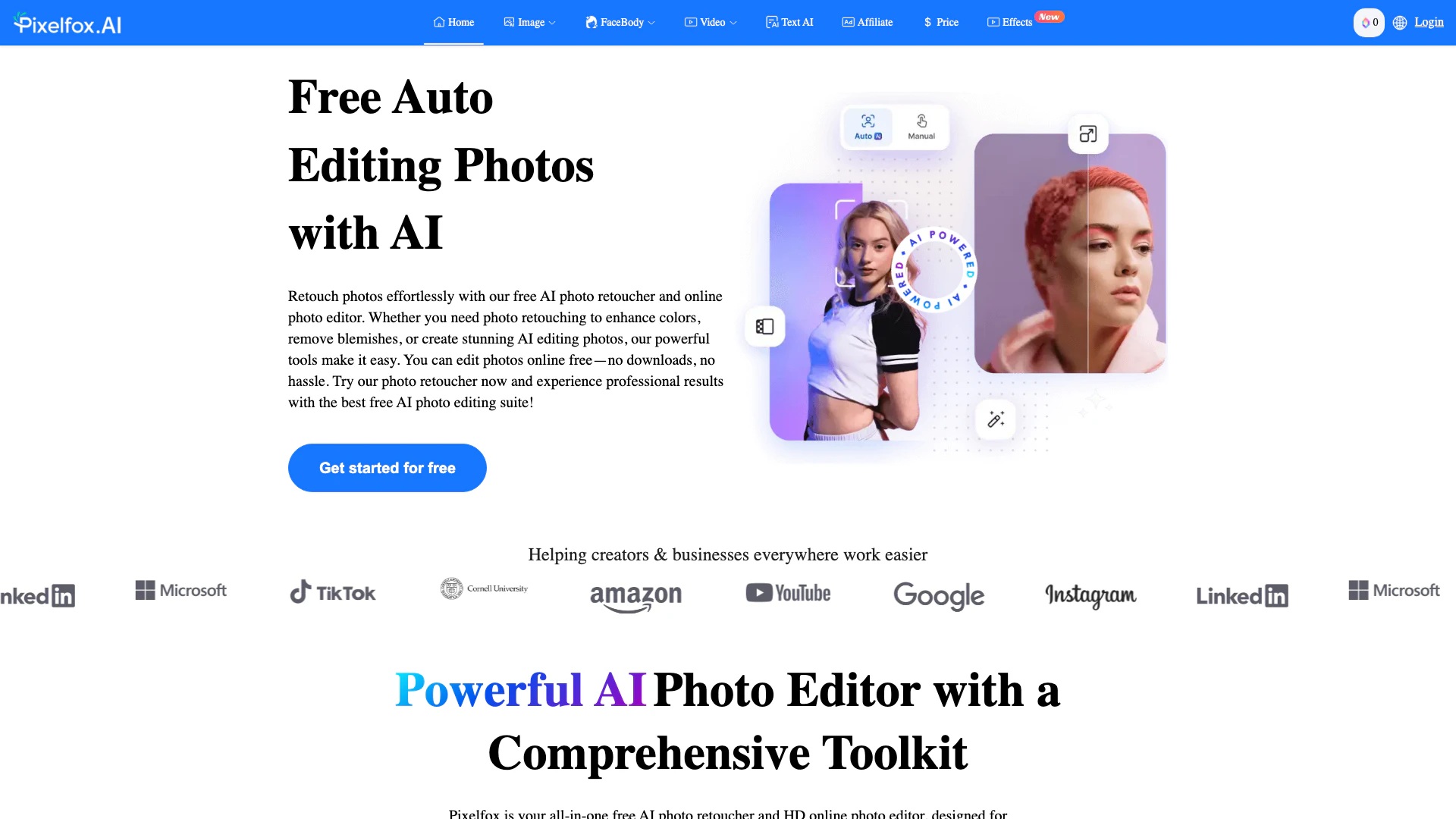





What is Pixelfox AI?
Pixelfox AI is a powerful free AI image and video editing tool designed to automate the editing process for images, photos, and videos. This innovative platform allows users to enhance their visual content effortlessly, offering a wide range of features that cater to both beginners and professionals. With Pixelfox AI, users can retouch photos, remove backgrounds, upscale images, and even generate new visuals from text prompts, all without the need for downloads or complicated software installations. The core value of Pixelfox AI lies in its ability to provide professional-quality editing results quickly and intuitively, making it an essential tool for creators, marketers, and anyone looking to enhance their visual content.
How to use Pixelfox AI?
- Visit the Pixelfox AI website at https://pixelfox.ai/.
- Choose the editing tool you wish to use from the homepage, such as 'Remove Background' or 'AI Image Generator'.
- Upload your image or enter a text prompt for image generation.
- Follow the on-screen instructions to apply desired edits or enhancements.
- Once you're satisfied with the results, click the 'Download' button to save your edited image or video to your device.
What are the main features of Pixelfox AI?
- AI Background Removal[1]: Instantly remove backgrounds from images with high precision.
- Image Enhancer[2]: Improve image quality by enhancing clarity, color, and resolution.
- AI Image Upscaler[3]: Enlarge images up to 4 times their original size without losing quality.
- Object Remover[4]: Easily remove unwanted objects or people from photos.
- AI Inpainting[5]: Edit images by adding or removing elements using text prompts.
- AI Image Generator: Generate stunning images from text descriptions in various styles.
- Face Swap and Beauty Tools: Swap faces, retouch skin, and apply virtual makeup for enhanced portraits.
Who is Pixelfox AI for?
Pixelfox AI is designed for a diverse range of users, including digital artists, photographers, content creators, and marketers. Whether you're a professional looking to enhance your portfolio or a casual user wanting to edit personal photos, Pixelfox AI offers tools that cater to all skill levels. It's particularly useful for e-commerce sellers needing to create clean product images, social media managers looking to improve engagement with eye-catching visuals, and anyone interested in creating high-quality images without extensive editing experience.
What are the use cases of Pixelfox AI?
- E-commerce Product Editing: Quickly remove backgrounds and enhance product images for online stores.
- Social Media Content Creation: Generate engaging visuals and edit photos for social media posts to boost audience interaction.
- Personal Photo Enhancement: Retouch personal images, remove blemishes, and apply artistic styles for memorable keepsakes.
- Creative Projects: Use the AI image generator to create unique visuals for blogs, presentations, or marketing materials.
- Video Content Production: Edit and enhance videos, create lip-synced clips, and remove unwanted elements for polished video content.
Pixelfoxai Pros and Cons
Pros
- Comprehensive Editing Tools: Pixelfox AI offers a wide range of editing features including background removal, object removal, and image enhancement, making it a versatile tool for various editing needs.
- User-Friendly Interface: The platform is designed for ease of use, allowing both beginners and professionals to edit images quickly without the need for extensive training.
- Fast Processing Speed: Pixelfox AI processes edits in seconds, ensuring users can achieve high-quality results without long wait times.
- No Subscription Required: Users can access all features for free without any hidden costs or subscription fees, making it an attractive option for budget-conscious users.
Cons
No cons data detected for this tool
Pixelfoxai Pricing
Free Plan
For personal or non-commercial projects. Register to receive 10 bonus credits. Unlimited free image and video processing and preview without generation features. Unlimited downloads. Forever free – for personal or one-time projects.
Pro Plan
All benefits in the Free Plan, plus fixed monthly credits (unused credits can carry over to the next cycle). Download HD images and full videos. Choose any credit level according to your monthly needs.
Flexible Plan
All benefits in the Free Plan, plus a one-time purchase to scale your business.
For the latest pricing, please visit this link: https://pixelfox.ai/price
Prices are subject to change. Please visit the official website for the most up-to-date pricing information.
Analytics of Pixelfoxai
Pixelfoxai Website Traffic Analysis
Visits Over Time
Traffic Sources
Nov 2025 - Jan 2026 Worldwide Desktop Only
- Search: 67.17%
- Direct: 20.74%
- Referrals: 9.86%
- Social: 0.89%
- Paid Referrals: 0.57%
- Mail: 0.12%
Top Keywords
| Keyword | Volume | CPC | Estimated Value |
|---|---|---|---|
| увеличить глаза на фото онлайн нейросеть бесплатно | 0 | $0.00 | $270.00 |
| ai换人物替换 | 0 | $0.00 | $250.00 |
| бесплатный фоторедактор с искусственным интеллектом | 0 | $0.00 | $240.00 |
| pixelfox ai | 3.18K | $1.45 | $2240.00 |
| pixelfox | 650 | $0.00 | $930.00 |






Pixelfoxai Social Listening
InPixio Review: Best Free Onli...
InPixio Review: Best Free Onli...
Pixelcut AI App Review | Tools...
Pixelcut AI Photo Editor App f...
Pixelcut AI Tutorial & Review ...
In this step-by-step Pixelcut ...
Unlock to view 12 social media results.