Pinsuite



What is Pinsuite?
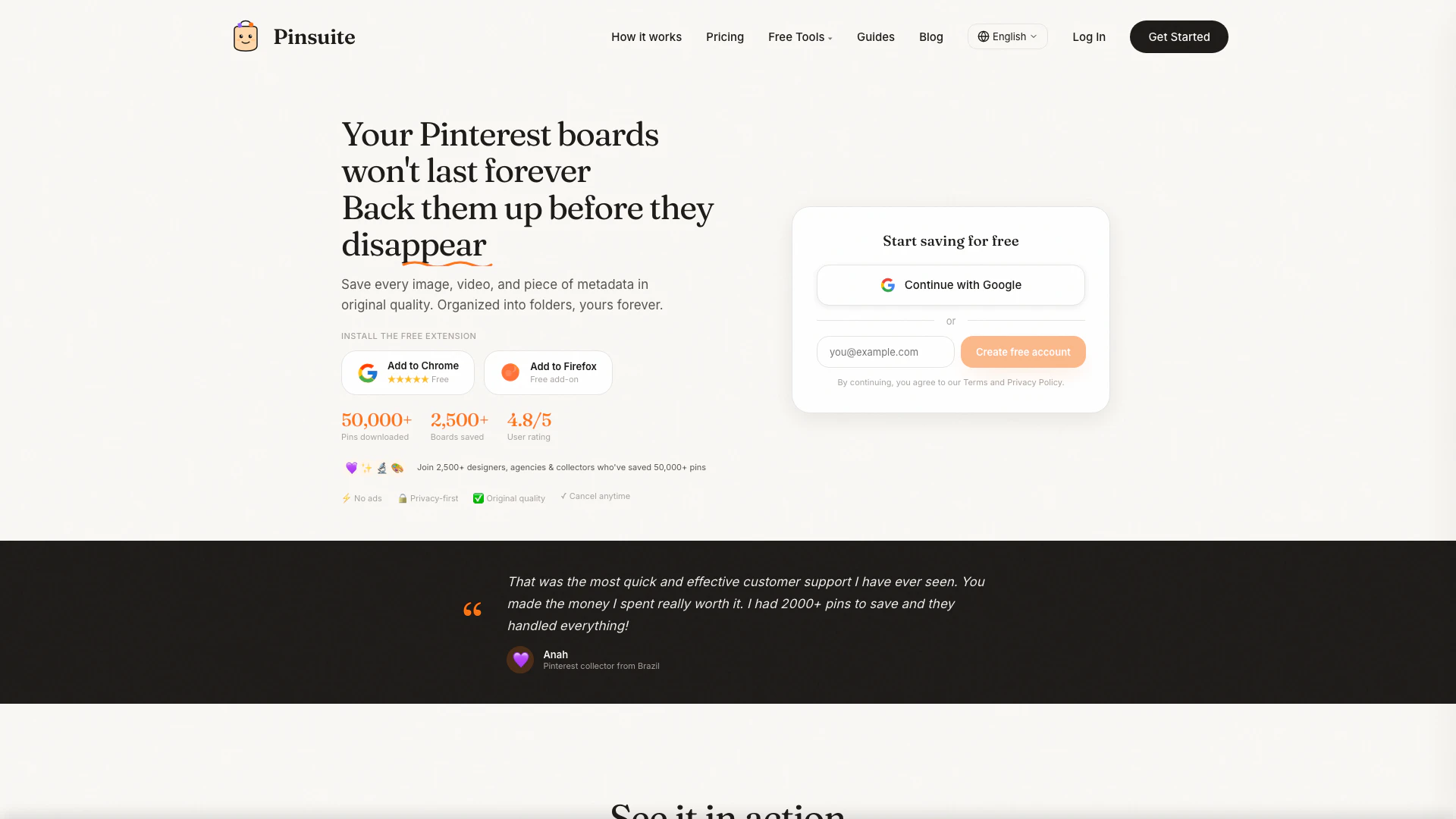
Pinsuite is a powerful Pinterest downloader tool that allows users to download Pinterest boards, pins, and videos in their original HD quality. It preserves all metadata associated with the content and enables users to export their downloads as a ZIP file. Designed for ease of use, Pinsuite requires no sign-up and offers a free trial, making it accessible for anyone looking to back up their Pinterest collections. With a focus on privacy and user experience, Pinsuite stands out as a reliable solution for designers, marketers, and Pinterest enthusiasts.
How to use Pinsuite?
- Visit the Pinsuite website and navigate to the downloader tool.
- Copy the URL of the Pinterest board or pin you wish to download.
- Paste the copied URL into the designated field on the Pinsuite interface.
- Click the download button to save the content, which will include the original quality image or video along with all associated metadata.
- Choose your preferred export format (ZIP, JSON, CSV, etc.) if prompted.
What are the main features of Pinsuite?
- Bulk Downloading: Download entire Pinterest boards at once, automatically organized into folders.
- Original Quality Preservation: Ensure all images and videos are saved in their original HD quality without compression.
- Metadata Preservation: Retain all metadata such as captions, author information, tags, and dates.
- Multiple Export Formats: Export your downloads in various formats including ZIP, JSON, CSV, and HTML galleries.
- Privacy-First Approach: No ads or tracking, ensuring a clean and secure user experience.
- Browser Extension: A convenient Chrome and Firefox extension for one-click saving from Pinterest.
Who is Pinsuite for?
Pinsuite is designed for a diverse range of users including designers, marketers, content creators, collectors, and researchers who utilize Pinterest for inspiration and information gathering. It is particularly beneficial for those who need to back up large collections of pins and boards, such as agencies, event planners, and creative professionals looking to preserve their resources in an organized manner.
What are the use cases of Pinsuite?
- Backing Up Collections: Users can back up their entire Pinterest boards to ensure they do not lose valuable content due to account changes or deletions.
- Organizing Resources for Projects: Designers and marketers can save and categorize pins for specific projects, making it easier to access inspiration and resources.
- Research and Data Collection: Researchers can download pins and their metadata for analysis, facilitating the study of trends and user interests on Pinterest.
Product Images

Pinsuite Pros and Cons
Pros
- High-Quality Downloads: Pinsuite allows users to download Pinterest boards, pins, and videos in original HD quality, preserving all metadata.
- Bulk Downloading: Users can download entire boards at once, automatically organized into folders, making it efficient for large collections.
- Privacy-Focused: Pinsuite is ad-free and prioritizes user privacy, ensuring that data is not sold or tracked.
Cons
No cons data detected for this tool
Pinsuite Pricing
Basic
✓5,000 saves/month ✓Pinterest + more platforms coming ✓Save to collections ✓Download original quality ✓Full metadata preservation ✓Email support
Pro
✓10,000 saves/month ✓Pinterest + more platforms coming ✓Save to collections ✓Download original quality ✓Full metadata preservation ✓Email support ✓Pinterest profile backup
For the latest pricing, please visit this link: https://pinsuite.app/#pricing
Prices are subject to change. Please visit the official website for the most up-to-date pricing information.
Pinsuite Reviews
That was the most quick and effective customer support I have ever seen. You made the money I spent really worth it. I had 2000+ pins to save and they handled everything!
I had boards with thousands of pins I thought I'd lose forever. The backup included everything - images, metadata, all of it. Finally peace of mind for my collections.
The newest version is BRILLIANT! The gallery.html export is an unexpected, magnificent feature. All the CSV data imported perfectly into Excel. Incredibly helpful, well done!
For more reviews, visit this link: https://www.pinsuite.app/#reviews