Pingroom





What is PingRoom?
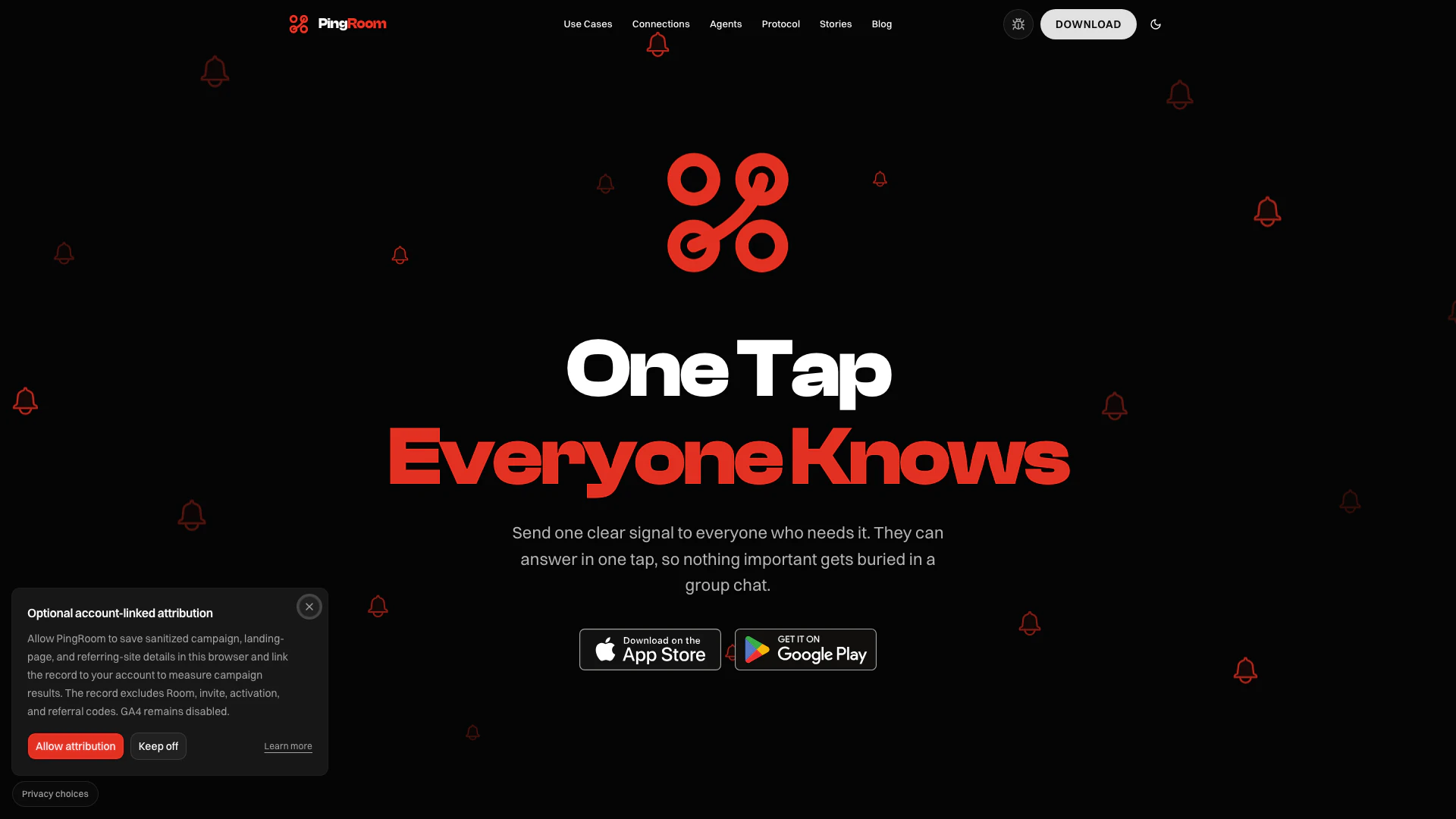
PingRoom is a real-time notification application designed to streamline communication within shared groups or "rooms." Users can create a room, invite members, and send instant alerts with just one tap. This tool is particularly useful for families, friends, teams, and organizations that require timely updates without the clutter of traditional messaging apps. By focusing on essential notifications, PingRoom enhances connectivity and ensures that important information is communicated effectively and efficiently.
How to use PingRoom?
- Create a Room: Open the PingRoom app, name your room, choose an icon, and add members or bots who need to receive notifications.
- Share the Code: Generate a unique invite code for your room. Share this code with the intended participants, allowing them to join without creating an account.
- Tap to Ping: Whenever you need to notify everyone in the room, simply tap the designated button. This sends an instant notification to all devices in the room, ensuring everyone is informed without the need for lengthy messages.
What are the main features of PingRoom?
- Instant Notifications: Send real-time alerts to all room members with a single tap, eliminating the need for multiple messages.
- Custom Rooms: Create rooms tailored to specific groups such as family, friends, or teams, and customize them with unique icons.
- Location and Schedule Triggers: Set automatic Pings based on geolocation or scheduled times to keep everyone informed without manual intervention.
- Webhook Integrations: Connect PingRoom with other applications and AI agents to automate notifications and responses based on external events.
- Privacy-Focused: Location tracking is secure and only activates when necessary, ensuring user privacy is maintained.
Who is PingRoom for?
PingRoom is designed for a diverse range of users including families wanting to stay connected without the hassle of constant texting, teams needing to share critical updates quickly, and event planners coordinating with friends. It's ideal for anyone who values efficient communication and desires a streamlined way to notify multiple people simultaneously. Whether you're a developer needing instant alerts on project statuses or a couple wanting to check in without words, PingRoom caters to all these scenarios and more.
What are the use cases of PingRoom?
- Family Coordination: Use PingRoom to let family members know when someone arrives home or when dinner is ready without sending multiple texts.
- Team Updates: For development teams, receive instant notifications about build statuses, deployments, or incidents, streamlining communication during critical moments.
- Event Planning: Friends can coordinate outings or gatherings by quickly notifying each other about plans, ensuring everyone is on the same page with minimal effort.
Pingroom Pros and Cons
Pros
- Instant Notifications: Pingroom allows users to send instant notifications to multiple devices with a single tap, enhancing communication efficiency.
- Versatile Use Cases: The app supports various use cases, from families to development teams, making it versatile for different groups.
- Integration with AI and Apps: Integration with apps, automations, and AI agents allows for seamless communication and context-aware notifications.
Cons
- Device Compatibility Required: The app may require users to have compatible devices and internet access for optimal functionality.
- Learning Curve: Users may need to familiarize themselves with the app's features and functionalities to fully utilize its capabilities.