

Photogptai
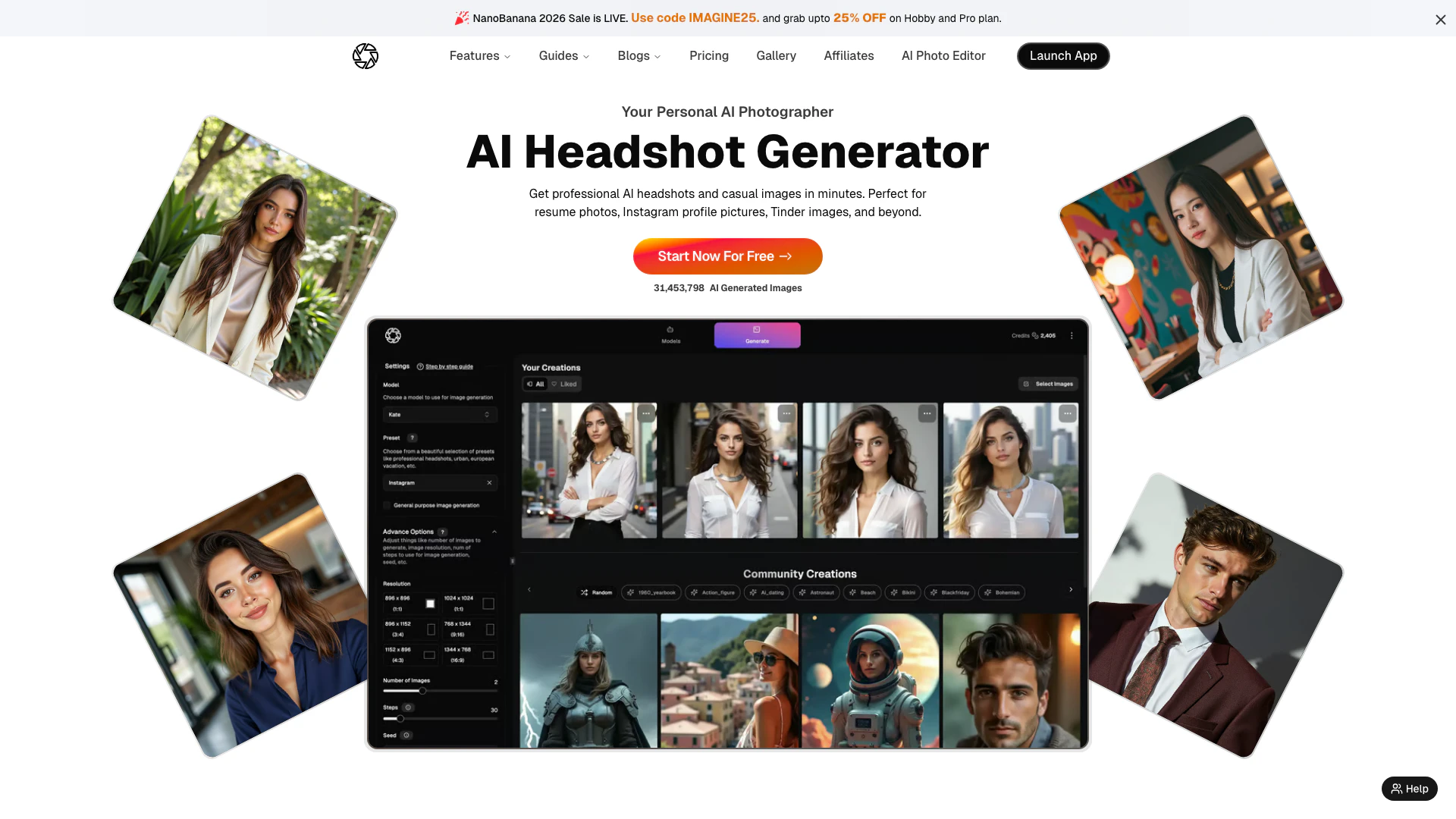



What is PhotoGPT AI?
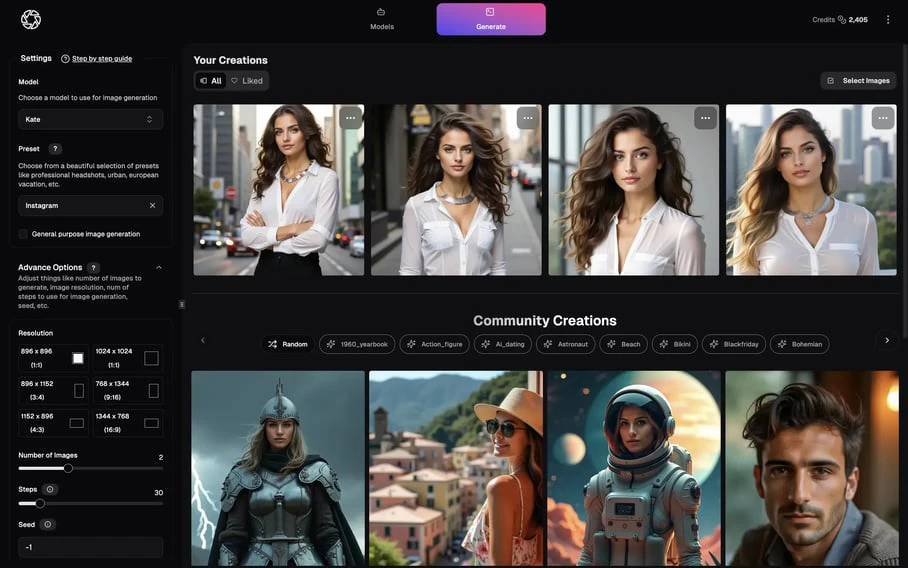
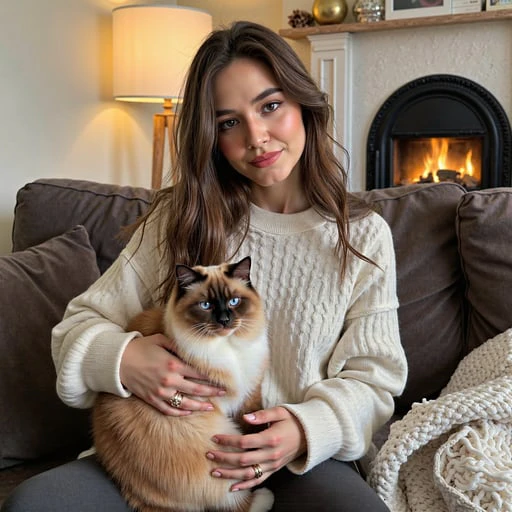
PhotoGPT AI is a cutting-edge image generation tool that leverages artificial intelligence to create personalized, photo-realistic images[1] from text prompts[6]. Users can generate a wide range of images, including professional headshots, LinkedIn profile pictures, and creative visuals tailored to individual preferences. The platform is designed for both personal and professional use, making it an ideal solution for anyone looking to enhance their digital presence with stunning visuals.
How to use PhotoGPT AI?
- Upload Your Selfies: Start by uploading 12–15 clear selfies to train your personal AI model. This helps the AI understand your look and style.
- Describe Your Idea: Choose a preset or write a short text prompt that describes the image you want, such as a professional headshot or a creative scene.
- Generate Images: Click the generate button, and within seconds, your AI will produce high-quality images tailored to your input.
What are the main features of PhotoGPT AI?
- AI Headshot Generation[2]: Quickly create professional and casual headshots for various uses like LinkedIn or social media.
- Personalized Image Creation: Generate images based on your text prompts, allowing for creative freedom.
- AI Image Upscaling[3]: Enhance the quality of images, turning standard visuals into high-resolution outputs.
- One-Click Styling[4] with Presets: Apply different styles to your images with a single click, making editing fast and easy.
- AI Photo Editor[5]: Edit images with features like object removal and background replacement, all in seconds.
Who is PhotoGPT AI for?
PhotoGPT AI is designed for a wide range of users including individuals seeking to enhance their personal brand, professionals needing high-quality headshots for resumes and LinkedIn, influencers wanting eye-catching visuals for social media, and businesses looking to create marketing materials. Whether for personal use, creative projects, or professional needs, PhotoGPT caters to anyone interested in generating stunning, realistic images effortlessly.
What are the use cases of PhotoGPT AI?
- Professional Headshots: Create polished headshots for job applications or business profiles.
- Social Media Content: Generate unique images for Instagram, Facebook, and other platforms to enhance online presence.
- Creative Projects: Use AI-generated images for personal art projects, digital storytelling, or content creation.
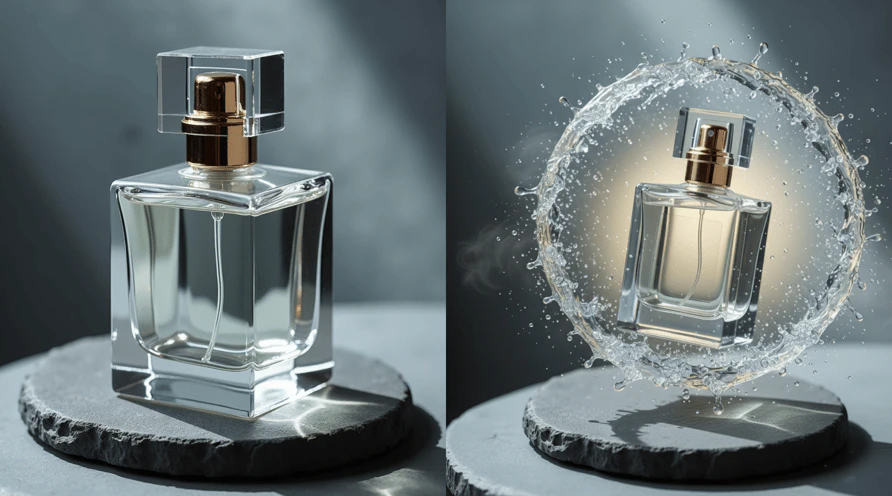
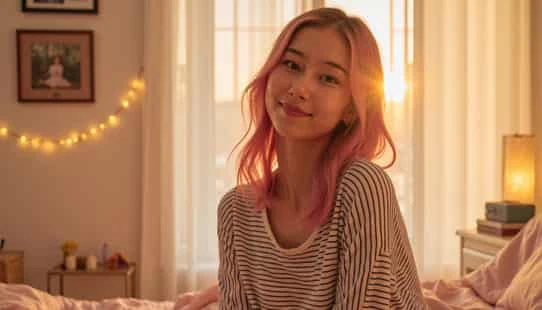
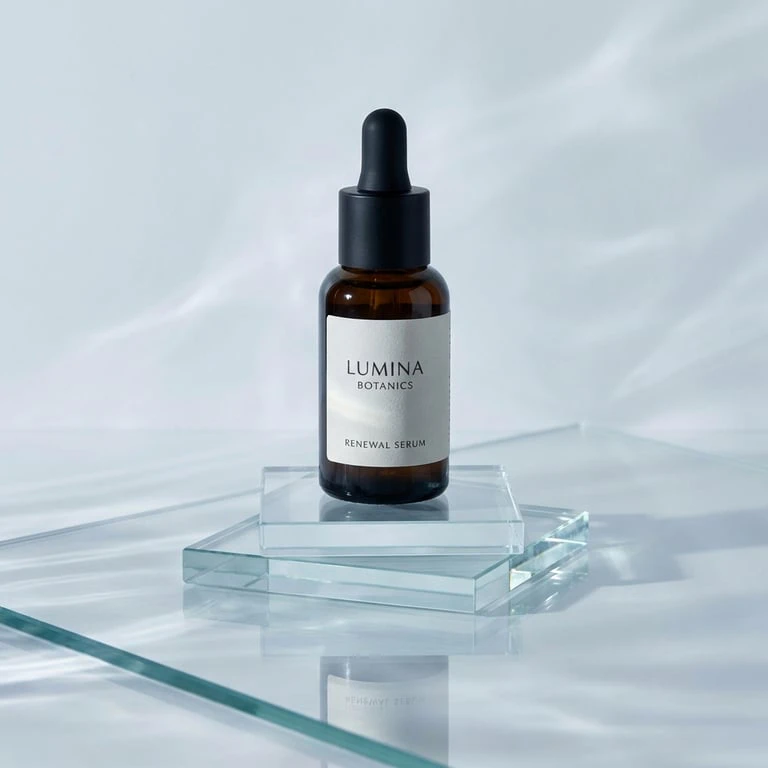
Product Images
Photogptai Pros and Cons
Pros
- AI Image Generation: PhotoGPT uses advanced AI technology to create personalized, photo-realistic images from text prompts, making it easy to generate unique visuals.
- Professional Headshots: The tool specializes in generating professional headshots quickly, ideal for resumes, LinkedIn profiles, and social media.
- User-Friendly Interface: The platform offers a straightforward interface that allows users to create images without needing extensive design skills or technical knowledge.
- Diverse Use Cases: PhotoGPT caters to various needs, including personal styling, social media content, and professional branding, making it versatile for different users.
- AI-Powered Editing Features: The tool includes editing capabilities such as object removal and background replacement, enhancing the quality of generated images.
Cons
No cons data detected for this tool
Photogptai Pricing
PhotoGPT Starter Plan
5000 monthly credits can be used for AI model training, image generation, or a combination of both. This includes: Train models for up to 3 people every month, Generate up to 1000 images every month, Refine up to 500 photos with AI editing, 25 expert curated presets, Text to image generation, AI prompt generator powered by Groq, Top-up credits.
PhotoGPT Hobby Plan
9000 monthly credits can be used for AI model training, image generation, or a combination of both. This includes: Train models for up to 5 people every month, Generate up to 1800 images every month, Refine up to 900 photos with AI editing, 25+ expert curated presets, Text to image generation, AI prompts generation powered by Groq, Top-up credits, High Resolution Image Upscaling.
PhotoGPT Pro Plan
16000 monthly credits can be used for AI model training, image generation, or a combination of both. This includes: Train models for up to 10 people every month, Generate up to 3200 images every month, Refine up to 1800 photos with AI editing, 100+ expert curated presets, Text to image generation, AI prompts generation powered by Groq, Top-up credits, High Resolution Image Upscaling.
For the latest pricing, please visit this link: https://www.photogptai.com/
Prices are subject to change. Please visit the official website for the most up-to-date pricing information.
Analytics of Photogptai
Photogptai Website Traffic Analysis
Visits Over Time
Traffic Sources
Nov 2025 - Jan 2026 Worldwide Desktop Only
- Search: 51.81%
- Direct: 34.71%
- Referrals: 10.05%
- Social: 2.30%
- Paid Referrals: 0.95%
- Mail: 0.10%
Top Keywords
| Keyword | Volume | CPC | Estimated Value |
|---|---|---|---|
| photogpt | 1.58K | $2.68 | $1500.00 |
| ai christmas photo | 730 | $2.04 | $290.00 |
| photogpt ai | 580 | $0.00 | $630.00 |
| viking photo filter | 390 | $0.00 | $290.00 |
| photo gpt | 390 | $0.00 | $270.00 |
Photogptai Reviews
Don't miss out on this product! I just created some professional headshots to add to my websites in just 45 minutes, 15 minutes was collecting the selfies to upload, 15 minutes to train and then 15 minutes to produce the photos!. It was easy to use and the quality is great! I recommend to anyone who needs to update their online presence.
The image quality is insane - we're talking hyper-realistic results that look like actual photos. What really sold me was the ability to train it with images of myself. Now I can generate custom YouTube thumbnails without doing a full photoshoot or messing with green screens and graphic designers. This app literally replaced that whole process for me.
Not every picture was a winner but I got a few very professional looking headshots, much better than what I can do myself. Mind you, my sample photos were pretty crappy and I didn't even bother to fix myself up for them. That the output looks this good is nothing short of a miracle!
For more reviews, visit this link: https://www.photogptai.com/#testimonials





Photogptai Social Listening
Turn Selfies into Stunning, Pr...
PhotoGPT AI is an image genera...
I Waited 3 Years for This AI T...
🔥 Get PhotoGPT on AppSumo: ht...
How To Make STUNNING AI-Genera...
*Get 21% OFF PhotoGPT AI:* htt...
Unlock to view 15 social media results.