Petclawai





What is Petclawai?
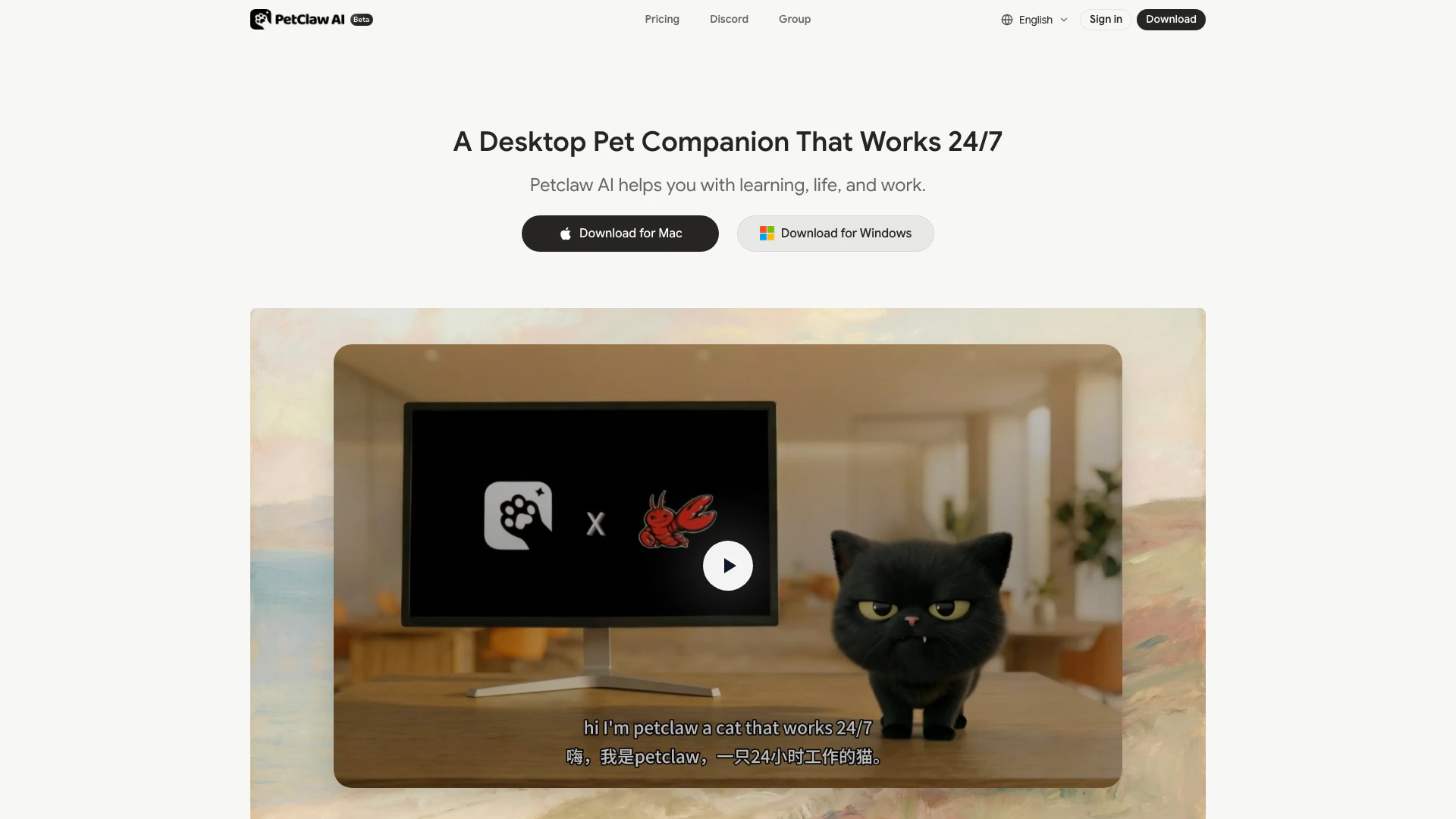
Petclawai is a revolutionary desktop AI companion[1] designed to assist users in their daily tasks, learning, and work. It combines advanced artificial intelligence with a friendly interface, making it an ideal assistant for managing schedules, drafting emails, conducting research, and even writing code. Petclawai operates locally on your computer, ensuring that your data remains private and secure, while providing a continuous presence that adapts to your needs.
How to use Petclawai?
- Download and Install: Visit the Petclawai website and click on the download button. Follow the prompts to install the application on your desktop.
- Launch the Application: Open Petclawai on your computer. It will set up automatically without complex configurations.
- Interact with Voice Commands: Start using Petclawai by speaking to it. You can ask questions, give commands, or chat, and it will respond instantly.
What are the main features of Petclawai?
- Voice Interaction[2]: Communicate with Petclawai using voice commands for effortless interaction.
- Local Data Storage[3]: All data is stored locally on your device, ensuring privacy and control.
- Adaptability: Petclawai learns from your interactions, allowing it to adapt to your preferences and needs.
- Task Management[4]: Manage schedules, draft emails, conduct market research, and more with ease.
- Security: End-to-end encryption for all necessary network communications to protect your data.
Who is Petclawai for?
Petclawai is designed for anyone looking for a reliable and intelligent assistant to help with everyday tasks. It is suitable for students, professionals, and anyone who needs assistance in managing their daily responsibilities while maintaining privacy and data security. Its friendly interface and voice interaction make it accessible for users of all ages.
What are the use cases of Petclawai?
- Student Assistance: Help students manage their study schedules, research topics, and draft assignments.
- Professional Support: Aid professionals in organizing their work tasks, managing emails, and conducting market analysis.
- Personal Companion: Provide companionship and support in daily life, helping users remember important dates and preferences.
Product Images

Petclawai Pros and Cons
Pros
- Effortless Setup: Petclaw installs and sets up automatically with a single click, allowing users to start using it in seconds.
- Voice Interaction: Users can interact with Petclaw using voice commands, making it easy to chat, ask questions, or assign tasks.
- Local Data Privacy: Petclaw runs locally on your device, ensuring that your data remains private and secure without being uploaded to the cloud.
Cons
No cons data detected for this tool