Penna App




What is Penna App?
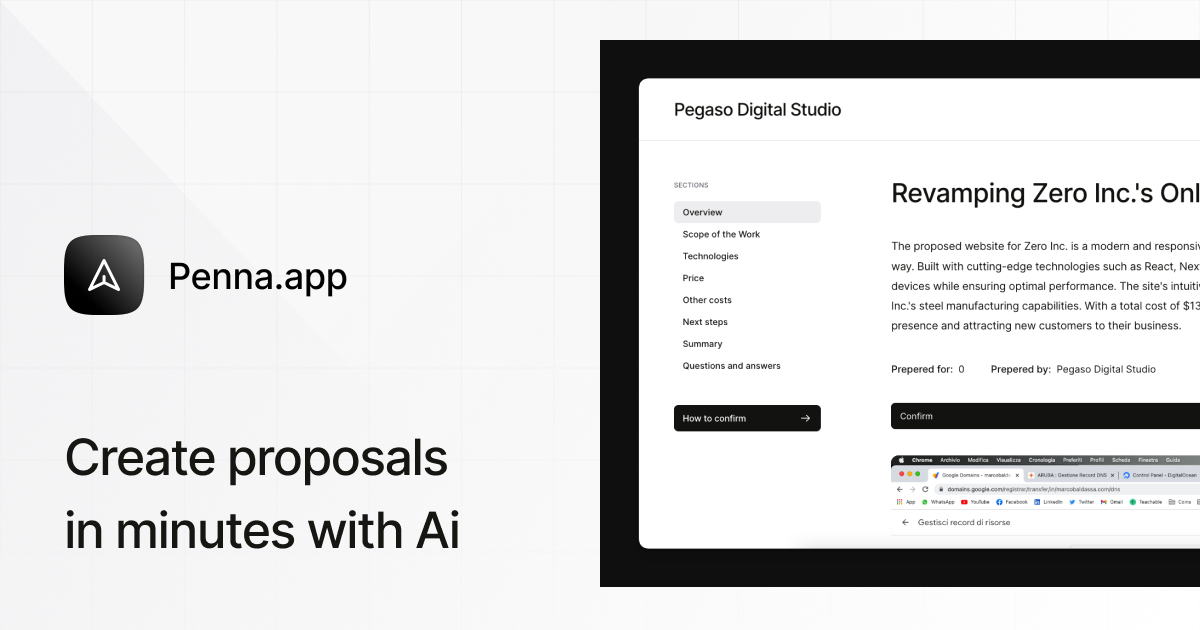
Penna App is an innovative AI-powered tool designed to streamline the creation of business proposals. By harnessing advanced artificial intelligence, Penna enables users to generate high-converting proposals in minutes, significantly reducing the time and effort typically required for proposal creation. This tool is ideal for professionals and businesses looking to close more deals efficiently without compromising on quality or professionalism.
How to use Penna App?
- Sign Up for a Free Trial: Visit the Penna App website and register for a 14-day free trial to explore the features.
- Choose a Template: Select from a variety of customizable proposal templates tailored to different industries.
- Customize Your Proposal: Use the AI-driven editor to personalize the content, structure, and design of your proposal according to your brand's voice and the client's needs.
- Collaborate with Your Team: Invite team members to edit and comment on the proposal in real-time to ensure accuracy and consistency.
- Send Your Proposal: Once finalized, send the proposal as a secure link or PDF, complete with legally compliant e-signatures.
What are the main features of Penna App?
- AI-Powered Proposal Generation: Quickly create proposals using a custom-trained AI model that optimizes for sales success.
- Real-Time Collaboration: Allow multiple team members to work on proposals simultaneously with instant notifications.
- Data Security: Ensure proposal data is encrypted and stored securely, maintaining confidentiality and compliance with regulations like GDPR and CCPA.
- Legally Compliant E-Signatures: Utilize e-signatures that adhere to international standards, ensuring legal validity.
- Performance Analytics: Track client interactions with proposals to refine future submissions and improve conversion rates.
Who is Penna App for?
Penna App is designed for sales professionals, project managers, and business owners across various industries who frequently create and send business proposals. It is particularly beneficial for teams that require collaboration on proposals, as well as those who value efficiency and professionalism in their client communications. The tool serves a wide range of sectors, including consulting, finance, IT services, healthcare, and marketing.
What are the use cases of Penna App?
- Sales Teams: Quickly generate and send proposals to potential clients, increasing the chances of closing deals faster.
- Project Management: Collaborate on proposals with team members in real-time, ensuring all necessary input is included before submission.
- Client Presentations: Create professional, on-brand proposals that can be presented to clients, enhancing the overall client experience and engagement.
Penna App Pros and Cons
Pros
- AI Proposal Generation: Penna uses advanced AI to generate proposals in seconds, significantly reducing the time spent on creating proposals.
- Real-time Collaboration: The platform supports real-time collaboration, allowing multiple team members to edit and comment on proposals simultaneously.
- High Security Standards: Penna ensures data privacy and security through end-to-end encryption and compliance with regulations like GDPR and CCPA.
- User-Friendly Interface: Users report that the platform has a clean and simple design, enhancing the overall user experience.
- Competitive Pricing: The pricing is straightforward with a free trial and a money-back guarantee, making it accessible for businesses.
Cons
No cons data detected for this tool