

Parseur




What is Parseur?
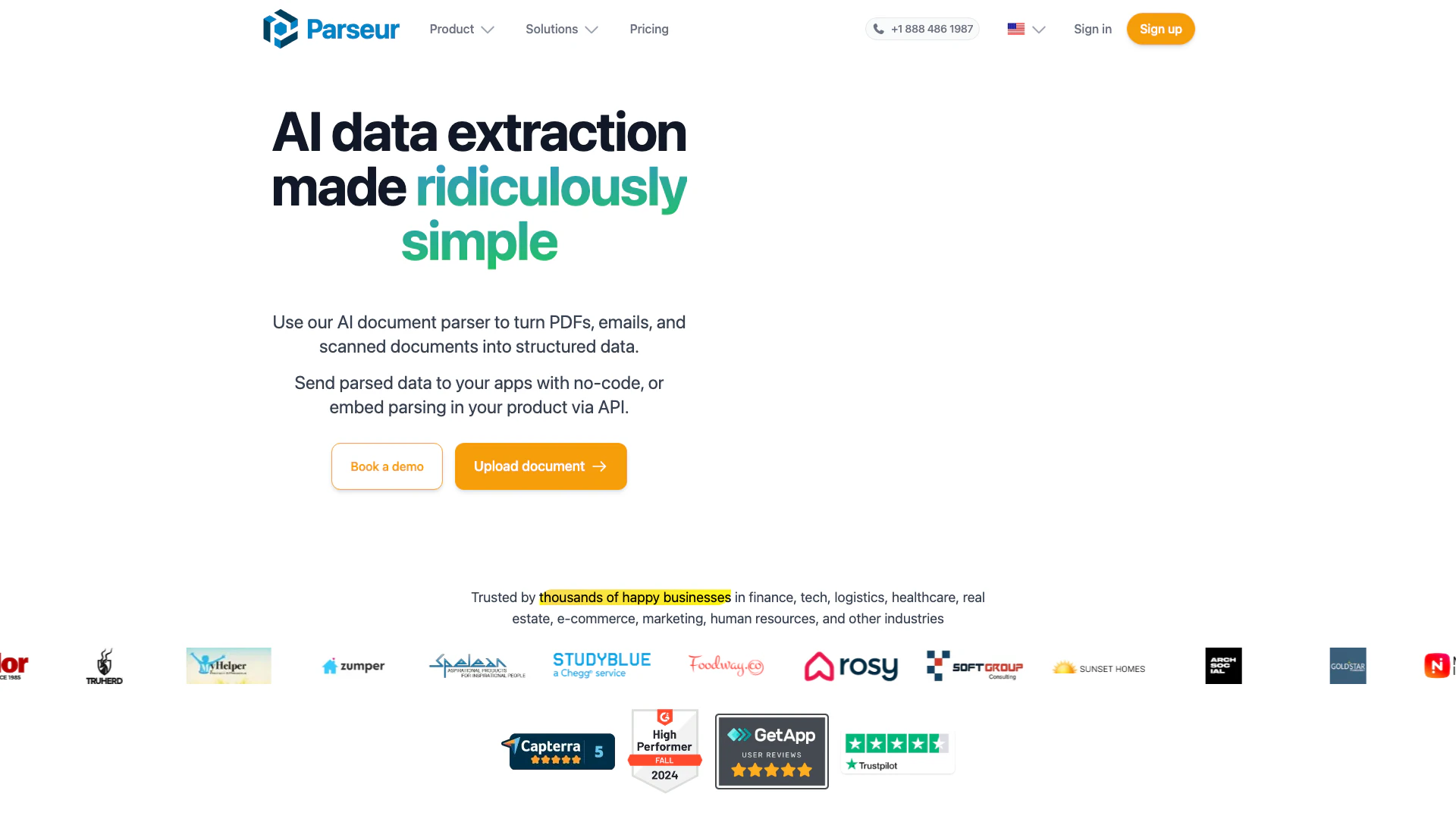
Parseur is an advanced AI data extraction[1] software designed to automate the extraction of text from various document types, including PDFs[2], emails[3], and other formats. By leveraging artificial intelligence, Parseur enables users to transform unstructured data[4] into structured formats[5] efficiently. This tool is particularly valuable for businesses looking to streamline their data handling processes, reduce manual data entry, and enhance overall productivity. With its ability to integrate seamlessly with numerous applications, Parseur allows users to instantly send extracted data to their preferred platforms, making it a comprehensive solution for data extraction needs.
How to use Parseur?
- Choose what to extract: Upload your document to Parseur. The software will analyze it and suggest fields for extraction. You can review and adjust these fields based on your specific requirements.
- Automate imports: Set up automatic imports for various document types, including emails and PDFs, by using the app, email, API, or integrations with platforms like Zapier.
- Extract data: Select the appropriate engine for your document type—AI, OCR[6], or Text templates. Each engine is tailored to different formats and extraction needs.
- Send data to applications: Connect Parseur to your applications using integrations or APIs to send extracted data in real-time.
What are the main features of Parseur?
- AI-based Data Extraction: Utilize AI to automatically extract data from various document types without complex setups.
- Template-based Data Extraction: Create templates for consistent data extraction, ideal for structured documents.
- OCR Software: Use Optical Character Recognition to extract text from scanned documents and images accurately.
- Zonal OCR: Define specific areas in documents to extract data, enhancing precision.
- Dynamic OCR: Adapt to documents where text positions may change, ensuring reliable data extraction.
Who is Parseur for?
Parseur is designed for businesses and professionals across various sectors, including finance, logistics, healthcare, real estate, e-commerce, and marketing. It is particularly beneficial for teams that handle large volumes of documents, such as invoices, emails, and reports, and need to automate data extraction processes. Parseur is suitable for users with minimal technical skills, allowing them to set up and manage document parsing without needing extensive training or coding knowledge.
What are the use cases of Parseur?
- Invoice Processing: Automate the extraction of data from invoices to streamline accounts payable workflows.
- Email Parsing: Extract key data from incoming emails and attachments, enhancing response times and data organization.
- Document Management: Convert unstructured documents into structured formats for easier data manipulation and reporting.
Product Images


Parseur Pros and Cons
Pros
- AI-Based Data Extraction: Parseur utilizes AI technology to automate the extraction of data from various document types, ensuring high accuracy and efficiency.
- Multiple Document Support: Supports extraction from a wide range of documents including PDFs, emails, and spreadsheets, making it versatile for different use cases.
- User-Friendly Interface: The platform is designed for ease of use, requiring no technical skills to set up and operate, which accelerates the onboarding process.
- Integration Capabilities: Easily integrates with popular applications like Zapier, Power Automate, and others, allowing seamless data flow into existing workflows.
- Cost-Effective Solution: Parseur offers a free plan to start, allowing users to test its capabilities without financial commitment, and is designed to save significant time and costs on data entry.
Cons
No cons data detected for this tool
Parseur Pricing
Free Plan
Start on our free tier, which includes 20 pages every month.
Enterprise Tier
Custom plans for large organizations. Up to 10 million pages per month.
For the latest pricing, please visit this link: https://parseur.com/pricing
Prices are subject to change. Please visit the official website for the most up-to-date pricing information.
Analytics of Parseur
Parseur Website Traffic Analysis
Visits Over Time
Traffic Sources
Nov 2025 - Jan 2026 Worldwide Desktop Only
- Search: 48.16%
- Direct: 39.15%
- Referrals: 8.44%
- Social: 3.11%
- Paid Referrals: 0.96%
- Mail: 0.11%
Top Keywords
| Keyword | Volume | CPC | Estimated Value |
|---|---|---|---|
| webhook | 144.44K | $0.98 | $370.00 |
| pdf ocr | 63.55K | $0.66 | $260.00 |
| parseur | 4.82K | $11.16 | $3640.00 |
| automatizar carga de facturas a sistema contable con ia | 740 | $0.00 | $370.00 |
| mit ki kontobewegungen filtern | 300 | $0.00 | $260.00 |
Parseur Reviews
We are able to automate sorting, transcribing and filing of thousands of emails our company receives daily.
Parseur saves me countless hours.
I was able to set this up in my inbox in 5 min, so fast, intuitive and easy.
For more reviews, visit this link: https://parseur.com/#reviews



Parseur Social Listening
How to extract text from PDFs ...
This video explains how to ext...
Extract text from emails with ...
In this video, we will show yo...
Bank Statement AI Parsing in 2...
Learn how to automate extracti...
Unlock to view 12 social media results.