

Palettebrain
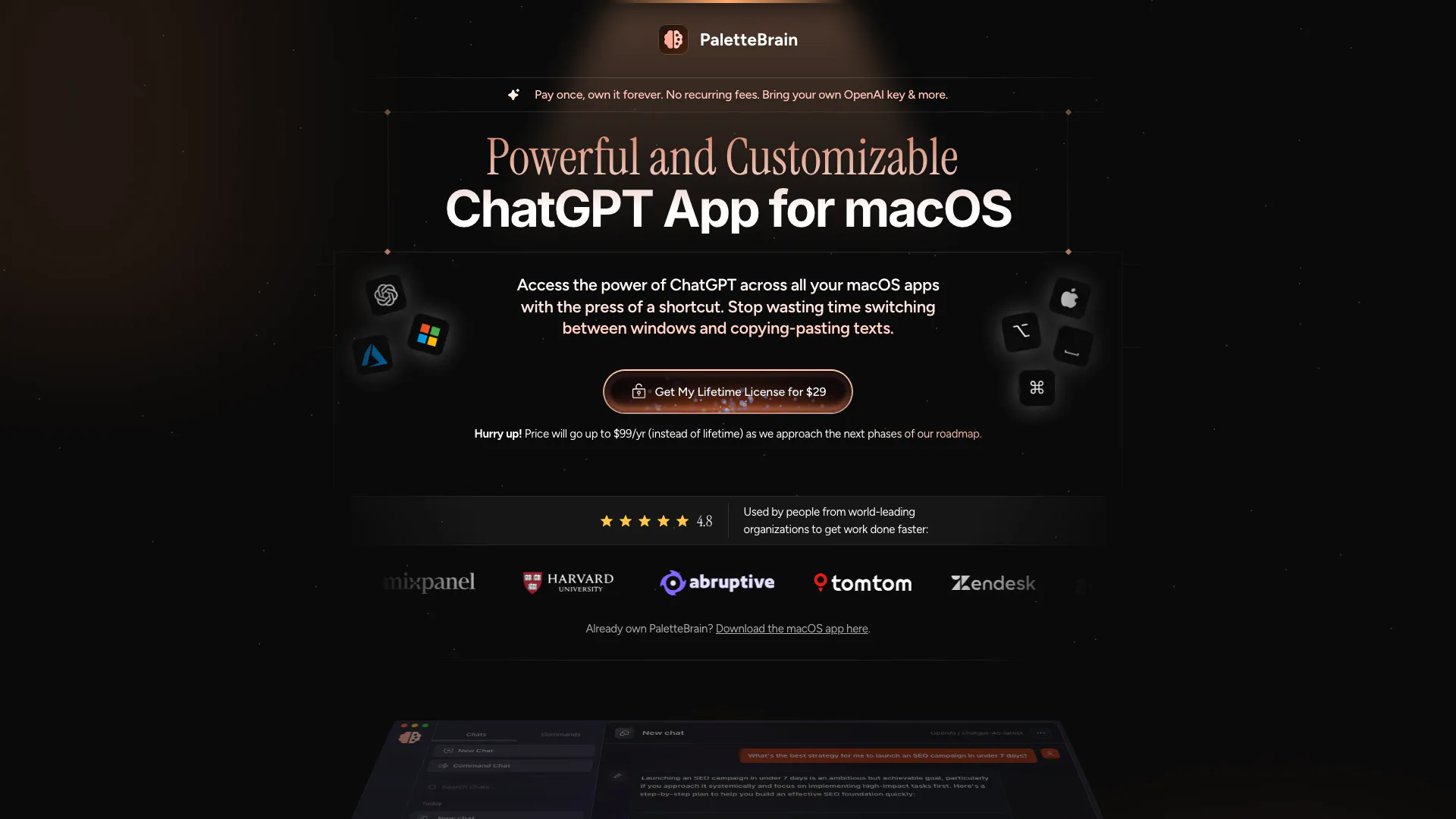




What is PaletteBrain?
PaletteBrain is a powerful ChatGPT application designed specifically for macOS, aimed at enhancing productivity for users. It offers a one-time purchase model, allowing users to access its features without recurring fees. With PaletteBrain, users can integrate custom AI commands seamlessly into their workflow, eliminating the need to switch between applications. This tool leverages the capabilities of ChatGPT to assist users in various tasks, making it an essential tool for anyone looking to boost their productivity on a Mac.
How to use PaletteBrain?
- Purchase and download PaletteBrain from the official website.
- Install the application on your macOS device and input your OpenAI API key to access ChatGPT functionalities.
- Highlight any text in your preferred application where you want to apply AI commands.
- Press the designated keyboard shortcut (⌥ SPACE) to open the PaletteBrain command palette.
- Choose your desired AI command (e.g., translate, summarize, fix grammar) and execute it.
- To paste the AI-generated response back into your application, press ⌘⇧↵.
What are the main features of PaletteBrain?
- One-time purchase with lifetime access and no recurring fees.
- Seamless integration with all macOS applications.
- Customizable AI commands to automate tasks.
- Use of your own OpenAI API key for personalized experiences.
- Ability to run AI commands on selected text with a simple keyboard shortcut.
- Support for various functionalities like grammar correction, summarization, and text translation.
- Background operation with no interruptions to your workflow.
Who is PaletteBrain for?
PaletteBrain is designed for a wide range of users who seek to enhance their productivity on macOS. This includes professionals such as writers, marketers, and educators who require efficient tools for content creation, grammar correction, and summarization. Additionally, developers and tech enthusiasts who want to automate coding tasks or improve their workflow will find PaletteBrain particularly beneficial. Its user-friendly interface and powerful capabilities make it suitable for anyone looking to leverage AI in their daily tasks.
What are the use cases of PaletteBrain?
- Content creation: Writers can use PaletteBrain to generate ideas, summarize articles, and correct grammar in their documents.
- Coding assistance: Developers can automate code refactoring and receive suggestions for coding problems directly within their IDE.
- Educational support: Teachers can create lesson plans and quizzes by leveraging AI to generate relevant content quickly.
- Marketing: Marketers can draft social media posts and email content efficiently by using AI to brainstorm and refine their messages.
- General productivity: Users can enhance their workflow by utilizing AI commands to manage tasks like translations and data summarization across various applications.
Palettebrain Pros and Cons
Pros
- Lifetime License: PaletteBrain offers a one-time purchase option for a lifetime license, eliminating recurring fees.
- Wide Compatibility: It integrates seamlessly with all macOS apps and websites, allowing users to run AI commands on selected text anywhere.
- Custom Commands: Users can create their own AI commands, enhancing automation and efficiency in their workflows.
- Cost-Effectiveness: PaletteBrain's average monthly cost for OpenAI usage is less than $2, significantly cheaper than other AI solutions.
Cons
No cons data detected for this tool
Palettebrain Pricing
Personal License
Perfect for one computer you want to supercharge with AI productivity. 1 macOS device, Unlimited conversations, Unlimited messages, Unlimited palette commands, Unlimited keyboard shortcuts, Bring your own OpenAI / Azure keys, Lifetime auto-updates, no recurring fees, Standard email & live chat support.
Family License
Perfect for multiple computers, or to share with your family or squad. 5 macOS devices, Unlimited conversations, Unlimited messages, Unlimited palette commands, Unlimited keyboard shortcuts, Bring your own OpenAI / Azure keys, Lifetime auto-updates, no recurring fees, Standard email & live chat support.
Team License
Perfect for teams, startups, scale-ups, or enterprises. Unlimited macOS devices, Unlimited conversations, Unlimited messages, Unlimited palette commands, Unlimited keyboard shortcuts, Bring your own OpenAI / Azure keys, Lifetime auto-updates, no recurring fees, Priority email & live chat support.
For the latest pricing, please visit this link: https://www.palettebrain.com/
Prices are subject to change. Please visit the official website for the most up-to-date pricing information.
Analytics of Palettebrain
Palettebrain Website Traffic Analysis
Visits Over Time
Traffic Sources
Oct 2025 - Dec 2025 Worldwide Desktop Only
- Direct: 45.57%
- Search: 35.04%
- Referrals: 10.15%
- Social: 6.96%
- Paid Referrals: 1.62%
- Mail: 0.17%
Top Keywords
| Keyword | Volume | CPC | Estimated Value |
|---|---|---|---|
| chatgpt for mac | 16.08K | $1.67 | $0.00 |
| chatgpt mac | 13.92K | $1.75 | $0.00 |
| chatgpt mac app | 7.58K | $3.04 | $0.00 |
| chatgpt mac download | 7.35K | $1.52 | $0.00 |
| chatgpt app for mac | 5.96K | $1.67 | $0.00 |



