Outwrite





What is Outwrite?
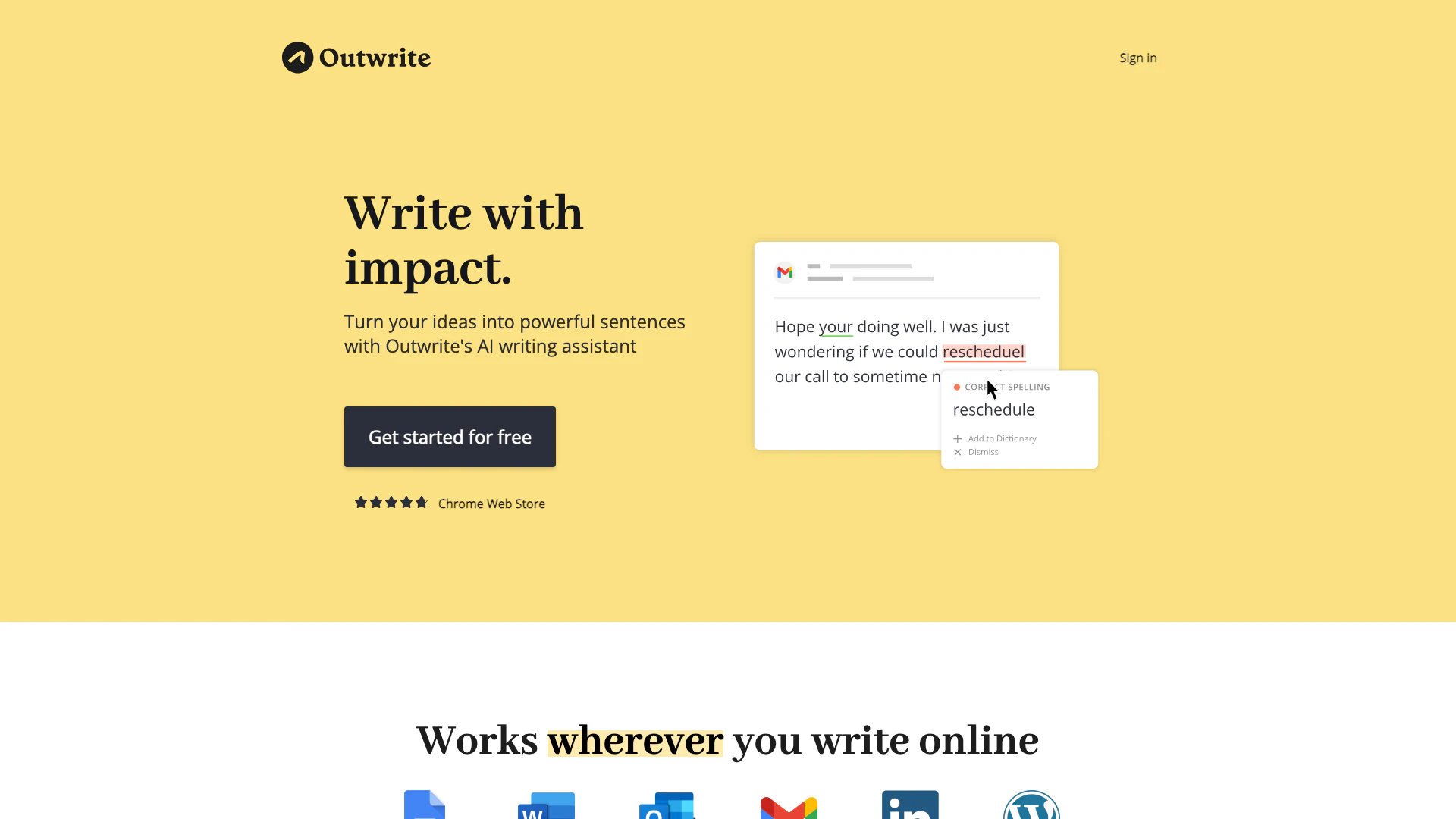
Outwrite is an AI-powered writing assistant designed to enhance your writing skills and improve the quality of your written content. More than just a grammar checker[1], Outwrite helps users transform their ideas into impactful sentences across various online platforms. Whether you're drafting emails, creating blog posts, or composing reports, Outwrite provides real-time suggestions to enhance clarity, style, and grammatical accuracy. With a user-friendly interface and powerful features, Outwrite empowers individuals to write with confidence and precision, making it an essential tool for anyone looking to elevate their writing.
How to use Outwrite?
- Sign up for a free Outwrite account on their website.
- Install the Outwrite extension for your preferred web browser or access it through compatible applications like Google Docs or MS Word.
- Begin writing your content in the application of your choice, and Outwrite will automatically analyze your text.
- Review the suggestions provided by Outwrite, which may include grammar corrections, style improvements, and paraphrasing options.
- Implement the suggested changes to enhance your writing and ensure clarity and effectiveness.
What are the main features of Outwrite?
- Advanced Grammar Checking: Instantly corrects spelling, grammar, and punctuation errors.
- Style Suggestions[2]: Provides recommendations to improve the quality and flow of your writing.
- Paraphrasing Tool[3]: Allows you to rewrite sentences to make them shorter, longer, or different.
- Passive Voice Correction[4]: Helps convert passive voice constructions into active voice for more engaging writing.
- Writing Statistics[5]: Tracks readability and grade level scores in real-time, helping you gauge the effectiveness of your writing.
- Multilingual Support[6]: Check your writing in English, French, and Spanish.
Who is Outwrite for?
Outwrite is designed for a wide range of users, including students, professionals, and anyone who writes content online. Whether you're a student looking to improve your essays, a professional crafting emails or reports, or a content creator developing blog posts and articles, Outwrite provides valuable assistance. Additionally, teams and businesses can benefit from Outwrite's collaborative features to ensure consistent and clear communication across their written materials.
What are the use cases of Outwrite?
- Academic Writing: Students can utilize Outwrite to enhance their essays, research papers, and assignments, ensuring grammatical accuracy and style improvement.
- Professional Communication: Business professionals can use Outwrite to craft polished emails, reports, and presentations, improving clarity and effectiveness in communication.
- Content Creation: Bloggers and marketers can leverage Outwrite to create engaging articles and social media posts, ensuring their writing is impactful and error-free.
Product Images


Outwrite Pros and Cons
Pros
- Advanced Grammar Checking: Outwrite provides instant corrections for spelling, grammar, and punctuation errors, ensuring high-quality writing.
- Multilingual Support: The tool supports checking writing in English, French, and Spanish, catering to a diverse user base.
- Integration with Popular Platforms: Outwrite works seamlessly with platforms like Google Docs, MS Word, and Outlook, enhancing accessibility for users.
Cons
No cons data detected for this tool
Outwrite Pricing
Free
Essential for individuals who want to correct spelling and grammar errors. Core features include Spelling & Grammar checking and Thesaurus.
Pro
For individuals who want to improve their writing quality and flow. Core features include Spelling & Grammar checking, Thesaurus, Style improvements, Structural suggestions, Sentence rewriting, Plagiarism checks (50/month), and Priority email support.
Teams
For groups that want to enhance their communications. Core features include Spelling & Grammar checking, Thesaurus, Style improvements, Structural suggestions, Sentence rewriting, Plagiarism checks (50/month), and Priority email support.
For the latest pricing, please visit this link: https://www.outwrite.com/pricing
Prices are subject to change. Please visit the official website for the most up-to-date pricing information.
Outwrite Reviews
Outwrite is incredibly intuitive and keeps my writing consistent and effective.
To be honest, I don't know how I managed before I used Outwrite.
Our head office's marketing and social media content has benefited greatly from the Outwrite AI's ability to check our writing.
For more reviews, visit this link: https://outwrite.com#reviews